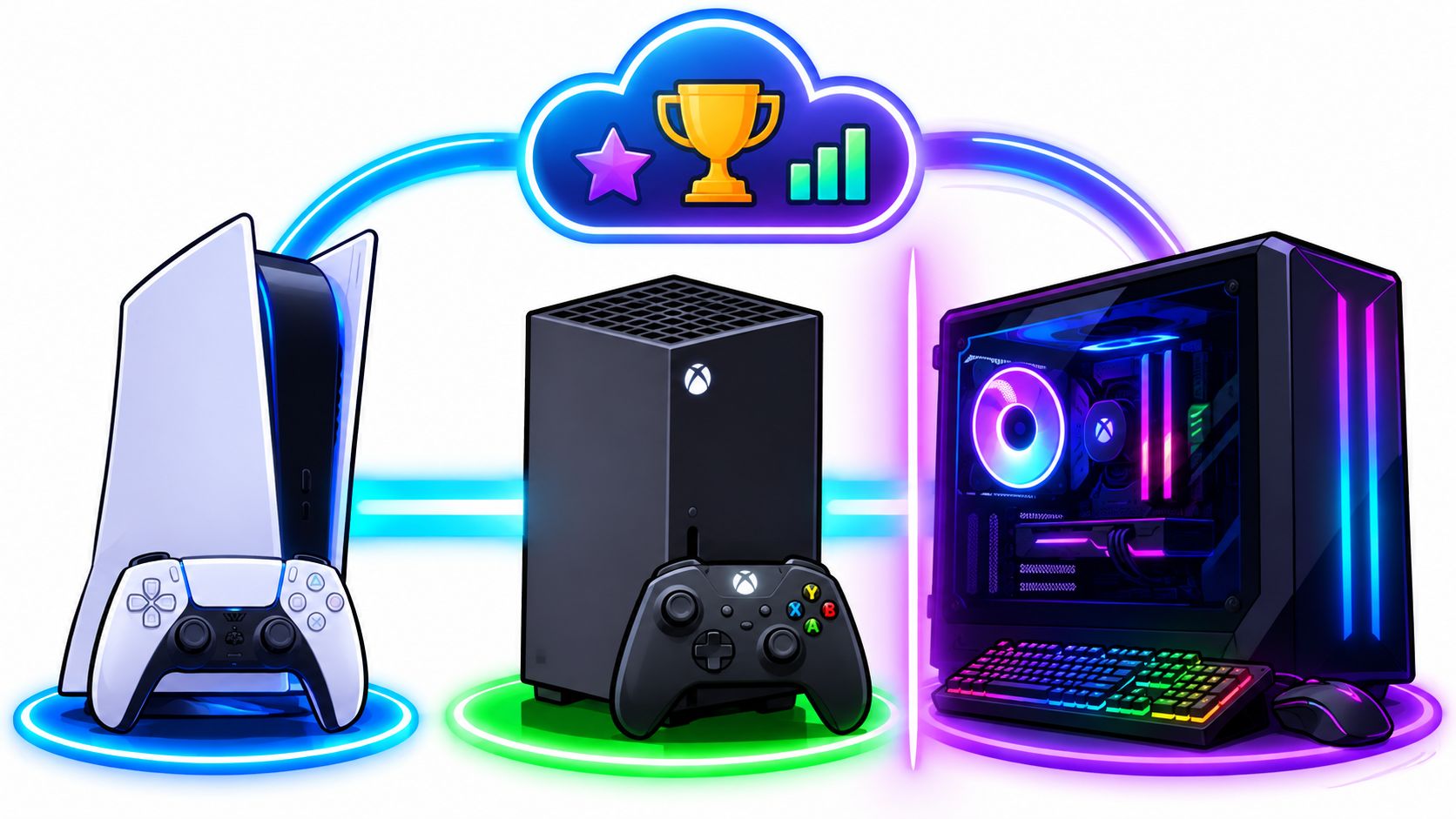
VALORANT is cross-platform only within the console ecosystem, so PS5 and Xbox Series X|S players can play in the same match while PC players queue separately. That's the short answer to is VALORANT cross platform, but it doesn't explain the part that trips most friend groups up.
If your skins, agents, and Battle Pass progress follow you from PC to console, why can't you and a PC friend queue together once you log in on a PS5? That gap between a shared account and shared matchmaking is where most quick yes or no answers fail you. Your progress can travel. Your queue can't. Check the platform first, and you'll save yourself a wasted invite, a confusing missing friend, and a party that never forms.
Table of Contents
- Which Platforms Can Play Together and Why
- Cross-Progression and Shared Accounts Explained
- Region Limits That Change Who You Can Queue With
- Mismatch Errors and How to Fix Them
- Choosing Platforms for a Mixed Friend Group
- Confirm Your Platform Before You Invite Anyone
Which Platforms Can Play Together and Why
VALORANT is cross-platform only inside the console ecosystem, not across every platform you own. If you're building a squad, use this table before you talk about rank, agents, or start times.
Who Can Play in the Same VALORANT Match
| Platform pair | Same match? | What it means |
|---|---|---|
| PS5 with Xbox Series X and S | Yes | Console crossplay, so they can party and queue together |
| PC with PC | Yes | PC players match only with other PC players |
| PS5 with PS5 | Yes | Console-to-console multiplayer is supported |
| Xbox with Xbox | Yes | Console-to-console multiplayer is supported |
| PC with PS5 or Xbox | No | Riot blocks PC-versus-console matches |
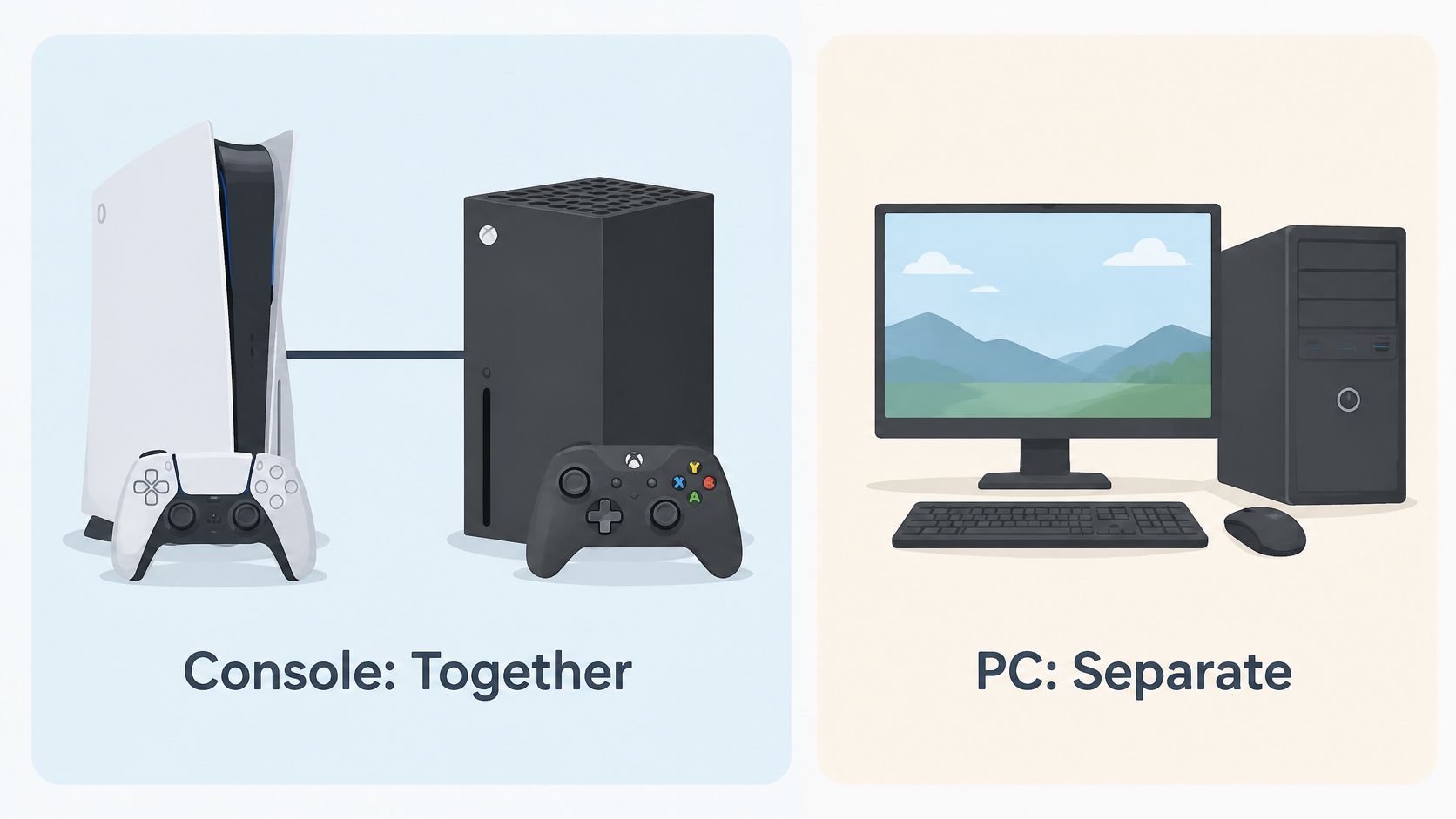
The PlayStation VALORANT page confirms that in 2024, VALORANT supported cross-platform play between PlayStation 5 and Xbox Series X|S, but PC players could play only with other PC players. That's a split model, not universal crossplay, and treating it like universal crossplay is exactly how mixed groups waste a session.
Riot launched the console version for PlayStation 5 and Xbox Series X|S in 2024, following a limited beta announced for June 14, 2024 in the United States, Canada, Europe, and Japan, according to the Riot Games VALORANT Console Guide. Once that version arrived, the two console families could enter the same matches, form parties, and compete together.
Why PC Stays in Its Own Pool
Riot doesn't split the pools by accident. Mouse-and-keyboard and controller are different control environments, and mixing them in a tactical shooter creates a fairness problem you can't patch away with a settings toggle.
On PC, you place your crosshair, clear angles, and control recoil with wide, fast mouse movement. On console, you're working with thumbsticks, different sensitivity curves, and controller-tuned aiming. Neither input is wrong, but they don't ask the same thing from your hands, and a ranked match shouldn't turn into a debate about hardware.
Keeping the pools separate also keeps the comparison clean. Console players compete against other controller players in a pool built for that input. PC players compete against other mouse-and-keyboard players. You lose the convenience of one giant queue, but you gain matches where the loss feels like a positioning or coordination mistake, not an input mismatch.
Practical rule: If any friend plays on PC, that friend cannot join a console match, so check every player's platform before queuing.
Say you're on PlayStation and your duo partner just bought an Xbox Series X. You're fine. You can party up and queue together through console crossplay. Now say a third friend wants to join from a gaming PC in the same house, on the same Wi-Fi, with the same start time. That third player still can't get into your match.
That's the trade-off you need to plan around. Console crossplay gives PS5 and Xbox players a shared pool without forcing anyone to buy the other console. PC separation protects competitive fairness, but it forces mixed friend groups to choose a side for each session.
I would treat PC and console as two separate VALORANT communities for scheduling purposes. They're playing the same game, with the same maps and agents, but they're not queuing into the same matches. Once you accept that, the rest of your squad planning gets much simpler.
Cross-Progression and Shared Accounts Explained
Your progress follows your Riot account, not the device under your TV. Sign into that same account on PC or console and your account-linked content comes with you.
What Carries Over on One Riot Account
| Item | Shared on one Riot account |
|---|---|
| Agents | Yes |
| Cosmetics | Yes |
| Currencies | Yes |
| Battle Pass progress | Yes |
| Mission progress | Yes |
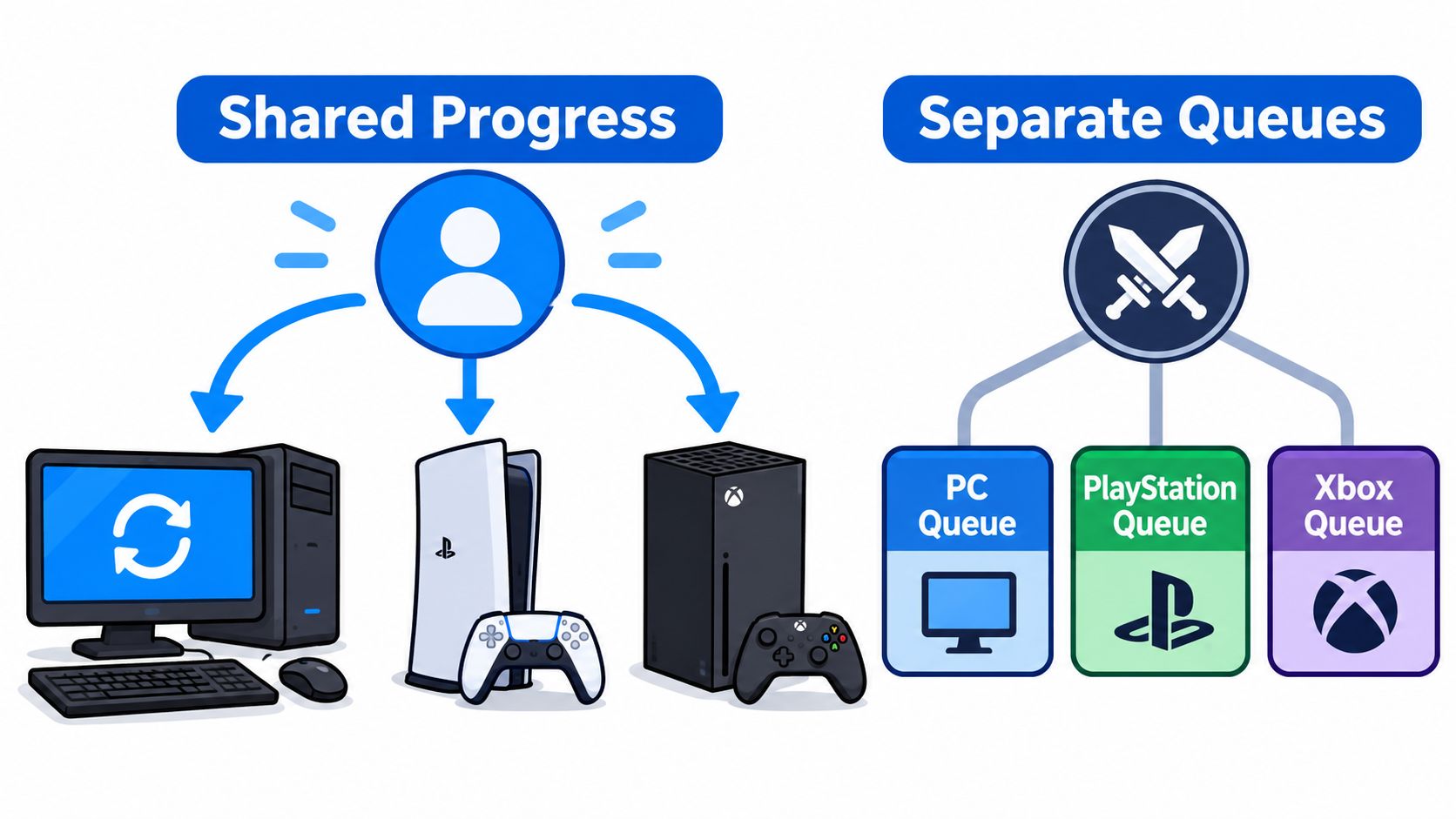
Here is what that looks like in practice. You buy a skin on PC on Monday. You sign into a PS5 with the same Riot account on Tuesday and that skin is sitting in your collection. Your agents are there, your currencies are there, and your Battle Pass and mission progress have not reset.
That sync creates the wrong assumption. Your inventory followed you because it is tied to the account. Your matchmaking pool stayed put because it is tied to the platform you are queuing on right now.
A shared account can mislead two different players the same way. Seeing identical cosmetics on both devices makes it look like a PC player and a console player are fully linked and ready to party. They are looking at synced account content while standing in separate queues.
The useful habit is simple. Ask two questions, not one.
- Does my progress carry over? Yes, when it is tied to the same Riot account.
- Can we queue together? Only if you are in the same matchmaking group.
Progress is shared across devices, but queues are not.
Remember that one line and you will never mistake a skin appearing on console for permission to invite a PC friend into that console lobby. For the wider platform-by-platform picture beyond VALORANT, check the cross-platform compatibility breakdown before your group commits to a session. I would check queue compatibility first and treat the shared inventory as a separate, welcome bonus.
Region Limits That Change Who You Can Queue With
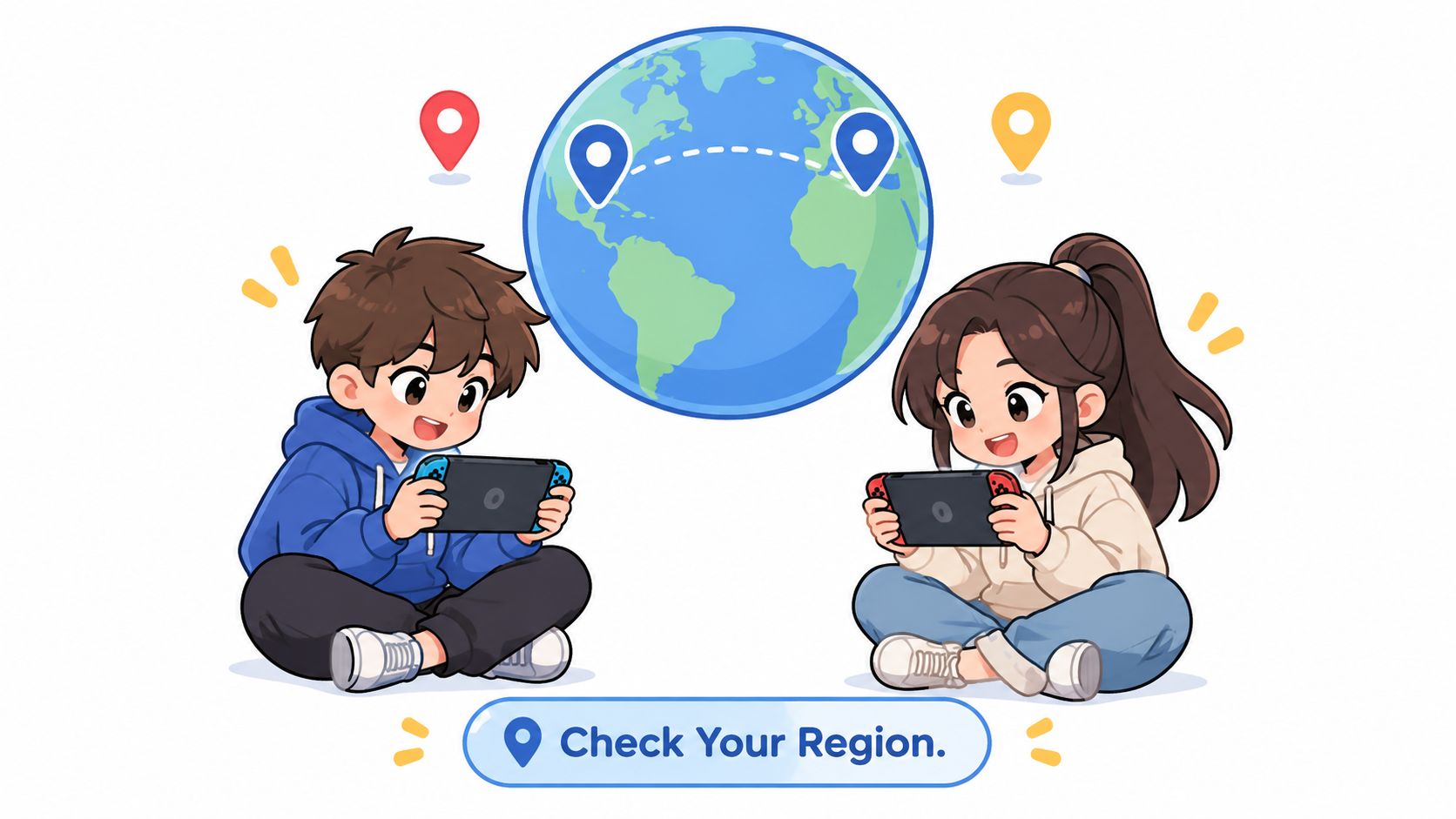
Platform isn't the only gate. Console crossplay still runs inside regional restrictions, so two players on compatible consoles can fail to match if their regions don't line up.
Say two friends each own a PS5. One account is set to a North American region and the other is set somewhere else. They've got the same console family, the same game, and no PC player complicating things, yet they may not see a shared queue. The device matches. The regional pool doesn't.
That's why region checks belong in your pre-session routine, not after ten minutes of failed invites. A region mismatch can look like a friend list bug or a broken party system when the game places you in different pools.
Check These Three Things on Every Device
- Confirm the region setting on PS5 and on Xbox Series X and S.
- Check the Riot account so every player is signed into the account they plan to use.
- Confirm the console family so each player is on a platform that supports crossplay with the others.
Don't skip the second step. Signing into the wrong Riot account can make your agents and cosmetics look missing, which sends you troubleshooting the wrong problem. Confirm the account, then confirm the region, then send the invite.
I would check Riot's support pages before a tournament or any scheduled session with players in different countries. Platform rules can change, and regional settings decide the final pool even when everyone's hardware looks compatible on paper.
Keep it boring and methodical. Platform first, region second, account third. That order catches the mismatch before your whole squad is sitting in voice chat wondering why the party won't form.
Mismatch Errors and How to Fix Them
Most squad problems aren't random. They follow the platform and region rules so closely that the symptom usually tells you the cause.
Mismatch Symptoms, Causes and Fixes
| Symptom | Likely cause | Fix |
|---|---|---|
| PC friend missing from console party invite | PC and console cannot share a party | Play that session on the same platform or form two squads |
| Queue shows only same-platform players | Queue started on the wrong device | Switch to the platform your friends use and requeue |
| Shared account, but no shared match | Inventory sync does not change matchmaking | Check platform first, then invite |
| PS5 and Xbox friends cannot find each other | Unsupported device or different region | Confirm both are on PS5 or Xbox Series X and S in the same region |
The missing PC friend is the one you'll hit first. You're on console, you open the party, and your PC friend isn't available to invite into that match. Retrying the invite won't fix it because there's no shared party to create. Either everyone moves to the same platform group for that session, or you split into a PC squad and a console squad.
The wrong-device queue is subtler. Say you planned a console night but launched VALORANT on your PC out of habit from your desk. Your queue will fill with PC players because that's the pool you entered. Close it, switch to the console your friends are using, sign into the right Riot account, and requeue from there.
When the Account Syncs but the Match Does Not
A shared account with no shared match feels like a bug, but it's the account and matchmaking systems doing separate jobs. Your friend's items appearing doesn't move either of you into a new pool. Stop checking the inventory screen and check what device each person is launching the game on.
If a PS5 friend and an Xbox friend can't find each other, don't assume console crossplay is broken. Confirm both players are on PS5 or Xbox Series X|S, not an unsupported device, then compare region settings. Those two checks cover the usual causes without a long support detour.
Our explainer on how joining a game together actually works is useful when you're sorting party problems under time pressure. The principle stays the same. Fix the mismatch at the platform level instead of poking at invites.
If a symptom repeats, change the platform rather than retrying the queue.
That rule saves time because these errors don't resolve through persistence. The game is enforcing a boundary. Move to the right side of that boundary, requeue once, and you'll know immediately whether you've fixed the actual problem.
Choosing Platforms for a Mixed Friend Group
A mixed friend group doesn't need one permanent answer. It needs a clear setup for each session, based on who can queue together that night.
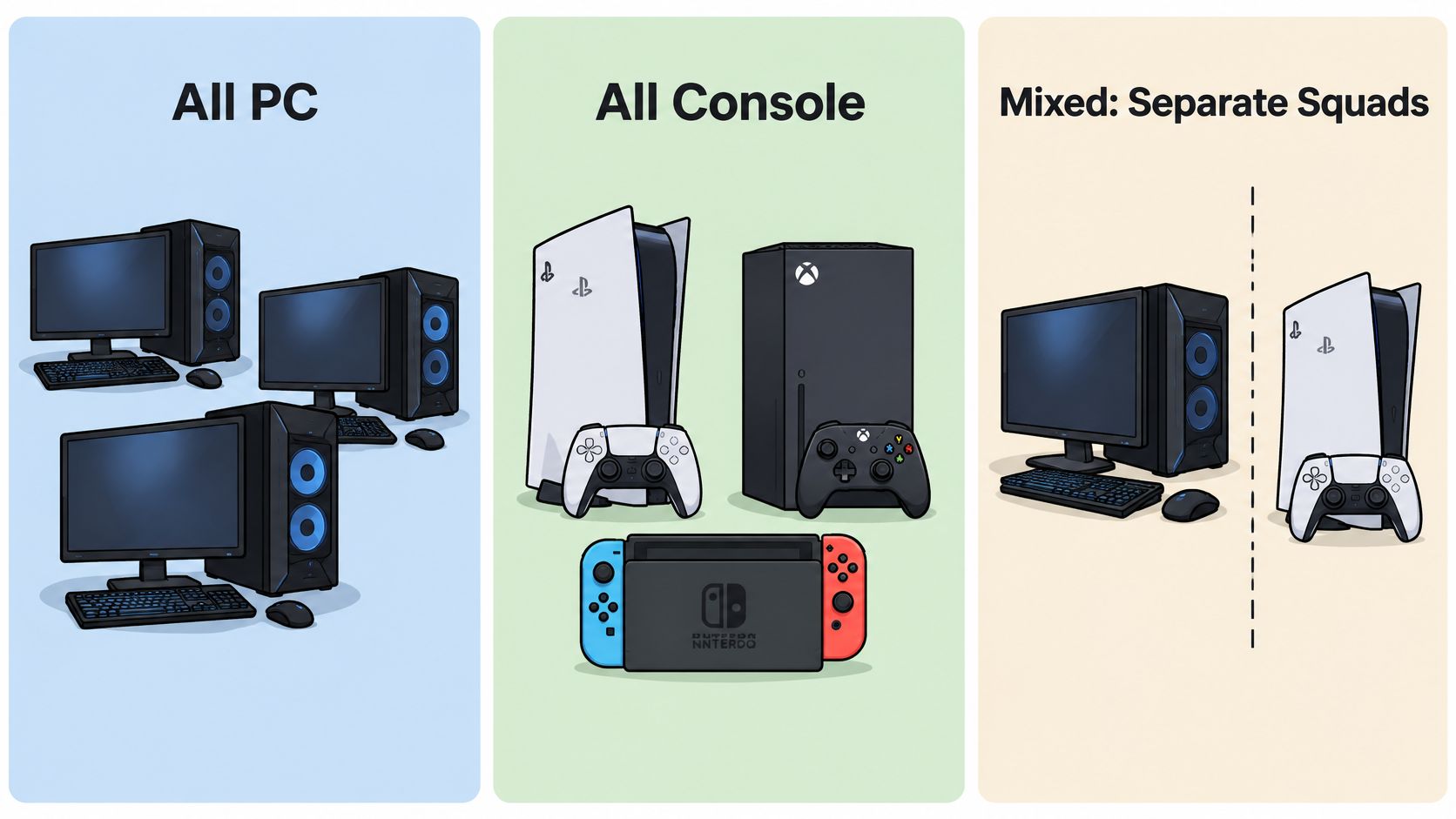
An all-PC group is straightforward. Everyone uses mouse-and-keyboard, everyone sits in the PC pool, and nobody has to think about console crossplay. If someone in the group is weighing a new setup, Steel City IT's guide to choosing a gaming computer in 2026 is a practical place to compare the hardware trade-offs before spending money.
An all-console group has more flexibility than people expect. Your PS5 players and Xbox Series X|S players can mix freely, so console brand shouldn't decide who gets invited. Region and account sign-in matter more than whether the box under the TV says PlayStation or Xbox.
A mixed PC and console group can't force one shared match. Three PC friends and one PS5 friend have honest options, but a four-person cross-pool party isn't one of them. The PS5 player can join a console squad that night, the group can alternate PC nights and console nights if players own both, or you can split into two squads and stay in the same voice chat.
Trade-Offs Worth Naming Up Front
- Separate matchmaking pools: Ranks only compare sensibly within the same pool, so don't treat a console rank and a PC rank as the same test.
- Different input challenges: Controller and mouse players build different aiming habits, which is the whole reason the pools stay apart.
- Platform-explicit LFG posts: Name PC, PS5, or Xbox Series X|S in every post so nobody joins a squad they can't queue with.
If your priority is playing together every session, pick the platform group most of your regulars already own and make that the default. If your priority is ranked progress on your main platform, accept split nights and find pool-specific teammates instead of dragging friends across a boundary they can't cross. There's more on planning those sessions in our guide to playing with friends online.
I would default to the majority platform for casual nights and separate, platform-specific squads for ranked. That protects both the friendship and the climb.
Confirm Your Platform Before You Invite Anyone
Confirm each friend's platform and console family before you invite anyone. That single habit, combined with the region checks, prevents nearly every failed VALORANT party described in this guide.
Don't start with rank, agent pools, or who is bringing a mic. None of that matters if a PC player is trying to join a console queue or two console players are sitting in different regions. Platform compatibility is the first filter, every time.
Post the Squad on the Right Platform
- Confirm each friend's platform and console family.
- Confirm the region on every device.
- Set the post's platform field to PC, PS5, or Xbox Series X and S, matching the platform everyone plays on.
- Post the squad on that platform only.
A platform field on a squad post does real work. On GamerPlug, when posting a squad, the poster can choose the game mode, rank range, platform, and whether a mic is needed, so a PC post and a console post stay in separate pools from the start instead of colliding in the replies. GamerPlug is free to use on iOS, Android and the web, which makes it easy to set that filter from whichever device you're already holding.
That structure won't change Riot's rules, and it shouldn't pretend to. What it does is stop the preventable mistake. Nobody applies to your console squad from PC because the post never presented VALORANT as universally cross-platform in the first place.
I would make the platform check part of your normal pre-game message. Send one line in your group chat asking everyone to confirm device and region before anyone launches the game. It takes seconds and saves the whole opening of your session.
Confirm the platform, check the region, and post the squad on the matching platform. Do that in order and your next invite should lead to a match.
Ready to find VALORANT teammates in your matchmaking pool? Visit Gamerplug to post a squad with your exact platform, rank range, game mode, and mic preference, so PC players find PC players and console players find compatible PS5 and Xbox teammates. Set your platform before you queue, fill your party with people who can join it, and spend your session playing instead of troubleshooting invites.