You're ready for a proper ranked session, your usual duo is offline, and solo queue just gave you a teammate who won't reinforce, won't talk, and leaves after two lost rounds. So you open a Discord, post "LFG ranked EU," and watch your message disappear under twenty identical posts. Half an hour later, you're still scrolling instead of playing.
That's how most Siege nights die. The problem isn't a shortage of players. PlayStation's Rainbow Six Siege listing notes the game launched in December 2015 for Xbox One, Windows, and PlayStation 4, and Ubisoft reported 85 million unique registered players across all platforms in September 2022. The pool is huge. Finding four people on your platform, in your region, at your rank, with a mic, at the same time is the hard part.
This R6 team finder list is grouped by the job each option does. Some are best for an instant queue fill, some for a persistent five-stack, some for scrim recruitment, and some for vetting a stranger before you commit. I recommend picking one fast source and one structured source, then using the same one-match vetting routine on everyone you meet. Post your rank, platform pool, region, mic rule, and start time every time, and you'll spend less of your evening negotiating in chat.
Table of Contents
- 1. Rainbow 6 Official Discord
- 2. Rainbow Six Siege Ops Discord
- 3. Teamplay.gg
- 4. Siegrs.GG
- 5. GamerLink
- 6. GameTree
- 7. Rainbow Six Siege Tracker LFG
- 8. TeamTavern
- 9. ezLFG
- 10. r/R6STeams
- How the 10 R6 team finder options compare at a glance
- Pick Two Sources, Vet Fast, and Squad Up Sooner
1. Rainbow 6 Official Discord
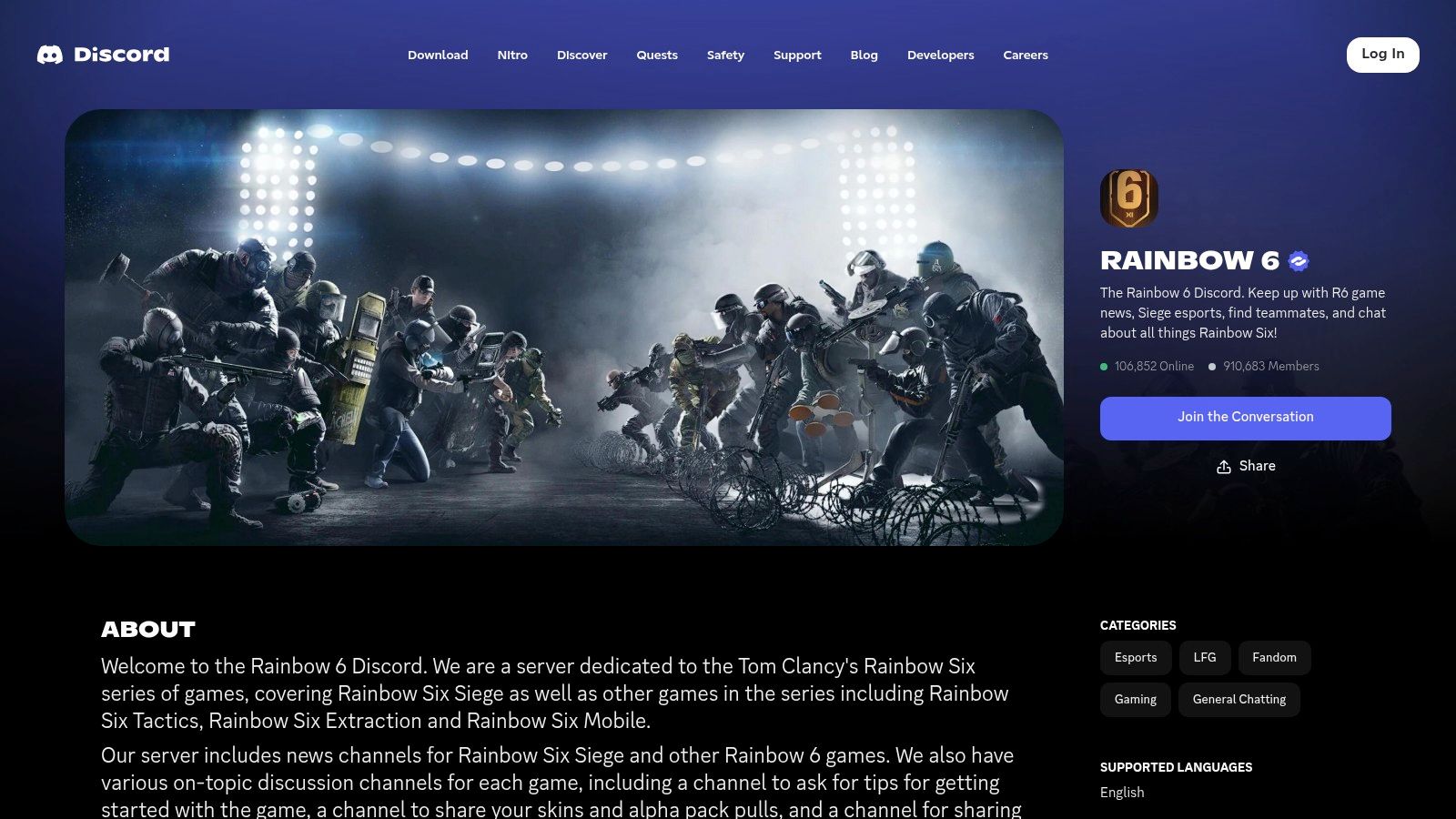
If you need bodies now, start where the most players already are. The Rainbow 6 Official Discord is the biggest general-purpose option, with dedicated LFG channels split by mode, platform, and region. That breadth is its main advantage and its main annoyance.
What It Does Well
- Multiple LFG channels: Separate spaces for ranked, standard, quick match, and customs keep a casual post from competing with a ranked five-stack request.
- Platform and region split: You can post where your actual queue pool is instead of sorting through replies you can't use.
- Competitive recruitment: Amateur team-finding sits alongside quick groups, so it's a credible first stop for scrim recruitment too.
- Voice channels ready: You don't have to move apps to talk once a group forms.
Where It Breaks Down
Busy channels bury posts fast. A vague "LFG ranked" message is gone in minutes during peak hours, so lead with specifics: "PC, EU West, Gold to Plat, mic required, need hard breach, starting in 10." Moderation also can't guarantee the people who reply are reliable, accurate about their rank, or pleasant after a loss.
Use this server for instant fills and casting a wide net. Don't expect it to vet anyone for you. That part is still your job, and it's why a second, more structured tool earns its place alongside it.
2. Rainbow Six Siege Ops Discord
The Rainbow Six Siege Ops Discord does a similar job to the official server, but it's unofficial and entirely Siege-focused. There's no general gaming noise to wade through, which makes the LFG categories easier to scan when you just want a squad.
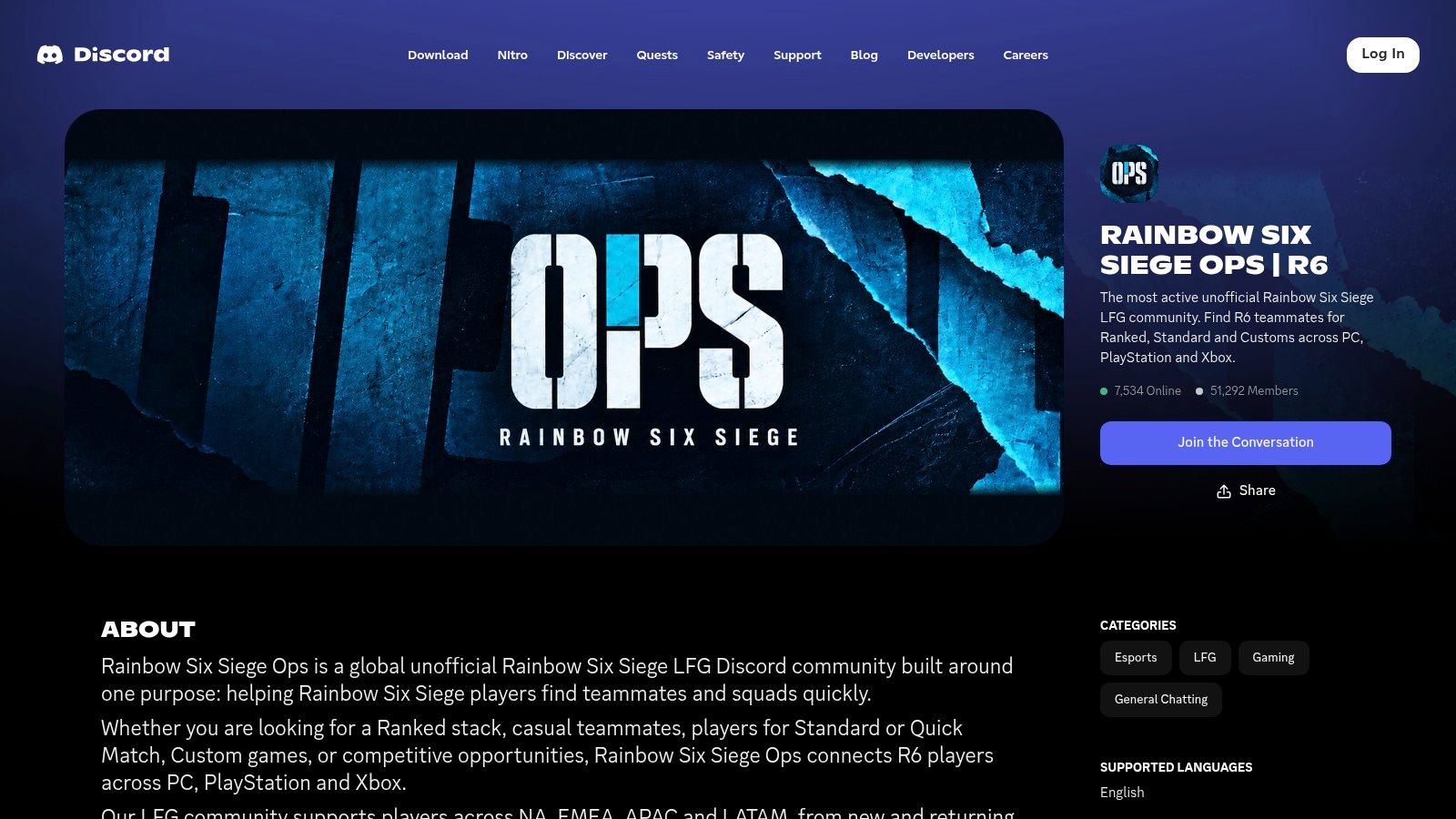
Its LFG sections cover ranked, standard, and customs, split across PC and console, with regional channels for NA, EMEA, APAC, and LATAM. Player-controlled voice channels let a group coordinate without waiting for a moderator to set anything up, and competitive discussion runs alongside the casual queues.
The trade-off is straightforward. Because it's unofficial, its rules and moderation are separate from Ubisoft's, and both activity and teammate quality vary by region and time of day. A channel that fills a stack in five minutes on a Friday night can sit quiet on a Tuesday morning.
If you're comparing your options for posting style and timing, this guide to Rainbow 6 Siege LFG is worth reading before you post the same message in both servers.
Post in one big Discord at a time. Running two half-filled groups in parallel is how you end up disappointing four people instead of playing with them.
I treat this one as a second instant-fill source, not a replacement for the official server. Use whichever is active in your region right now.
3. Teamplay.gg
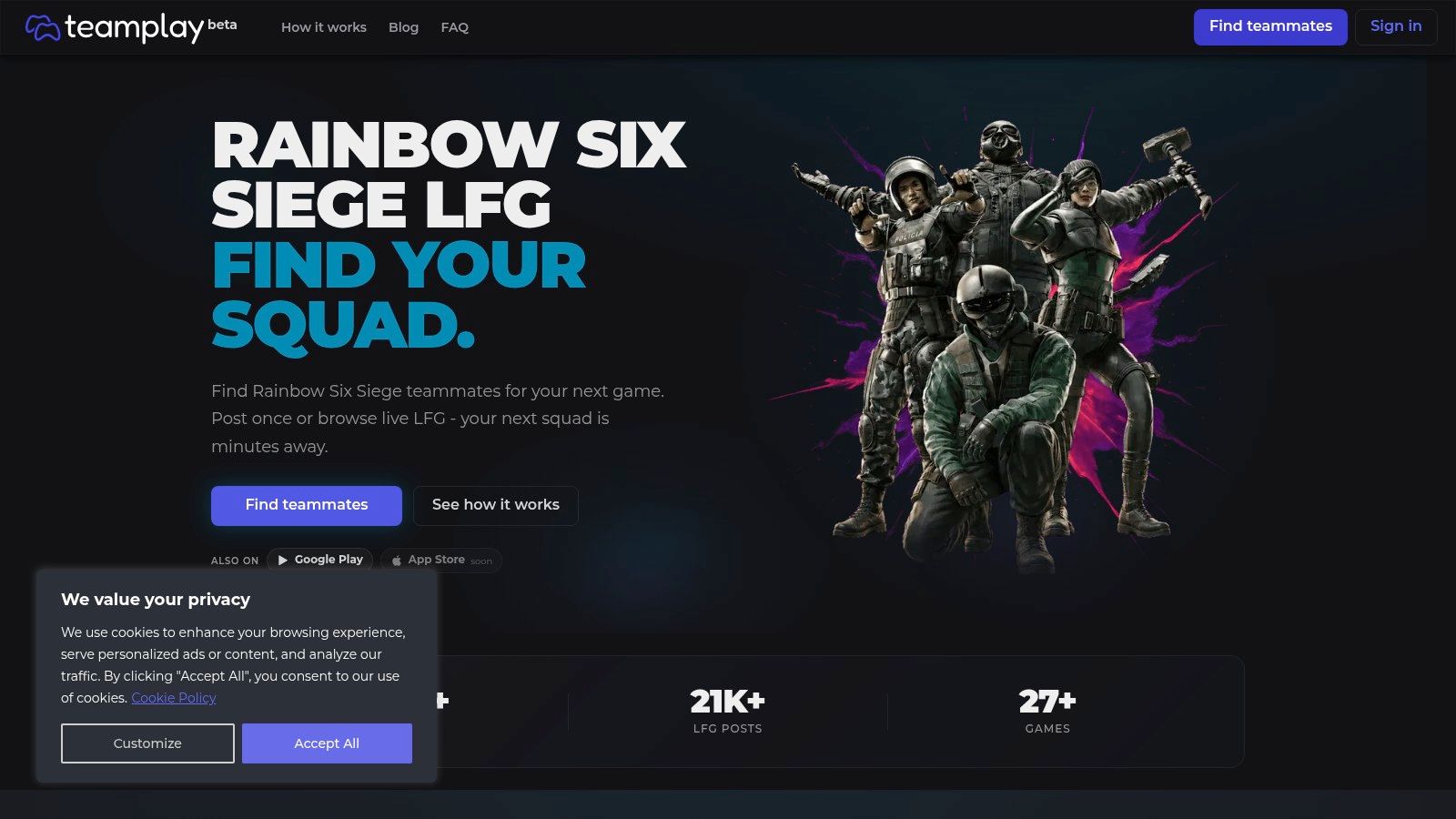
Teamplay.gg is the answer for players who are tired of free-form chat. Instead of shouting into a channel, you post or browse sessions using Siege-specific fields like rank, platform, role, region, and schedule, then coordinate through profiles and direct messaging on the site.
Why the Structure Helps
Siege matchmaking itself runs on structured skill data. Ubisoft's explanation of matchmaking rating and ranks describes a TrueSkill-style system estimating each player's skill and uncertainty, with historical MMR proportional to skill at MMR = 100 × μ. A finder that captures rank, role, and platform up front is closer to how the game balances teams than a username and a hope.
- Live and scheduled sessions: You can fill a queue now or set up tomorrow night's stack in advance.
- Browser-based voice: Coordination happens on the site, with nothing extra to install.
- Profiles and messaging: You can ask a quick question before anyone queues.
The weakness is size. As a newer service, it may have fewer players in some regions or time slots, so check current activity in your pool before you rely on it as your only source. For planned sessions, though, structure beats volume. A scheduled post with roles filled is worth more than fifty maybes in a chat channel.
4. Siegrs.GG
Ask a different question and you get a different tool. Discords answer "who can play right now?" Siegrs.GG answers "who wants to play together every week?" It's a dedicated Siege player and team finder built around profiles and rosters rather than one-off posts.
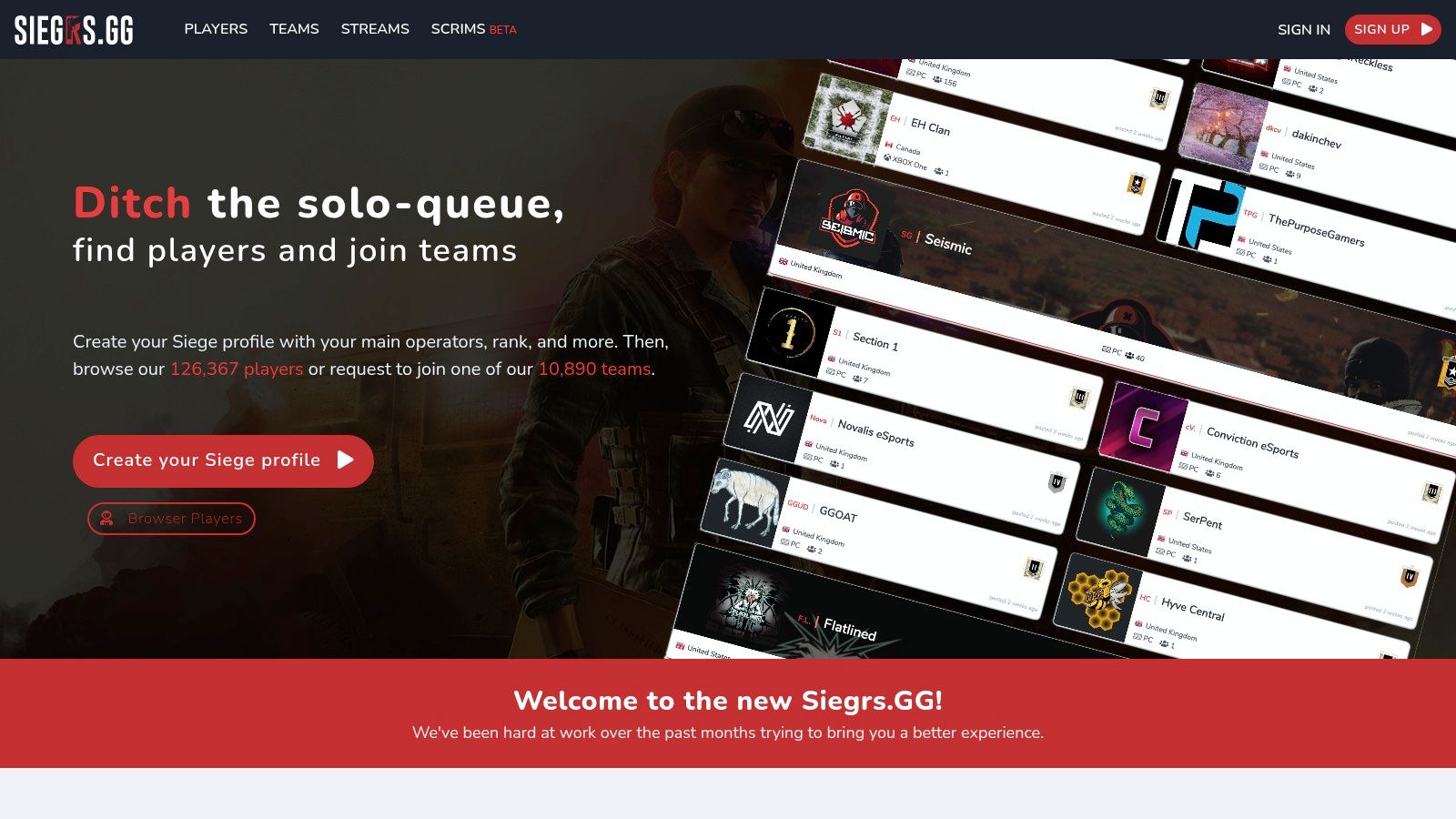
Players create profiles with rank, platform, and main operators. Teams list their requirements, manage rosters, and field membership requests. That supports the full range in one place: finding regular teammates, joining an existing roster, or recruiting for a clan or competitive team.
That competitive path is real. Esports Charts' report on Siege viewership put the Six Invitational 2024 grand final at 521,349 peak concurrent viewers, placing Siege among the top 15 esports disciplines by peak tournament viewership at that time. Plenty of players browsing a roster site are aiming at organized play, not just a Friday stack, and profile detail matters more to them.
The catch is maintenance. Profiles only help if they're current, and a team listing doesn't guarantee an active roster or a good fit. Message before you commit, ask when the team last played together, and trial before you treat any roster spot as settled. This is a persistent five-stack and recruitment tool first, an instant fill second.
5. GamerLink
GamerLink is the mobile-first option on this list. It's a multi-game LFG app with a dedicated Rainbow Six Siege page, available on iOS and Android, so you can post a group from your phone while you're away from your PC or console.
What You Get
- Create and browse LFG posts: Filter by game and platform preferences instead of scrolling a general feed.
- Gamer profiles: Preferences travel with the player, so you aren't re-explaining yourself in every post.
- Group chat: You can talk to a group before adding anyone or queuing together, which is a small but real vetting step.
That last point matters more in Siege than in most shooters, because crossplay settings decide whose queue you land in. If your group mixes platforms, read up on how Rainbow Six Siege cross-platform play works before you promise four console players a PC teammate.
The downside is focus. GamerLink covers many games rather than Siege exclusively, and teammate volume varies by platform, region, and time. It's a solid on-the-go queue fill for players who split time across several supported titles. If Siege is your only game, a dedicated tool will usually give you a deeper pool.
6. GameTree
Most finders match on rank and stop there. GameTree tries to match on the person as well. It's a social gamer service combining profiles, player discovery, and LFG sessions you can browse or create through its Rainbow Six Siege page, across multiple games.
That compatibility angle isn't cosmetic. Rank tells you nothing about whether someone screams after a lost round. Modulate's case study on Siege voice moderation reported voice-chat toxicity represented 3–8% of weekly community discussion over five years, and separate reporting on the same intervention described a 50% reduction in critical toxic voice chat. Behavior is a matching problem, not an afterthought.
Where GameTree Fits
- Discovery by preference: Profiles let you weigh play style and stated preferences alongside the games someone plays.
- Recurring connections: The social layer suits building a repeat squad rather than filling a single match.
- Multi-game groups: A stack that also plays something else together is easier to keep alive between Siege seasons.
The limits are honest ones. Compatibility tools only work when users complete their profiles, and the number of active Siege players available at your hours may vary. I see GameTree as a vetting and repeat-squad tool. You trade raw speed for a better read on whether you'll still want these people in your lobby next week.
7. Rainbow Six Siege Tracker LFG
Already use Tracker to check your stats? Its Rainbow Six Siege LFG board keeps the search close at hand. It focuses on Siege and helps ranked players find teammates around a similar skill level.
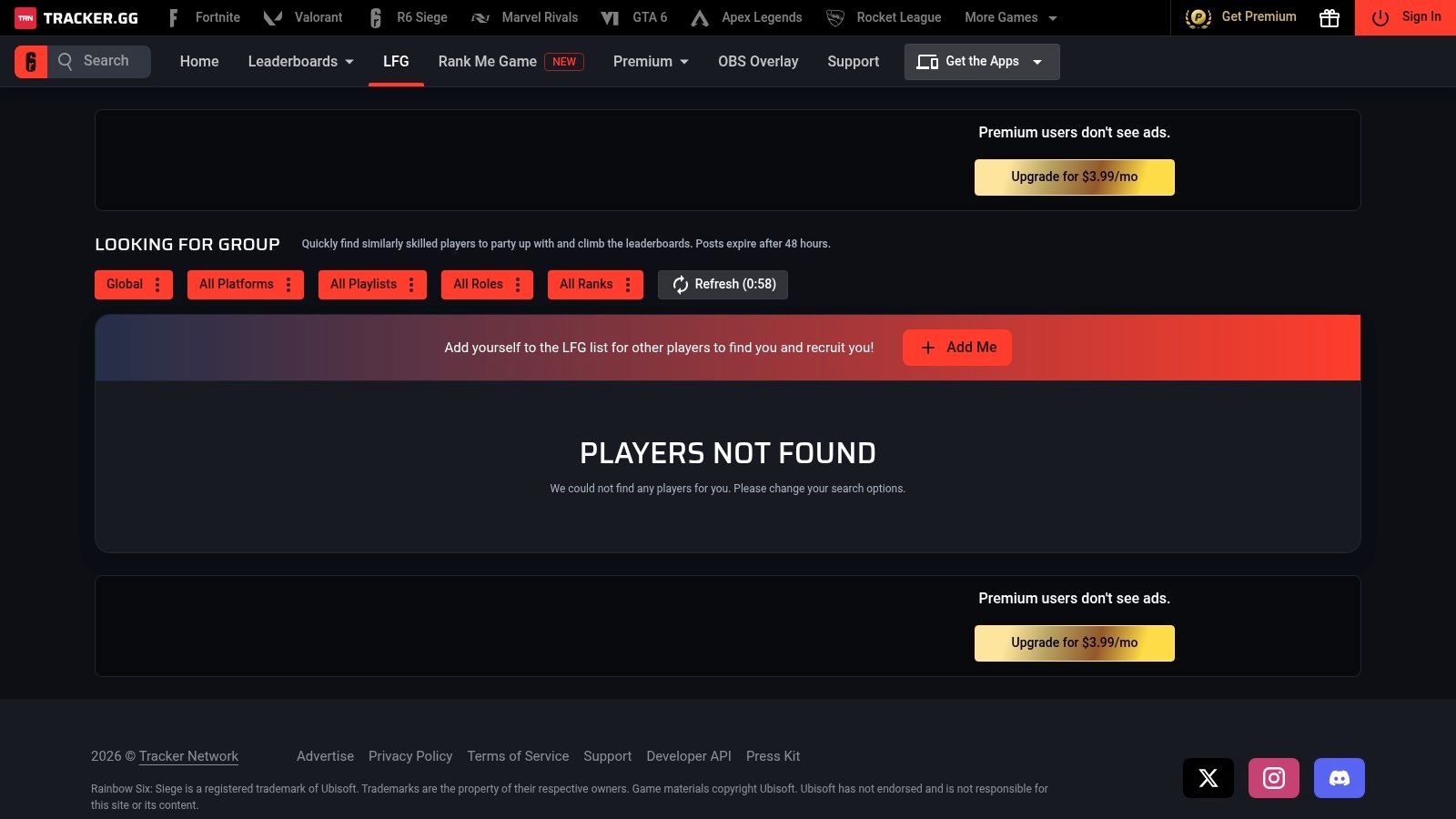
Stale posts are the silent killer of every LFG board, so check how recent a listing is before you message its poster. Tracker suits players who want to shortlist by skill, but stats show past performance, not whether someone communicates well, flexes off their main, or handles a rough start.
Practical rule: Use stats to shortlist, never to decide. One Unranked match tells you more about comms and tilt than a full season of K/D.
Listings may be thinner than in larger Discord communities. Use Tracker to find a possible fit, then play a match together before committing to a regular stack.
8. TeamTavern
TeamTavern sits on the organized end of the spectrum. It's a player and team profile platform where listings cover ranked teammates, Siege Cup, scrims, and clan recruitment, with platform, region, role, and availability included when players provide them.
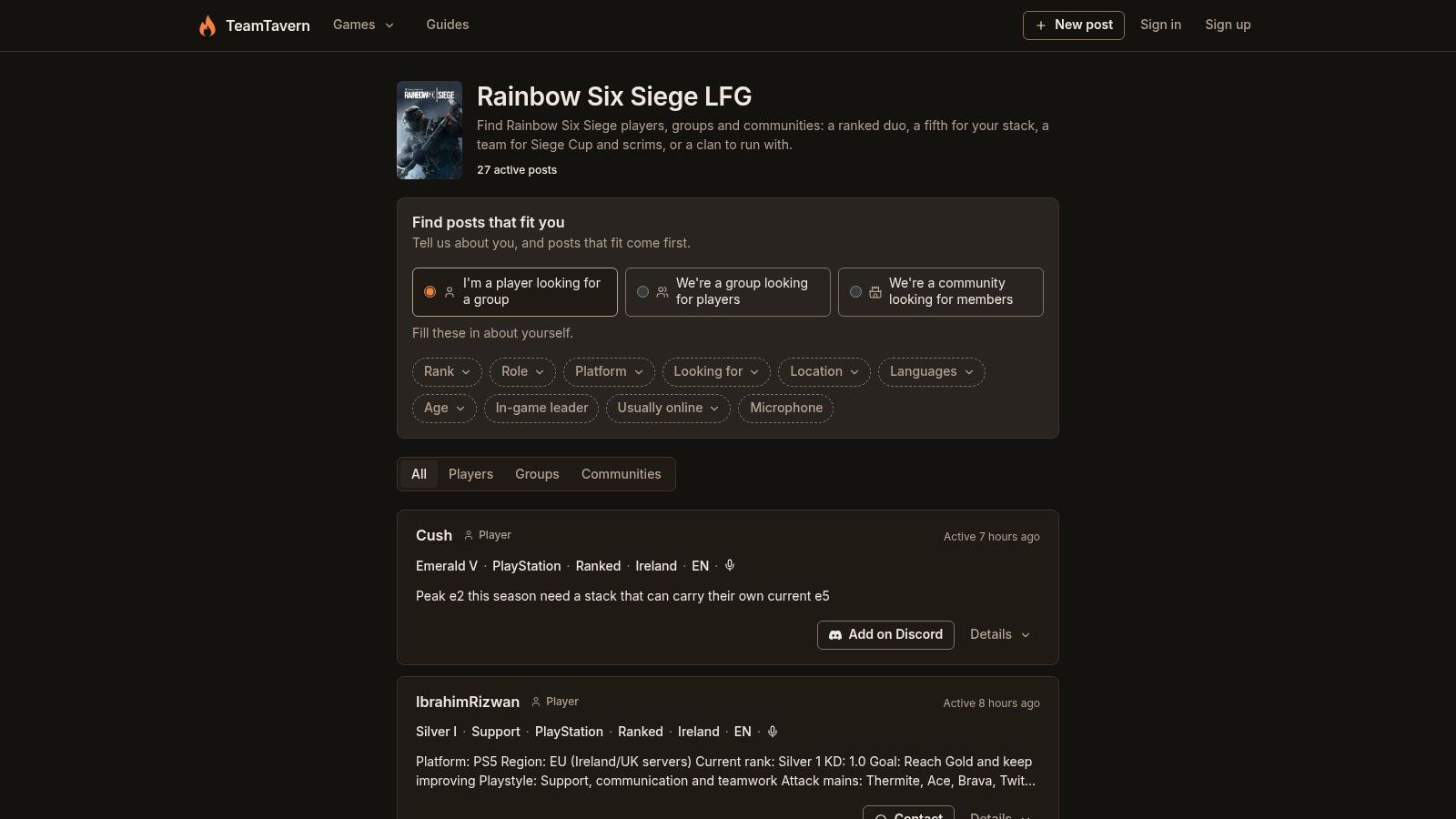
Who This Suits
- Players with specific goals: If you want a Siege Cup roster or regular scrims, a profile stating that beats a chat message that assumes it.
- Recruiters: Teams can describe what they're missing, whether that's a support player, an IGL, or specific evening availability.
- Solo players going organized: A profile explaining what you want from a roster reaches team captains who never read LFG chat.
Everything here depends on upkeep. Listings only work if users keep information and contact details current, and response rates vary. When you message someone, ask two things early: when did you last play as a full roster, and what does your weekly schedule look like? Vague answers to either one usually predict a vague commitment.
This is a scrim recruitment and roster tool. It's the wrong place to find a fifth player in the next ten minutes, and the right place to find the same five players for the next three months.
9. ezLFG
ezLFG takes a different route. It isn't a community at all. It's a Discord bot that communities add to their own servers, bringing structured lobbies to the place your group already hangs out.
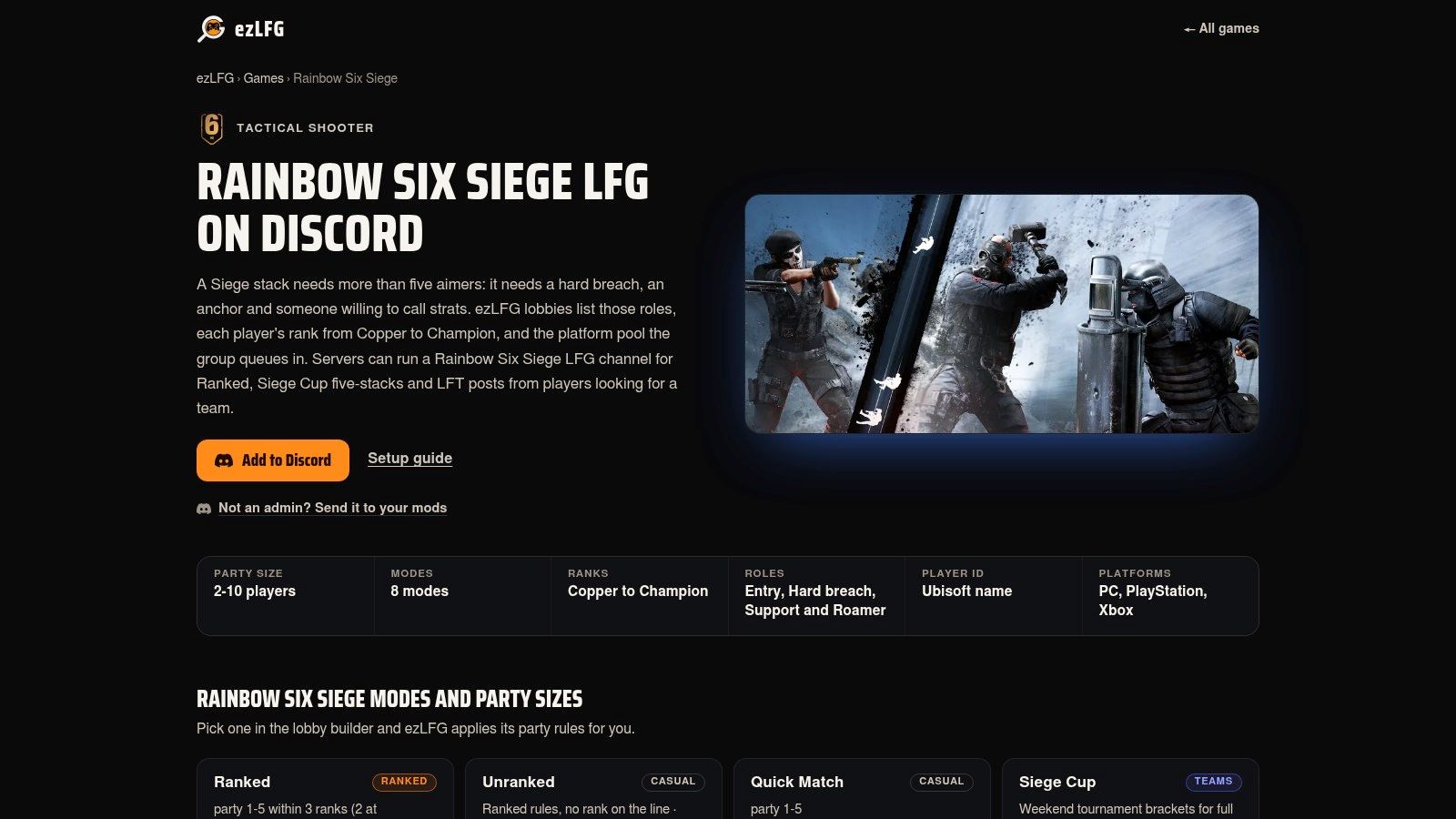
For Siege, sessions carry mode and party-size details, rank range and role fields, platform-pool information, and a ready check when a group fills. Its feature page also supports Siege Cup five-stacks. That ready check sounds minor until you've assembled five people and discovered one of them went to make dinner.
The Real Trade-Off
Structure inside Discord means nobody has to leave the platform, and role fields help you build a balanced lineup instead of five entry fraggers. But the bot is only as good as the server running it. It requires a server that has it set up, and your experience depends entirely on that server's membership and activity. A brilliant bot in a dead server fills nothing.
If you're comparing this bolt-on approach with a standalone tool, this overview of what an LFG app should do is a useful yardstick.
Use ezLFG when you already have a community with people in it but no system. It organizes demand. It doesn't create it.
10. r/R6STeams
The oldest tool on this list is also the slowest, and sometimes that's the point. r/R6STeams is a team-finding subreddit where players post recruitment and LFG messages with platform, region, rank, and goals spelled out in full sentences.
That format is its strength. A Reddit post can describe expectations in detail: your schedule, your region, whether you're building a casual stack or trialing for a comp roster, what roles you play, and what you won't tolerate. Replies and direct messages arrive asynchronously, so a post made at lunch can produce a squad by the evening without you babysitting a chat channel.
Know the Limits
- Not immediate: Responses may take hours. This won't save tonight's session if you're already in the lobby.
- Nothing verified: Rank and play-style details are self-reported. Check them before you queue ranked together.
- Variable quality: Post quality and subreddit activity fluctuate, so a specific, honest post stands out more here than anywhere else.
It's free with a Reddit account and reaches both casual groups and longer-term teams. I recommend it for deliberate, longer-term recruitment, especially when your requirements are unusual enough that a chat post would never explain them. Write the post you'd want to answer, with your rank, role, hours, and one clear way to contact you.
How the 10 R6 team finder options compare at a glance
| Item | Format | Listing or Profile Detail | Scheduling or Expiry | Best For |
|---|---|---|---|---|
| Rainbow 6 Official Discord | Discord server | LFG channels by mode, platform, region, and competitive play | Not specified | Quick groups and competitive team searches |
| Rainbow Six Siege Ops Discord | Discord server | LFG organized by mode, platform, and region | Not specified | Siege-focused casual or competitive groups |
| Teamplay.gg | Browser-based LFG tool | Profiles and groups searchable by rank, platform, role, region, and schedule | Live and scheduled sessions | Structured group searches and planning ahead |
| Siegrs.GG | Player and team finder | Profiles, team requirements, roster management, and membership requests | Not specified | Joining or recruiting for ongoing teams |
| GamerLink | Mobile LFG app | Group posts, gamer profiles, and group chat | Not specified | Mobile group finding across multiple games |
| GameTree | Social gamer service | Player profiles, preferences, discovery, and LFG sessions | Not specified | Finding compatible players and building repeat squads |
| Rainbow Six Siege Tracker LFG | Web-based LFG listings | Siege listings for players seeking similar skill levels | Listings expire after 48 hours | Finding current listings and similarly skilled players |
| TeamTavern | Player and team profile platform | Listings for ranked, Siege Cup, scrims, and recruitment | Availability may be included in listings | Competitive goals and team recruitment |
| ezLFG | Discord LFG bot | Structured lobbies with mode, rank, role, platform, and ready checks | Ready checks when groups fill | Organizing Siege groups within Discord |
| r/R6STeams | Reddit community | Posts can include rank, platform, region, and play goals | Asynchronous; no set expiry specified | Detailed LFG posts and longer-term recruitment |
Pick Two Sources, Vet Fast, and Squad Up Sooner
A full LFG channel can still leave you without a reliable stack. Choose two sources for different jobs: a large community, such as the official Discord or Siege Ops, for quick fills, and a structured tool, such as Siegrs.GG, TeamTavern, or Teamplay.gg, for finding a steady group. Post in the community when you're ready to play. Keep your structured profile current so players recruiting between sessions can find you.
Write posts that make fit easy to judge. On Discord, put your platform pool, region, rank range, mic rule, needed role, and start time in one line. In a profile tool, add your weekly schedule, main and secondary roles, and whether you shot-call or prefer to follow calls. On Reddit, explain your season goals and how many nights a week you can realistically play. Vague posts attract vague teammates.
Check whether your five can queue together. Ubisoft's Rainbow Six Siege rank help article says rank is separate between PC and console matchmaking, and each new season starts with a soft reset based on the previous season and the first five placement matches. Recheck eligibility after each reset, confirm everyone's matchmaking pool, and ask players to share their current rank. An old profile badge may not reflect their current skill.
Then vet each new teammate in one Unranked match before putting rank on the line. Listen for useful calls that don't flood comms, flexibility when a main is banned or taken, and steady reactions after losing two rounds in a row. Skill gaps can be coached or played around; tilt and silence are harder to fix. If the match works, exchange Discord tags and set the next session before everyone logs off. A good stack still needs a plan to play again.
For other shooters, GamerPlug offers clip-based profiles alongside rank, play style, mic usage, and schedule. Gameplay clips give you another way to assess a stranger before you queue together.
Open your fast source, post the specifics, and trial one match. Keep the players who communicate, then schedule another session. A short list of teammates you trust beats another quiet night scrolling an LFG channel.
Stop rolling the dice on randoms and find teammates you can check out first. On Gamerplug, profiles feature gameplay clips, verified ranks where supported, play style, mic usage, and schedule. You can also post a squad listing with its mode, rank range, platform, and mic requirement. Create a free profile and post your first squad request tonight.