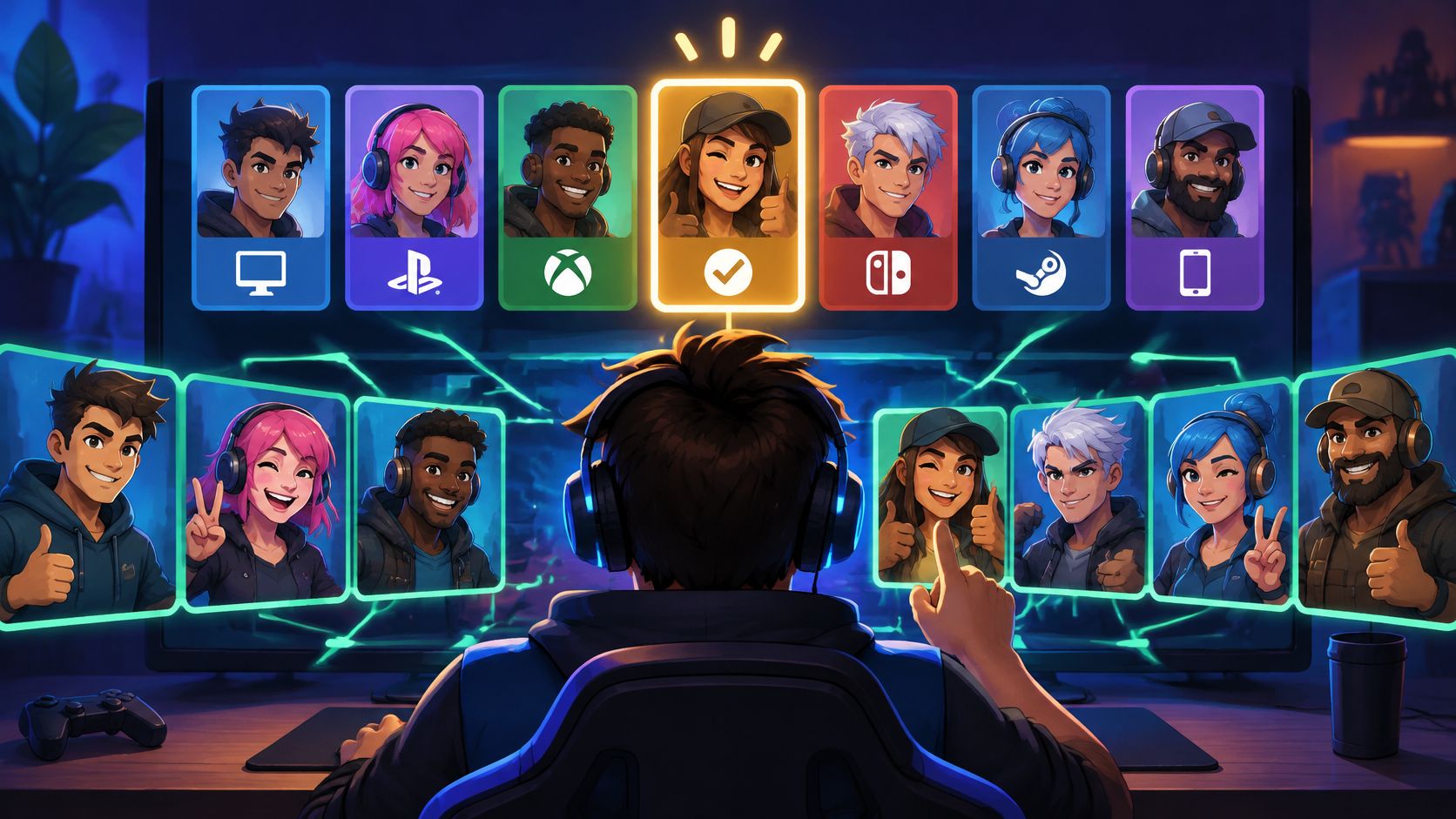
The usual advice is to hit queue and hope the lobby sorts itself out. That advice fails the moment a teammate goes silent, tilts at minute two, or wears a rank their aim never earned. Random matchmaking treats you like a slot, not a player who needs a role, a mic, and someone who won't leave at the first lost fight.
An LFG app fixes the part random queues ignore. You check people before you commit. The useful ones don't stop at a username. They show how someone plays, which platform they sit on, and whether their schedule matches yours. Team play is already how many gamers connect. A 2024 peer-reviewed analysis of squad-mode data reported that approximately 83% of video-game players participate in multiplayer modes that rely heavily on teamwork, covering 8,866 matches and more than 1.5 million hours, according to a Springer chapter on team performance. That same dataset found only 0.57% of sampled players had conjoint experience with other players. The audience is huge. Durable, experience-matched squads are rare.
Skip the hope queue: If you can't tell skill, mic habits, and schedule before you invite someone, you're still rolling the dice.
The seven picks below aren't a trophy ranking. They're a map of who each LFG app is for, how well you can vet a stranger, and where it falls short. Ranked grinders, casual duo hunters, and community organizers don't need the same tool.
Table of Contents
- 1. Gamerplug
- 2. Teamplay.gg
- 3. GameTree
- 4. GamerLink
- 5. Noobly
- 6. GamerFinder
- 7. WildStack
- How the 7 LFG apps compare at a glance
- Pick Your Squad App and Queue Smarter Tonight
1. Gamerplug
GamerPlug suits players who want to vet a teammate before they queue. This free LFG app is available on iOS, Android, and the web, and supports 19 competitive titles, including Apex Legends, Valorant, Fortnite, League of Legends, Call of Duty, Overwatch 2, Rocket League, PUBG, and NBA 2K. Players on PC, PlayStation, Xbox, and Nintendo Switch can find squadmates across platforms.
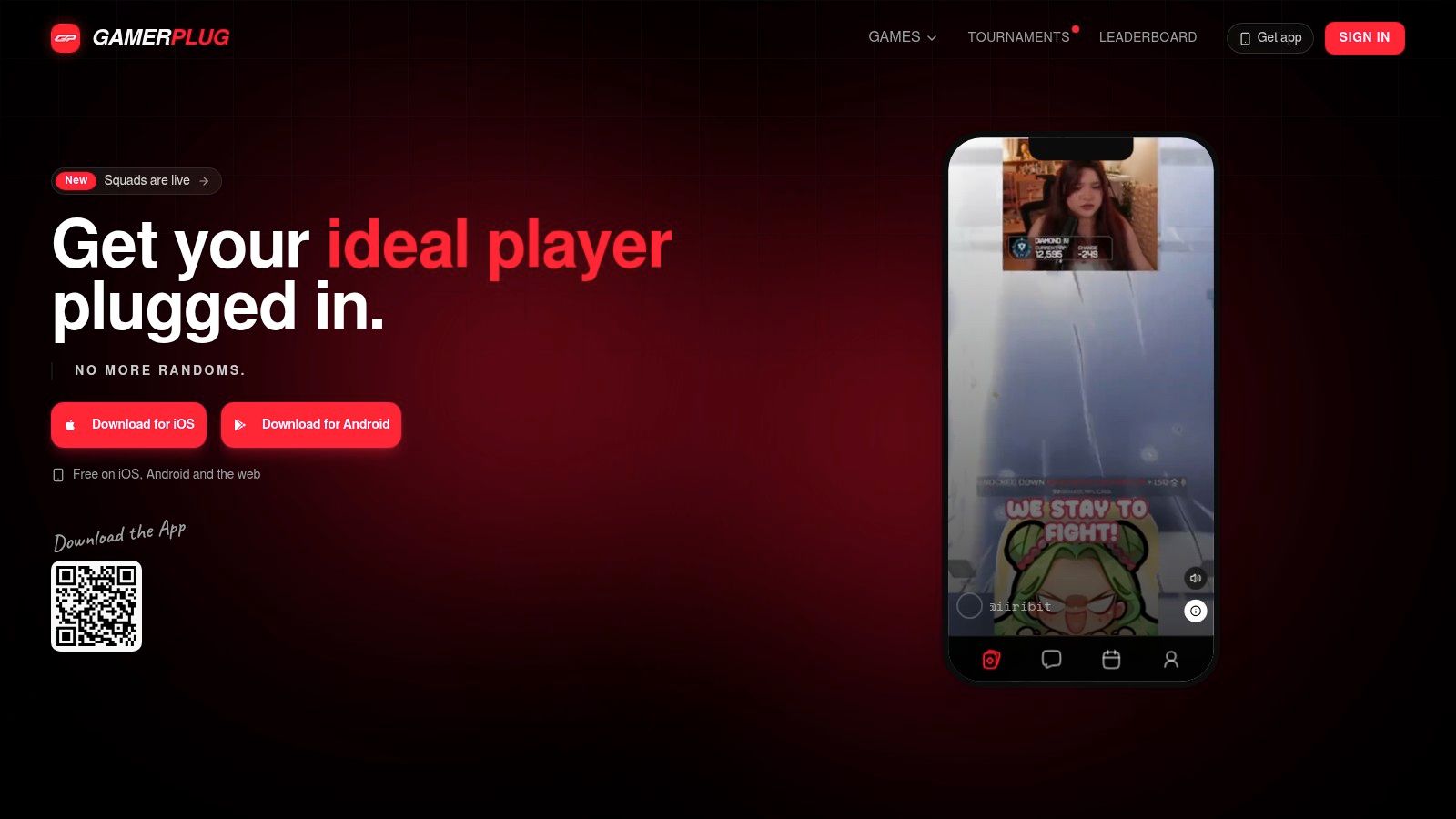
The standout is how profiles help you assess a player before sending an invite. Gameplay clips show aim and play style, while ranks and stats for supported games sync automatically from official game APIs. The swipe-style Discover feed filters players by game, platform, and verification status. For a specific session, post a Squad listing with the mode, rank range, platform, mic requirement, and open slots.
Chat covers group, squad, and tournament threads, as well as direct messages. Tournament tools let players browse, register for, and host brackets in supported titles, with several formats and live leaderboards. Optional World ID badges and in-app reporting add trust and safety tools, though a badge cannot tell you how someone will act in a match. The study on toxicity in League of Legends is not a basis for a platform-wide harassment statistic.
Who should download it
Ranked grinders get a useful pre-queue check: clips give context beyond a self-entered profile, and supported-game ranks sync automatically. Casual console groups can filter by platform and set mic requirements in a listing. Organizers can create brackets without handling every event through a spreadsheet.
- Free across devices: Use the app on iOS or Android, or visit the web version.
- Vetting before the queue: Check gameplay clips and synced ranks for supported games before inviting someone.
- Focused group-finding: Filter Discover by game, platform, and verification status, or set mode, rank range, mic requirements, and open slots in a Squad post.
- For play beyond one match: Use messaging to coordinate, and tournament tools to host or join brackets.
The main limitation is game coverage: automatic rank syncing applies to supported titles, not every game in the catalog. Download GamerPlug if you want one place to find teammates, check their profiles, message your squad, and organize tournaments. Choose another option if your priority is a large public board for a less common title or mode.
2. Teamplay.gg
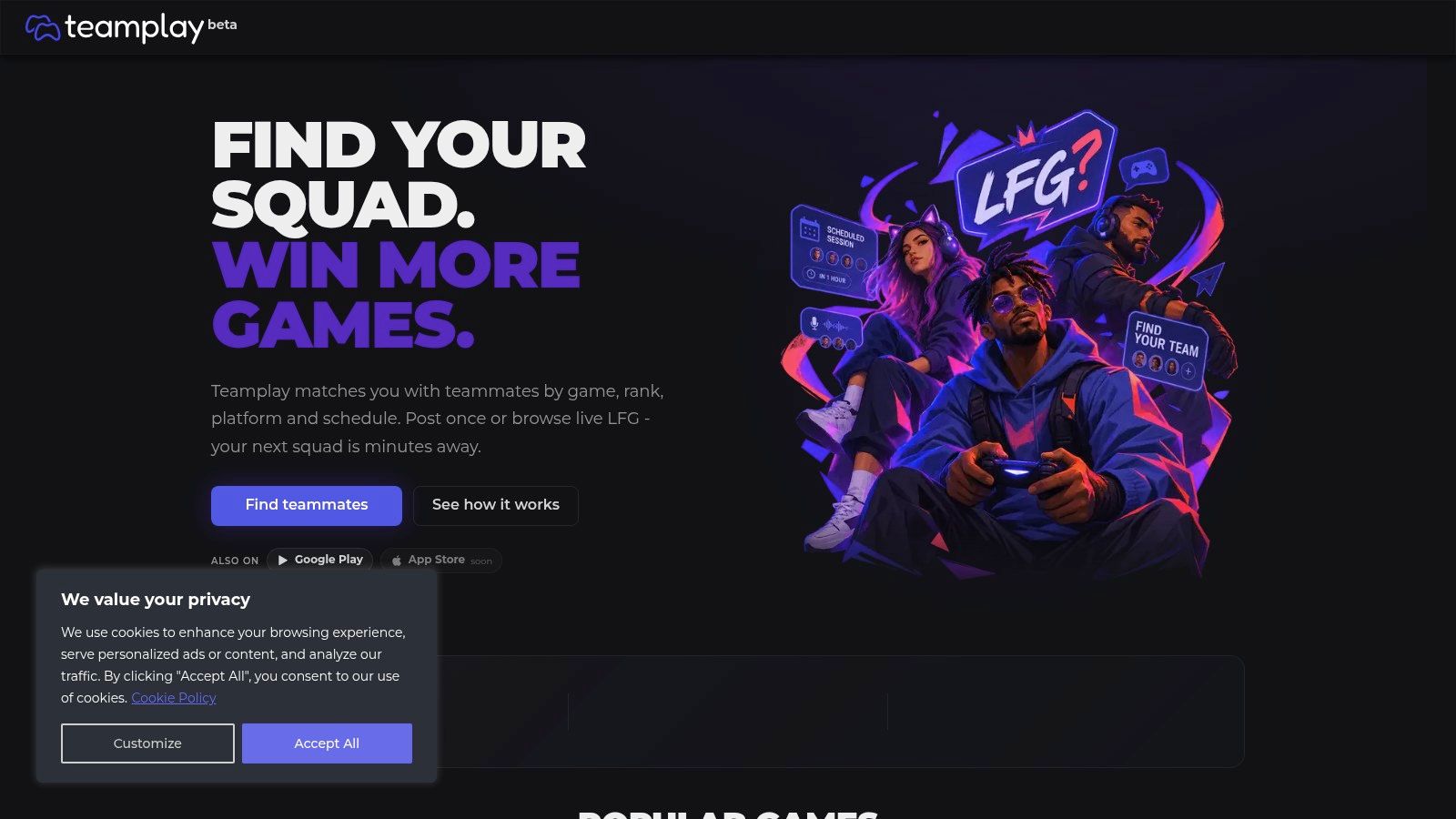
Teamplay.gg is a structured, cross-platform board for finding gaming teammates. Post or browse requests by game, rank, platform, and schedule, then join a live session or plan one for later. Rosters, built-in chat, and voice sit alongside Discord, so the board suits groups that already coordinate there. Core LFG tools are free in the browser or Android app, and shareable banners make posts easy to send to a server.
Teamplay.gg helps organize the lobby, but voice still needs ground rules. A multinational survey found that 36% of players experienced extreme or hate-based harassment in online multiplayer games during the previous year, while 49.4% reported toxic incidents through voice chat, according to the NYU Stern case on hearing the problem. A mic filter cannot set expectations for your group. State your callout style and boundaries in the post before anyone joins voice.
Treat “mic required” as a start, not a safety plan. Say what kind of comms you want before the channel opens.
The native app is for Android; iOS players can pin the site to their home screen as a web app. Activity varies by game, region, and hour, so check whether your preferred sessions are active before relying on it. For a longer roster rather than a one-off lobby, use an esports team finder approach. Teamplay.gg fits scheduled sessions and free voice. Choose another option if vetting clips before a match is your priority.
3. GameTree
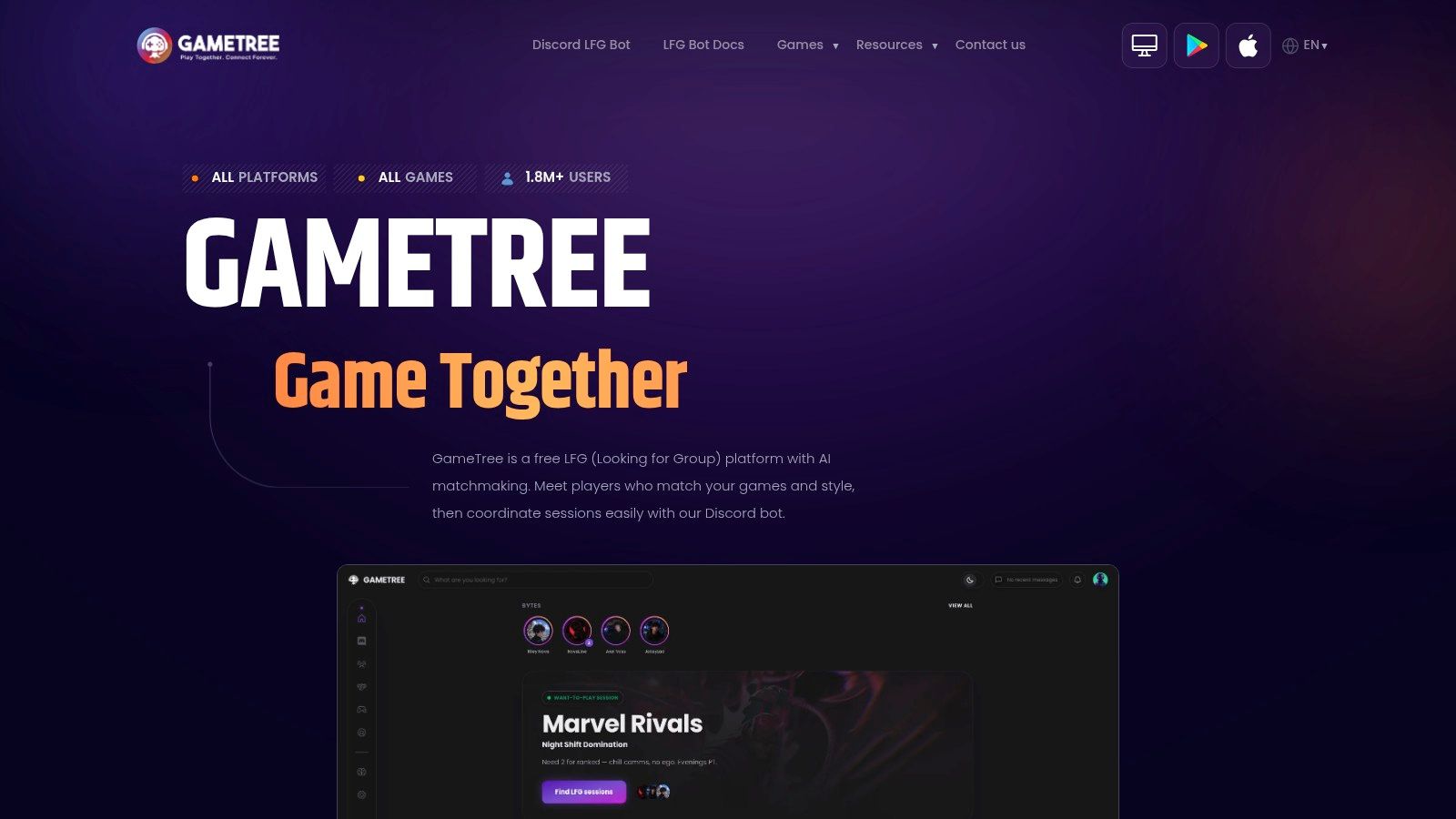
If your problem is keeping the same four people, not filling tonight's lobby, GameTree is built for that. It matches on the games you play, your preferred style, and personality, then lets you save teammates and pull in Discord or Steam friends. Core features are free on iOS, Android, and Discord. Coverage runs past shooters into PlayStation, Xbox, Switch, mobile, and tabletop.
Multiplayer already works as a social space when the people stick. In a 2019 Anti-Defamation League survey with Newzoo of 751 U.S. adults who played multiplayer online games, 88% reported at least one positive social experience, and 51% cited making friends, as reported via a Humanities and Social Sciences Communications article. GameTree leans into that repeat-squad habit.
The Scout Discord bot creates and joins LFG sessions, including temporary text and voice channels. That's convenient if your group already lives in Discord, and it's a limit if you wanted everything inside one app. Response times follow how active that community is that night.
Best fit: casual players and small friend groups who want a second night, not a one-off fill. Weak fit: ranked grinders who need synced ranks and clips before they trust a duo.
4. GamerLink
A broad game catalog does not help if you cannot find a teammate you trust. GamerLink is a phone-first LFG app for players who want a quick way to find people across console and PC games. Choose a game, set your preferences, then browse players looking for a squad. Direct messages, group voice parties, friends, reporting, and blocking are all built into the app.
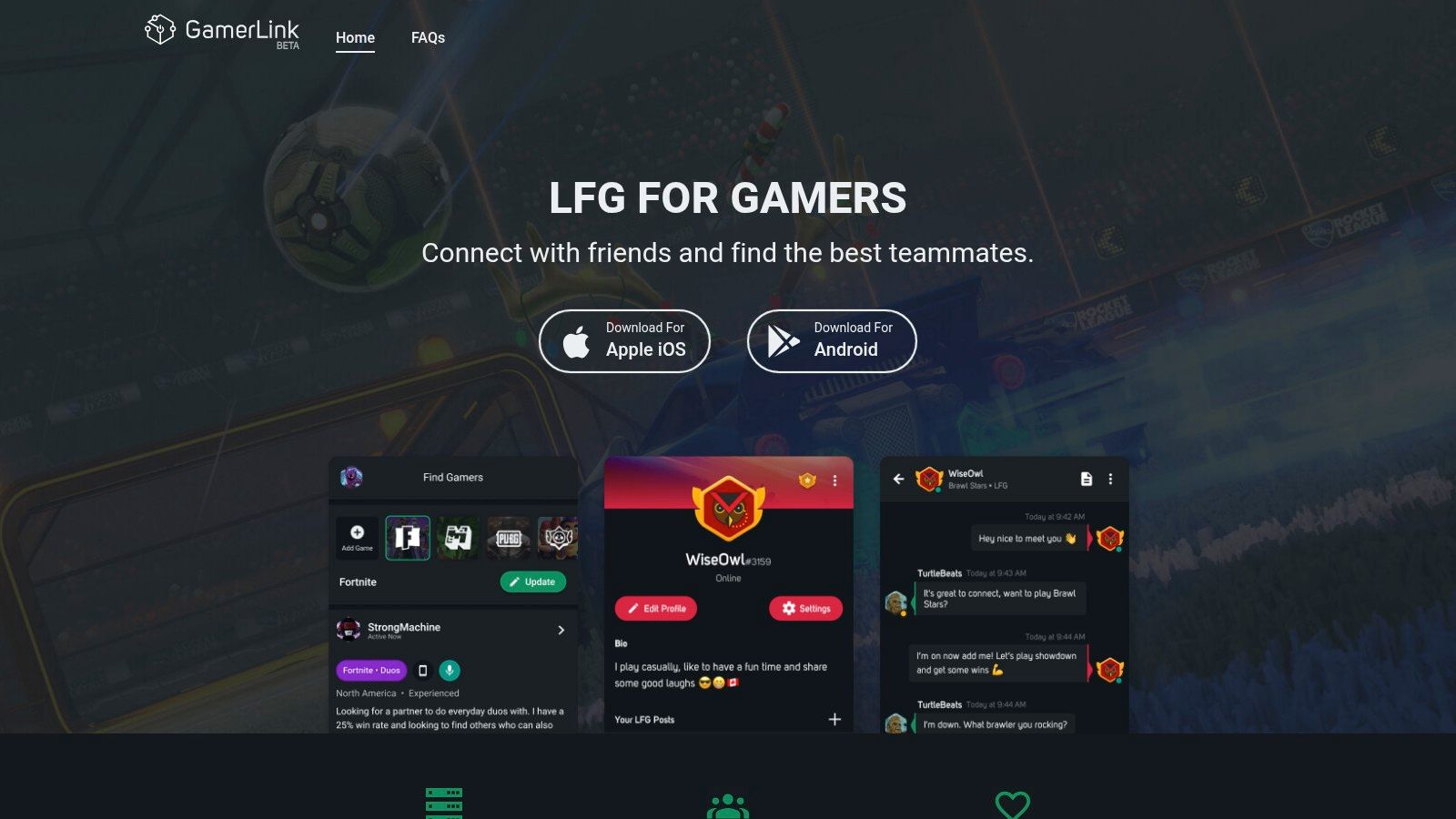
Core LFG use is free, and the service has a long store-review history. Finding a match takes little setup: pick a game, message someone whose preferences fit yours, and move to a voice party if the conversation feels promising. That makes GamerLink a solid option for a casual duo hunter who would rather start chatting than compare a stack of stats.
The trade-off is how much you can verify before queueing. Matching relies on preferences, not clips or hard rank proof, so ask a few questions before committing to a lobby. The app is phone-first, with no browser or desktop version, and some games may be missing until someone requests them. Quiet communities can also leave you waiting. Use block and report tools if a player crosses the line.
Download GamerLink for a fast mobile feed around a popular game. Skip it if you organize squads from a PC or need visible proof of a teammate's rank.
5. Noobly
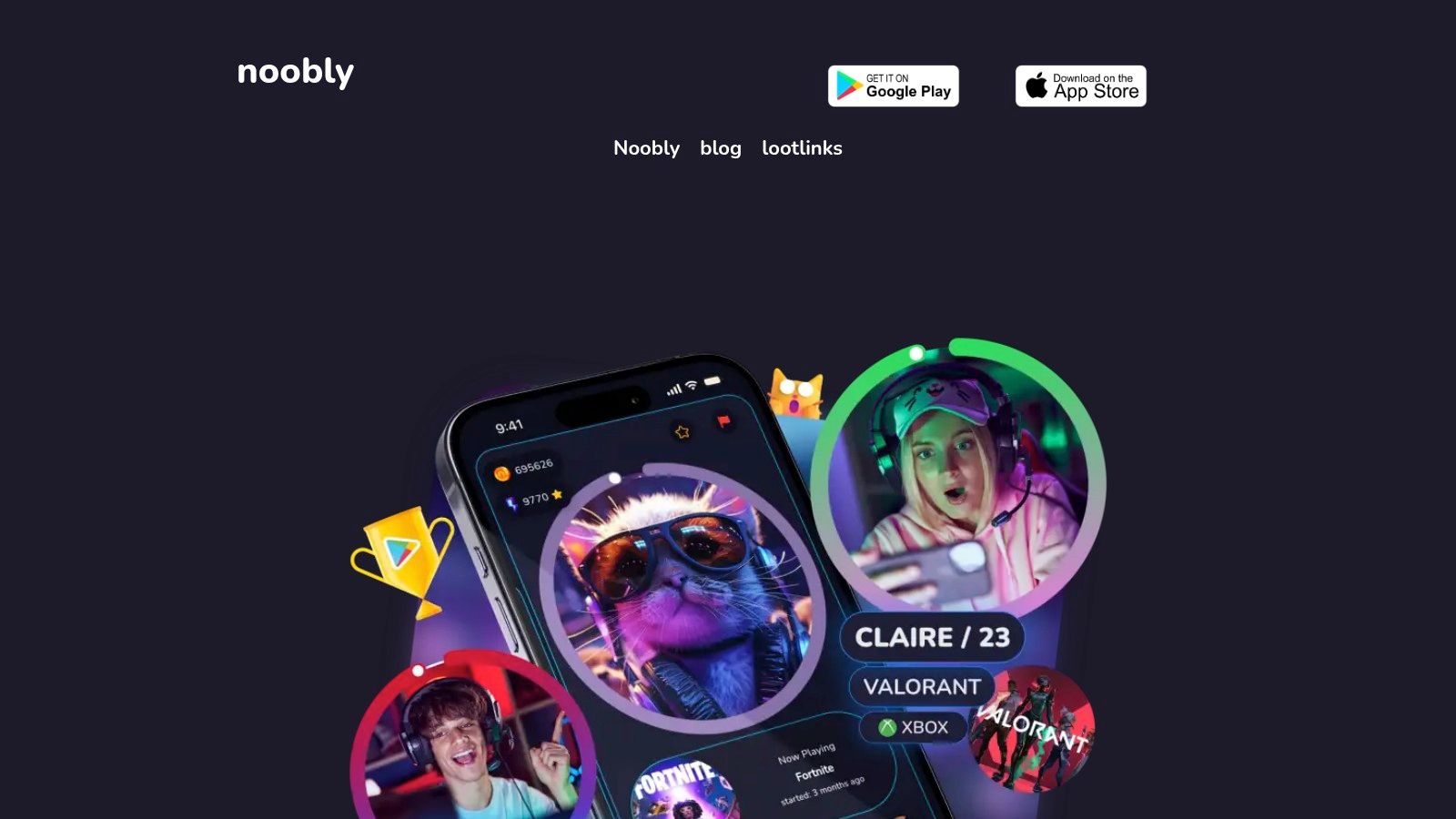
Noobly cares more about a gaming friend you'll keep than a ranked fill in the next ten minutes. You browse profiles, chat, and match on shared games, interests, and availability. Time-zone labels and LFG lobbies sit on profiles that carry game preferences and badges. It's free to download, with optional in-app purchases, and the catalog is broad.
Public teammate pools have a hidden cost. Research indicates that 58% of women gamers reported experiencing toxicity in 2025, and 41% believed it had worsened, while 61% of LGBTQ+ gamers felt uncomfortable using voice chat, compared with 40% of non-LGBTQ+ players, in a Centre for International Governance Innovation paper. A bigger network can mean more unwanted messages, not just more duos. A gaming buddy app only helps if you can look for people without broadcasting personal details.
Store listings show positive ratings. Some players hit limits on free invites, and the swipe format can feel like a dating app. That's fine if you want chemistry and a shared schedule. It's slow if you need a fifth for a lobby that's already in champion select. Pair time zones with availability before you chat, or you'll bond with someone who's asleep when you queue.
6. GamerFinder
GamerFinder is a free browser board, not a social network. You create or search rooms on your phone or desktop for nearly 700 games. A room can name the game, mode, platform, region, language, microphone preference, and open slots. The host approves a join request before contact details go out, and rooms expire after six hours, so yesterday's ghost listing dies on its own.
There's no install if you're on the site. The service says there are no ads or purchases. The Android app is still in testing, so treat the browser as the main product. You get fewer profile tools than a clip-and-badge app, which is the trade for speed.
If you're new to the shorthand, a plain explanation of what LFG means helps before you post a sloppy room that nobody joins. Write the mode, the rank band, and whether a mic is required in the first line. Hosts should reject vague requests instead of hoping chat will sort it.
- Fast and free: browser on mobile or desktop, no purchase wall.
- Less stale spam: six-hour expiry clears dead rooms.
- Thin social layer: little beyond the room, so repeat squads take extra work.
Grab it for a same-night fill on a huge game list. Don't use it as your only home if you want ongoing friends.
7. WildStack
WildStack is a browser matchmaker for groups, not single posts. You match on goals, play style, schedule, and time zone, then either find a group for now or book one for later. Once the group exists, you get a hub with chat, built-in voice, scheduling, polls, a shared availability heatmap, and a group play queue. Search across games, or make the group public or private.
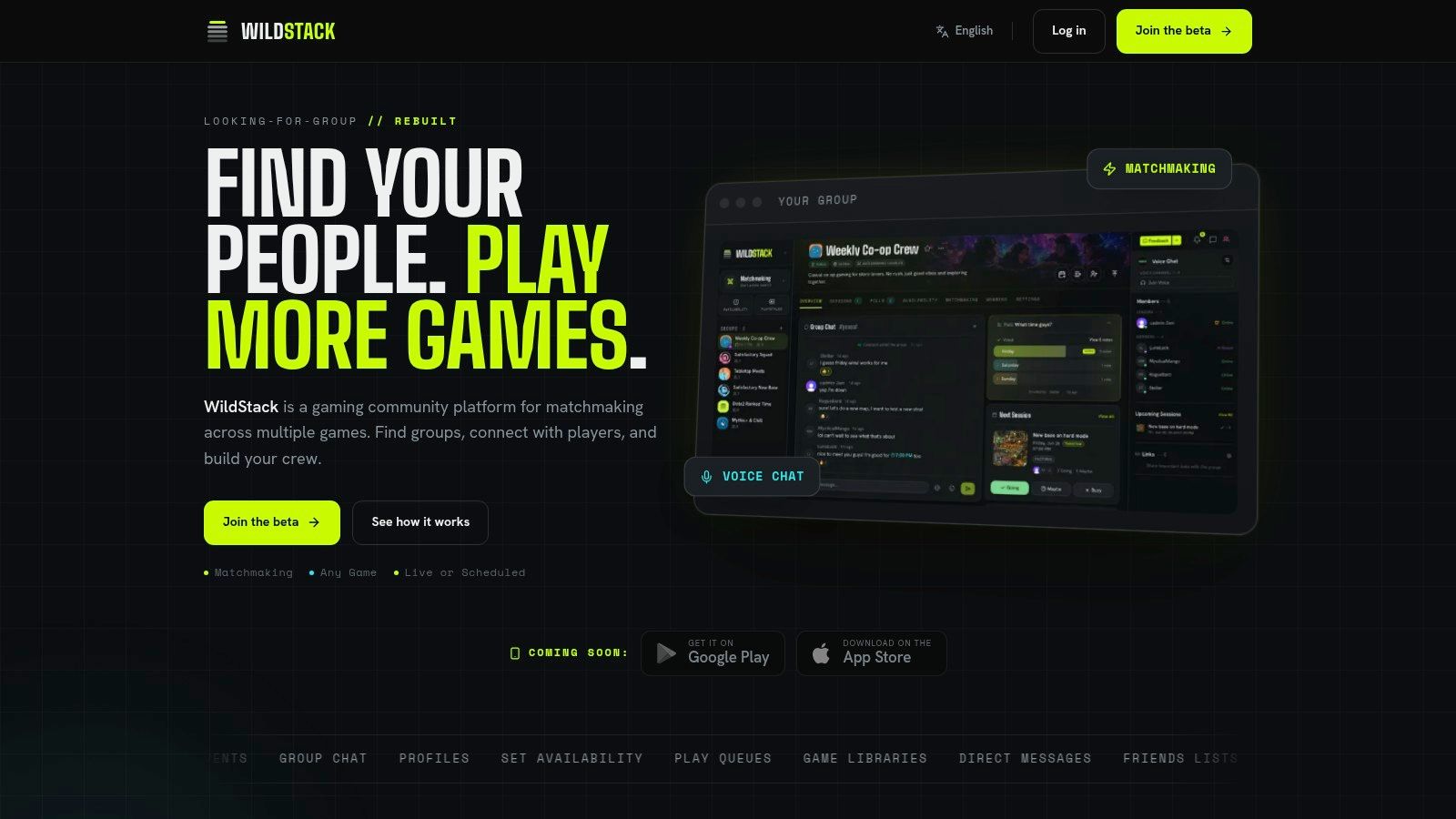
It's free during open beta, including matchmaking, groups, chat, and voice, and it runs in a modern browser on desktop or phone. Native iOS and Android apps aren't out yet. Beta means the community and the feature list can shift. Optional Pro tools are described as coming soon, so don't plan a season around a paid tier that isn't live.
The heatmap is the part most boards skip. You can see when the same people are free instead of spamming "anyone on?" at random hours. Polls settle map pool and role fights before the queue, which keeps a new stack from arguing in agent select. That's organizer territory. A solo grinder who only wants one verified duo tonight will find the hub heavier than a simple room. Download it in beta if you're turning strangers into a weekly squad. Wait if you need a stable mobile app.
How the 7 LFG apps compare at a glance
| Item | Platforms | Verification | Free Access | Best For |
|---|---|---|---|---|
| Gamerplug | iOS, Android, web; PC, PlayStation, Xbox, Switch | Gameplay clips; synced ranks for supported games | Free | Vetting teammates and organizing squads or tournaments |
| Teamplay.gg | Browser, Android | No formal verification stated | Core LFG features are free | Finding teammates for current or scheduled sessions |
| GameTree | iOS, Android, Discord; multiple gaming platforms | Matches by play style and personality | Core features and bot are free | Building ongoing gaming friendships and squads |
| GamerLink | iOS, Android; console and PC games | No formal verification stated | Core LFG features are free | Mobile-first, game-specific teammate searches |
| Noobly | Mobile app; cross-platform community | Profiles and badges; no formal verification stated | Free to download; optional purchases | Finding compatible gaming friends |
| GamerFinder | Browser on mobile and desktop | Host approval before contact details are shared | Free, with no ads or purchases | Creating filtered, short-lived LFG rooms |
| WildStack | Browser on desktop and mobile | Matches by play style, goals, and availability | Free during open beta | Coordinating regular groups with chat and scheduling tools |
Pick Your Squad App and Queue Smarter Tonight
Match the tool to the night you're playing, not to a feature checklist.
Ranked grinders should start with GamerPlug. Clips and synced ranks on supported games are the pre-queue check that stops a fake badge from costing you LP. GamerLink is the backup when you only have your phone and the game is popular enough to have a live feed.
Casual duo hunters should weigh schedule and chat over raw rank. GameTree and Noobly are built for people you'll play with again. Teamplay.gg fits when you want a session on the calendar and voice without paying. A 2025 industry analysis reported that 73% of gamers prefer playing with friends rather than solo, and 45% have made at least one real-life friend through gaming, via TRPLX's look at multiplayer play. Those figures are directional, not an audited census, but they match what a good stack feels like. Optimize for a second session, not a pile of listings.
Community organizers should look at tournaments and group hubs. GamerPlug's brackets and leaderboards cover hosted events. WildStack's polls, heatmap, and shared queue turn a one-off into a roster. GamerFinder is the fast public board when you only need bodies for one room and you're fine approving each request yourself.
Do this tonight. Pick one app. Finish a profile with a real clip or an accurate rank, not a joke tag. Post one listing this week with mode, platform, mic rules, and the hours you play. Queue once. If you'd invite that person again, keep them. If you wouldn't, block and move on. That's the whole point of leaving randoms behind.
GamerPlug is a free LFG app for players who want squadmates matched on skill, play style, schedule, and platform before the queue starts. Gameplay clips, synced ranks on supported titles, Squad listings, chat, and tournament brackets sit in one place on iOS, Android, and the web. Open Gamerplug, post a real listing, and see who is worth queuing with again.