You queue into ranked expecting a clean run. Nobody calls rotations, two players want the same role, and the one teammate with a working mic has to leave after a match. A gaming buddy app can help you find people who fit before the first invite, but the apps don't all prove compatibility the same way.
This roundup compares seven options by the signals that matter before you commit to a session: game, rank, platform, play style, schedule, communication preferences, and trust features. Some are free LFG tools, some prioritize social discovery, and others connect matchmaking to tournaments or paid sessions. If you want better teammates, start with what you can verify about the players you're meeting.
Table of Contents
- 1. GamerPlug
- 2. Plink
- 3. GamerLink
- 4. eBlitz
- 5. GameTree
- 6. Z League
- 7. E-Pal
- Top 7 Gaming Buddy Apps Compared
- Choose the App That Matches Your Squad Style
1. GamerPlug
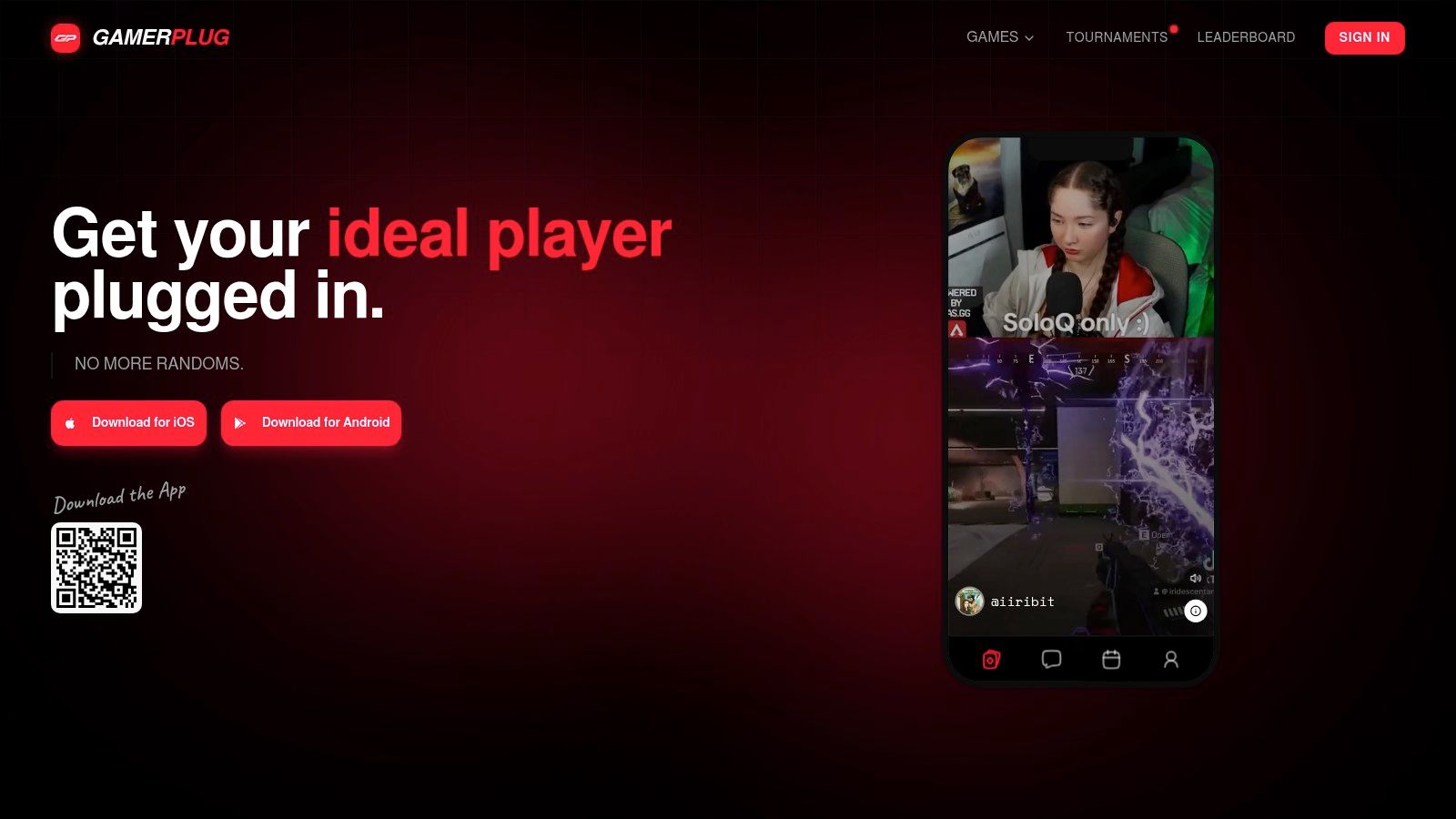
If you want to check how someone plays before inviting them, GamerPlug puts gameplay clips and supported-game rank syncing at the center of teammate discovery. It's a free LFG app available on iOS, Android, and the web, with players across PC, PlayStation, Xbox, and Nintendo Switch. The catalog covers 19 competitive titles, including Apex Legends, Valorant, Fortnite, League of Legends, Call of Duty, Overwatch 2, Rocket League, PUBG, and NBA 2K.
Profiles show clips alongside play style, mic use, team preferences, and schedule. For supported games, rank details can sync from official game sources. Apex Legends and Fortnite ranks refresh every five minutes, while League of Legends connects by Riot ID without requiring a game password. That gives you more to judge than a username and a self-reported skill claim.
Find players through clips, ranks, and squad posts
Use the swipe-style Discover feed to browse players who share your games, or post a squad listing with the mode, rank range, platform, mic requirements, and open slots. Direct messages and group, squad, and tournament threads keep coordination in the app. For a practical primer on the looking-for-group format, see how LFG helps players find teammates.
GamerPlug also supports browsing, hosting, and entering tournaments for Apex Legends, Valorant, League of Legends, and Fortnite, with several bracket formats and live leaderboards. Optional World ID badges, clip-based profiles, and in-app reporting offer additional trust signals. The mobile app launched in January 2026, so community activity can vary by title, region, and time. Rank syncing is also limited to supported games, and the website doesn't specify paid features or pricing beyond the free service.
Best fit: Players who want structured squad discovery, visible gameplay, and tournament tools in one place.
GamerPlug is a strong pick for ranked duos, cross-platform squads, and amateur esports groups. Its mix of clips, verification options, filters, chat, and events makes it the most complete choice here when you care about evidence of fit, not just a fast way to message someone.
2. Plink
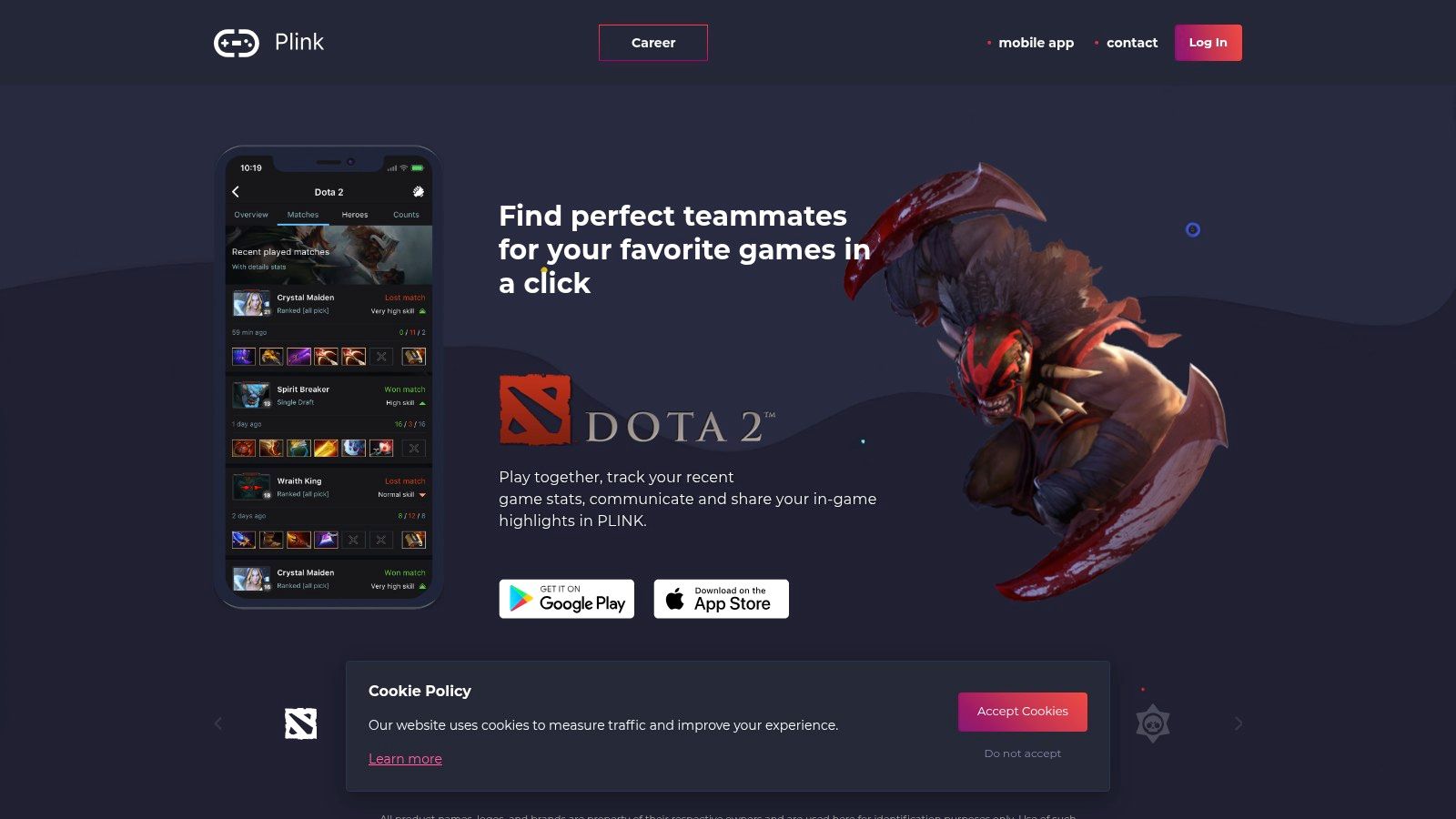
Plink is built for quick discovery. Its swipe-style matching lets you browse potential teammates using skill and playstyle filters, then move into text or voice chat to sort out the session. It supports players on PC, Xbox, PlayStation, Switch, and mobile, making it useful when your friends are spread across platforms.
The appeal is speed. You can find a potential teammate and coordinate without juggling separate discovery and voice tools. Notifications can also flag when friends or potential teammates are playing, which helps when you're looking for someone for a session right now rather than building a long-term roster.
Quick matching, lighter proof
Plink's profiles and filters help narrow the pool, but it isn't as focused on clip-based evidence or rank verification as GamerPlug. That matters if you're choosing a ranked teammate and want to assess actual gameplay or confirm competitive standing before queueing. For casual play, the lighter workflow may be all you need.
A practical trade-off is the onboarding experience. Premium upsells can make the app feel paywall-heavy, and some features or site content may feel dated. If you're comparing formats, this overview of LFG apps and squad finding can help you decide whether swipe discovery matches how you prefer to find players.
Choose Plink when a fast cross-platform search and built-in voice chat matter more than detailed verification.
Plink works best for players who want a lightweight gaming matchmaking app for casual sessions or quick team formation. Check whether its current activity is strong for your game and region before relying on it for a time-sensitive ranked queue.
3. GamerLink
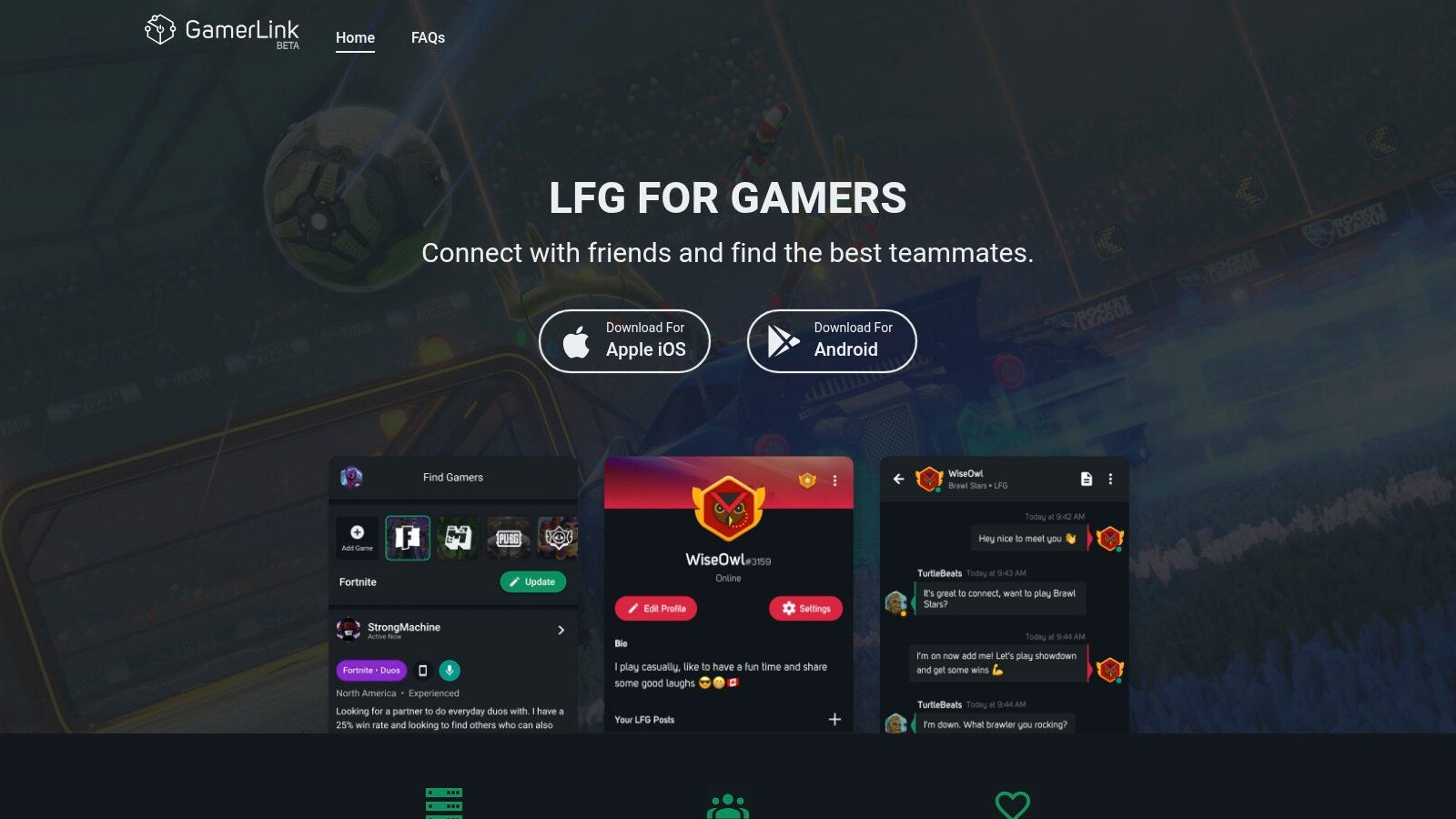
GamerLink keeps the process simple: find a game-specific group, check the listing details, and join or post an LFG. Players can filter by factors such as game mode, rank range, and platform, with in-app chat and community tools for coordinating once they connect. Its mobile-first design suits players who usually look for teammates from a phone.
The straightforward workflow is its main strength. You don't need to build a detailed social profile before searching for a party, which makes GamerLink an easy option for casual players who want to get into a game without much setup. Its established presence in core games can also make it worth checking for popular titles.
A practical mobile-first LFG choice
GamerLink is more about finding a group than proving a prospective teammate's skill through gameplay clips or automatic rank syncing. If you need a dependable duo for ranked play, ask about role, communication style, and schedule before accepting an invite. You can also use this guide to finding a duo partner to think through the fit you need.
Because mobile is the focus, some platform and web features have been scaled back. Premium options may not offer much value if you only use LFG occasionally. The app's simple structure is a plus for quick searches, but players seeking stronger verification or built-in tournament organization may want a more specialized tool.
GamerLink is a sensible pick when you want a simple mobile workflow and don't need an elaborate profile-based matching process. Browse the listings for your title and check how active they are before making it your regular source of teammates.
4. eBlitz
eBlitz focuses on moving quickly from discovery to a party. Players can swipe to match, then coordinate through text or Discord team chat. The app supports all platforms and most popular games, so it's a flexible option if you switch between titles or play with friends on different systems.
Its community ratings add a useful signal that pure swipe matching often lacks. Ratings can help you spot players others have found reliable, or avoid a poor fit before you invest a session. They're still only one piece of the picture, so check the context and discuss expectations directly rather than treating a score as a guarantee.
Ratings help, but activity varies
The fast path from finding a player to forming a team is eBlitz's clearest advantage. That can be handy when you want to fill a spot without writing a detailed LFG post. But the community footprint can be smaller in some regions, which means matching speed may vary by game and time.
Some app reviews also report stability issues. If you're planning a competitive session, test the chat and matching flow before relying on it for a last-minute roster. eBlitz is a good choice when you want quick matching with a basic community trust signal, but it offers less emphasis on verified competitive stats and tournament administration than GamerPlug.
5. GameTree
GameTree treats teammate discovery as social matching, not just a search for an open party slot. It considers games, playstyle, personality, and interests, helping players connect with people they may want to play with repeatedly. If you're tired of rebuilding your squad every session, that broader approach is the point.
Steam library linking can import games and help surface existing GameTree friends. The service also has iOS and Android apps and a Discord bot for coordination. Together, those features make it easier to maintain a social graph beyond one-off LFG posts.
Better for recurring squads than rank checks
GameTree's strength is finding people who share your gaming habits and interests. That can support recurring duos or squads, where compatibility includes how often you play and what kind of sessions you enjoy. It's less focused on ranked stats than tools built around competitive verification, so don't assume personality matching confirms a player's current skill.
A more complete profile can improve the quality of recommendations, but it takes time to fill out. That setup is worthwhile if you're looking for ongoing connections, and less appealing if you just need one teammate for tonight's match.
Think beyond the next queue: The best match for a recurring team is someone whose pace and preferences work for you over time.
Choose GameTree if you want a gamer social app that supports long-term connections as well as LFG. Pick a more rank-focused option when proving competitive fit matters more than building a wider social circle.
6. Z League
Z League links LFG with competition. Players can search for teammates using game, region, and skill filters, then join skill-based tournaments across mainstream titles and mini-games. It also includes a news feed and basic stats, bringing team discovery and event participation into the same app.
That combination makes it a strong fit for players who want a reason to move from meeting a squad to entering a competition. Organizers may also find the connection between LFG and tournaments useful when they're trying to bring players into events.
Stronger for competing than casual discovery
Z League's tournament focus is its main differentiator. If you're looking for a team because you want to compete, having LFG and events together can make the next step easier. Coverage includes mainstream shooter and MOBA titles, but activity can vary by game and time zone, so check the listings where and when you play.
Some features emphasize mini-games rather than core ranked play, and some events or add-ons use in-app purchases. That can be a plus if you enjoy varied competitions, but less useful if you only want a free, straightforward teammate search.
Z League suits players who want tournament-driven community activity alongside basic matchmaking. It doesn't offer the same emphasis on clip-based profiles as GamerPlug, so assess prospective teammates through conversation and available profile details before committing to a serious bracket run.
7. E-Pal
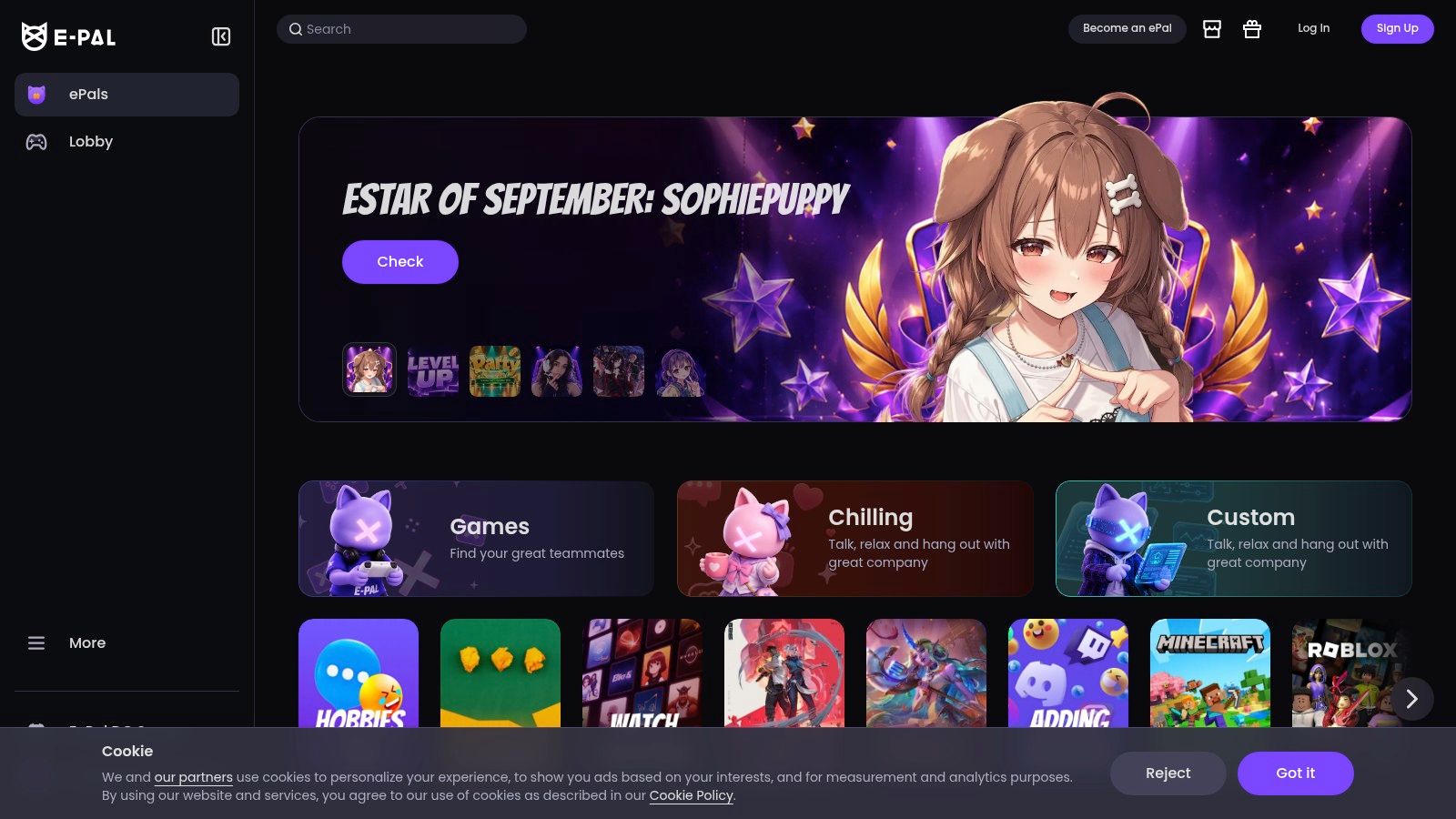
E-Pal combines free LFG and voice-room options with a marketplace for paid gaming sessions. You can look for players through Team Up rooms or book an ePal for co-play, coaching, or casual conversation. Community ratings and player tiers provide some context when deciding who to contact.
The paid model makes E-Pal different from a standard gaming buddy app. If you need a teammate at a particular time or want someone with a specific role or skill level, booking can offer more control than waiting for a free listing to appear. It can also suit players looking for coaching or a companion rather than a permanent squadmate.
Flexible sessions, with a cost trade-off
Free LFG options let you form squads without booking a paid session. Paid bookings can add up, and prices vary by ePal and service, so check the listing before confirming. The marketplace approach won't suit everyone, especially players who want their teammates to be part of a free, ongoing community.
E-Pal is best when time-specific availability or a particular session type matters enough to justify paying. For routine team formation, start with the free LFG options and compare them with an app that provides more structured discovery or verification.
Top 7 Gaming Buddy Apps Compared
| Service | 🔄 Matching & Setup | ⚡ Resources & Cost | 📊 Expected Outcome | 💡 Ideal Use Case | ⭐ Key Advantage |
|---|---|---|---|---|---|
| GamerPlug | Detailed filters; clips and supported-game rank sync help assess fit | Free; iOS, Android, and web | Find compatible teammates or organize tournaments | Ranked duos, cross-platform squads, amateur tournaments | Clips, filters, messaging, and tournament tools in one app |
| Plink | Swipe matching with skill and playstyle filters | Cross-platform; premium upsells | Quickly form a squad and coordinate in-app | Fast casual or competitive sessions | Built-in text and voice chat |
| GamerLink | Straightforward game-specific posts and filters | iOS and Android; premium options | Find teammates for popular games | Casual LFG, especially on mobile | Simple workflow and established presence in core games |
| eBlitz | Swipe matching followed by text or Discord chat | Supports major platforms; matching activity varies | Form a party quickly and use ratings as a trust signal | Players prioritizing fast matching and teammate ratings | Community player ratings |
| GameTree | Profile-based matching by games, playstyle, and personality; profile setup takes time | iOS and Android; Steam linking and Discord bot | Build ongoing social connections and find repeat teammates | Recurring duos or squads with shared interests | Matches beyond one-off LFG posts |
| Z League | Filters by game, region, and skill | Some events or add-ons use in-app purchases | Move from finding teammates to competing in events | Players seeking LFG and skill-based tournaments | LFG and tournaments in one app |
| E-Pal | Browse LFG or book players for specific roles and times | Free LFG options; paid sessions vary in price | Find a teammate, coach, or companion on demand | Scheduled co-play, coaching, or casual conversation | Flexible session formats and paid bookings |
Choose the App That Matches Your Squad Style
Pick your app based on what you need to know before you queue. If you want clip-based proof, supported-game rank syncing, detailed LFG filters, and built-in tournaments, start with GamerPlug. It's the clearest choice for players who want to assess gameplay and organize a squad in the same place, while remembering that rank syncing applies only to supported titles and activity varies across games and regions.
For quick swipe-based matching, try Plink or eBlitz. Plink adds built-in voice chat and wide platform coverage, while eBlitz adds community ratings. GamerLink is the straightforward option for players who prefer a simple mobile-first LFG workflow. Choose GameTree when your goal is to find recurring teammates with similar playstyles, not just fill one open slot.
If competition is what brings your squad together, Z League ties teammate discovery to tournaments. E-Pal makes sense when a paid, role-specific teammate or coach is worth the added cost. These tools serve different needs, so don't judge them only by how quickly they show profiles. Ask what evidence they give you about skill, communication, and reliability.
Before sending the first invite, confirm that the app supports your game and platform, then check current community activity for your region and preferred play time. Review its safety controls, too. Players use games to build social connections, but a good squad depends on trust and compatible expectations as much as it does on rank. Pew Research Center's survey of teen video-game habits found that 89% of U.S. teens who play video games play with other people, and 72% play partly to spend time with others. That's a useful reminder: you're not only looking for an open party slot. You're choosing people to spend time and play with.
Decide whether you want a one-session fill, a long-term duo, a competitive roster, or a scheduled paid session. Then choose the app whose profiles, filters, and community tools help you check that fit before you commit.
Find a squad that fits your game, rank, play style, platform, and schedule with GamerPlug's clip-based profiles and structured LFG discovery. Browse compatible players, post your squad listing, and explore built-in tournaments by visiting Gamerplug.