You've got a game open, a queue ready, and a party that's still one teammate short. The first player you find doesn't use a mic; the next is on a different platform, and nobody knows whether they're sticking around after the match. The best gaming apps for Android help you sort those details before they waste your session.
This roundup focuses on what happens after installation: finding a squad, checking whether players fit your game and schedule, communicating once you connect, and getting into organized competition. Discord is built for group communication, while dedicated LFG apps help you find teammates. Tournament platforms and competitive companions serve players who want structured matches or game-specific updates.
GamerPlug takes a trust-focused approach to teammate discovery, with profiles that can include gameplay clips, verified ranks, and availability. Use it when you want more context than a username before inviting someone to queue.
Table of Contents
- 1. Discord
- 2. GamerLink – LFG
- 3. Plink – Teamfinder
- 4. Z League
- 5. Challengermode
- 6. FACEIT: CS2 Command Centre
- 7. game.tv
- Top 7 Android Gaming Apps Comparison Matrix
- Pick the App That Solves Your Squad Problem
1. Discord
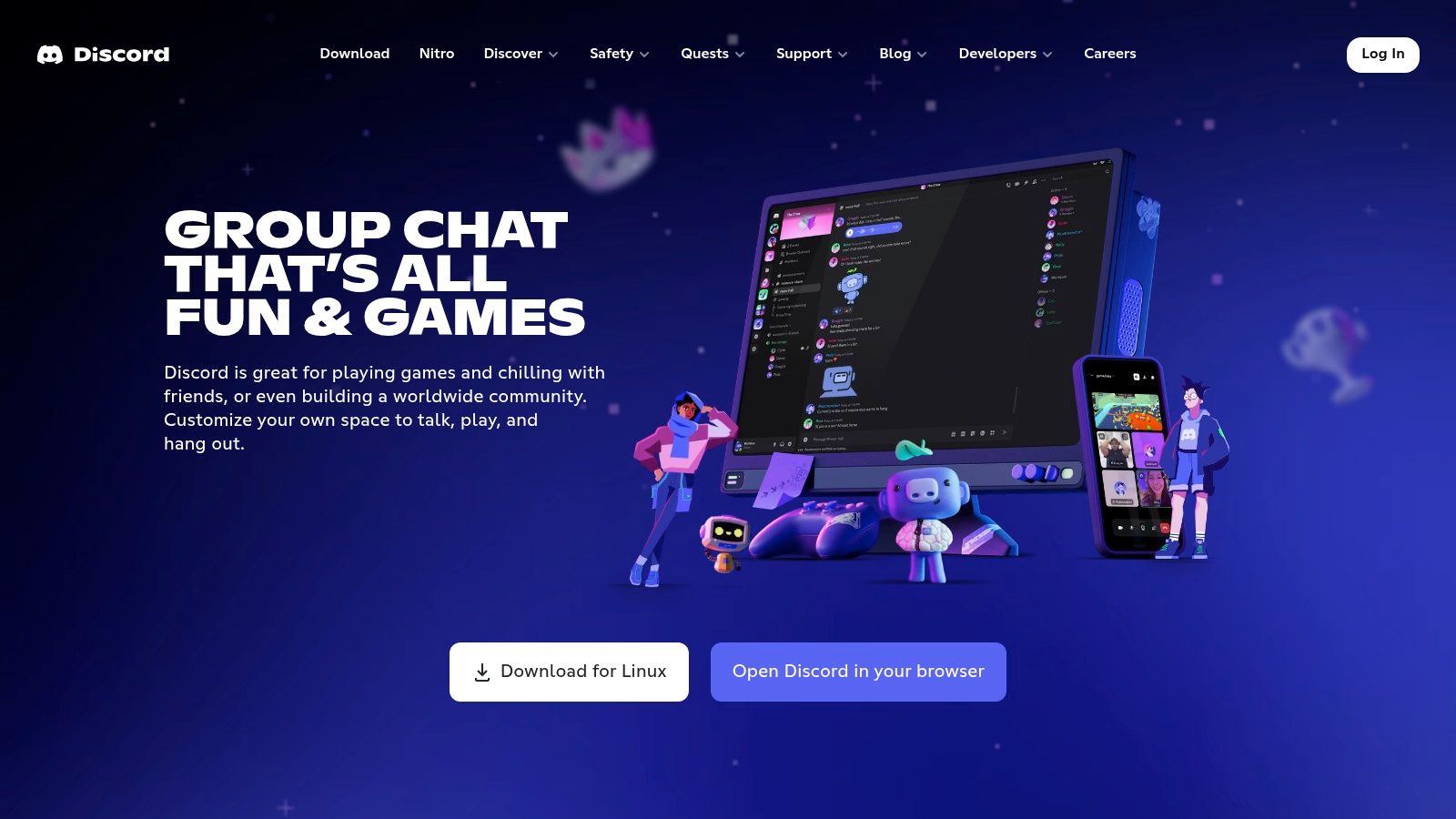
Discord is the strongest pick when your group already has a server or you need a reliable place to coordinate one. On Android, you can join game-specific communities, organize voice and text channels, share clips, and keep plans in one place instead of splitting them across game chat and direct messages. It's free to use, with optional Nitro perks.
The key advantage is flexibility. A server can separate ranked coordination from casual chat, give moderators control over who can post, and keep tournament announcements away from everyday conversation. Event tools and stage channels also make Discord useful for community nights and team briefings.
Best for communication after the party forms
Discord works best as the squad's communication hub, not as a guaranteed teammate finder. Server discovery can help you locate game communities, but the quality of LFG posts depends on how each server is organized and moderated. A busy server can bury a good post under general chat, so check for dedicated channels, clear rules, and active moderators before joining.
Setup move: Mute channels you don't need, then keep LFG, voice, and event announcements easy to find. That turns a crowded server into a useful team space.
The Android app supports voice, video, and mobile screen sharing, which is handy when a teammate needs to explain a loadout or show a setup. Discord also has ongoing performance work, but the experience still depends on the server's moderation and channel layout. For a solo player, start with a focused community for your game rather than joining every large server you find.
Visit Discord to set up a server or find gaming communities.
2. GamerLink – LFG
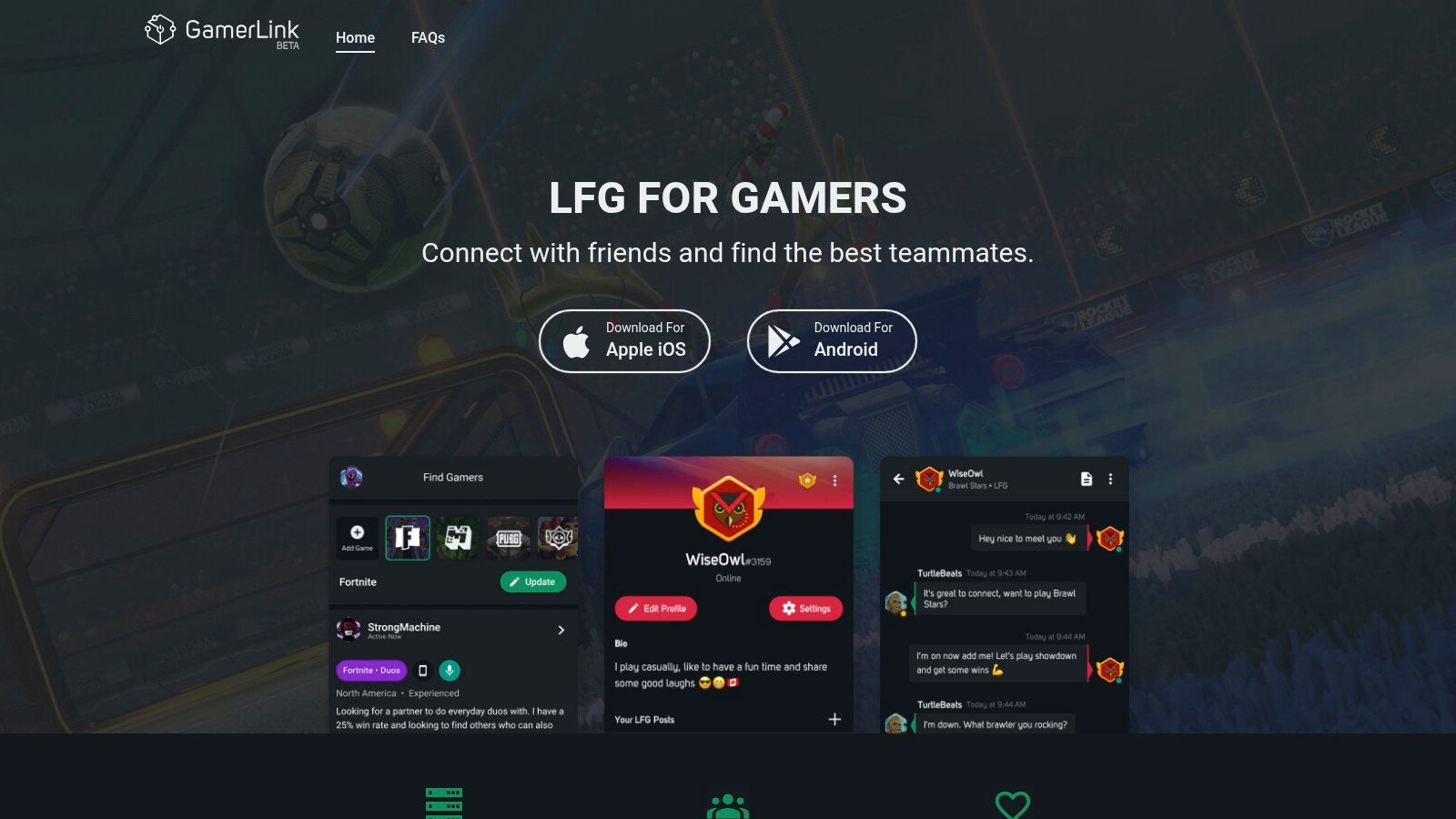
If your immediate problem is finding a teammate, GamerLink is more purpose-built than a general chat server. Its LFG posts let you specify the game, platform, microphone use, and playstyle, so you can look for a ranked duo or a casual squad without sorting through unrelated conversation. The app covers more than 400 titles and is free with ads and in-app purchases.
Profiles, clans, and chat give you a place to compare potential teammates and continue the conversation before you queue. GamerLink also has an established Android audience, with more than 1 million installs listed in the plan materials. That gives players a broad pool to search, though activity can still vary by game and time zone.
Make your LFG post do the filtering
A post that says “need teammates” leaves too much guesswork. Name the mode, platform, rank range, whether voice chat is required, and whether you're playing for a single session or looking for a regular group. Specific expectations help compatible players respond and save both sides an awkward first match.
For a broader look at what makes a useful LFG gaming app, compare how each service handles filters, player profiles, and follow-up chat. GamerLink's dedicated LFG format cuts general-chat noise, but it can't guarantee that every game community has active posts at the moment you're searching. Ads and optional purchases are also part of the free-app trade-off.
Choose GamerLink when you want a straightforward stream of teammate listings across different games. Before accepting an invite, confirm the other player's schedule and communication preferences in chat. Then use the app's filters to narrow the search instead of replying to every open post.
Find LFG tools and community features on GamerLink.
3. Plink – Teamfinder
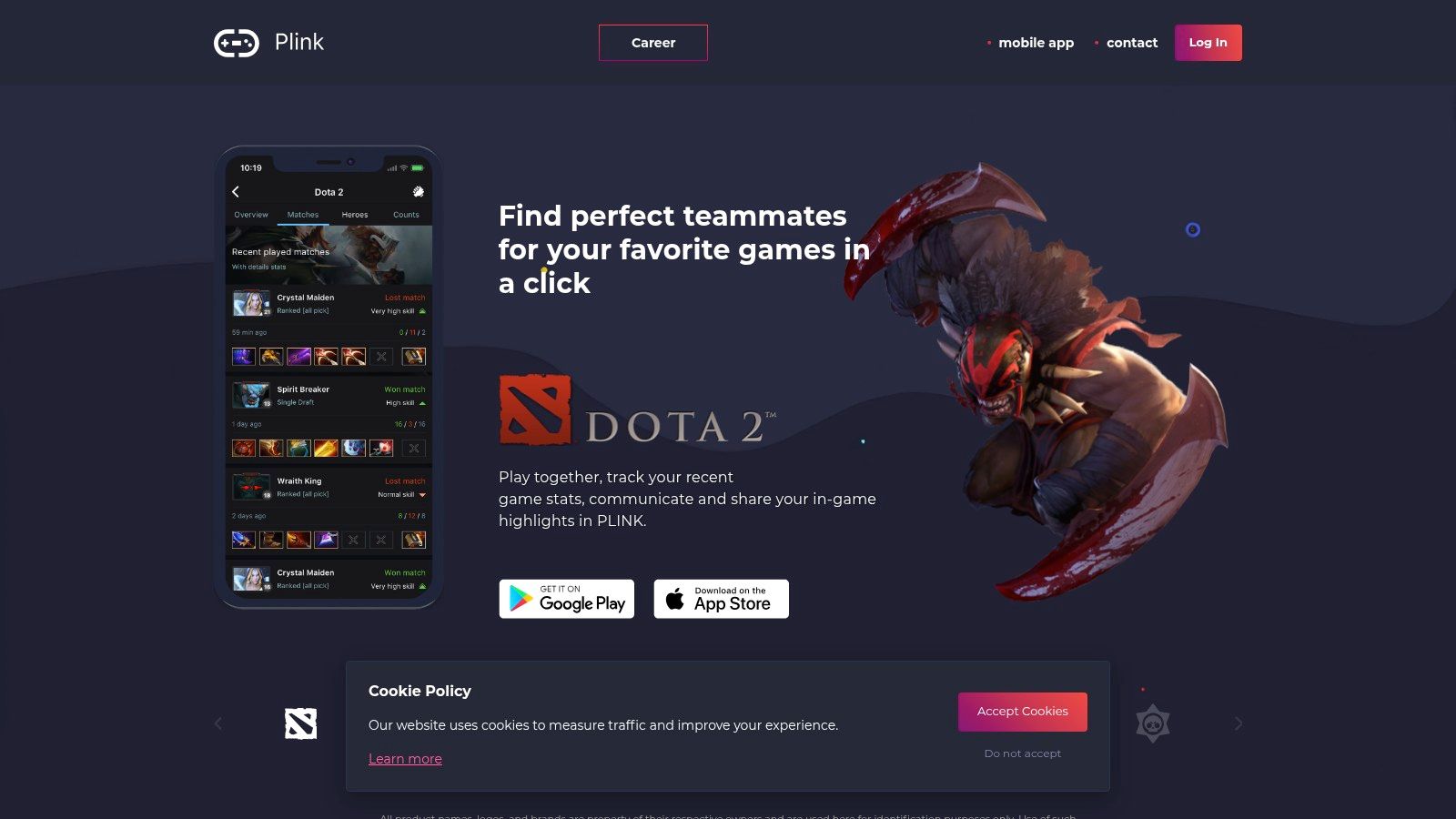
Plink puts team-finding and social discovery into a mobile-first experience. Use it to find a duo, build a team around shared games, or browse profiles that show interests and game stats. Voice chat and media sharing help move a promising match from a profile to an actual conversation.
That mobile focus makes Plink a practical option when you're searching between matches rather than managing a large community server. Its social feed gives you another way to connect, but the quality of that feed depends on which games are active among the players you're looking for. Some features require sign-in, and optional paid features may apply.
Use profiles to find a better fit
A profile can tell you more than a bare LFG post, but you still need to be clear about what you want. Add the games you play, the roles or styles you prefer, and whether you're looking for casual sessions or serious ranked games. If you're still comparing options, this guide to choosing a gaming buddy app can help you focus on how an app handles discovery and compatibility.
The main trade-off is community fit. A clean matching flow won't help much if the players for your game aren't active when you are. Try searching for a specific title and playstyle, then check whether the available profiles match your schedule before committing to a long session.
Plink is free to download on Android and iOS. Treat any profile stats as a starting point for conversation, not a substitute for confirming rank goals, mic preferences, and how long the player plans to stay online. That small check can prevent a promising match from turning into a one-game party.
Explore team-finding and social features at Plink.
4. Z League
Z League suits players who want matchmaking and competition in the same app. It combines LFG tools, social features, player stats, and tournaments for minigames and mainstream titles. Its matching is designed to place players with others at a similar skill level, which makes it a reasonable place to look when an open invite keeps producing lopsided games.
You can filter LFG searches by game, region, and skill, then use the player feed and stats to get more context. The platform also includes anti-cheat checks. Those features can help you find a more appropriate match, but they don't replace a quick conversation about team roles and expectations.
Pick the mode before you join
Start by deciding whether you want a casual match, a short competition, or a more structured event. Z League supports all three kinds of activity, but the app can feel separate from the game itself. You may still need to coordinate party invites and voice chat through the game or another communication app.
Before joining: Check the event rules and whether an entry cost applies. Some events or boosts may involve in-app purchases, so read the details before you commit.
The app is free with in-app purchases. Some events may include entry costs or cash prizes, so treat each tournament's terms as specific to that event rather than assuming every competition works the same way. That's especially important if you're joining with friends who expect a free casual session.
Z League is a good fit for players who want to move between finding teammates and entering app-based competitions. It's less compelling if you only need a simple voice channel or if you prefer to organize everything inside your game.
Check current features and events on Z League.
5. Challengermode
Challengermode is built around organized competition, with mobile tools for registering, checking in, managing matches, and reporting results. It spans more than 80 titles, and its Android app serves both players and organizers. Accounts are free, while individual events may be free or priced by the organizer.
That makes it a better choice for players who want a defined bracket than for someone who just needs a last-minute teammate. Automated brackets and matchmaking are available for supported games, and notifications help you keep track of match activity. Organizers also get tools, APIs, and publisher integrations for running community events.
Treat check-in as part of the match
Tournament apps reward players who keep an eye on notifications. Register early, read the event rules, and check the app when it's time to confirm your place or report a result. If you're new to bracket play, a guide to an esports tournament app can help you understand which features matter for joining and running events.
The first event may take a little time to learn, especially if you haven't used match reporting or bracket tools before. Available games and formats can also vary by region, so check that the event supports your title and location before you invite a team. Don't assume every tournament uses the same rules or schedule.
Challengermode is most useful when you want the event structure handled in one place. It's a strong mobile companion for community competitions, but it won't replace a separate LFG search if your roster isn't complete yet.
See supported events and organizer features at Challengermode.
6. FACEIT: CS2 Command Centre
FACEIT's Android app is a companion for players in its competitive ecosystem, especially Counter-Strike 2. It lets you check match history and player stats, follow teams and hubs, manage team information, and receive competitive updates while you're away from your computer. A free account is available, with optional FACEIT Premium.
For a CS2 player, that makes the app useful between matches or while coordinating a team. Queue and status tracking with alerts can help you keep up with activity without staying at your desktop. It's a focused tool, though, not a general-purpose LFG app for every game on Android.
Keep your competitive info close
Use the mobile app to review match and team details when you're away from your PC, then do deeper setup on desktop if the feature you need isn't available on mobile. Some advanced functions remain desktop-focused, so don't expect the Android app to replace the full platform experience.
The clear trade-off is game coverage. FACEIT has limited use if your main games aren't supported in its competitive ecosystem, while players focused on CS2 can benefit from keeping team and match information close at hand. It's best paired with a communication app or a separate teammate-finding tool if you're building a roster.
If your goal is to follow competitive activity rather than browse a wide pool of casual teammates, FACEIT makes sense. Check the platform's current features before relying on it for a specific team-management task.
Visit FACEIT for its competitive platform and app details.
7. game.tv
game.tv is a mobile esports hub for finding community-run tournaments across popular mobile and free-to-play games. Its listings include titles such as Free Fire, PUBG Mobile, Brawl Stars, and Wild Rift. Players can browse events, while creators and guilds can use the platform's community tools.
Automated brackets, results, and leaderboards make it easier to follow an event without chasing updates across separate chats. The volume of available events can make tournament discovery convenient, but each competition is run by an organizer, so rules, formats, and rewards can differ by event and region.
Check the organizer's terms first
Before registering, read the format, eligibility rules, check-in process, and any reward details. Don't assume that two tournaments for the same game follow the same structure. If you're joining with a squad, confirm that everyone understands the timing and rules before you enter.
The app is free, but tournament formats, rewards, and monetization options vary by organizer and region. Fan passes and creator features may be relevant if you're building a community around events, while casual players can focus on finding a tournament that fits their game and availability.
game.tv is a practical pick when you want to discover grassroots competitions from your phone. It's less suited to players who only need a stable group voice channel or a teammate match for an immediate queue. For those situations, pair it with a dedicated LFG or communication app.
Browse event and community features at game.tv.
Top 7 Android Gaming Apps Comparison Matrix
| App | Ideal Use Case | 🔄 Complexity | ⚡ Resources / Cost | 📊 Expected Outcome | ⭐ Key Advantage |
|---|---|---|---|---|---|
| Discord | Gaming communities, squad coordination, and voice chat | Low to join; busy servers may need moderation | Free; optional Nitro | Ongoing communication and community discovery | Widely used, with voice, video, and topic-based channels |
| GamerLink – LFG | Finding teammates across many games and platforms | Low; filter posts and connect with players | Free with ads; in-app purchases | Potential teammates matched by game, platform, and playstyle | Purpose-built LFG tools and coverage of 400+ titles |
| Plink – Teamfinder | Quickly forming mobile teams or duos | Low; profiles and matching streamline setup | Free to download; sign-in or paid features may apply | Team connections based on interests, games, and stats | Mobile-focused matching with voice chat and social features |
| Z League | Skill-based competitions and finding players | Moderate; uses skill, region, and game filters | Free with in-app purchases; some events may have entry costs | Tournament participation and skill-oriented matchmaking | Combines tournaments, LFG, and player stats |
| Challengermode | Joining or organizing esports tournaments | Moderate; first-time competitors may need to learn the tools | Free account; event costs depend on organizers | Tournament participation, match management, and community events | Brackets, matchmaking, and organizer tools across many titles |
| FACEIT: CS2 Command Centre | Tracking CS2 matches, teams, and competitive updates | Low for tracking; some advanced features require desktop | Free account; optional Premium | On-the-go access to match history, stats, and alerts | Connects to a large CS2 competitive ecosystem |
| game.tv | Discovering or running community mobile-game tournaments | Low for joining; event rules vary by organizer | Free; formats, rewards, and monetization vary | Access to community tournaments, brackets, and leaderboards | Frequent event discovery plus creator and guild tools |
Pick the App That Solves Your Squad Problem
Choose Discord when your main need is reliable communication with a group you already know. Pick an LFG network when you want to search for players by game, platform, mic use, playstyle, or skill. Go with a tournament platform when you want brackets, match check-ins, and organized competition rather than an open-ended queue.
For a more evidence-based teammate search, use GamerPlug on Android to filter by game, platform, rank, playstyle, microphone preference, and availability. Review gameplay clips and synced stats before inviting someone to your party, then use chat to confirm the basics: what mode you're playing, how long you'll be on, and whether everyone is using voice. That extra context helps you avoid queuing with someone whose goals don't match yours.
Keep your setup simple. Install one primary squad-finding app, connect it to the communication channel your group prefers, and complete your profile fully. If you're searching for Apex Legends teammates, Valorant players, a Fortnite squad, or a League of Legends duo, state the game and the kind of session you want instead of posting a vague request.
A good app won't guarantee a perfect teammate, but it can make the important details easier to check before the first match. Choose based on the problem you need to solve today, whether that's finding players, communicating, checking competitive information, or entering an event. Then give the app enough useful profile information to help the right people find you.
GamerPlug helps you find gaming teammates through gameplay clips, rank signals, player discovery, squad listings, and chat on Android. If you want to check compatibility before your next queue, visit Gamerplug and build a profile that shows how you play.