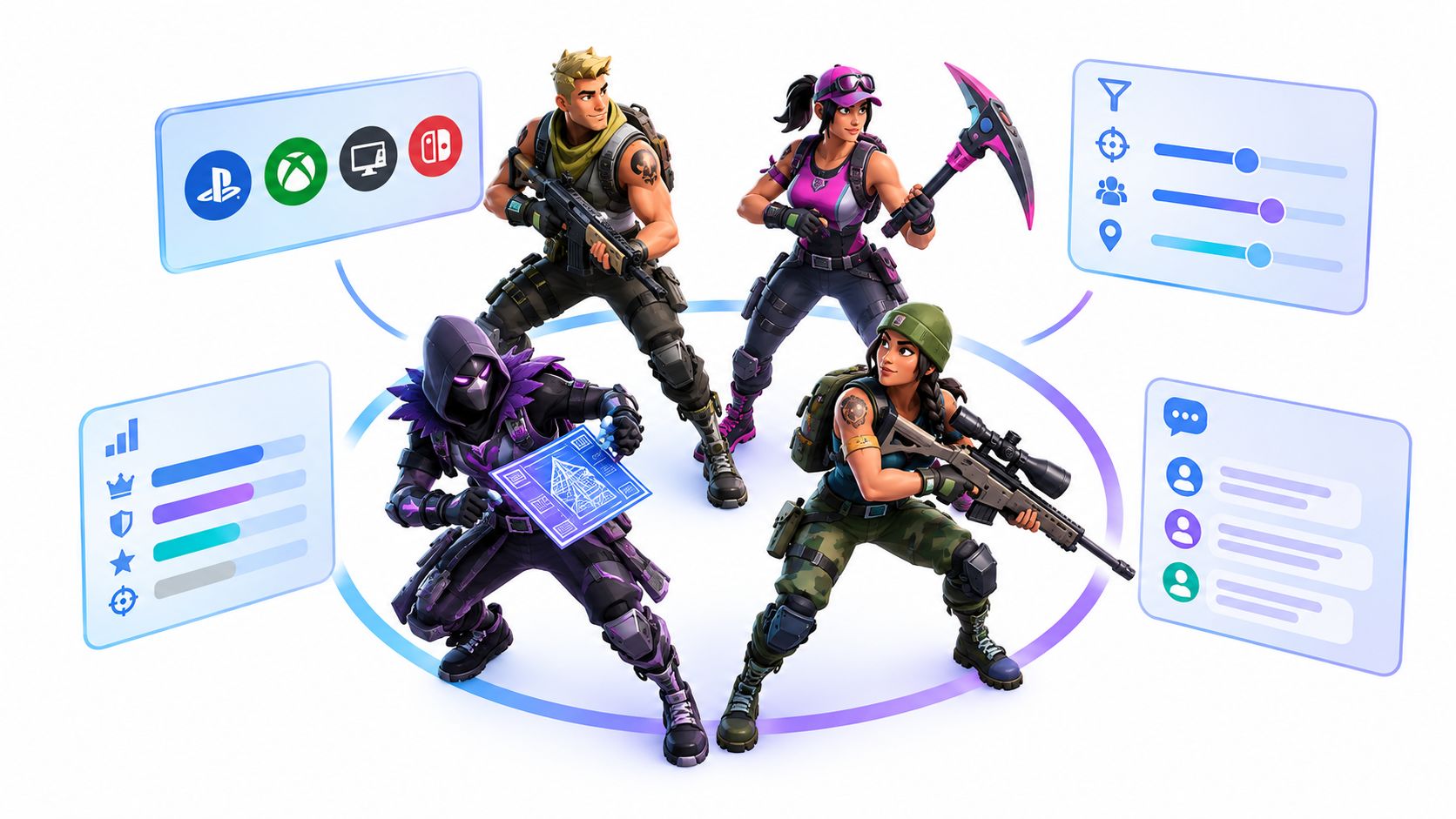
You just loaded into a Fortnite lobby with three randoms. One has no mic. One pings like crazy and never talks. The last one drops hot, dies early, and leaves you staring at the bus route with a silent fourth slot. That's the exact pain a Fortnite squad finder is supposed to fix, but some tools do it better than others.
This list cuts the noise into three real buckets, fast-fill community channels, stats-first boards, and dedicated matching apps. For each one, I'm looking at who it suits, how well it filters by platform and playstyle, and where it falls short when you try to queue. I'll also give you a copy-ready LFG post and a simple vetting routine using clips, stats, and recent activity before anyone joins your party.
Table of Contents
- 1. GamerPlug
- 2. Fortnite Official Discord LFG Channels
- 3. Tracker Network FortniteTracker LFG
- 4. TEAMS.gg
- 5. Teamplay.gg
- 6. GamerLink
- 7. Plink
- 8. Z League
- 9. Xbox Looking for Group
- 10. The100.io
- Top 10 Fortnite Squad Finders, Feature Comparison
- Pick Your Squad Finder and Vet Before You Queue
1. GamerPlug
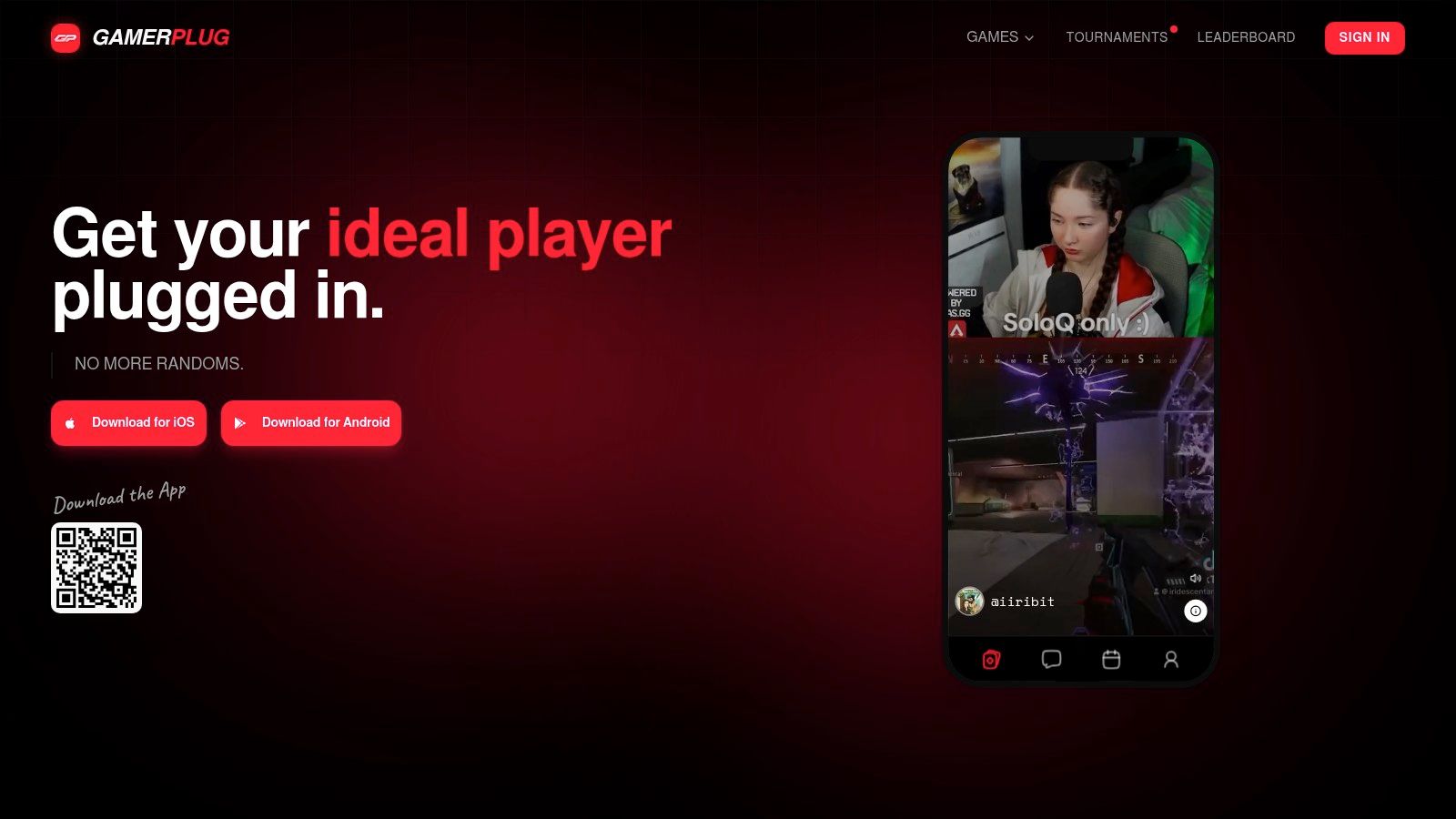
GamerPlug is the most useful pick if you want a Fortnite squad finder that checks teammates before you invite them. The big win is the profile format, because you're not just staring at a username and hoping for the best. You get real gameplay clips, verified ranks where available, and cross-platform discovery that makes it easier to sort players by actual fit instead of empty promises.
It also works like a proper teammate screen, not a shoutbox. You can use a swipe-style Discover feed or post a Squads (LFG) listing with mode, rank range, platform, mic needs, and open slots, which is exactly the kind of structure Fortnite needs when you're trying to fill a four-slot party fast. The support page for the platform explains how the game's squad structure creates a recurring need to fill missing slots, especially when friends aren't online or aren't on the same schedule, which is why a structured listing matters so much in practice Fortnite squad structure and team mode notes.
Why it stands out for Fortnite
The trust layer is the part I'd care about if I were vetting strangers for ranked or semi-competitive play. Optional World ID badges, clip-based profiles that are harder to fake, and in-app reporting all help reduce the usual “trust me bro” nonsense. If you're comparing teammates, that's a lot stronger than a chat room where anybody can claim Unreal and vanish after one loss.
Practical rule: if someone won't show clips, won't list their role, and won't say whether they want casual or ranked play, don't waste the slot.
Pros
- Verified, clip-based profiles make it easier to judge real play, not just claims.
- Fast LFG posting with mode, rank range, platform, mic requirement, and open slots.
- Built-in tournament tools for communities that want more than a one-off queue.
- Cross-platform support for PC, PlayStation, Xbox, Switch, and mobile.
Cons
- Newer platform, so local density can vary by region or niche.
- Clip limits mean you get a snapshot, not a full history.
- No persistent in-app voice channels, so you still need to decide comms expectations up front.
GamerPlug is the best fit if you care about pre-invite vetting and want one place to screen players, post squads, and keep the party organized. If you want the deeper product view, the competitive gaming platform overview shows how the app is built for teammate discovery, not just casual chat.
2. Fortnite Official Discord LFG Channels
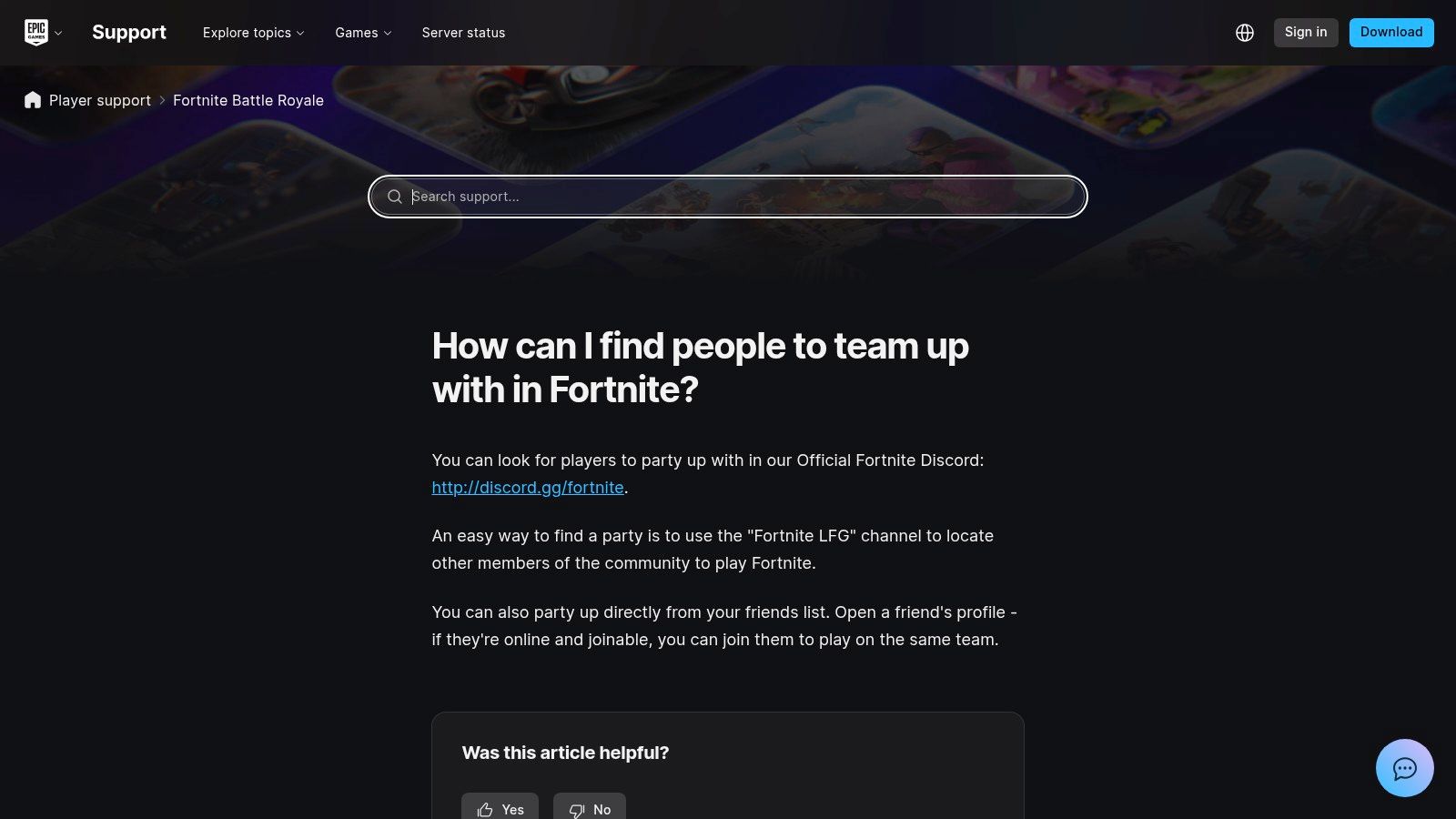
The official Fortnite Discord is the fastest way to fill a lobby when you need players now. Epic's help page points players toward team-up options in its official community spaces, and that matters because busy channels keep moving when you are trying to grab a last-minute fill Epic's Fortnite team-up guidance. Posts usually cover Battle Royale, Zero Build, Ranked, or event play, with basic notes on platform, region, and goal.
Use it for speed, not screening. The trade-off is plain. Good posts vanish fast, quality swings from solid to sloppy, and there is little built-in verification beyond what the poster writes. If you want a squad for tonight, it works. If you want to check someone before the invite, you still have to do that yourself.
Best use case and biggest weakness
Write a short post with your mode, platform, and mic preference, then watch the replies closely. That is where the value lies. You get reach across active players, but you give up control over who answers and how candidly they present themselves.
A vague post gets buried. A vague reply should be treated the same way.
People move fast in high-volume LFG channels. If your post is vague, it gets buried. If their reply is vague, they are probably not worth the invite.
Good for
- Fast fills at most hours.
- Official community visibility.
- Finding players across modes and time zones.
Bad for
- Deep skill verification.
- Quiet screening before the invite.
- Long-term roster building without extra follow-up.
For raw reach, it remains one of the stronger Fortnite squad finder options. For careful teammate selection, it is only the first step.
3. Tracker Network FortniteTracker LFG
A good fortnite squad finder should let you check the player before you commit. FortniteTracker does that better than a plain chat board because the LFG posts sit next to public stats and leaderboards tied to Epic accounts. If someone says they grind Ranked, you can look for proof instead of taking the post at face value.
Use the profile, not just the pitch. Check their Ranked win rate and average placement over the last 20 matches before you invite, then skip profiles with no recent activity. That simple filter catches a lot of weak fits fast. A clean post with no current stats is still a gamble.
The downside is the interface. FortniteTracker feels older than modern app-style matchers, so you get a board, not a guided screening flow. That is fine if you are comfortable making your own call. It is less friendly if you want the site to do the sorting for you.
Why stats context matters
The value here is decision speed. A stats-first board helps you compare players before you waste time on a bad trial queue. If a post names the mode, platform, and goal clearly, it is easier to trust. If it is vague, spammy, or missing recent activity, move on.
Strong points
- Public player stats give more context than a plain chat post.
- Visible leaderboards make serious players easier to spot.
- High community visibility helps posts get seen.
Weak points
- Basic LFG UI compared with newer apps.
- Some low-effort posts on public boards.
- Less structured vetting than a profile-first app.
FortniteTracker works best when you want traffic and enough data to screen people quickly. It still expects you to do the final vetting yourself.
4. TEAMS.gg
TEAMS.gg works well when you care about fit before volume. It uses matching filters for platform, region, and competitive goals, so you can sort by who wants the same kind of session. That matters if you are choosing between casual runs, ranked climb, or event-focused squads.
The useful part is how it narrows the invite pool before you commit. You are not just finding a Fortnite player, you are checking whether their pace, mode preference, and queue intent line up with yours. In squads, that saves a lot of avoidable friction. A strong aimer who wants relaxed games can still be a bad pickup for a serious ranked session.
It also feels easier to use than older public boards, especially for console players who want a cleaner start. The trade-off is size. Curated matching usually means fewer people to choose from, so when activity is low you may not get the depth that bigger Discord LFG spaces provide.
Compatibility usually beats raw volume in ranked. A smaller pool with the right filters wastes less time than a huge room full of weak fits.
Good for
- Role and ambition matching.
- Region and platform filters.
- Cleaner browsing than open chat feeds.
Not as good for
- Burst traffic.
- Fast fills at odd hours.
- Random fills with no structure.
TEAMS.gg suits players who want a more deliberate looking for group flow and are willing to trade some volume for better fit.
5. Teamplay.gg
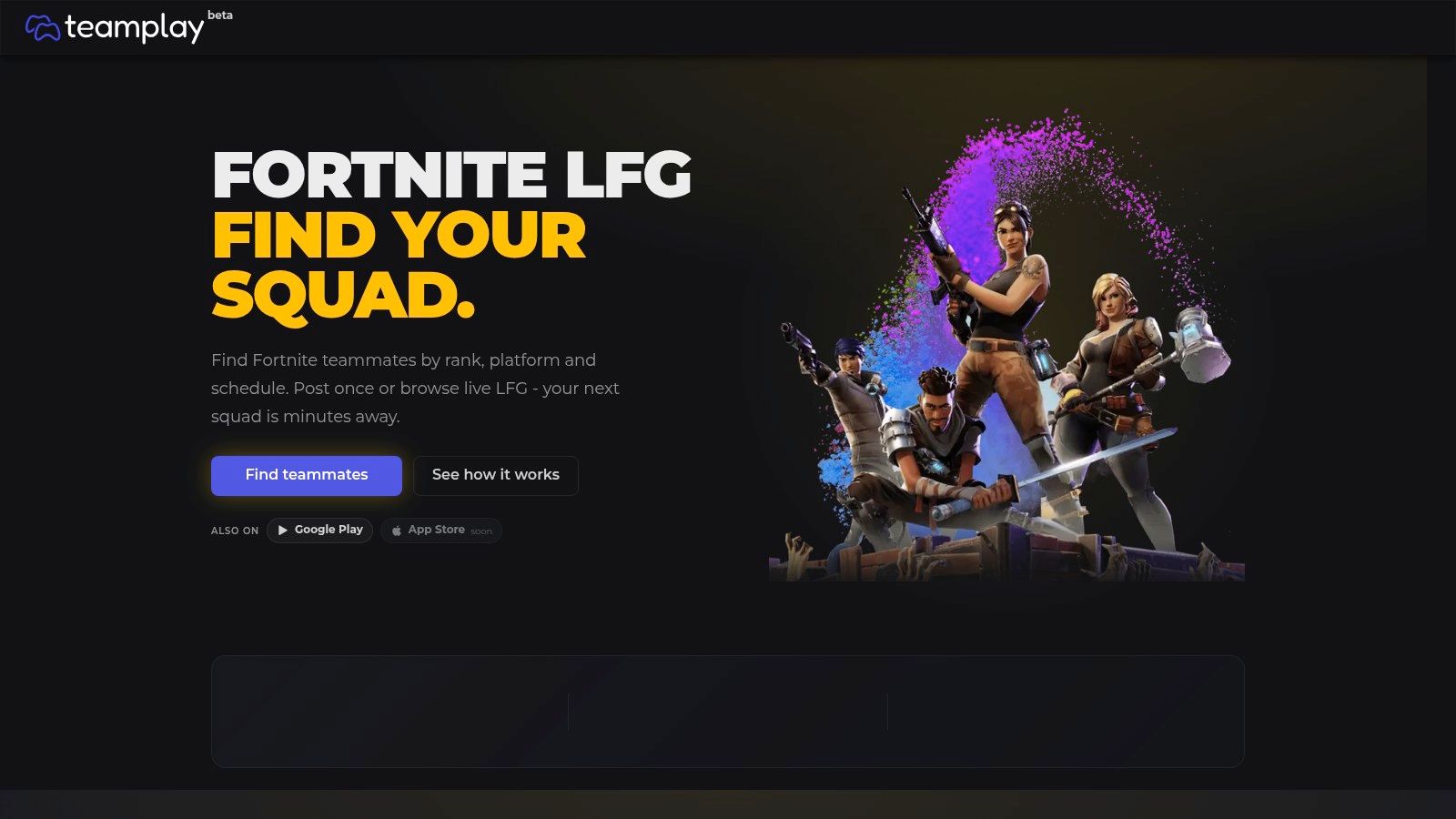
A bad squad invite usually starts with guesswork. Teamplay.gg cuts some of that by letting you set the session first, then filter for mode, region, and rank before anyone joins. That makes it easier to check fit before you commit, which matters if you want a teammate who matches your pace instead of just filling a slot.
The other useful part is the communication setup. Optional private group voice, 1:1 calls with screen share, and Discord bridge support keep the coordination in one place longer, instead of pushing everything into a messy public thread. For console players, the link-based flow is also less awkward than bouncing through multiple apps.
The trade-off is reach. Teamplay.gg works better for planned sessions than for last-second fills, and it still depends on enough Fortnite players being active in your region at the same time. If you queue at odd hours or play in a smaller region, the pool can thin out fast.
A practical use case looks like this, post your session, wait for a matching spot, and check whether the invitee's setup and schedule line up before you start. That is a cleaner fit than chasing random bodies, but it is slower than a huge public board.
Useful for
- Structured sessions with clear filters.
- Players who want optional private voice.
- Console-friendly joining via links.
Less useful for
- Very low-volume regions.
- Pure speed fills at peak chaos hours.
- People who only want a giant public board.
6. GamerLink
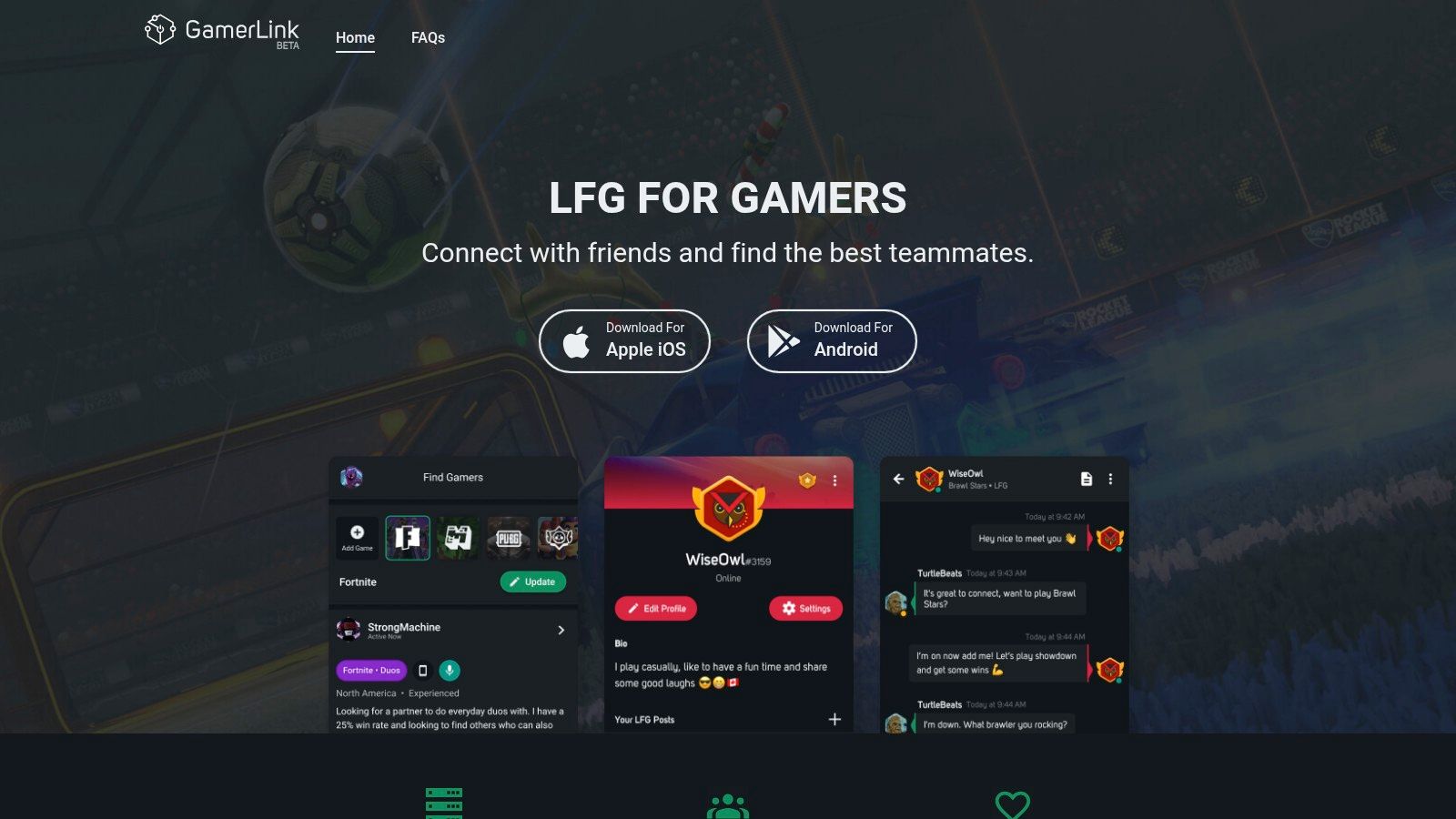
GamerLink works best as a broad backup. It is a cross-game LFG app with Fortnite support, so the posting flow feels familiar if you just want to get into a squad without extra friction. You can post fast, answer messages, and move on.
That speed has a cost. GamerLink gives you reach, but it does not give you much to verify a teammate before you invite them. If you care about clips, recent activity, or detailed rank checks, you will still need to do that work yourself. If you only want a wider pool of players and a simple mobile flow, it does the job.
Where it fits in a real queue
Use GamerLink when your usual group is offline and you need decent fill-in players. It is useful for off-peak sessions and for players who split time across several games, because you do not have to live inside one Discord to find people. For Fortnite, that makes it a practical fallback, not a precision tool.
The vetting routine should stay outside the app. Open with a short chat check, ask for recent clips or a live match link, and confirm they still play the mode you need. That catches more bad fits than trusting a polished profile.
Pros
- Mature app with wide reach.
- Easy mobile posting.
- Quick replies when the room is active.
Cons
- Limited stat verification.
- Quality varies by room.
- No deep role screening.
If you want one more reference for how LFG posts shape who responds, the what is LFG guide is useful.
7. Plink
Plink works better for casual squad building than for hard screening. The swipe-style discovery, chat, voice, and highlight sharing make it easy to meet players fast and start a lobby without much setup. If you want a lighter social flow than a stat-first finder, it does that job.
The limit shows up fast. Plink does not give you the kind of rank range or mic requirement filters you get with stricter tools, so you have to do more checking in chat before you queue. Ask for recent clips, current stats, or a live match link before you invite anyone. That extra step matters if you care about ranked, scrims, or a specific role fit.
A practical use case is simple. Open with a short message, confirm the mode, ask how they play, then check recent activity before you commit. That routine filters out a lot of bad matches without slowing the search too much.
Who should use it
Plink suits players who want quick discovery and do not need a rigid roster builder. It also works for people who move between games and want one social layer for all of them.
Good at
- Fast discovery.
- Casual squad building.
- Cross-title social matching.
Weak at
- Esports-style screening.
- Rank-first searches.
- Hard filtering before invites.
Plink is a gaming matchmaking app with convenient chat and sharing tools. Convenience does not prove fit. If comms break down or roles are sloppy, vet harder before you queue.
8. Z League
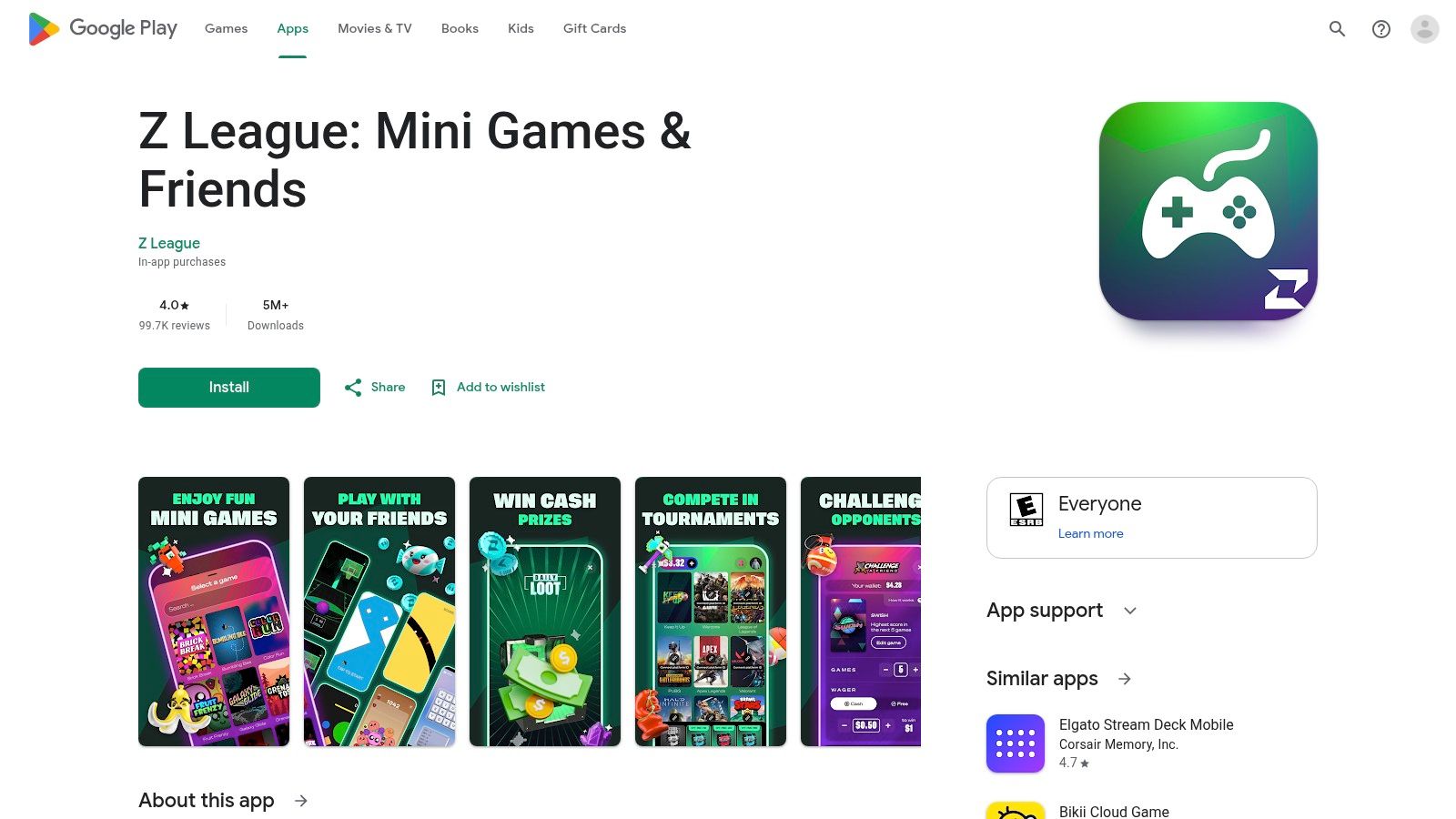
Z League fits the player who wants to vet teammates and still have a place to compete after the lobby is full. The app blends LFG with events and tournaments, so you are not just hunting for a warm body. You are looking for people who might stay together long enough to matter.
The trade-off is simple. It gives you more competitive momentum than a plain chat-based finder, but the mobile experience can be uneven, notifications can be hit or miss, and user feedback is mixed enough that you should test it before making it your main home.
Best for competitive momentum
Z League makes sense if your checklist starts with clips, recent activity, and a reason to keep playing together. I would use it for players who want scrims or bracket play, then confirm fit before the first queue. Open their profile, look for recent activity, ask for a clip, and check whether their role and platform match your lobby.
That vetting step matters more here than the app copy suggests. Z League gives you the event layer, but it does not remove the need to screen for tilt, dead comms, or a style that clashes with yours.
Best for
- Players who want LFG plus tournaments.
- Competitive squads that need ongoing activity.
- Users who want to check recent activity before inviting.
Less good for
- Casual fill-ins who only need one match.
- People who want the cleanest UX every time.
- Players who do not care about events.
For a copy-ready post, keep it blunt: role, mode, platform, mic status, and one line on pace. Then ask for a recent clip or a current stat check before you invite. That routine saves more time than a flashy profile ever will.
9. Xbox Looking for Group
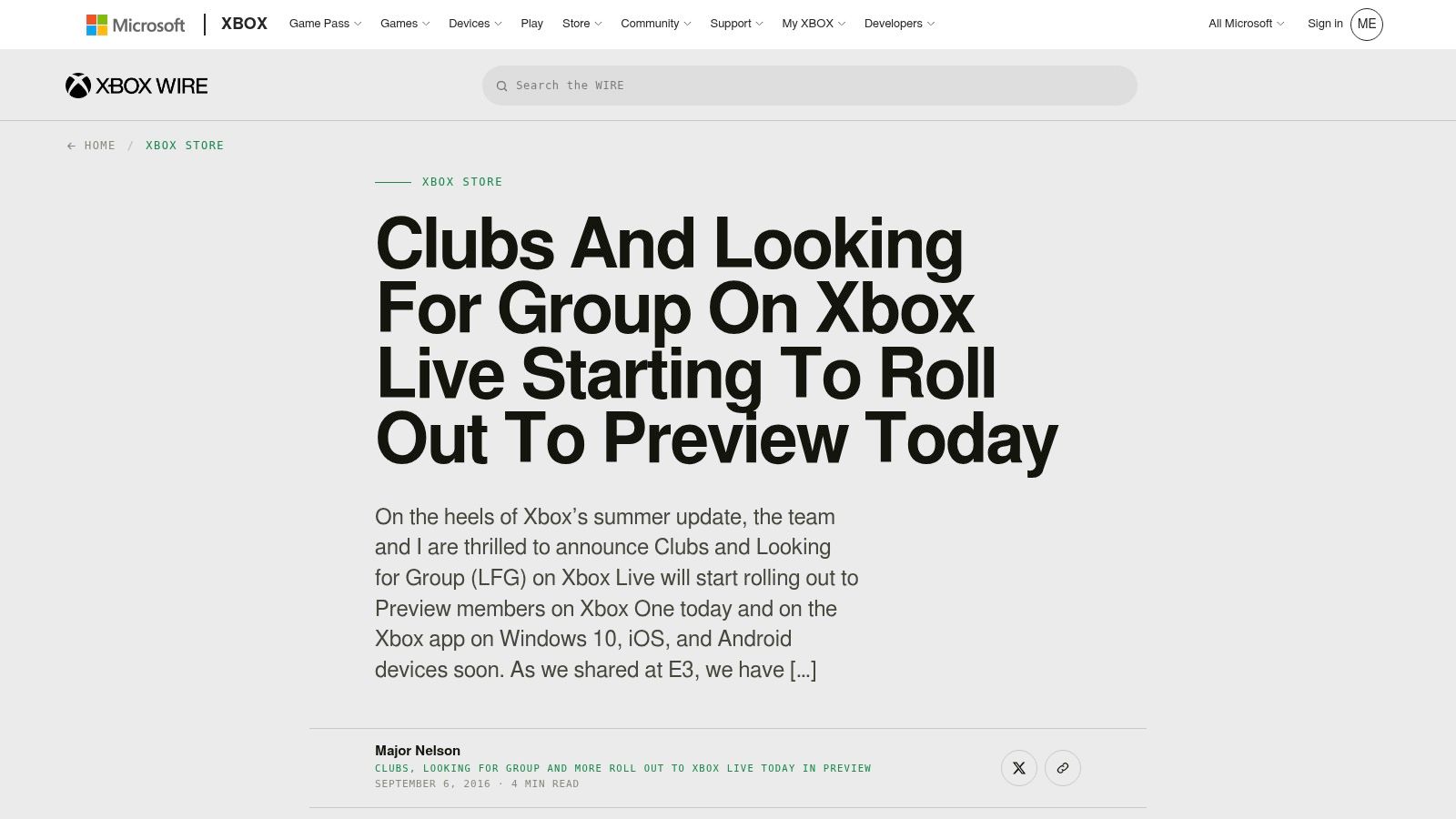
Xbox Looking for Group works well if you queue Fortnite on Xbox or Windows and want to stay inside the platform you already use. You post or browse with mic, mode, and skill tags, then move straight into party invites and voice. That keeps the process quick, especially for console squads that do not want another app in the middle.
The trade-off is vetting. You can scan a post fast, but you do not get much beyond the tag line unless you ask follow-up questions. If you need comms hardware, you can browse Xbox One headset adapters to make sure your mic setup matches your LFG tags before you post.
What it actually gives you
The native structure helps more than a generic chat feed because the post format tells you something about the player before you invite them. That matters if you care about platform match and pace. It matters less if you want to screen with clips, recent stats, or recent activity first.
Best parts
- Zero setup for Xbox users.
- Mic, mode, and skill tags make posts easier to scan.
- Direct invites and voice stay on the same platform.
Limits
- Siloed discoverability across PC and console.
- Spam risk in busy feeds.
- Weak for clip-based vetting.
A copy-ready post works better when it stays plain. Role, mode, platform, mic status, and pace. Then ask for a recent clip or a current stat check before you invite. That small filter cuts down on dead comms and players who do not match your lobby.
For a wider view on squad coordination, the teams chat features guide shows how structured chat can support planning beyond the native console flow.
10. The100.io
The100.io suits players who want structure more than noise. Its Fortnite board gives you a public LFG feed with join and create flows, plus light profiles and messaging for planned play. If you queue with the same people more than once, that setup helps.
The trade-off is reach. The pool is smaller, so quick fills can take longer. For recurring squads, that is acceptable. For last-minute matchmaking, it can feel slow.
Where it fits
Use The100.io for scheduled sessions, small groups, and players who want a cleaner board than a busy social feed. It behaves more like a roster sheet than a chat room. That is useful when you already know the role, mode, and pace you want.
A simple vetting routine matters here. Check the profile, ask for recent activity, and request a clip or stat check before you invite. That tells you more than the post itself and saves time when someone looks active but plays a different pace in practice.
A copy-ready post stays plain: role, mode, platform, mic status, and pace. Then ask for a recent clip or current stat check. That keeps weak fits out of the lobby without turning the invite into a long interview.
Best for
- Scheduled, repeat sessions.
- Clean, no-frills LFG.
- Console and PC posts with little clutter.
Not best for
- Fast fill speed.
- Large Fortnite volume.
- Heavy filtering or polished matchmaking tools.
If you want a board that helps you run the same squad twice, The100.io still holds up.
Top 10 Fortnite Squad Finders, Feature Comparison
| Product | Key features ✨ | Experience & trust ★ | Value 💰 | Audience 👥 |
|---|---|---|---|---|
| GamerPlug 🏆 | ✨ Clip-based profiles, auto rank/stat sync (Apex/Fortnite/LoL), Discover swipe, Squads LFG, tournaments | ★4.8, verified ranks, World ID badges, in-app reporting | Free 💰, cross-platform (iOS/Android/web) | 👥 Competitive & casual 18–34, streamers, tournament hosts |
| Fortnite Official Discord (LFG) | ✨ Moderated LFG channels, real-time posts, regional rooms | ★4.2, massive pool, fast fills; quality varies | Free 💰, official server | 👥 High-volume casuals, event players |
| Tracker Network – FortniteTracker | ✨ Public stats/leaderboards + integrated LFG | ★4.0, strong stats context; basic UI | Free / optional premium 💰 | 👥 Stat-driven recruiters & solo players |
| TEAMS.gg (Fortnite) | ✨ Algorithmic matching, role/ambition & region filters | ★4.1, compatibility-first, smaller pool | Free 💰 | 👥 Competitive players seeking compatible duos/trios |
| Teamplay.gg (Fortnite) | ✨ Session posts, private group voice, Discord bridge | ★4.0, structured sessions, notification flows | Free 💰 | 👥 Planned-session players, console users |
| GamerLink (LFG app) | ✨ Game-specific channels, in-app chat, friend management | ★4.0, mature app, wide reach | Free 💰 | 👥 Mobile-first LFG users, multi-game players |
| Plink (LFG/social) | ✨ Swipe discovery, built-in voice & highlights | ★3.9, quick casual squads, social UX | Free 💰 | 👥 Casual social matchmakers, multi-title players |
| Z League | ✨ Skill-based tournaments + LFG, frequent events | ★3.9, good path to scrims; mixed reviews | Free / event fees 💰 | 👥 Competitive players & aspiring tournament teams |
| Xbox Looking for Group | ✨ Native LFG tags, Xbox Guide/PC Game Bar integration, direct invites | ★4.0, zero setup for console; platform‑tied feeds | Free 💰, platform feature | 👥 Xbox/Windows players wanting native invites/voice |
| The100.io (Fortnite LFG) | ✨ Scheduled session boards, platform & region grouping | ★3.8, clean, lightweight coordination | Free 💰 | 👥 Players who prefer scheduled, repeat sessions |
Pick Your Squad Finder and Vet Before You Queue
Pick one fast-fill channel for tonight and one profile-first app for ranked or scheduled squads. That's the cleanest way to avoid sitting in a dead channel while your friends log off. If you only use one tool, you're either stuck with volume and no screening, or screening and no volume.
For a quick post, keep it blunt: mode, rank range, platform, mic requirement, and open slots. That's enough to filter out most bad fits before they message you. If you're joining someone else's listing, check the same five things before you even send a party invite.
Then vet the player, don't just trust the post. Ask for a clip or stats check, scan recent activity, and do a short voice call if the session matters. A good teammate can show consistency fast. A fake rank, a bad attitude, or a dead mic shows up just as quickly.
For Fortnite specifically, the best fit usually isn't the highest rank on paper. It's the player whose platform, region, comms, schedule, and playstyle match yours. That's the difference between a squad that queues together and one that falls apart after the first bad drop.
Report anyone who ghosts, spams, or misrepresents their rank. Then keep your shortlist tight, because the best Fortnite squad finder is the one that gets you into better games with less drama.
If you're tired of randoms who won't comm or won't stay, GamerPlug gives you a cleaner way to find gaming teammates with clips, verified ranks, and squad posts built for actual coordination. It's made for players who want a real Fortnite squad finder instead of another noisy chat room, so check out GamerPlug and start screening teammates before you queue.