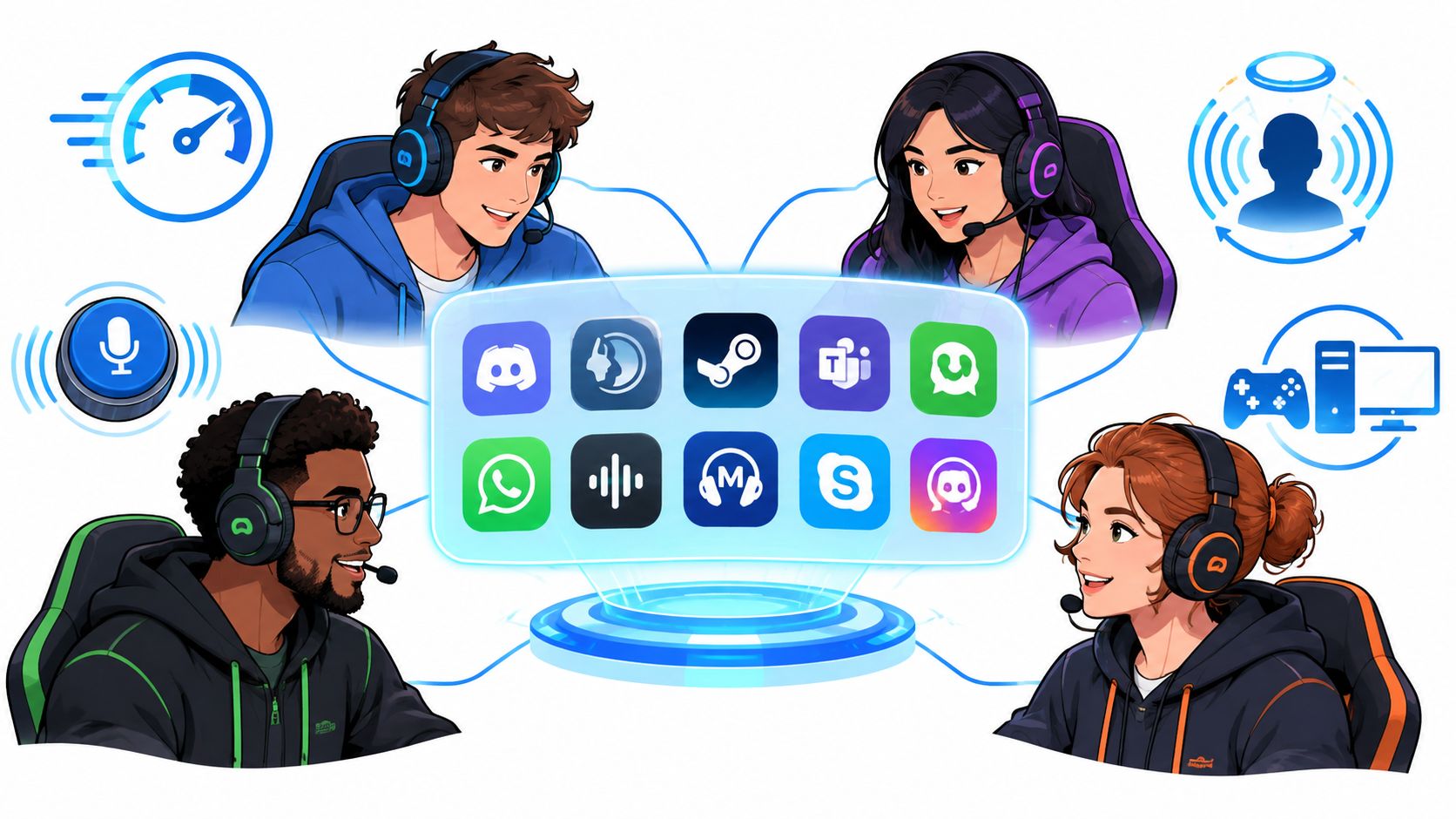
The most popular voice app isn't automatically the best one for your squad. Voice chat for gaming has different requirements depending on whether you're calling ranked plays, mixing PC and console players, relying on positional audio, building a persistent community, or just trying to get everyone talking without a 20-minute setup.
Voice communication has been part of multiplayer gaming for decades. Command: Aces of the Deep is often cited as the first commercial PC game with built-in voice interaction in 1995, while the Dreamcast brought voice chat into console play around 1999. Xbox Live helped make voice comms a default console feature by 2002, when Microsoft bundled microphone and headset support with the service. This history of voice chat in games shows why today's choice isn't about whether voice matters. It's about which channel fits your actual players.
The ten options below cover community-first apps, competitive VoIP, native console chat, launcher tools, privacy-focused systems, and lightweight legacy software. Pick the tool that matches your squad's platform and play style. If the problem is finding teammates who share your comms habits, GamerPlug can help you find gaming teammates before you join the channel.
Table of Contents
- 1. Discord
- 2. TeamSpeak
- 3. Mumble
- 4. Steam Voice Chat
- 5. Xbox Party Chat
- 6. PlayStation Party Voice Chat
- 7. Nintendo Switch Online App
- 8. Battle.net Voice Chat
- 9. Element
- 10. Ventrilo
- Top 10 Gaming Voice Chat Platforms Comparison
- Match the Voice Tool to the Squad You Actually Have
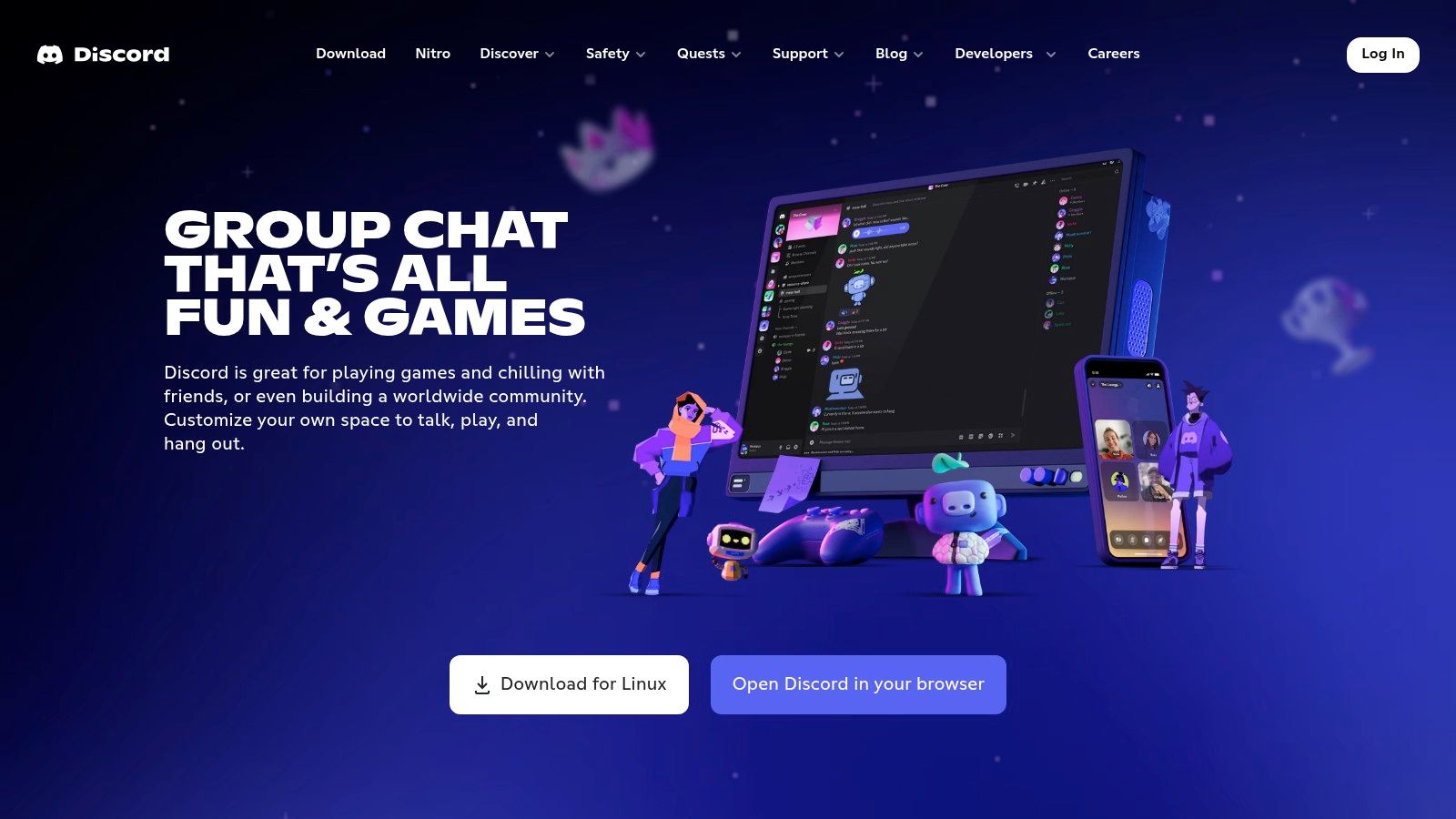
1. Discord
Discord remains the safest default for mixed groups because most players already know how to use it. Its server structure gives your squad a place for voice, text, clips, announcements, bots, screen sharing, and casual hangouts without forcing every conversation into one game session.
Create separate channels for ranked play, casual queues, tournaments, and off-topic chat. Roles and channel permissions let organizers control who can join, speak, moderate, or access private team rooms. Instant invite links also make it easy to bring in a new teammate without rebuilding the group.
Best for community coordination
Discord's biggest advantage isn't just voice quality. It's continuity. Your team can discuss loadouts in text, post clips, stream a match, and jump into voice without leaving the same server. Desktop and mobile clients also make it practical for players who switch devices during the day.
Krisp-powered noise suppression can help reduce keyboard noise, fans, and background conversations, though your final result still depends on microphone placement and client settings. Discord also supports in-voice activities and bot integrations, which makes it more useful for communities than a voice-only client.
The downside is feature sprawl. New users can get lost among servers, roles, threads, notifications, and permission menus. Audio can also behave differently across devices, so every player should test input sensitivity, output volume, and automatic gain before a serious session.
Practical rule: Use Discord when your squad needs a home before, during, and after the match, not just an open microphone.
For a deeper look at how text, voice, and squad coordination fit together, see these Discord team chat features.
2. TeamSpeak
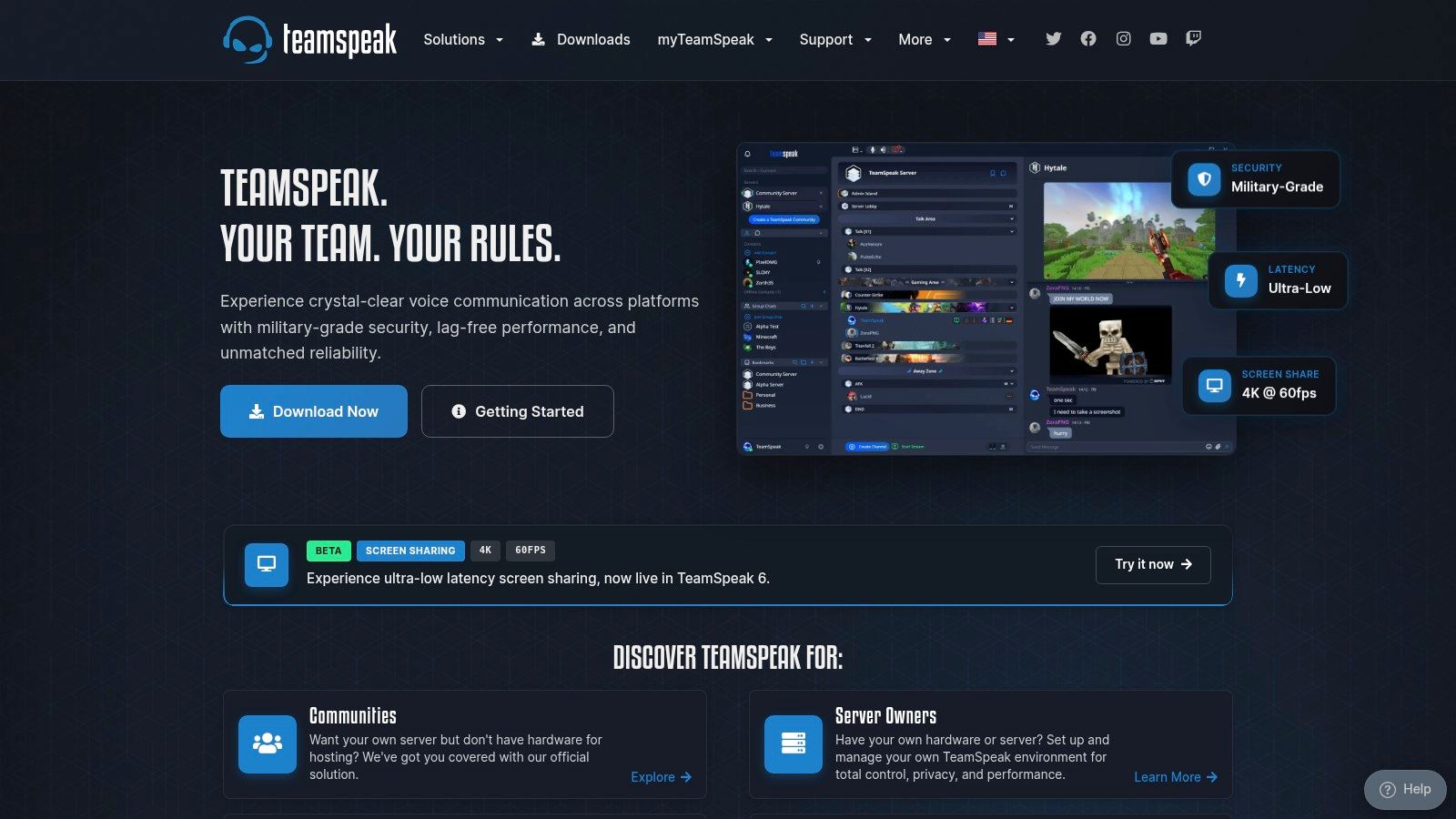
TeamSpeak is the better choice when your team values predictable comms over social features. It focuses on voice, channels, permissions, and server administration, so competitive groups can build a controlled environment without navigating a large community platform.
Its low-latency design suits scrims, ranked sessions, and tournaments where a delayed callout can disrupt a play. Gaming communication benchmarks commonly place functional coordination below 150 ms one-way, with serious competitive play targeting below 80 ms one-way. Gaming voice chat latency guidance also compares typical end-to-end performance across voice tools, illustrating why competitive teams pay attention to more than microphone clarity.
Strong control, higher admin cost
TeamSpeak lets an organization self-host or use hosted servers. Self-hosting gives administrators control over configuration, privacy, access, and uptime, but someone has to maintain that environment. Official hosted options reduce the technical burden while still keeping the structure more focused than a general-purpose community app.
Fine-grained permissions work well for leagues and tournament staff. You can separate captains, substitutes, spectators, staff, and public rooms instead of trusting one shared party channel. End-to-end encryption options and overlay support add useful control for teams that want a serious comms setup.
The trade-off is adoption. A casual teammate may already have Discord installed but may not want to download a separate client, understand server addresses, or wait for an administrator to assign permissions. TeamSpeak works best when one person owns the setup and the whole squad agrees to use it.
Choose TeamSpeak for a stable competitive environment, especially when server control matters more than spontaneous community discovery.
3. Mumble
Mumble is built for players who want lightweight, low-latency voice with more technical control. It's free, open source, and flexible enough for self-hosted servers, making it a strong fit for private teams that don't need a large social platform around their matches.
The standout feature is positional audio. In supported games and configurations, voices can pan according to teammate location, creating a more immersive sound field. That can help players distinguish who's speaking and where the conversation is coming from, but it isn't a magic switch. Positional audio may require game support, plugins, configuration, and testing.
Best for immersion and technical squads
Mumble gives administrators strong permission controls and supports push-to-talk or voice activation. Its client is light on system resources, which makes it appealing when your game already consumes most of your machine's CPU, memory, or network attention.
Latency is another reason competitive groups choose it. Comparison guidance places self-hosted Mumble below common alternatives on the same local network, while also emphasizing that network conditions and server location affect real-world results. The benefit is most noticeable when your team relies on rapid callouts and clean turn-taking.
Mumble's weakness is onboarding. New players may need help installing the client, joining the correct server, configuring certificates, selecting an input device, and enabling positional audio. Its smaller casual user base also makes it less useful when you're assembling a one-night squad from strangers.
A great voice client can't fix a bad roster. If players don't share your game, platform, schedule, or communication style, lower latency won't save the session.
Pick Mumble for technically comfortable squads, immersive games with positional support, and teams willing to own their configuration.
4. Steam Voice Chat
Steam Voice Chat is the practical option for PC-only groups already living inside Steam. You can start a call from Friends & Chat, keep it active while changing games, and use it on Windows, Linux, or Steam Deck without adding a separate community platform.
That makes Steam especially useful for impromptu sessions. A friend invites you, you accept, and the voice channel is ready. You don't need to search for a server, copy an address, or join a new app before queueing.
Lightweight, but not a team headquarters
Steam provides device, echo, and noise cancellation settings, but its audio controls are more limited than the deeper administration tools in TeamSpeak or the community features in Discord. Players with inconsistent microphones may need to tune their input manually, and the group won't get the same server structure, bot ecosystem, or persistent community spaces.
The platform also limits your pool. Steam Voice Chat makes sense when everyone is a Steam user, but it becomes awkward for a mixed squad involving console players or teammates who organize through another platform. Steam Deck support is helpful for handheld sessions, though headset behavior still deserves a quick test before a long queue.
Use it when speed matters more than customization. It's a good answer to “we're all on Steam and need to talk now,” not a replacement for a full community hub.
For groups that need to organize before joining a call, learn how looking for group tools work.
5. Xbox Party Chat
Xbox Party Chat is the obvious choice for squads centered on Xbox. Parties persist across Xbox consoles, the Xbox app on PC and mobile, and Windows Game Bar, so players can stay connected while switching devices or games.
That first-party integration removes several common points of friction. Friends, invites, party access, and Xbox's LFG tools sit close together, which helps a console-first group move from “who's online?” to “we're queued” quickly. Xbox Series X|S also includes built-in noise suppression, which can reduce common background distractions.
Best for Xbox-first groups
The ecosystem boundary is clear. Xbox Party Chat works well when your teammates are already in the Xbox environment. It's less attractive when half the squad plays on PlayStation, Switch, or a PC setup that doesn't use Xbox services regularly.
The PC apps can also introduce reliability quirks, so test party joining, microphone permissions, and output routing before a ranked session. A player may hear game audio but not party audio, or send voice through the wrong headset if Windows and Xbox settings disagree.
Xbox Party Chat is a strong fit for friend groups that prioritize convenience over advanced server management. You won't get the same community architecture as Discord or the same self-hosting control as TeamSpeak, but you also won't need to build a separate voice system.
Choose it when the platform is already decided. For mixed-platform groups, use a neutral cross-platform app instead of asking non-Xbox players to work around the ecosystem.
Xbox Party Chat and noise suppression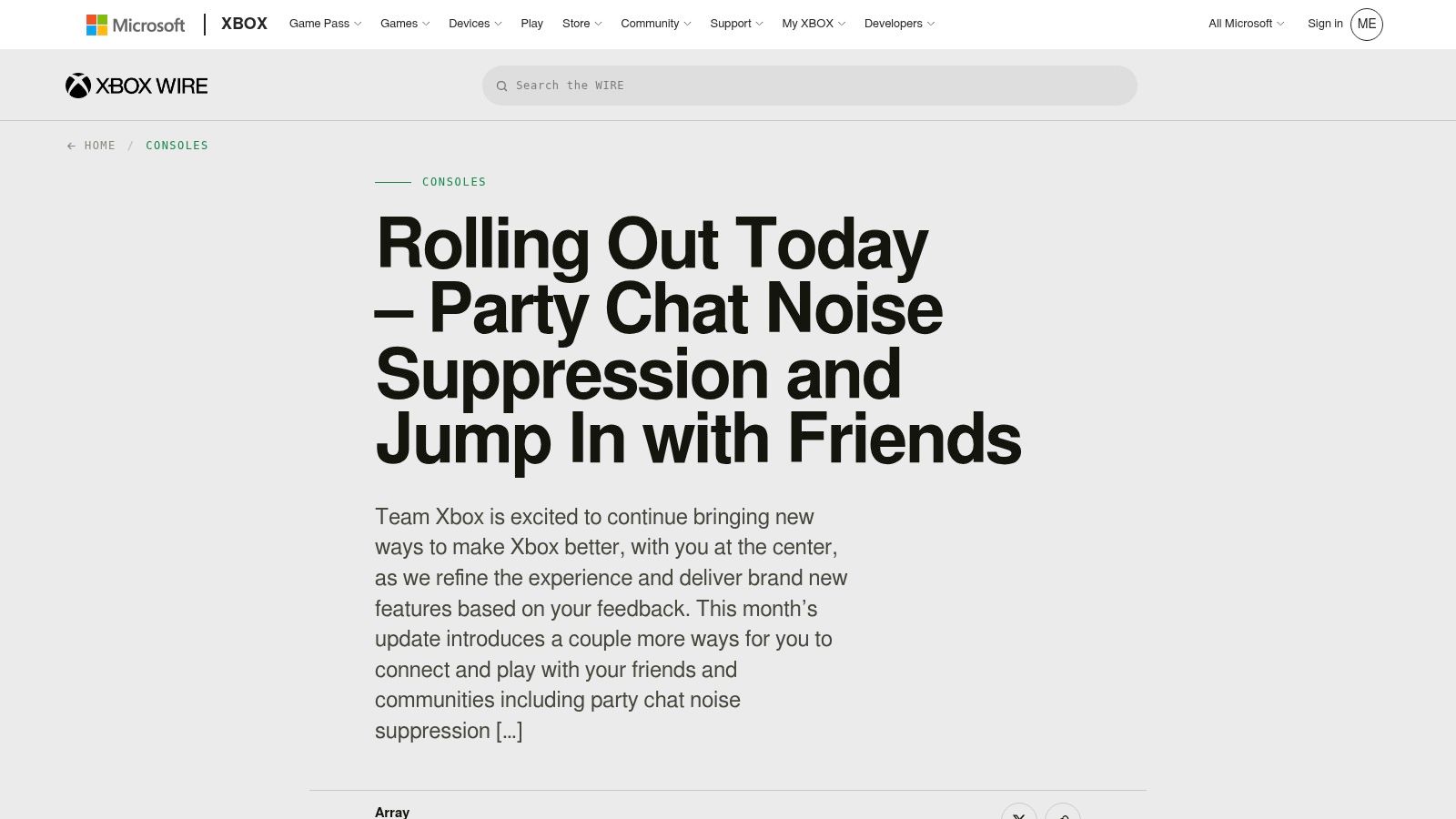
6. PlayStation Party Voice Chat
PlayStation Party Voice Chat is the cleanest choice for PS5 and PS4 groups that want native console communication. Game Base lets players create and join parties from the console, while the PlayStation App extends access to mobile devices.
The main benefit is low friction. Players can use existing friends lists, notifications, party invites, and control-center voice cards instead of learning a separate server system. PS4 and PS5 players can also stay in the same party, which helps groups that span console generations.
Console-first control
PlayStation's headset controls make it easy to balance party voice against game audio. That matters in competitive games where a teammate's callout needs to stay audible without drowning out footsteps, reload cues, or ability sounds.
The tool is intentionally narrower than Discord. It's designed around parties, not persistent community management. You won't get the same roles, bot tools, channel hierarchy, or broad social space. That's a benefit for a small friend group and a limitation for an esports organization or large gaming community.
Mixed-platform access remains the main constraint. If your squad includes PC and Xbox players, check whether your game's native voice is good enough or move the group to a platform-neutral service. Don't force everyone into a console ecosystem that only half the roster uses.
Pick PlayStation Party Voice Chat when your group is already connected through PlayStation and wants fast, familiar party controls.
PlayStation Party Voice Chat support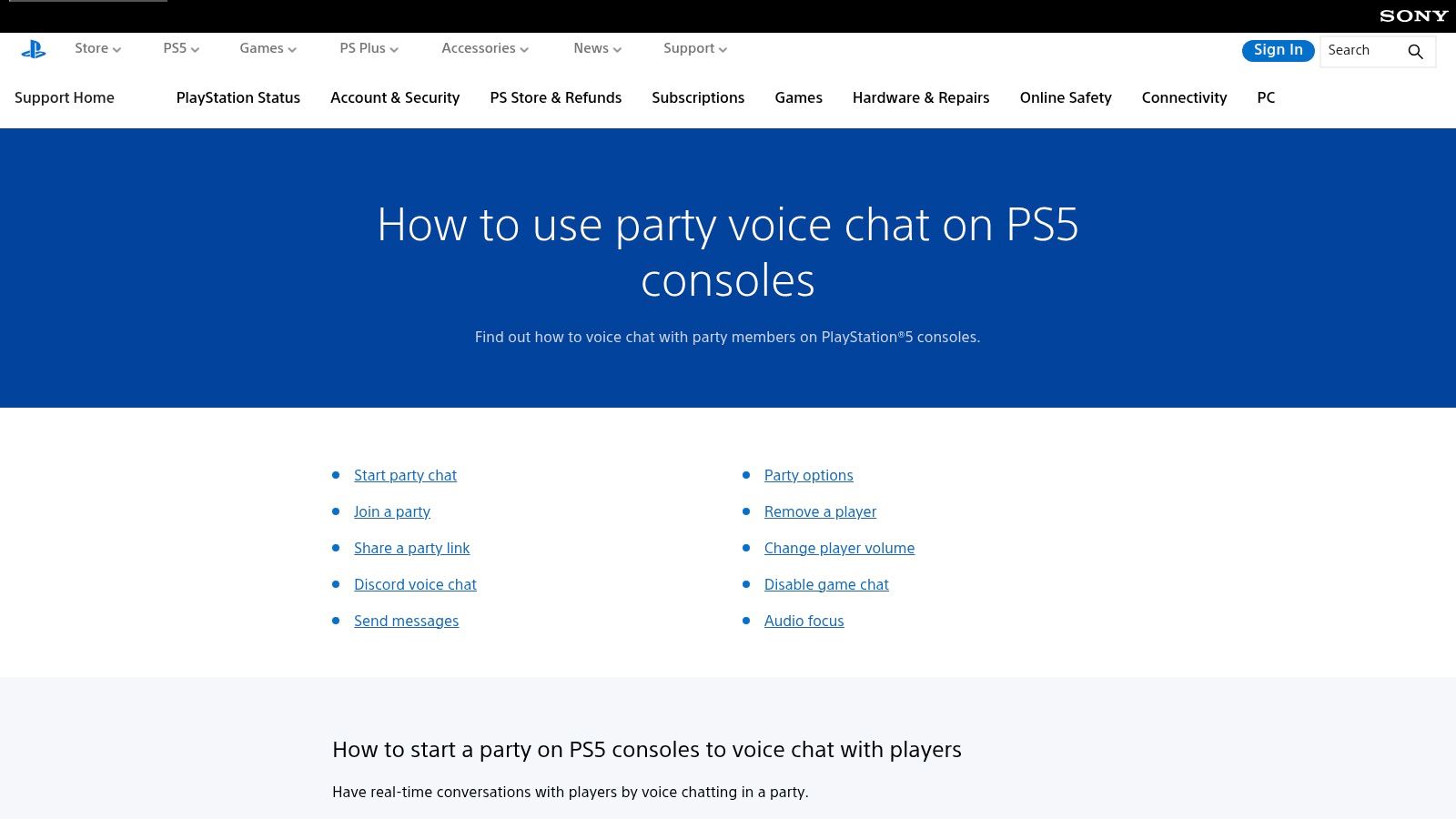
7. Nintendo Switch Online App
Nintendo Switch Online's smartphone app is the official voice route for supported Switch games. It ties voice to compatible game lobbies and uses the phone as the microphone, which keeps voice separate from the console interface.
That approach works best for first-party Nintendo modes where the game and app were designed to work together. Players can join the appropriate lobby, connect through the phone, and avoid searching for a third-party server.
Official, but not universal
The app's main weakness is inconsistency across the Switch library. Some games support the service, while others use in-game voice or require a third-party solution. Your squad needs to check the specific title before assuming the app will handle the session.
Using a phone also adds another device to the setup. Players need a charged handset, a comfortable way to wear or hold their headset, and a reliable connection between the app and the game lobby. That's manageable for a planned session but less convenient than a voice client running directly on the gaming device.
The app also offers fewer controls than Discord or a dedicated VoIP client. It isn't built for large communities, detailed permissions, persistent team channels, or advanced moderation. Its strength is official compatibility, not flexibility.
Use Nintendo Switch Online when you're playing a supported Nintendo title with a Switch-focused group. For cross-platform squads, organize through a broader service and confirm whether the game's own voice channel is sufficient.
Find more ideas for games to play with friends online before choosing your comms setup.
Nintendo Switch Online voice chat
8. Battle.net Voice Chat
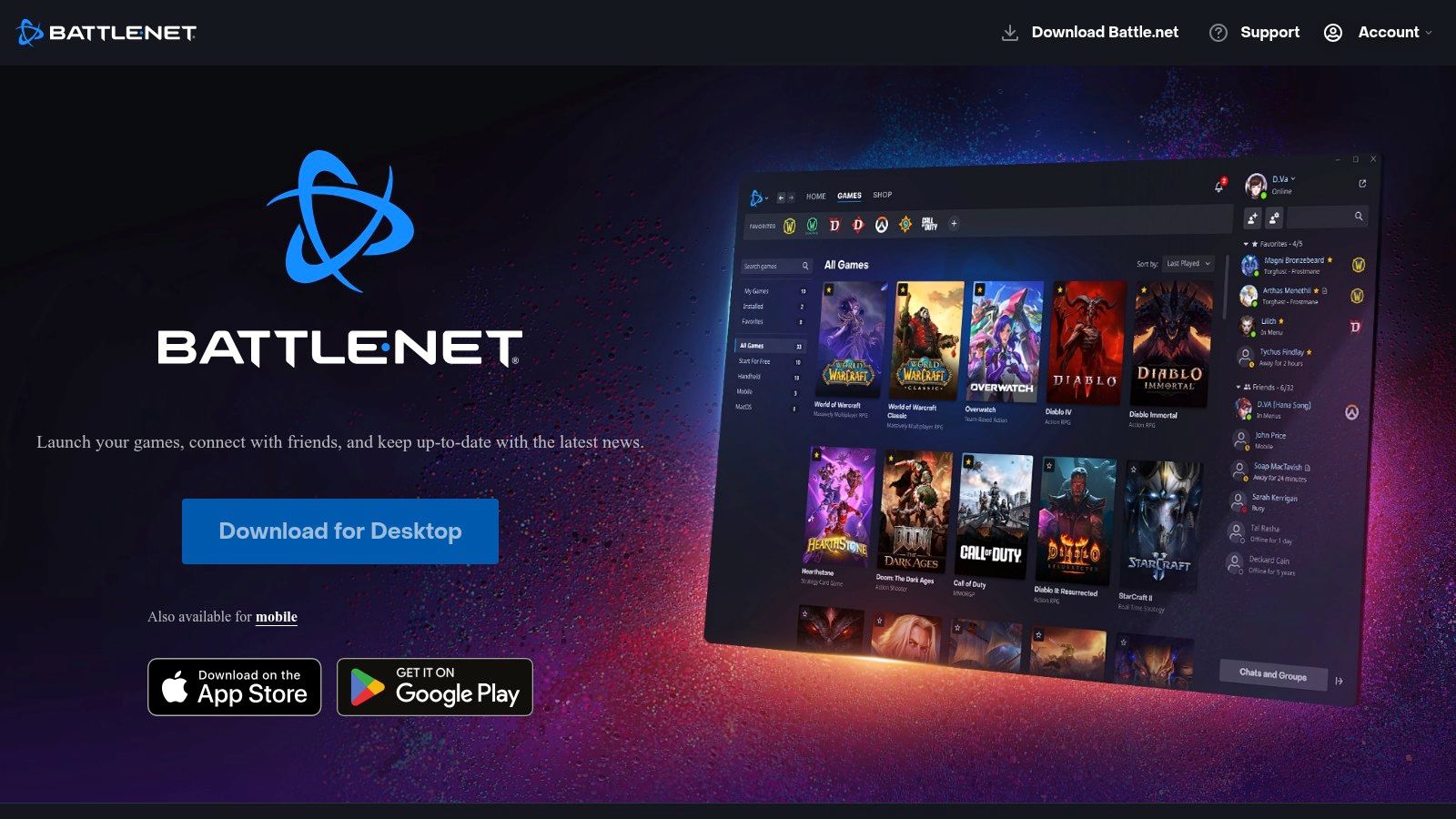
Battle.net Voice Chat makes sense for players who already spend their time inside Blizzard and Activision games. Voice, friends, and group channels live at the launcher level, so your squad can keep talking while moving between supported titles.
That continuity is useful for established groups. You don't have to rebuild the party every time the team switches games within the Battle.net ecosystem. Account-level communication settings and parental control hooks also give administrators and households more control over who can communicate.
Useful inside one ecosystem
Battle.net's advantage fades outside that ecosystem. A mixed group may need another app for teammates who don't use Battle.net, and players who regularly switch between publishers may find launcher-specific voice less convenient than Discord or Steam.
New users can also struggle with microphone permissions and parental controls. Before a tournament or ranked session, confirm that voice access is enabled at the account level and that the correct input and output devices are selected.
This tool is best for groups whose games, friends, and communication already revolve around Battle.net. It's not the right foundation for a broad gaming community, cross-platform LFG network, or multi-publisher esports organization.
Use Battle.net Voice Chat when you want an integrated launcher experience and your squad rarely needs to leave that ecosystem.
9. Element
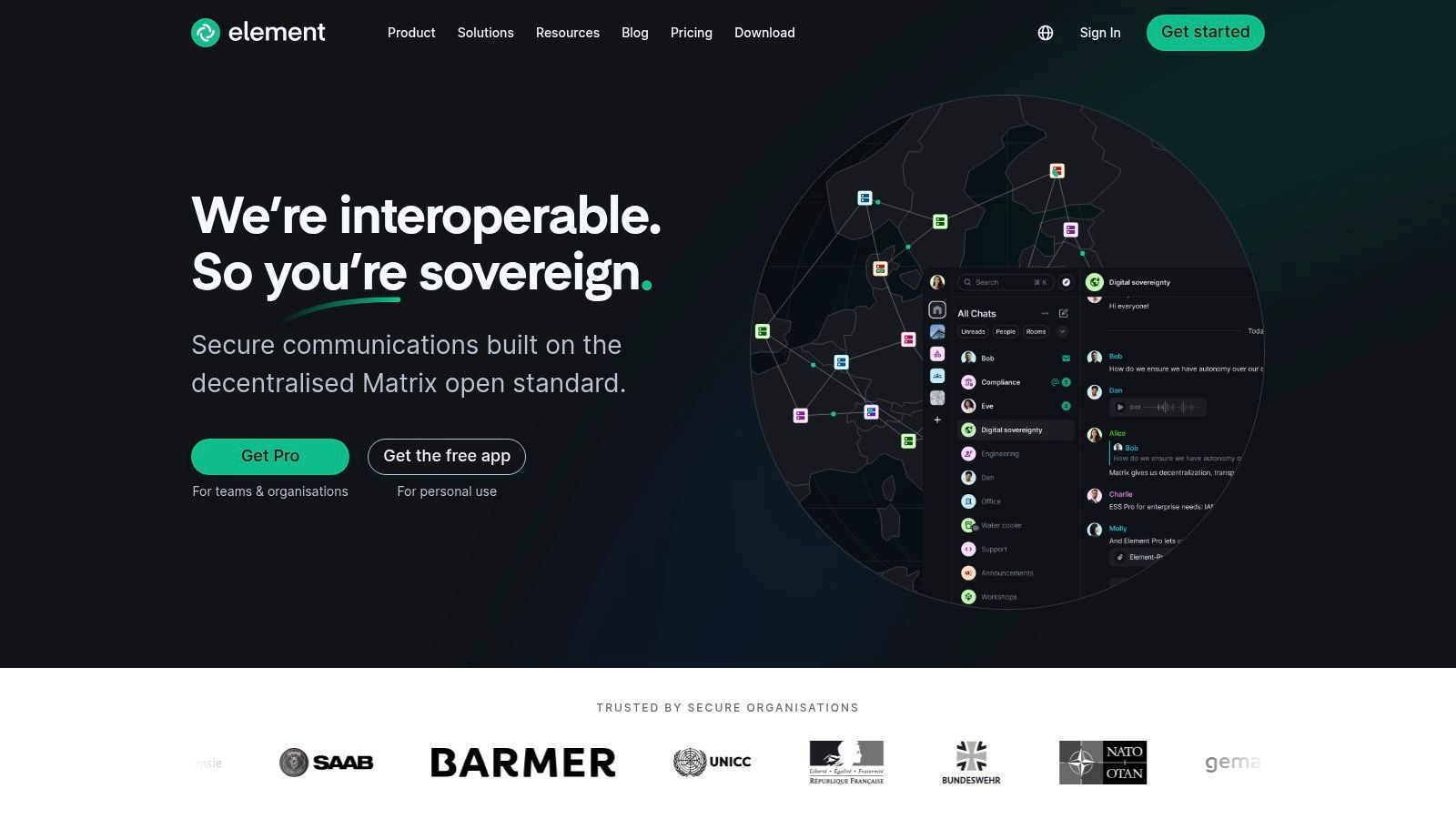
Element is the privacy and ownership pick. Built on the federated Matrix protocol, it supports group communication through MatrixRTC, with hosting options that let organizations choose between managed infrastructure and self-hosting.
That makes Element a better fit for leagues, clubs, tournament operators, and gaming communities that care about data control. End-to-end encryption and identity verification tools support private communication, while self-hosting gives administrators more influence over infrastructure and access.
Privacy comes with onboarding work
Element's strength is also its main barrier. A normal gaming squad may not want to understand homeservers, identity settings, room permissions, or federation. Someone needs to define the structure and explain the workflow to less technical players.
The gamer user base is smaller than Discord's, so finding random teammates who already use Element can be difficult. For a private organization, that matters less because the group can invite members directly. For open matchmaking, the platform itself won't solve discovery.
Element also asks you to think carefully about identity. Verify the people who should have access, document room policies, and decide whether your group will use a hosted service or manage its own server. Those choices are worth making when privacy is a priority, but they add administration before the first match.
Choose Element for privacy-first communities, organized leagues, and teams that want infrastructure ownership. Don't choose it just because you need a quick party channel.
10. Ventrilo
Ventrilo is the minimalist option for teams that want voice, push-to-talk, channel permissions, and very little else. Its lightweight client can suit older machines or players who don't want a large app running alongside a demanding game.
The system remains useful for established MMO clans and legacy communities that already have a server routine. Teams can self-host or rent server space, then organize members into channels with defined permissions.
Low overhead, dated experience
Ventrilo doesn't compete with Discord on modern collaboration features. You won't get the same integrated clips, rich text experience, community discovery, or broad social tooling. The user experience also feels older, and the smaller user base makes it harder to recruit casual players who don't already know the platform.
Its simplicity can still be an advantage. Once configured, players generally know where to connect, which channel to join, and which key activates push-to-talk. That predictable routine is valuable for a small clan that doesn't need constant feature updates.
Test the server address, permissions, microphone levels, and push-to-talk key before a group session. Older tools reward preparation because they provide fewer automated fixes when something goes wrong.
Ventrilo is the right call for legacy teams, low-resource PCs, and groups that prefer a stable voice utility over a modern social platform.
Top 10 Gaming Voice Chat Platforms Comparison
| Platform | Core features | UX / Quality (★) | Best for (👥) | Standout (✨/🏆) | Price / Value (💰) |
|---|---|---|---|---|---|
| Discord | Voice + text, clips, bots, roles, AI noise suppression | ★★★★☆, feature‑rich, variable audio | 👥 Casual squads, communities, creators | ✨ Clips + bot ecosystem · 🏆 Community hub | 💰 Free (Nitro optional) |
| TeamSpeak | Ultra‑low latency VoIP, granular perms, self‑host options | ★★★★☆, rock‑solid, admin‑centric | 👥 Competitive teams, tournaments, admins | ✨ Self‑host + fine control · 🏆 Predictable performance | 💰 Free client; hosted slots paid |
| Mumble | Lightweight VoIP, positional audio, PTT, self‑hostable | ★★★★☆, excellent latency & voice | 👥 Competitive/immersive squads, low‑spec rigs | ✨ Positional audio · 🏆 Low overhead | 💰 Free / inexpensive servers |
| Steam Voice Chat | Launcher voice via Friends & Chat, Steam Deck support | ★★★☆☆, simple & quick for PC | 👥 PC Steam‑only groups | ✨ Zero extra installs · quick calls | 💰 Free with Steam |
| Xbox Party Chat | Cross‑device parties, noise suppression, Xbox LFG integration | ★★★☆☆, native, seamless in Xbox eco | 👥 Xbox‑first squads | ✨ First‑party integration · persistent parties | 💰 Free with Xbox account |
| PlayStation Party Voice Chat | Game Base parties, mic/game balance, cross‑gen support | ★★★☆☆, low‑friction on PlayStation | 👥 PlayStation squads (PS4/PS5) | ✨ Control‑center voice cards · cross‑gen | 💰 Free with PS account |
| Nintendo Switch Online app | Lobby‑based voice via smartphone for supported titles | ★★☆☆☆, app‑only, limited features | 👥 Switch first‑party game players | ✨ Official voice for Nintendo titles | 💰 Free app; NSO subscription for online |
| Battle.net Voice Chat | Launcher voice/channels, account‑level comms, parental controls | ★★★☆☆, consistent across Blizzard games | 👥 Blizzard/Activision players | ✨ Launcher‑level comms across titles | 💰 Free with Battle.net |
| Element (Matrix) | Federated chat, MatrixRTC calls, E2E & self‑host options | ★★★☆☆, privacy‑first, more setup | 👥 Orgs, leagues, privacy‑focused communities | ✨ E2E + self‑host data control · 🏆 Sovereignty | 💰 Free self‑host / paid hosted services |
| Ventrilo | Extremely lightweight VoIP, PTT, simple perms | ★★☆☆☆, legacy UI, very low overhead | 👥 Older MMO clans, very low‑spec machines | ✨ Minimal resource use | 💰 Free client; third‑party hosts paid |
Match the Voice Tool to the Squad You Actually Have
Start with the roster, not the app. A voice channel only works when every player can join it, hear it, and use it without fighting device settings during the match. Platform mix, latency expectations, moderation needs, privacy requirements, and the group's appetite for setup should decide your choice.
For broad community coordination, choose Discord. It gives casual squads, creators, clans, and tournament communities a persistent place for voice, text, clips, streaming, roles, and moderation. Its feature set can feel busy, but that complexity becomes useful when your group needs more than a single party call.
For controlled competitive comms, choose TeamSpeak or Mumble. TeamSpeak suits organizations that want predictable channels, detailed permissions, and server administration. Mumble is the better fit when low overhead, open-source flexibility, and positional audio matter. Positional audio adds immersion only when the game and configuration support it, so test it before building your strategy around the effect.
For ecosystem-first groups, use the native tool. Xbox Party Chat fits Xbox-centered squads, PlayStation Party Voice Chat fits PS4 and PS5 groups, Steam Voice Chat fits PC players already connected through Steam, Nintendo Switch Online fits supported Switch modes, and Battle.net Voice Chat fits groups that stay inside Battle.net games. These options reduce setup because players already have the account and client, but they become awkward as soon as your roster spans multiple ecosystems.
For privacy and ownership, choose Element. It demands more administration, but leagues, clubs, and organizations may prefer encrypted communication, identity controls, and self-hosting options over mainstream convenience.
For minimal system overhead, choose Ventrilo. It's not the modern all-purpose choice, but it remains practical for teams with older hardware or established legacy-server habits.
Before a serious session, run a short comms test. Check microphone levels, push-to-talk behavior, noise suppression, game-to-voice balance, party permissions, device routing, and cross-platform access. Don't wait until a ranked match to discover that one teammate is transmitting keyboard noise or that another can hear the game but not the squad.
Voice chat is already a core part of online play. A 2023 survey found that 68.7% of online gamers had used voice chat, 35.9% were regular users, and 47.8% said they liked games more when using it. The same research found that nearly half of U.S. adult players had experienced toxic voice behavior, which means the best tool isn't merely the one with the clearest audio. It's the one your squad can use safely and consistently. Read the voice chat toxicity research.
That's why squad fit matters as much as software. If your real problem is finding players with compatible ranks, platforms, schedules, mic preferences, and play styles, switching from Discord to TeamSpeak won't solve it. GamerPlug helps players discover teammates through game and platform filters, verified ranks, gameplay clips, play-style signals, mic preferences, schedules, LFG listings, chat, and tournament tools. You can use the voice option that fits your group after you find people worth staying in voice with.
Use GamerPlug to find gaming teammates who match your games, platforms, rank range, mic preferences, play style, and schedule. Post a looking-for-group listing, review gameplay-focused profiles, and build a squad before you queue by visiting Gamerplug.