Stop rolling the dice on random teammates. You queue for 2s or 3s hoping for someone near your rank, with a mic, a compatible schedule, and rotations that don't turn every challenge into a double commit. Instead, you get a silent teammate who cuts rotation, flames after one missed save, or disappears before the next game.
Rocket League has the population to make better teammate discovery worthwhile. Psyonix reported more than 1,000,000 concurrent players across all platforms after the free-to-play launch, and later recorded a new high of 1,086,329 concurrent players on January 25, 2026, as documented in this Rocket League player history. The problem isn't finding people. It's finding the right people.
This roundup compares seven routes for different situations, from instant queue fill and structured competitive play to persistent squads and recurring sessions. The comparison focuses on Rocket League specialization, filter depth, communication, platform access, repeat-squad potential, and user-density trade-offs. GamerPlug is the broadest fit if you want clip-based profiles, verified ranks where supported, cross-platform discovery, LFG posts, chat, and tournament tools in one place.
Table of Contents
- 1. GamerPlug
- 2. RL6Mans
- 3. Teamplay.gg
- 4. Rocket League Teams
- 5. GamerLink
- 6. GameTree
- 7. The100.io
- Top 7 Rocket League Teammate Finders: Comparison
- Pick the Teammate Search That Matches Your Queue
1. GamerPlug
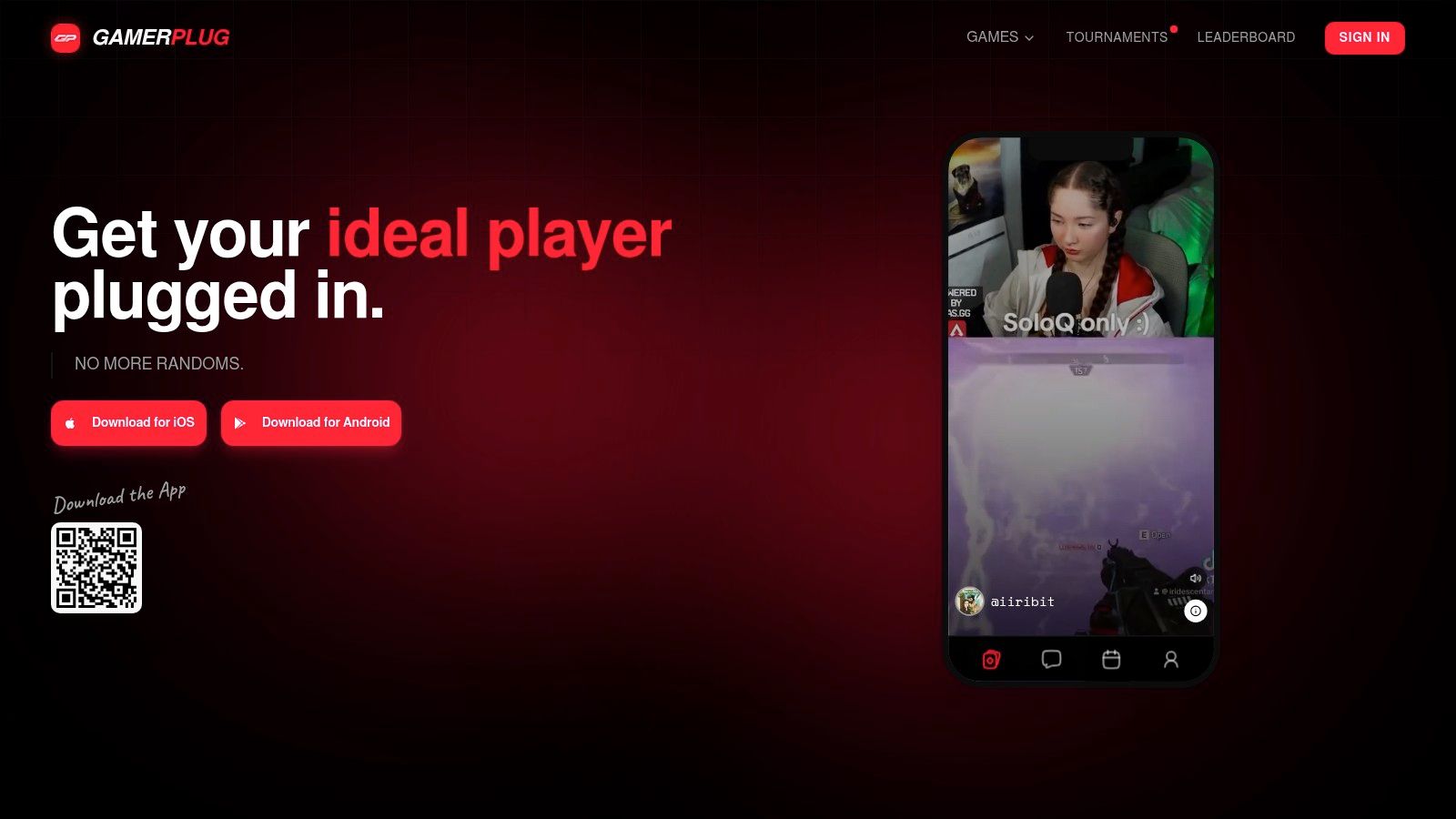
You need a 2s partner now, but you also want to avoid another silent teammate with poor rotations. GamerPlug fits that instant queue-fill situation when you want to check a player's habits before inviting them. Its Rocket League discovery tools use gameplay clips and profile preferences, giving you more context than a username and rank badge. Profiles can show play style, mic usage, team-play preference, and schedule, which helps you judge whether a partnership can last beyond one match.
The clip-first format matters in Rocket League. Rank does not show whether a player challenges early, anchors defense, or slows possessions to keep control. Profiles support clips of up to 90 seconds, and verified ranks are available where supported. Automatic rank and stat syncing covers Apex Legends, Fortnite, and League of Legends, so Rocket League players should rely mainly on clips, profile details, and available verification. These product details are listed in the GamerPlug gaming matchmaking app.
Best for flexible teammate discovery
Use Discover to browse by game, platform, and verification status. Squads lets you publish an LFG post with the mode, rank range, mic requirement, platform, and open slots. That brief is far more useful than posting “need 2s” in a general chat.
- Communication: Group, squad, tournament, and 1:1 chat include mentions, read receipts, and reactions.
- Trust: Optional World ID badges, clip-based profiles, and in-app reporting provide more information before you party up.
- Access: The app runs on iOS, Android, and the web, supporting PC, PS5, Xbox, and Nintendo Switch players across 19 competitive titles, including Rocket League, according to the GamerPlug games directory.
- Extra depth: Tournament tools support Single Elimination, Double Elimination, Swiss, and Round Robin formats.
Choose GamerPlug for broad filters, cross-platform discovery, and a path from first message to repeat squad. Its trade-off is activity. GamerPlug launched in January 2026, so some regions and niche queues may be quieter than older LFG networks. It suits players willing to vet teammates rather than instantly join the first available party.
2. RL6Mans
Pick RL6Mans when “find me a teammate” really means “put me into an organized competitive environment.” This is a Rocket League-specific hub built around structured 6 Mans and pick-up games, rather than a casual directory where players post once and vanish. You link your account, enter a region-based queue, and play in a format designed to feel closer to a scrim than ordinary solo queue.
The platform is strongest for players who want competitive 3v3, active communication, and teammates who have agreed to follow a ruleset. Region-based queues and ranked series help narrow the pool, while Discord handles much of the coordination, match communication, and score reporting. The RL6Mans competitive hub also uses player rules and moderation to keep matches organized.
Best for structured competitive 3v3
RL6Mans gives you more competitive structure than a standard LFG post. Leaderboards and series create a reason to return, and the format naturally exposes whether a player understands spacing, rotations, and comms under pressure.
Practical rule: Choose RL6Mans for a committed competitive session, not a quick “one game while I wait” queue.
The trade-off is time. You need to be ready for the full format and willing to coordinate through Discord. It isn't the cleanest route for a casual 2s partner, a last-minute party fill, or someone who wants to browse profiles before deciding. The global regional coverage is a strength, but your experience still depends on having enough players in your region and rank range at that moment.
Use RL6Mans when you want organized matches with a competitive culture. If your main goal is a reliable duo for several relaxed games, another tool will get you there with less ceremony.
3. Teamplay.gg
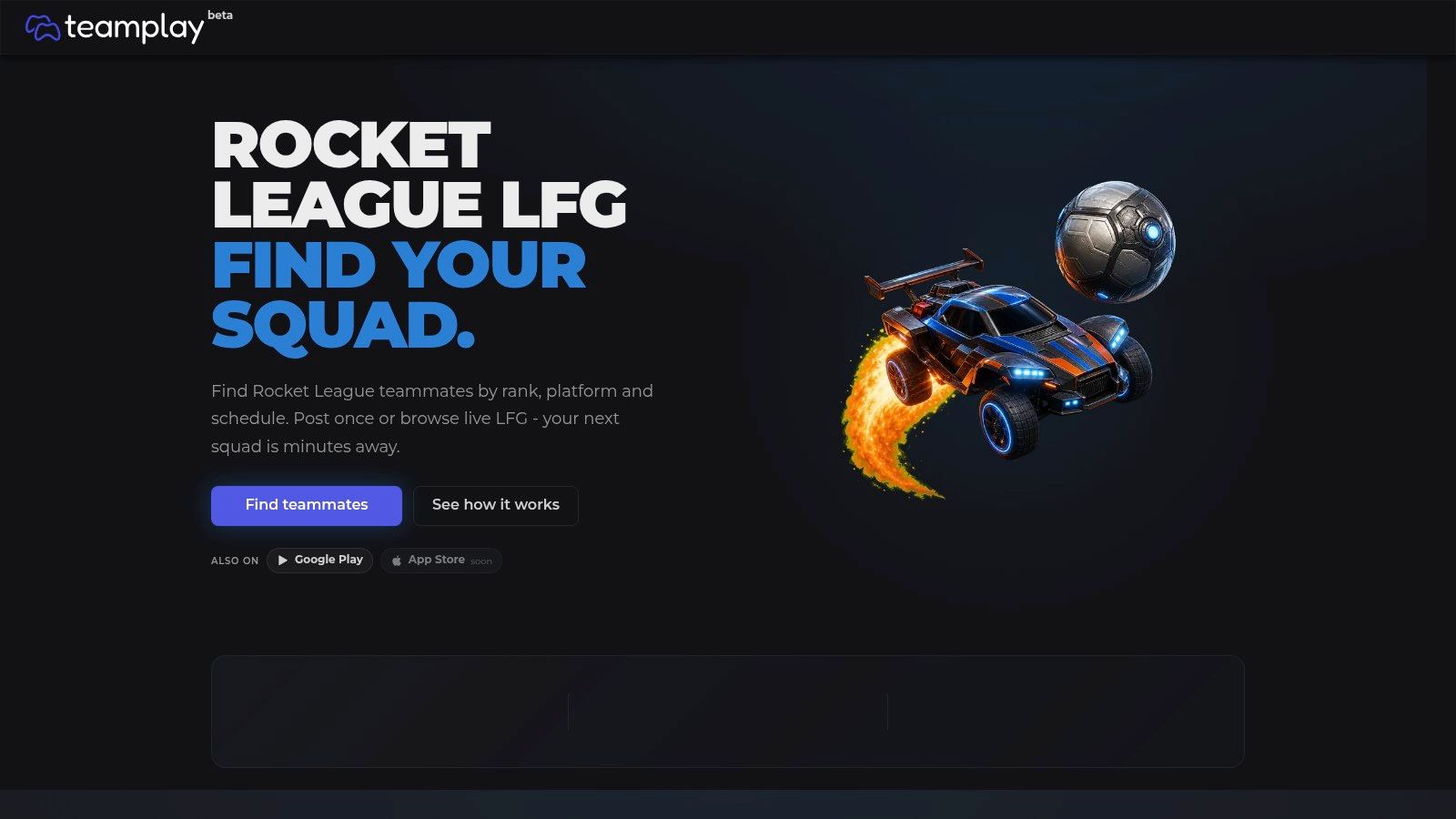
You need a third for a ranked session, and you want the right role now rather than another generic LFG post. Teamplay.gg fits that instant queue-fill situation because its search is built around Rocket League-specific details, including rank tier, role, platform, region, and mode. Browse live listings or publish a request without switching between a game forum, a voice app, and a general gaming server. Start with the Teamplay.gg Rocket League finder to see how its workflow is organized.
The role filters are the main advantage. Striker, Defender, and Mid describe the teammate you need more clearly than rank alone. A Champion player seeking an aggressive first man wants a different partner from one looking for a defensive anchor. Teamplay.gg puts that preference in the search brief, which makes it more useful for a specific 2s or 3s setup than a broad social directory.
For a fast session, prioritize Queue speed and Search detail. Live posts target players who need a party immediately, while rank, role, mode, platform, and region help narrow the match. The trade-off is activity. A precise filter only works when enough compatible players are online, so widen the region or role requirement if the listing pool is thin.
Communication stays inside the platform through built-in voice and video, reducing the need to exchange usernames before testing the fit. Web and Android access support quick posts from a browser or phone, and shareable LFG banners can recruit players for a defined session. The iOS app is listed as coming soon as of early October 2026, so Apple users have fewer access options.
Choose Teamplay.gg for Rocket League specialization, fast discovery, and role-based matching. Choose a more structured service for organized competitive play, or a team-building platform for persistent rosters and recurring sessions. For broader selection advice, read this guide to finding an esports team. GamerPlug's wider team-finder approach may suit players comparing several types of gaming communities.
4. Rocket League Teams
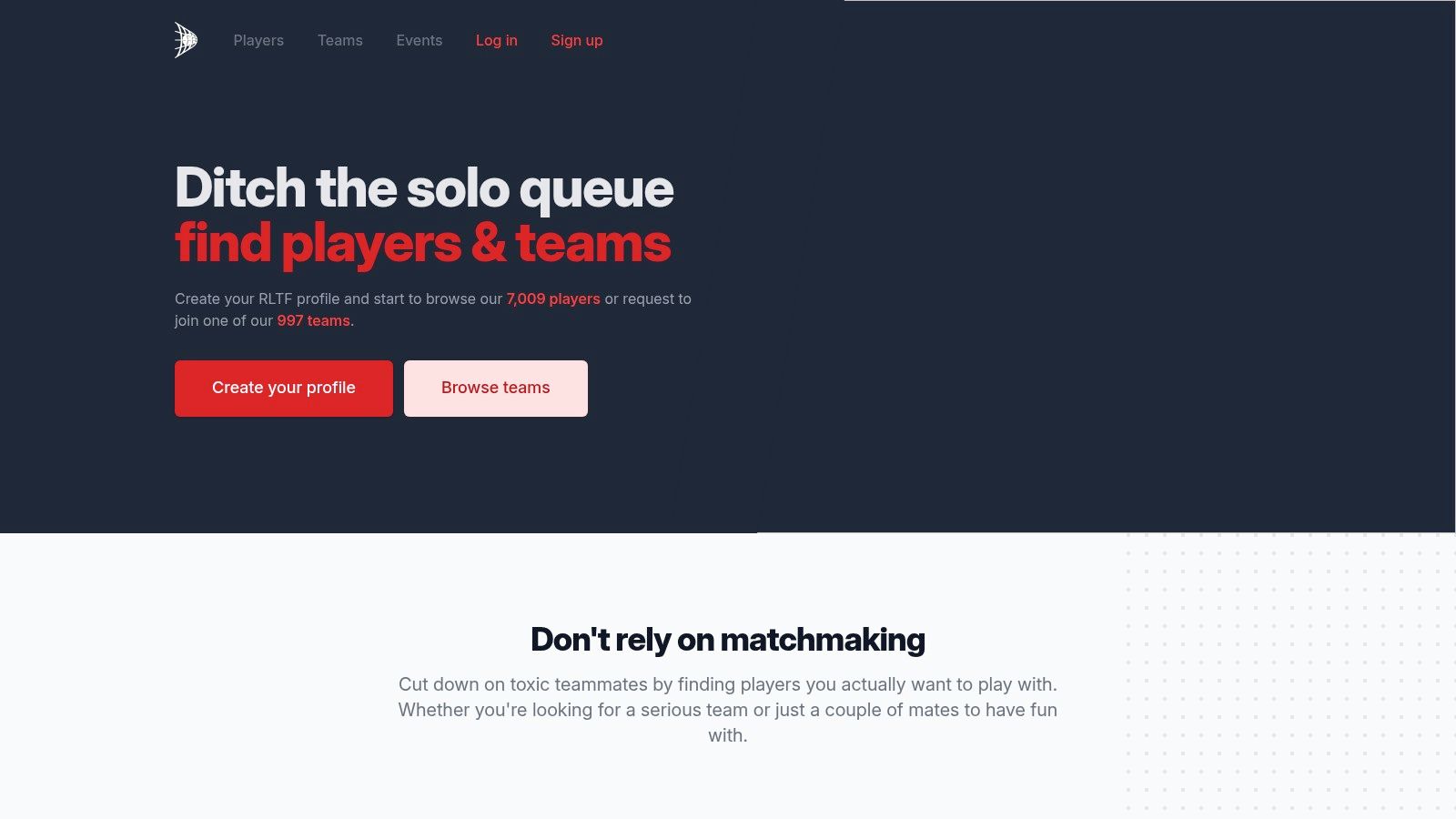
A five-minute queue fill is the wrong job for Rocket League Teams, also known as RLTF. Use it when a promising teammate needs to become part of a persistent squad. The platform focuses on player discovery, team formation, rosters, events, and scrim challenges, so you can build a public team identity instead of restarting the search every session.
Its player and team directories support filters for rank, region, and mode. That makes the search more targeted than a broad social feed, especially when you already know the level and format you want. Roster tools organize team membership, while direct messages and commendations give you communication and reputation signals before you schedule a match.
Best for rosters and scheduled scrims
RLTF fits structured competitive play and recurring sessions. Events and team-versus-team challenges help arrange scrims with an actual opponent, not just find a random party member. Visible activity counts also show whether a player or team appears active. Treat that signal as a screening tool, then confirm the fit in a trial session. The Rocket League Teams platform has a free tier, while some expanded features require premium plans.
- Roster building: Create and manage a team rather than recruit from scratch for every queue.
- Scrim planning: Use events and team challenges to arrange organized matches.
- Reputation: Direct messages and commendations add context before you commit to a roster.
- Trade-off: Messaging limits and some features are gated behind premium access.
RLTF does not suit instant queue filling. Directory activity can vary by region and rank, so a filtered search may produce few immediate replies. For a profile-led search, review Rocket League teammate discovery on GamerPlug, then return to RLTF when you need roster structure, scheduled sessions, or opponent coordination. This division saves queue time: use a discovery feed for a quick match and RLTF for a squad you intend to keep.
Choose RLTF for long-term competitive organization. It suits players who want a roster, recurring scrims, and a visible team presence more than players seeking one casual partner.
5. GamerLink
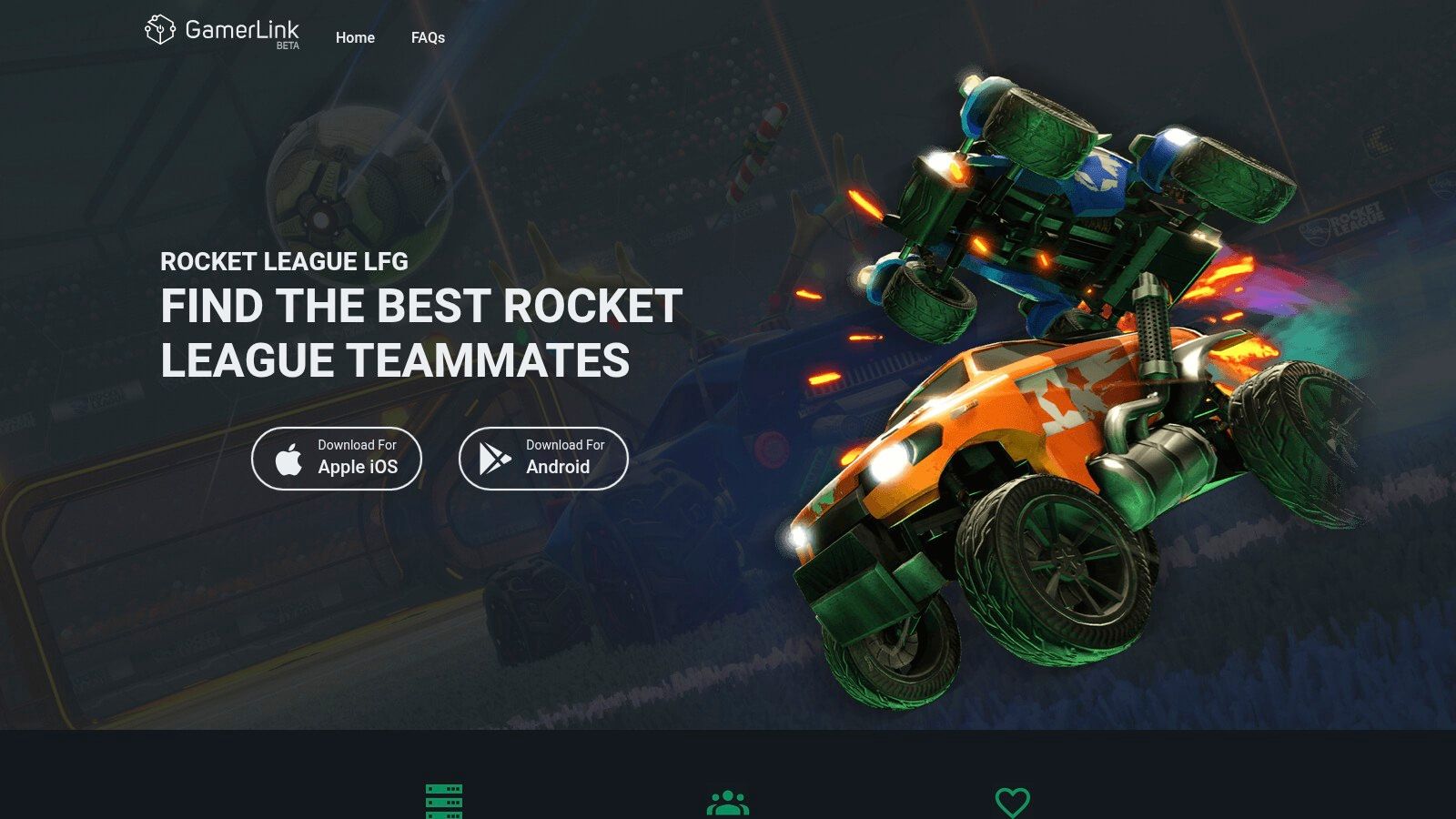
You need one teammate before the next queue pops, and you are checking your phone instead of building a full roster. GamerLink fits that situation. Its Rocket League LFG page lets console players publish a post, add platform and preference details, and move into group chat. You describe the session, wait for replies, and choose a workable match.
GamerLink's cross-game audience and mobile access make it useful for instant queue fill. Players already using the app for other titles can follow a familiar workflow, while iOS and Android support lets you search away from your setup. The GamerLink Rocket League LFG page includes profile customization, LFG creation, and group communication.
Fast setup is the main advantage. You can post without creating a full team profile or learning a competitive queue system. Mobile access keeps teammate discovery close to your console session. Communication happens in group chat, where you can confirm mode, rank, microphone use, and timing before inviting someone. The GamerLink Rocket League LFG app supports that phone-first workflow.
For structured competitive play, GamerLink gives you less context. Search limitation is the weaker Rocket League filtering compared with niche tools, so you may not find detailed role, scrim, or compatibility information. Put your rank, region, mode, platform, microphone preference, and session timing in the post instead of expecting a role taxonomy to filter candidates.
For persistent squads and recurring sessions, the group chat can keep a promising team together after the first match, but GamerLink is centered on conversation and discovery rather than roster structure or organized scheduling. Local activity also determines the result. A broad cross-game audience may still leave few suitable players for your rank, region, and queue time.
Choose GamerLink for fast, mobile-first party filling. Choose a Rocket League specialist when detailed filters, competitive context, or repeat-session planning matters more than speed.
6. GameTree
GameTree is built for the player who doesn't want a new teammate every night. Its matching system considers rank, playstyle, platform, mode, and session preferences, then adds scheduling and persistent squad tools. You can look for a 2v2 or 3v3 partner, separate casual from ranked sessions, and keep a group together after the first successful run.
That persistence matters because good Rocket League chemistry develops through repeated games. You learn when a teammate challenges, how they handle low boost, whether they communicate danger early, and whether they reset after a bad kickoff. GameTree's structure supports that repeat relationship instead of treating every LFG post as a one-off transaction.
Best for recurring squads
You can use GameTree through the web, iOS, or Android, and its Discord LFG bot, Scout, gives Discord communities another entry point. Players who already organize sessions in Discord can use the bot, while others can stay inside the app. The GameTree Rocket League LFG platform is therefore useful for mixed communities where not everyone wants the same workflow.
A good persistent squad beats a perfect one-game match. Search for people whose schedule and communication habits you can actually repeat.
Its main weakness is regional density. A detailed preference match is less valuable if few Rocket League players in your area are active at the same time. The site can also be slow or return occasional 5xx errors during busy periods, which makes it less dependable when you need an immediate fill.
Choose GameTree for a stable group with recurring sessions. Use another option when your only objective is to fill an open slot immediately.
7. The100.io
You have an open Rocket League slot, but your real priority is a squad that shows up at a planned time. The100.io fits that situation better than an instant LFG feed. Its groups, called “companies,” organize players around scheduled sessions, waitlists, and recurring activity, making the platform a practical choice for adults and organized communities.
The Rocket League area supports group discovery and LFG activity, while its stronger advantage is scheduling. Browse active groups, join a waitlist, and select sessions that fit your availability. Matching is driven more by timing and group activity than by Rocket League-specific role filters, so it works best when schedule reliability matters more than finding a highly specialized teammate.
The platform's multi-game setup also suits players who move between titles and want one consistent community workflow. Explore the The100.io Rocket League groups to see its session-based approach.
Scheduled play lets you plan around an agreed time instead of refreshing live posts. Group structure gives recurring communities a clear home through companies and waitlists. Cross-game reach helps players maintain one broader gaming routine, though that wider focus means The100.io is not Rocket League-only.
Communication and coordination depend on the group you join, so check its activity before committing. Regional participation and interface quality also vary, which can reduce your options during a narrow queue window. The platform may surface an active session that does not match your preferred mode, or a suitable group that plays later.
The100.io is the right pick for recurring sessions and dependable attendance. Choose a live LFG app for an immediate fill, and review this LFG guide for gamers to understand the broader matchmaking format.
Top 7 Rocket League Teammate Finders: Comparison
| Platform | 🔄 Implementation complexity | ⚡ Resource requirements & speed | 📊 Expected outcomes | 💡 Ideal use cases | ⭐ Key advantages |
|---|---|---|---|---|---|
| GamerPlug | Moderate, multi-feature app (profiles, brackets, verification) | Low for users; fast discovery & auto-rank sync (where available) | High-quality, verified teammate matches; tournament-ready squads | Competitive FPS/MOBA ranked play, amateur esports, creator communities | Clip-first verified profiles, cross-platform, built-in tournaments |
| RL6Mans | Low to moderate, simple join flow but series require coordination | Low resource (Discord/web); slower due to scheduled series | Consistent scrim-style matches and competitive culture | 6-man/3v3 Rocket League scrims and region-based series | Large RL-focused community, structured queues and moderation |
| Teamplay.gg | Low, streamlined LFG with built-in voice/video | Fast matching; lightweight mobile/web flow | Rapid role-specific teammate finds | Quick Rocket League matchmaking by role (Striker/Defender/Mid) | Role filters, built-in voice, fast live LFG posts |
| Rocket League Teams (RLTF) | Moderate, roster/event management tools to learn | Moderate; some premium-gated features and management time | Transparent team formation, scheduled scrims, activity visibility | Team recruitment, roster management, scheduling scrims/challenges | Player/team directories, roster tools, visible activity stats |
| GamerLink | Low, mobile-first, simple LFG creation | Fast mobile workflow; match quality depends on local density | Quick duos/squads but variable match consistency | Console/mobile players looking for fast LFG posts | Established mobile user base, simple & fast LFG flow |
| GameTree | Moderate, preference matching and scheduling features | Moderate; integrates Discord bot and multi-platform apps | Better retention of persistent squads and recurring sessions | Building lasting squads, scheduling recurring play sessions | Preference-based matching, scheduling, Discord “Scout” bot |
| The100.io | Moderate, structured group/workflow setup with waitlists | Lower speed for ad-hoc matches; scheduling-focused resources | Reliable recurring groups and organized playtimes | Clans/companies arranging scheduled sessions and waitlists | Proven recurring-session workflow, group waitlists and scheduling |
Pick the Teammate Search That Matches Your Queue
The best Rocket League teammate finder depends on the problem you're trying to solve. Don't choose a platform because it has the biggest feature list. Choose the workflow that matches your next session.
Pick RL6Mans for structured competitive 3v3 series, rules, regional queues, and a scrim-style environment. It asks for more commitment, but it gives competitive players a stronger format than ordinary solo queue. Choose Teamplay.gg when you need quick matching with role, rank, region, platform, and mode filters. It's the clearest route for players who know they want a Striker, Defender, or Mid rather than just “someone around my rank.”
Use Rocket League Teams for rosters, reputation, events, and team-versus-team scrims. It makes sense when you're building a real squad instead of cycling through random LFG posts. Choose GamerLink for a mobile-first flow, especially if you want to create a quick post and start a group chat from iOS or Android.
Go with GameTree when the goal is a persistent squad with recurring sessions and shared preferences. Choose The100.io when scheduled play, group membership, and waitlists matter more than instant queue fill. Both are better for repeat routines than emergency party assembly.
GamerPlug is the flexible all-rounder. It lets you discover players through clips, review verified information where available, filter Squads posts by practical requirements, chat before queuing, and move from casual squad-building toward tournaments. That combination is useful when your real question isn't “who plays Rocket League?” but “who will communicate, rotate, and show up when I do?”
Run every new match search with the same process. Define the mode and rank range first. State your mic, platform, region, and schedule requirements. Review the player's clip, profile, or community reputation before inviting them. Play a short trial session, then save and re-contact the teammates who fit instead of starting from zero every night.
If you're done queueing with randoms, GamerPlug gives you clip-based profiles, practical LFG filters, chat, cross-platform discovery, and tournament tools for finding Rocket League teammates who fit your session. Visit Gamerplug to build a better squad before your next queue.