The most popular advice about earning XP is also the most misleading: download a rewards app and start grinding. That might earn you gift cards, but it won't necessarily move your Fortnite Battle Pass or your VALORANT progression. App points and in-game XP aren't interchangeable, even when both arrive after playing games.
If you're searching for a way to game for XP, start by deciding which balance you want to increase. Mistplay uses its own Game Experience Points system. Other picks award points, Gems, or cash-based rewards for eligible activities. None of these services should be treated as a universal XP booster for your existing PC or console games.
Use the income guides from Mega Income Stream for the broader earning side, but keep your gaming goals separate. Rewards apps belong in spare mobile-play time. Real game progression belongs inside the game, ideally with teammates who finish matches, share your objectives, and don't turn every loss into an argument.
Table of Contents
- 1. Mistplay
- 2. Rewarded Play
- 3. Gamehag
- 4. Freecash
- 5. Cash Giraffe
- 6. Swagbucks
- 7. InboxDollars
- How each option pays out and who it suits
- Pick Your XP Path and Squad Up Smarter
1. Mistplay
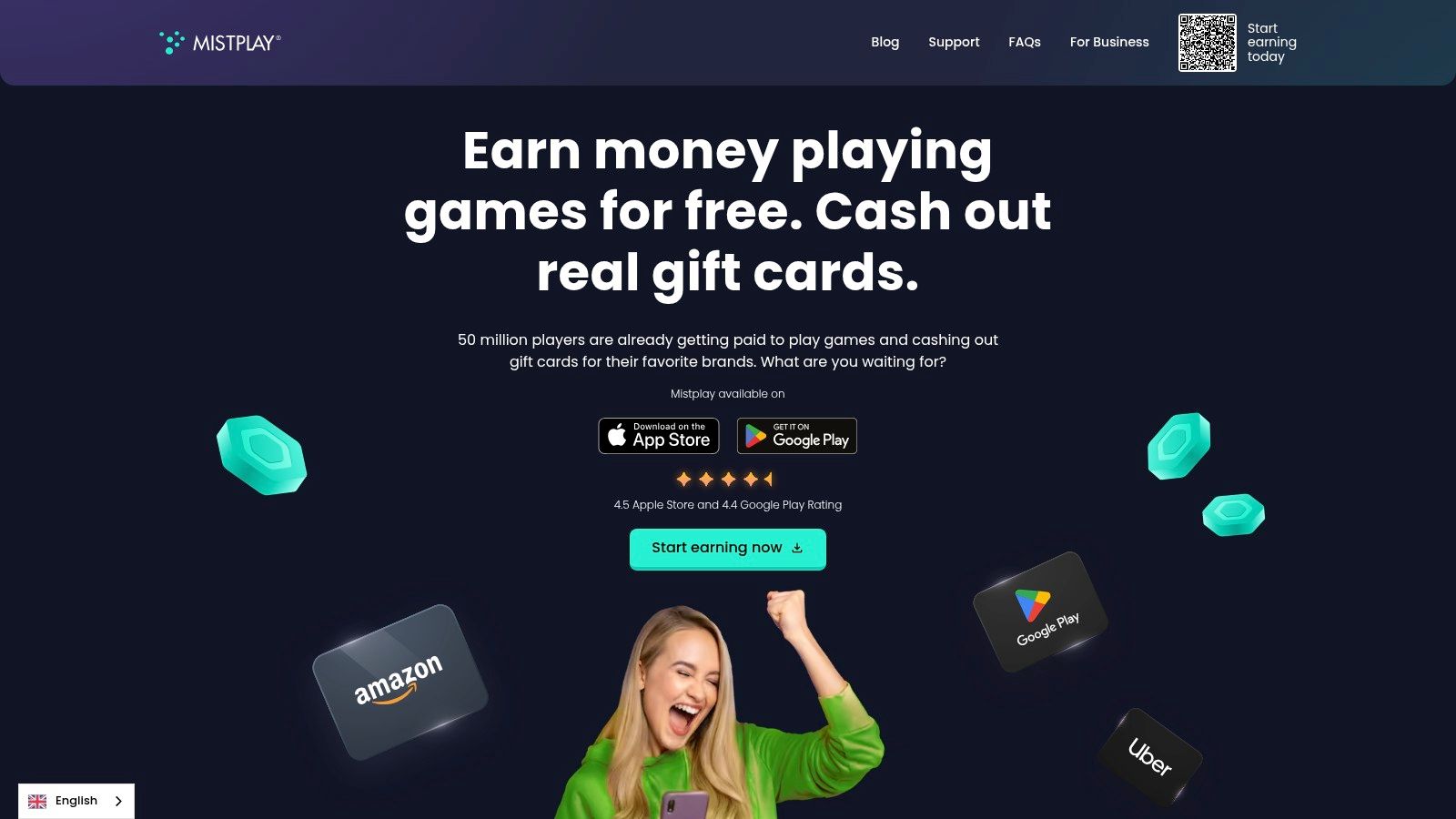
Mistplay is the closest match to the phrase, but its GXP stays within Mistplay's rewards system. According to Mistplay, players earn Game Experience Points through eligible games, reach gameplay checkpoints, and receive Units redeemable for available rewards. That isn't XP deposited into an unrelated competitive game account.
The free app combines mobile-game discovery with tracked rewards. It's available on Android and, in the U.S. and Canada, iPhone, although your catalog and reward options can differ from another player's. Choose from what your account displays rather than building a plan around someone else's screenshots.
Make tracking your first test
Launch eligible games through the required Mistplay flow and confirm that your activity registers before committing a long session. Keep GXP, checkpoints, and Units separate in your head: gameplay progress within the rewards system isn't the same thing as the balance you redeem.
- Best fit: Mobile players who enjoy trying unfamiliar games and want a visible rewards track.
- Main advantage: Explicit GXP terminology makes the progression loop easier to understand.
- Main limitation: Only eligible, properly tracked activity counts, and earning conditions can vary.
Our guide to choosing a free gaming app can help you decide whether discovery or competitive play matters more to you. I'd pick Mistplay for casual mobile exploration, not as a substitute for a planned squad session. If the available games aren't enjoyable without rewards, the checkpoints probably won't make the grind worthwhile.
2. Rewarded Play
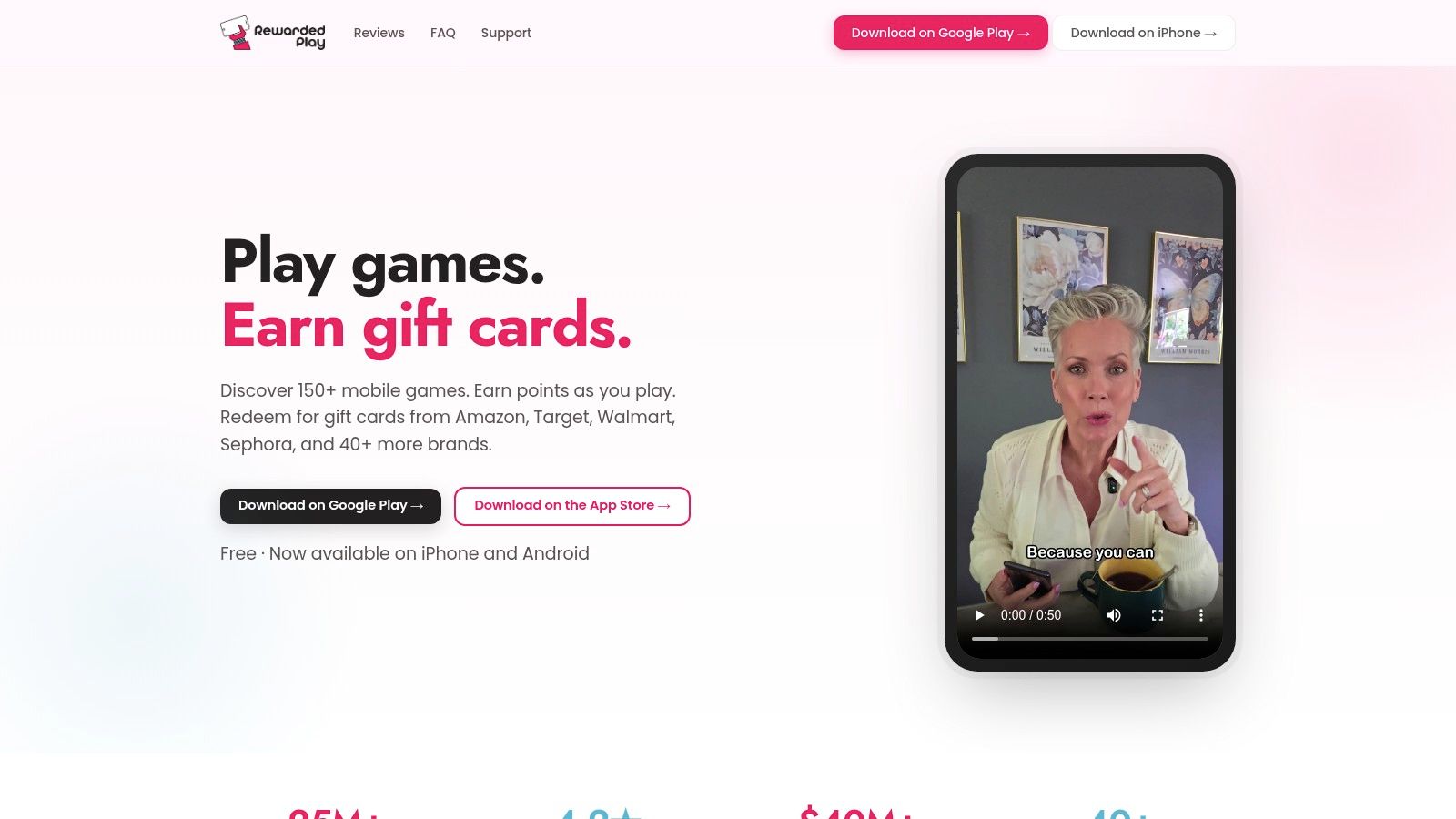
Choose Rewarded Play for gift-card rewards, not account levels. Rewarded Play offers a mobile-game catalog where eligible play earns points redeemable for participating gift cards, alongside optional surveys and bonus features. Its listed availability includes iOS and Android in the U.S., U.K., Canada, and Australia.
Compared with Mistplay, the useful distinction is the reward language. You're collecting points toward a redemption, not using a GXP-based discovery loop. Neither system transfers progression into the shooter or MOBA you already play.
Judge a rewards app by the games and redemption options available to your account, not by the biggest payout shown in its marketing.
Keep reward sessions separate from ranked practice
Say your squad isn't online yet and you feel like playing something casual on your phone. Rewarded Play can fit that gap if an eligible game interests you. It's a weaker choice when an offer pulls you away from practice you wanted to complete.
Check the offer's requirements before starting, then confirm that the points appear as expected. Optional surveys give you another activity, but they aren't gameplay and shouldn't be counted as game progression. Likewise, company-reported installs or payouts don't tell you what your account will earn.
The trade-off is straightforward: accessible play-and-redeem rewards, but changing offers and no competitive-game XP. If climbing rank is your priority, put your attention into improving your ranked gameplay instead. Use Rewarded Play as a separate casual activity, not a ranked shortcut.
3. Gamehag
Gamehag makes more sense when you want desktop and mobile offers under the same roof. Gamehag advertises eligible desktop, iOS, and Android game activities that award Gems, with potential redemptions including PayPal, gift cards, Steam keys, cryptocurrency, and other rewards. Availability depends on the offers and redemption choices shown to you.
That broader platform mix is its main advantage over mobile-focused alternatives. You can look for a game that suits your setup instead of choosing solely from phone games. Community features and giveaways add variety, but they shouldn't determine whether an individual offer is worth your time.
Separate the game milestone from the Gem payout
An offer may ask you to advance inside a game before awarding Gems. You can therefore make real progress in that specific game while also pursuing an external reward. The important limit is that Gamehag Gems aren't standard XP and don't increase levels elsewhere.
- Inspect the requirement: Identify the exact task, any deadline, and eligibility conditions before installing.
- Check the provider: Some offers rely on third-party tracking, so keep the displayed terms and completion evidence.
- Choose the redemption first: Confirm that a reward you want is available before accumulating Gems.
I'd favor Gamehag when platform variety matters more than a simple mobile-only experience. I'd skip an offer if the conditions are unclear or the game feels like unpaid homework from the opening session.
For players who prefer coordinated competition to offer completion, finding gaming events and tournaments is a different path. Tournament participation can provide a reason to practice together, but it's not automatically an XP bonus or a guaranteed reward.
4. Freecash
A large advertised reward is less useful than a milestone you can realistically finish. Freecash is best approached offer by offer, rather than as a passive XP app. Freecash combines game tasks with surveys and product-testing opportunities, with advertised withdrawals including PayPal, bank transfer, cryptocurrency, and gift cards, depending on the offer and user.
Its game offers can involve reaching levels or completing specific tasks. That gives you a concrete target, but the reward depends on satisfying the offer's conditions, not opening a game alone. Any levels you gain belong to that offered game, not your existing Fortnite, Apex Legends, or League of Legends account.
Practical rule: Read the completion conditions before the reward amount. A target that doesn't fit your available playtime isn't a good offer.
Evaluate the whole task
Start by checking whether the offer requires a fresh install, particular account status, purchase, deadline, or tracking permission. Those are conditions to verify, not assumptions to make. Save the offer details so you can compare the stated task with what you completed.
Then decide whether you'd enjoy the game without the payout. A milestone can look manageable at the start and become a poor fit once you understand the gameplay. Don't keep investing time solely because you've already begun.
Freecash's strength is activity variety and explicit task-based offers. Its weakness is the attention required to assess conditions and track completion. I'd use it for a deliberately chosen side activity, not while trying to shot-call a match or fill a squad role.
5. Cash Giraffe
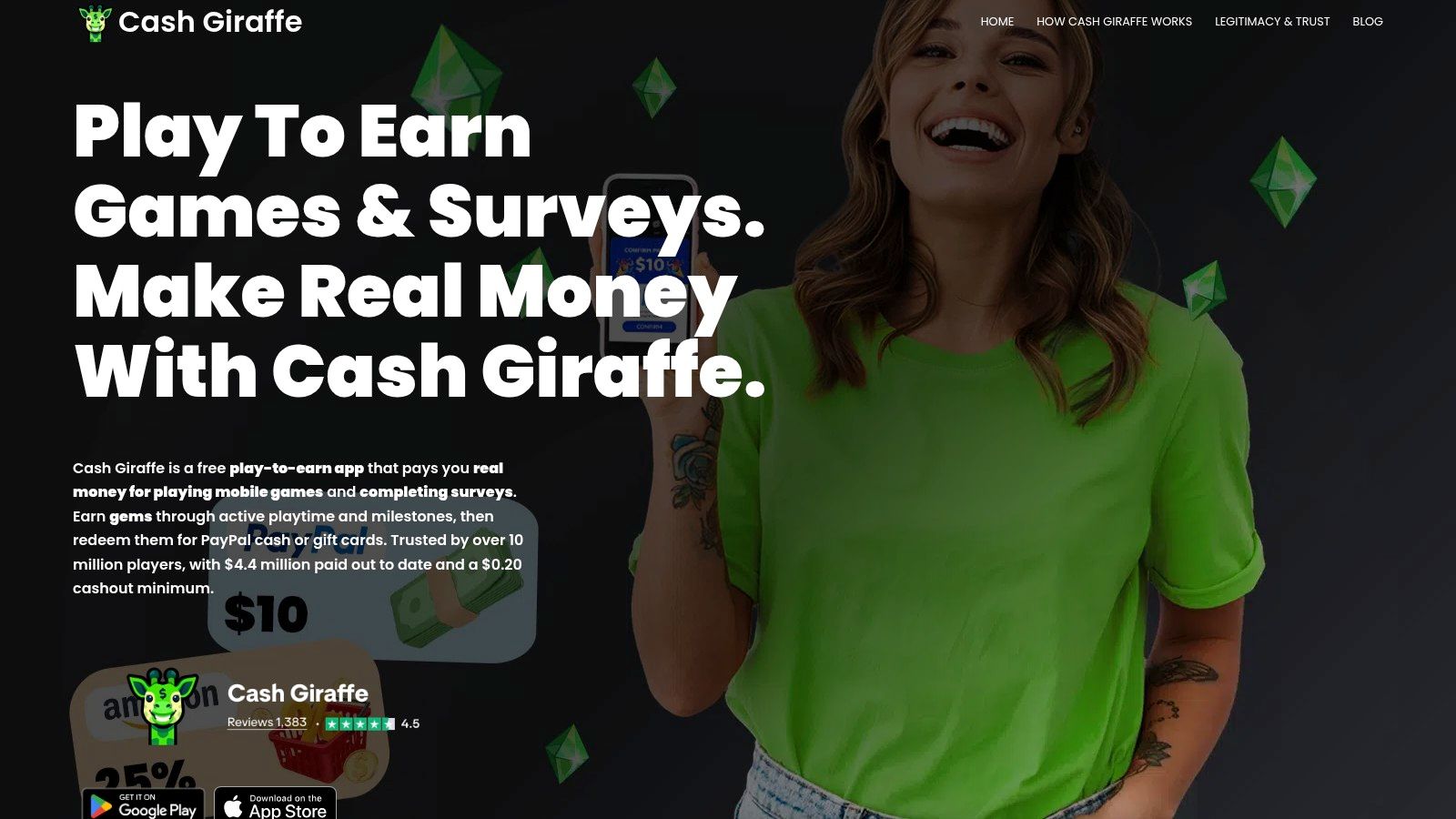
Cash Giraffe suits players who want a mobile-focused Gem balance rather than a broad desktop offer catalog. According to Cash Giraffe, participating games can award Gems through playtime or milestones, with PayPal cash and gift-card redemption advertised. It also lists surveys and daily activities, with iOS and Android availability.
The distinction between playtime and milestones matters. A playtime offer asks for eligible tracked activity; a milestone offer asks you to accomplish something specific. Don't assume that leaving a game open satisfies either requirement, and don't treat advertised earnings estimates as a promise.
Check the reward before settling into the game
Before starting, inspect the in-app redemption options and the selected game's conditions. Confirm that the activity registers, then decide whether continuing makes sense. A visible Gem balance is useful feedback, but the redemption you want is the relevant endpoint.
- Where it works: Casual phone sessions when you already want to try a participating game.
- Where it disappoints: Sessions where you expect every minute to earn the same reward or every game to qualify.
- What it doesn't do: Convert Gems into XP for an unrelated PC or console title.
Compared with Freecash's mixed activity menu, Cash Giraffe's mobile emphasis may be a better fit if you prefer browsing phone games. Compared with Mistplay, don't let similar progress displays hide the different currencies and conditions.
I'd keep it in a separate lane from multiplayer. Play when you're free, then close it when your squad is ready. Splitting attention between a reward milestone and live team communications is a poor trade for everyone in the lobby.
6. Swagbucks
Swagbucks is a general rewards platform with games, not a dedicated game-leveling tool. Swagbucks awards SB points through eligible activities including game offers, surveys, and shopping, with selected gift cards and PayPal cash among its redemption options. Web and mobile access make it relevant if you already prefer keeping several reward activities in the same account.
Its breadth is both the selling point and the drawback. You can earn outside games, but you'll need to distinguish game offers from other activities instead of assuming every option rewards play in the same way. Some game-related offers may involve purchases, while free-game points can be random rather than predictable.
Don't confuse a chance with a fixed reward
A specific game offer and a free game with random point awards require different expectations. Read whether you're completing a defined task for stated SB or playing with a possibility of receiving points. That difference matters more than how quickly you can launch the game.
A gift card can be useful without being XP. Keep the benefit, but name it accurately.
If an offer includes a purchase, assess the spending requirement before starting. Don't buy something merely to make a progress bar feel complete, and don't count the headline reward without considering the cost.
I'd recommend Swagbucks primarily to players who also want its non-gaming activities. If your only objective is to level a character or complete a Battle Pass, it adds a separate rewards workflow rather than helping that objective. Choose it for the wider ecosystem, not because its gaming section promises a universal progression shortcut.
7. InboxDollars
InboxDollars belongs in the cash-and-rewards category, not the XP category. InboxDollars offers paid game offers and some free games alongside surveys and other activities. Its free-games feature can help eligible members progress toward a Scratch & Win bar, but access isn't universal and scratch-card outcomes aren't guaranteed.
That last distinction deserves attention. Progress toward a scratch opportunity isn't the same thing as receiving a fixed cash reward for finishing a task. The platform describes cash and gift-card rewards across its activities, so inspect the specific activity rather than treating every game as equivalent.
Check access before planning a routine
Eligible members may access free-games features through desktop, Android, or mobile web. Your account's available options are what matter, especially if you're comparing the platform with an app that displays a clear milestone offer. Don't assume another member's free-game access applies to you.
- Best reason to consider it: You want cash-oriented rewards alongside surveys and other activities.
- Main caution: Scratch-card progress doesn't guarantee a winning outcome.
- XP verdict: External rewards only, apart from whatever ordinary progression the offered game itself provides.
Compared with Swagbucks, the decision should come down to the actual activities and redemption terms your account offers, not the currency's branding. A cash-denominated display doesn't remove eligibility requirements or make game rewards predictable.
I'd treat free-game scratch progress as an optional extra while playing something enjoyable. If you need a dependable target, prioritize an explicitly defined offer instead, then verify its conditions. Neither route should displace a squad session you'd rather play.
How each option pays out and who it suits
| Item | Reward Type | Redemption Options | Best For |
|---|---|---|---|
| Mistplay | GXP and Mistplay Units for eligible gameplay | Available rewards, such as gift cards | Mobile gamers seeking tracked play rewards |
| Rewarded Play | Points for playing catalog games | Gift cards from participating brands | Mobile gamers who also want optional surveys |
| Gamehag | Gems for game offers and other activities | Potentially PayPal, gift cards, Steam keys, and cryptocurrency | Players seeking desktop and mobile offers |
| Freecash | Rewards for completing game tasks, surveys, and product tests | Listed options may include PayPal, bank transfer, cryptocurrency, or gift cards | Users open to varied offers and milestone tasks |
| Cash Giraffe | Gems for mobile-game playtime and milestones | PayPal cash or gift cards | Mobile gamers seeking playtime-based rewards |
| Swagbucks | SB points for games and other activities | Selected gift cards or PayPal cash | Users who want games alongside shopping and surveys |
| InboxDollars | Cash-based rewards for eligible games and other activities | Cash and gift cards | Users seeking game offers alongside surveys |
Pick Your XP Path and Squad Up Smarter
None of these picks is a universal in-game XP booster. Mistplay has its own GXP loop; the other platforms provide external points, Gems, or cash-oriented rewards. An eligible game offer can let you advance within that offered game while earning a separate reward, but that doesn't transfer levels to your main account.
Keep separate goals for reward-app progress and in-game progress. For rewards, choose an eligible game you enjoy, verify tracking, and check redemption terms before investing time. Treat rewards as an optional byproduct of spare-time play, not passive income from an unattended phone.
Stack your time, not imaginary XP bonuses
Use rewards apps when you're free, then switch fully to your main game when the squad arrives. Inside the game, choose modes and objectives that contribute to the progression track you want. Don't assume ranked rating, account XP, weapon levels, and Battle Pass progress are interchangeable.
For example, the VALORANT XP guide from Esports.net lists Unrated rewards of 100 XP per round played and 200 XP per round won, while noting that AFK rounds don't generate XP. A reliable squad can help you coordinate objectives and complete sessions, but grouping up isn't itself proof of an XP multiplier.
- Match the session: Agree on mode, platform, schedule, and whether you're practicing or chasing progression.
- Set communication boundaries: Decide on mic expectations, useful criticism, and behavior after losses.
- Protect your attention: Don't run reward tasks that interfere with active participation.
Teammate fit matters beyond rank. The GNET discussion of gaming safety highlights harassment and normalized toxicity, reinforcing why respectful communication belongs in your selection criteria.
For a free teammate-finding option, our Gamerplug platform is still in development, and you can join the waitlist for launch updates. Prepare a clear squad description now: your game, rank range, availability, platform, and communication preferences. That's more useful than asking for someone good.
Gamerplug is building a free teammate-finding platform for players who want a compatible squad and community, not another rewards balance. Visit Gamerplug to join the waitlist, then get ready to find teammates who match your skill, play style, and schedule for focused progression sessions.