You've posted an LFG request, gotten five quick replies, and still don't have a squad. One player's two ranks below you, another wants casual games when you're grinding, a third has no mic, and the last two disappear before you queue. That churn is why a useful free gaming app has to show more than a username and a game logo.
The seven options below do different jobs in a real routine. Some help you judge teammates before you commit, others coordinate sessions, build longer term friendships, or connect you to communities and tournaments. Free usually means a usable core product, not unlimited everything, so watch for ads, paid upgrades, and companion services. If you also publish your best plays, pairing your squad search with a gaming clip tool for creators can make your profile easier to judge. Since mobile reached approximately 3.0 billion players worldwide, about 83% of the global games audience, in Newzoo's 2025 Global Games Market Report, mobile first discovery now reaches players who ultimately queue on PC and console too.
Table of Contents
- 1. GamerPlug
- 2. GamerLink
- 3. GameTree
- 4. TapTeam
- 5. Noobly
- 6. Discord
- 7. E-Pal
- Top 7 Free Gaming Apps Compared
- Build a Stack That Finds, Filters, and Follows Through
1. GamerPlug
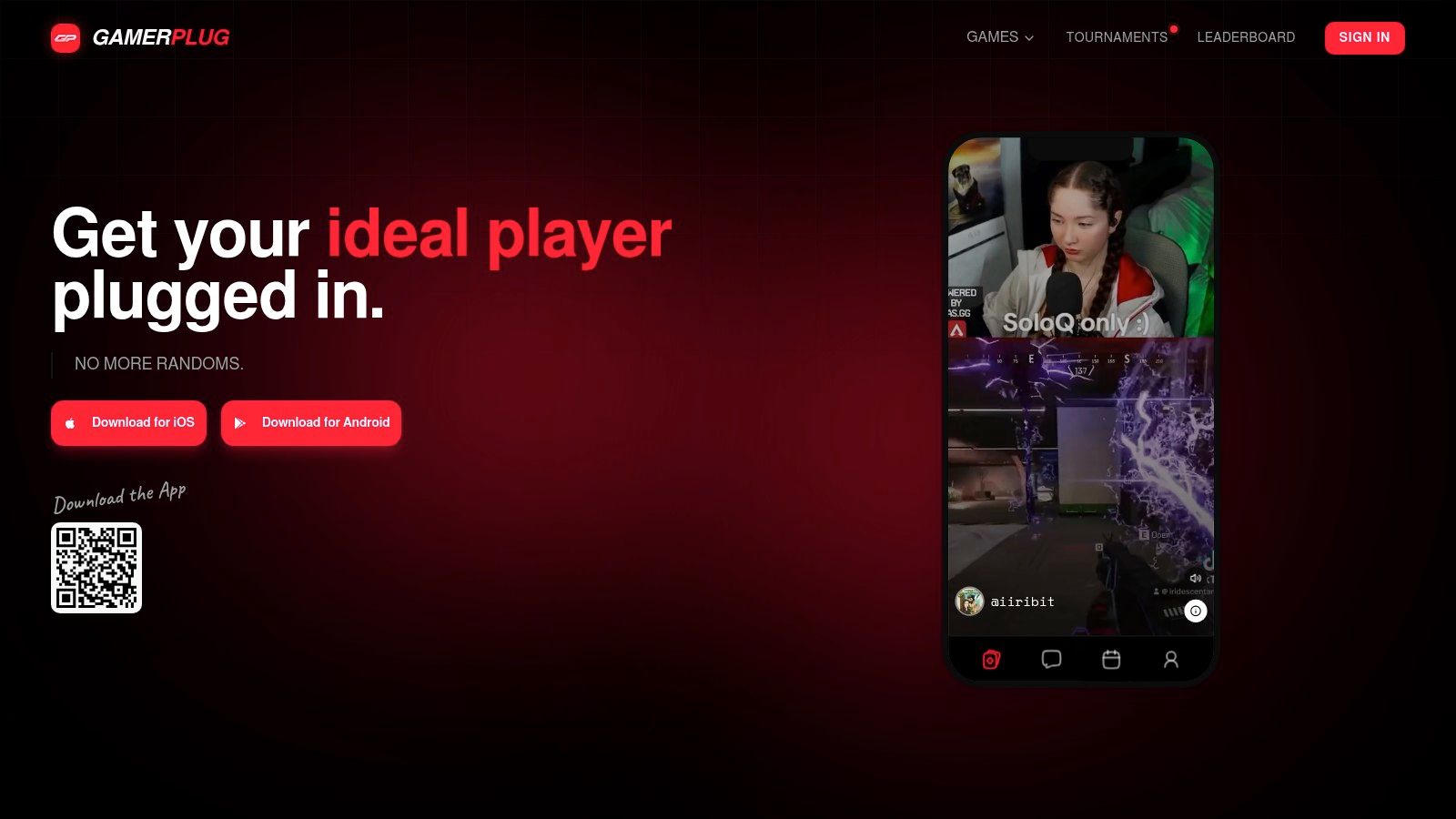
GamerPlug is built for the pre queue decision, not just the post itself. You browse players in a swipe style feed, filter by game, platform, and verification, and judge fit from gameplay clips, playstyle, mic preferences, and verified rank information for supported games. That's more evidence than a bio line claiming someone's cracked.
Its LFG posts let you set mode, rank range, mic needs, and open slots before anyone joins. Chat and tournaments for supported games keep the group together after the first match, which matters because a one off duo rarely becomes a reliable squad. It's free to download and use on iOS, Android, and the web, and it works as a gaming buddy app for players who want repeat teammates, not random fills.
Where It Fits Best
Use it when rank context and actual gameplay matter, especially for competitive Apex Legends, Valorant, Fortnite, or League of Legends queues. Clips won't prove someone communicates well, but they do expose role, pace, and decision making faster than stats alone.
Practical rule: Watch for how a player rotates, trades, and plays off teammates, not just whether the clip ends with a highlight kill.
The trade off is scale. As a recently launched service, its community may be smaller than established alternatives, and game specific data support varies by title. Check your main game and region before you rely on it as your only free gaming app. For ranked focused players who are tired of guessing, though, the evidence first profile is the strongest reason to start here.
2. GamerLink
When your group switches games from one session to the next, GamerLink offers a broad place to look for players. Its store listing says it supports more than 400 games across Xbox, PlayStation, PC, Switch, and mobile. You can create or browse LFG listings, check profiles, and use chat and party features to organize a session.
That breadth is useful, but a title in the catalog does not guarantee an active local player pool. Smaller games may feel quiet at your usual play time, so test activity when you would queue. GamerLink suits multi-game casual groups that want one app for finding teammates, rather than a separate community for each title.
- Best use: Finding groups across many games and platforms
- Core tools: LFG listings, profiles, filters, and party chat
- Watch out for: Ads in the Android app and uneven activity outside popular titles
The Google Play listing reports 4.4 stars from more than 14,000 reviews, a sign of an established user base, not proof of match quality. Google Play data safety information also says some data may be shared and data isn't encrypted. Keep personal details out of your profile and chats.
For players new to LFG gaming, GamerLink keeps session hunting straightforward. Its strength is breadth, not verified competitive evidence, so check who is active before relying on it for a specific game or time. The app is a practical free gaming app for finding casual groups across platforms, with ads and game-by-game activity as the main trade-offs.
3. GameTree
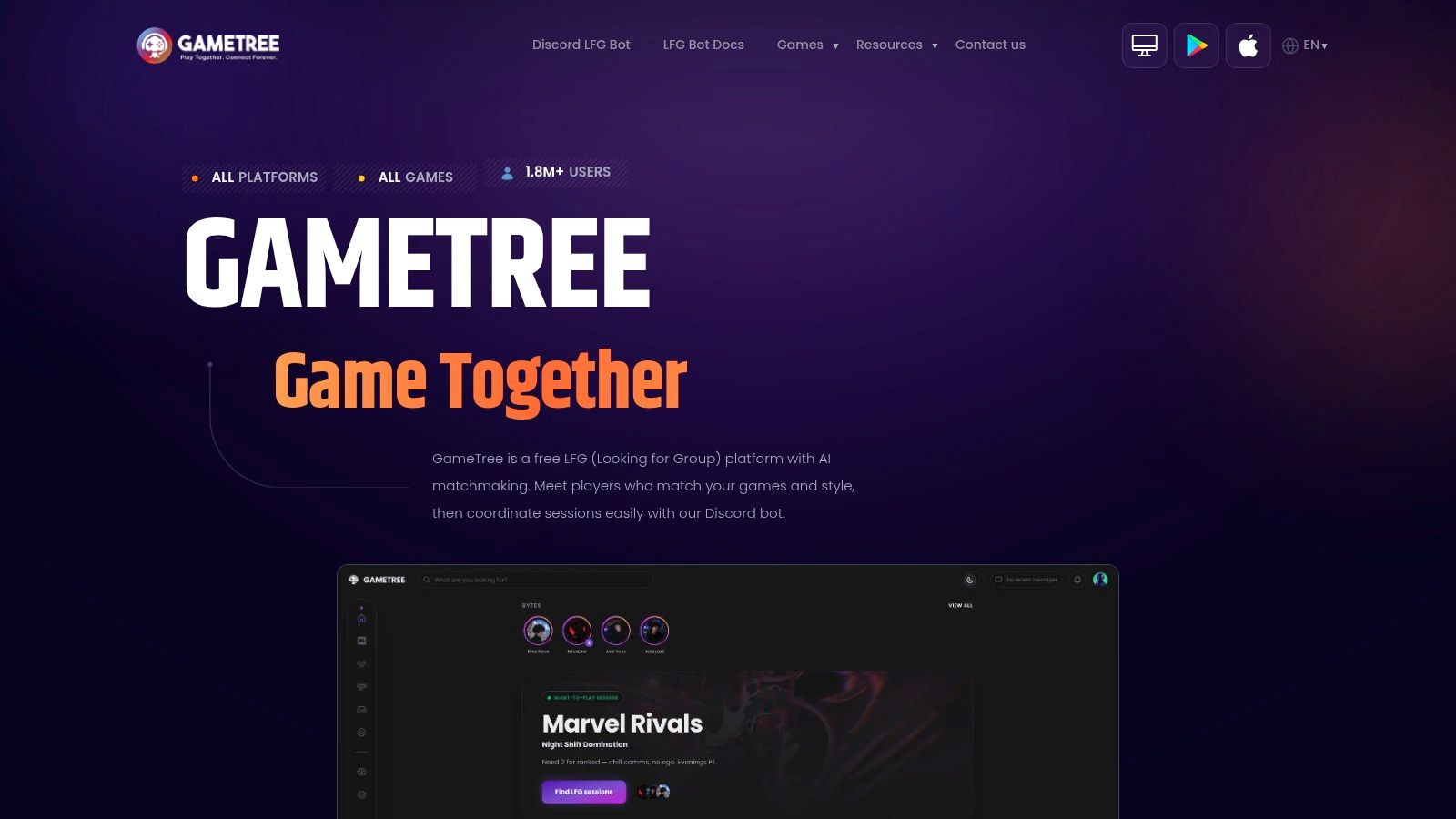
GameTree makes most sense if your gaming life already happens inside Discord. Alongside its iOS and Android app, it offers Scout, a Discord LFG bot that helps communities create or join sessions without forcing everyone into another standalone feed. Core LFG features are free, and it supports PC, console, Switch, and mobile players.
Matching leans on gaming preferences and personality style profile details. That can surface people you'd enjoy hanging out with, and enjoyment isn't trivial. In a 2025 U.S. survey, 72% of players aged eight and older said they play with others and 78% agreed games can introduce people to new friends, according to ESA's 2025 Essential Facts report. Shared taste helps a squad survive a losing night.
The Limit You Need to Manage
Personality fit doesn't replace competitive checks. A friendly player at the wrong rank, on the wrong role, or with opposite session goals still creates a bad queue. Ask about rank, mode, mic use, and how long they plan to play before you lock in.
You'll also need a Discord account for the bot based experience, which is either convenient or one more layer depending on your habits. Google Play feedback is mixed, so don't expect polish to solve a quiet server. GameTree works best as a community layer for Discord regulars who want session prompts where they already talk, not as a strict ranked filter.
4. TapTeam
TapTeam treats the LFG post like a contract. Instead of a vague need two message, posts can specify game, platform, skill level, goals, playstyle, mic preference, and available spots, so mismatches show up before you waste a lobby. You can post or join sessions, use Quick Match, send connection requests, and move into squad chats, with core teammate finding features free on iOS, Android, and the web through TapTeam.
That structure is valuable because retention is earned in the first session. Gaming apps averaged only 27% Day 1 retention in the 2026 Gaming App Insights Report, so an app that gets you into a compatible session fast has a better shot at staying on your phone. Clear requirements reduce the awkward first five minutes where everyone discovers they wanted different things.
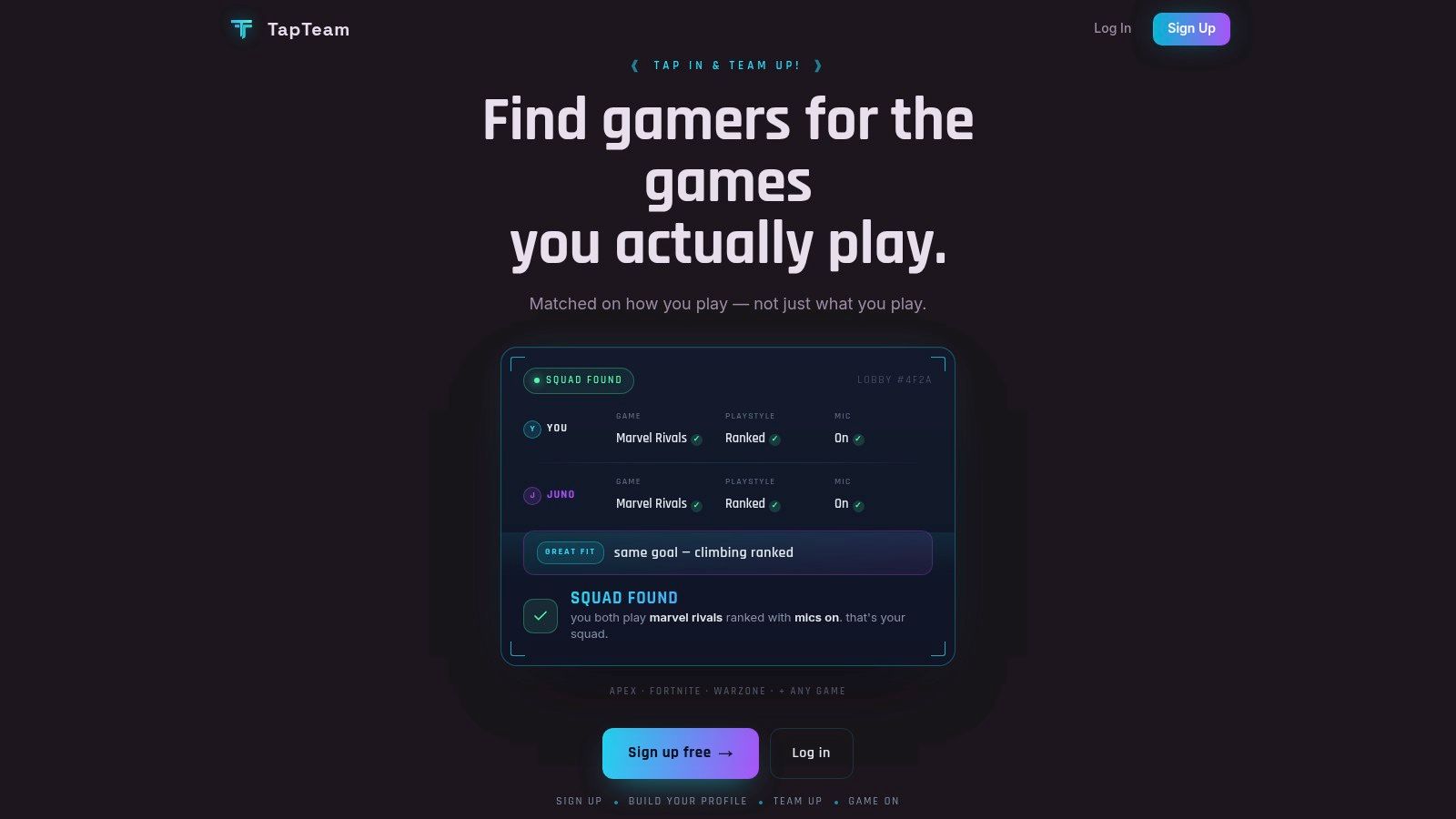
Post session ratings, plus block and report tools, add accountability after the match. They can't guarantee chemistry, and ratings can be thin when a community is new. Activity may vary by game and location, phone verification is required according to its LFG page, and there's an optional TapTeam+ tier above the free core.
For organized players building a roster, it pairs well with the thinking behind an esports team finder, because explicit goals beat hopeful browsing. Pick TapTeam when you know exactly what session you want to run and you'd rather filter hard up front than interview people in voice chat.
5. Noobly
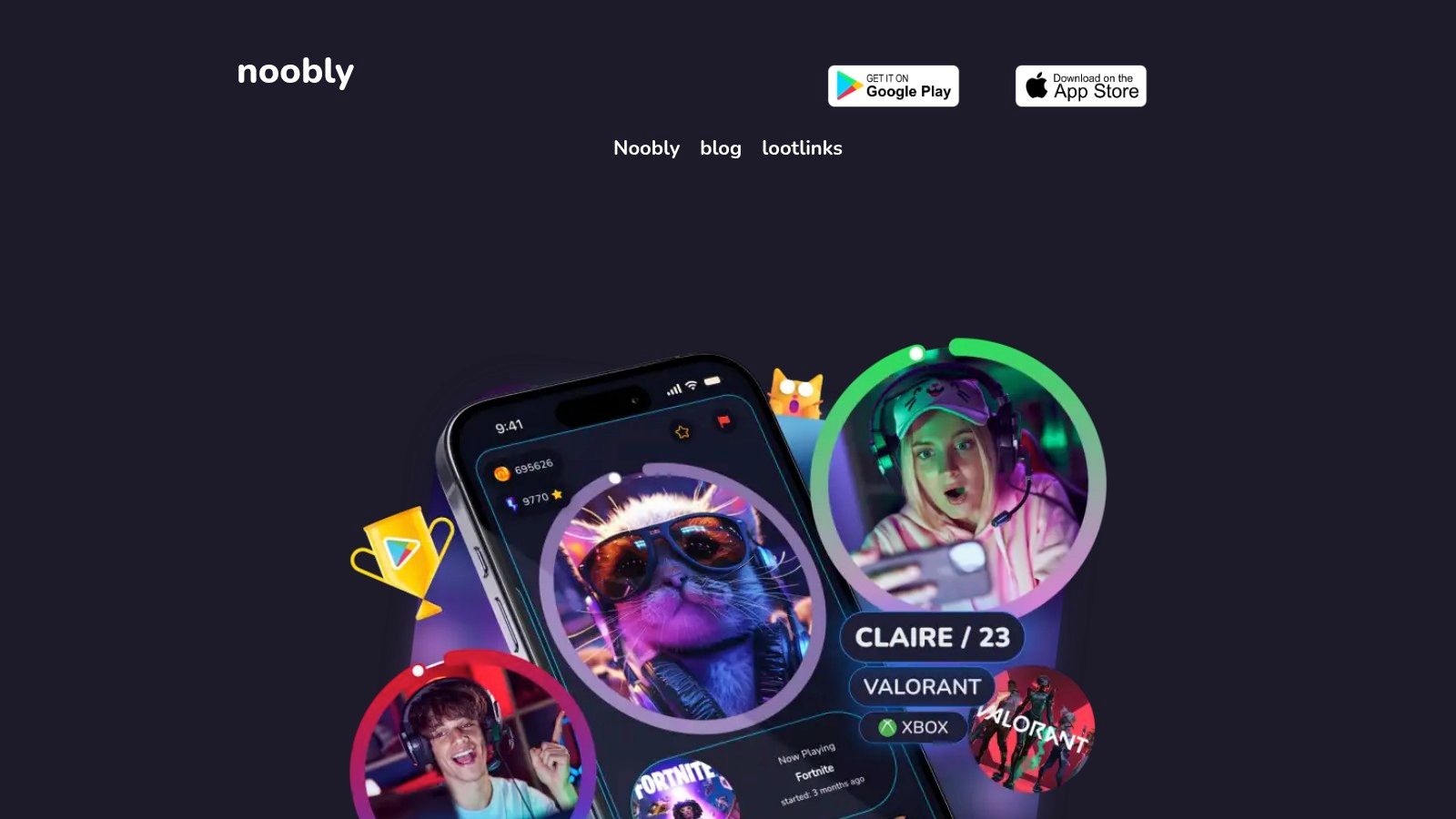
Noobly aims wider than tonight's queue. It's a gamer social app for finding gaming friends, co op partners, and people with shared interests, using swipe style discovery, chat, and LFG lobbies for individual sessions. Profiles can reflect games, timezone, and interests beyond a single title, with badges and customization for players who like a social identity.
That makes it better for building a friends list than for filling a ranked slot in ten minutes. Social discovery takes longer, and a fun profile doesn't tell you whether someone shot calls, tilts, or leaves after one loss. Use the chat to set expectations before you treat a match as a tryout.
What Free Actually Means Here
Noobly is free to download on iOS and Android, but it includes ads and in app purchases. Decide early which extras are cosmetic and which affect discovery, because social apps often monetize visibility. You don't need to pay to test whether your games have active players nearby.
Its store pages describe support for thousands of games across console, PC, mobile, VR, and cloud gaming. Broad support still doesn't guarantee depth in a niche title, so search your main games first. Choose Noobly if your goal is durable gaming friendships and casual co op across many titles, and keep a more structured LFG tool for nights when rank, role, and start time are non negotiable.
6. Discord
Discord isn't a matchmaking app, and that's both its strength and its weakness. The free platform at Discord gives communities text, voice, and video chat, plus channels and roles that each server can shape into LFG boards for specific games, ranks, or regions. Once you find the right server, coordination is excellent because the squad can talk, share clips, and plan the next session in one place.
Finding that server is the work. Server Discovery includes a gaming category, but quality depends entirely on moderation and organization. One server enforces rank roles and active LFG channels, another is a spam wall where posts vanish in minutes.
A busy LFG channel isn't a good LFG channel. Look for pinned rules, rank roles, and moderators who actually remove bait posts.
Safety needs the same scrutiny. In a survey of 2,408 players, 75% said feeling safe from hate and harassment was important or extremely important, and 40% reported turning off voice chat to avoid harassment, in Take This research on toxicity and player behavior. A server with clear reporting and fast moderator action protects voice comms, which protects coordination.
Discord is free to start on apps and in a browser, with optional paid plans you don't need for LFG. It won't verify ranks or structure matchmaking for you. Use it as the coordination home for a squad you've vetted elsewhere, or invest time in one well moderated game server instead of joining ten noisy ones.
7. E-Pal
E-Pal sits apart from the rest of this list because free matching lives beside a paid companion marketplace. Through E-Pal, the Play page describes free Quick Match with filters for game, server, rank, and position, plus voice rooms and community features on web and mobile. If you want a social, voice forward way to meet players, that mix can feel lively.
Read the price boundary before you start. Some interactions and companion services are paid, prices can vary by provider, and there's an optional VIP membership. That's not a flaw if you knowingly want that ecosystem, but it isn't the same deal as a conventional free gaming app where every teammate is just another player looking for a group.
- Use the free layer first: Test Quick Match filters for your game, server, and role before considering paid services
- Check expectations: Confirm whether someone wants a normal squad session or a booked companion session
- Protect your boundaries: Keep payment and personal contact decisions deliberate, not impulsive
The safety stakes are real in any social matching space. A 2025 study of roughly 600 teen and young adult players found 85% had encountered hate speech in multiplayer games, reported in UC Irvine coverage of harassment research, so use blocking and reporting early rather than enduring a bad room. E-Pal fits players who value its broader social marketplace. If you only want unpaid ranked teammates, the earlier dedicated LFG apps are a cleaner fit.
Top 7 Free Gaming Apps Compared
| Platform | 🔄 Setup / Process Complexity | ⚡ Access & Cost | 📊 Expected Outcome | ⭐ Key Advantages | 💡 Ideal Use Case |
|---|---|---|---|---|---|
| GamerPlug | Low; browse profiles, post sessions, or join tournaments | Free; iOS, Android, and web | More informed teammate choices through clips and supported rank verification | Gameplay clips, rank details, and cross-platform discovery | Players seeking teammates with visible gameplay or competitive credentials |
| GamerLink | Low; create a profile, filter players, and coordinate in chat | Free with ads; iOS and Android | LFG options across a broad game catalog, though activity varies | Broad game and platform support; established service | Finding teammates for a wide range of games |
| GameTree | Moderate; app matching or Discord bot requires a Discord account | Core LFG is free; iOS, Android, and Discord | Preference-based discovery and community session coordination | Discord-based LFG and compatibility-oriented profiles | Players already active in gaming Discord communities |
| TapTeam | Low; create structured posts or use Quick Match | Core features free; iOS, Android, and web; phone verification required | Sessions matched by skill, goals, playstyle, and mic preference | Detailed session requirements, squad chat, and safety tools | Players who want expectations agreed before joining a squad |
| Noobly | Low; browse profiles or join LFG lobbies | Free with ads and in-app purchases; iOS and Android | Can support both one-off sessions and longer-term gaming friendships | Social discovery and broad game and platform coverage | Players seeking gaming friends as well as session partners |
| Discord | Moderate; find and join a suitable server, then use its LFG channels | Free to start; apps and browser; optional paid plans | Access to game communities and voice coordination; results depend on server quality | Large community ecosystem and strong chat tools | Players who value community-based coordination and voice chat |
| E-Pal | Low to moderate; use Quick Match filters or explore services | Free matching options; some services and VIP features are paid; web and mobile | Game-filtered matching plus optional companion services | Filters for game, server, rank, and position | Players seeking filtered matches or companion services, after checking costs |
Build a Stack That Finds, Filters, and Follows Through
No single free gaming app does every job well, so assign each one a role. Use GamerPlug when gameplay evidence and rank context matter before you queue. Use TapTeam when you want structured session requirements stated up front, and GamerLink or GameTree when broad LFG coverage or Discord based sessions matter more.
Noobly fits the slower job of building lasting gaming friendships across many titles. Discord works best as the coordination home once you've found people worth keeping, with voice, channels, and scheduling in one place. E-Pal makes sense only when its companion ecosystem is something you actively want, not a surprise you discover after matching.
Free access itself is now the default expectation for a reason. In 2011, revenue from free to play games surpassed revenue from premium games among the top 100 titles in Apple's App Store, a milestone documented in the history of the free to play model. Removing the upfront charge gets players in the door, but it doesn't guarantee they'll stay, behave, or fit your squad.
A Routine That Actually Works
Post a precise request with game, platform, rank range, schedule, timezone, and mic requirements. Verify experience before queuing by checking clips, rank signals, roles, and goals, and ask one direct question about session length and tilt tolerance. Then keep the final squad in a dedicated chat with a clear plan for the next session, because follow through is what turns a good fill into a regular teammate.
Judge every app after a week of real use, not after one lucky match. Did it surface compatible players at your hours, reduce failed lobbies, and help you reconnect with the same people. The best choice is the one that remains useful after the novelty of a new squad wears off.
Ready to stop guessing from usernames and start judging teammates by real gameplay clips and verified rank context. Visit Gamerplug to build your profile, post your first LFG with clear rank and mic requirements, and find a squad that matches how you play.