It's Friday night, your squad is queued for a Valorant qualifier, and the calendar you bookmarked disagrees with the organizer's match page. One teammate read the broadcast time as check-in. Another forgot the time zone. Now the lobby is arguing about whether there's time for one more ranked game.
A useful esports tournaments schedule does more than show dates. It tells you whether you can still enter, when your roster has to be ready, and which page gets the final say when two listings conflict.
No single source below does all of that alone. Each one is strong at a specific job: some surface official circuit dates, some index community brackets you can play in, some confirm the match time you queue against. The reliable habit is pairing two of them, an overview to discover the event and the organizer's page to verify your commitment. If you're also getting into esports, that routine separates time spent competing from time spent following the scene.
Table of Contents
- 1. Liquipedia
- 2. Esports Charts
- 3. Riot Games VALORANT Competitive Operations
- 4. LoL Esports
- 5. Fortnite Competitive
- 6. Apex Legends Global Series (ALGS)
- 7. Battlefy
- How the 7 Esports Tournament Schedule Sources Compare
- Turn Your Esports Schedule Into a Weekly Routine
1. Liquipedia
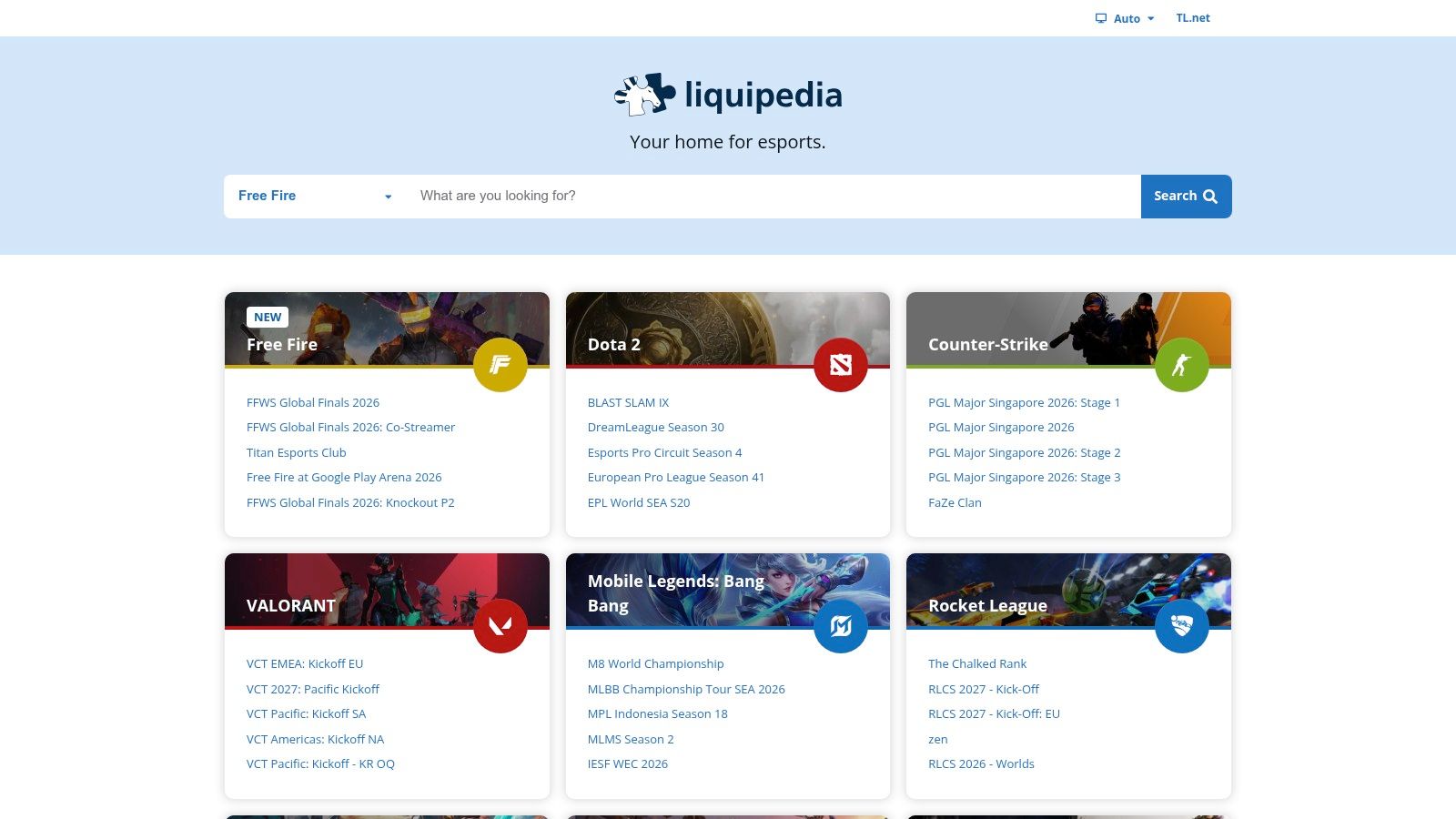
Best for understanding where an event fits. Liquipedia is a community-maintained esports wiki with game-specific tournament portals, upcoming-event listings, and calendar views for some games. It's a strong starting point when you recognize an event name but don't know its place in the competitive season.
For Apex Legends or League of Legends, browse the relevant game portal rather than treating the whole site as a universal calendar. Tournament pages can combine dates, participants, locations, prize information, and competition structure where those details are available.
Use it for context, not final check-in
Liquipedia's advantage over a bare date listing is event context. You can distinguish a qualifier from the main competition and work out which stage you want to follow.
Its limitation is the same community-editing model that makes its coverage useful. Pages can be incomplete or updated after an organizer announces a change, and layouts vary between games.
- Verify the stage: An event's overall date range isn't necessarily your team's playing window.
- Follow the organizer: Use the event's official destination to confirm registration and last-minute instructions.
- Check participation status: A listed tournament isn't automatically an open tournament.
I'd use Liquipedia to build a shortlist, especially when following several games. I wouldn't use an overview page as proof that a roster is registered or that a match time is final.
2. Esports Charts
Following a team is a different job from finding a tournament to enter. Esports Charts' match schedule suits the former: upcoming matches, game and team filters, and past results help spectators narrow a busy competitive calendar.
Say your squad wants to watch a particular team before practice. Filter for the game or team, identify the relevant match, and check whether it conflicts with your own session. Historical results also help distinguish a completed fixture from an upcoming one without digging through unrelated announcements.
Practical rule: A match listing tells you what to watch. It doesn't establish your right to compete.
Where the schedule stops
Esports Charts isn't a tournament-registration service. Don't expect a match entry to include every participation requirement, roster restriction, or organizer instruction.
Its related viewership and event information can add context for creators and spectators, although some advanced analytics may require an account or paid access. That's separate from the basic question of when a match is scheduled.
If your actual goal is finding esports tournaments near you, switch from spectator listings to local or regional event discovery. A professional match happening in your region doesn't mean there's an amateur bracket attached.
The trade-off is focus: Esports Charts is useful for following competition across scenes, but an organizer's event page remains the place to resolve entry requirements and player obligations.
3. Riot Games VALORANT Competitive Operations
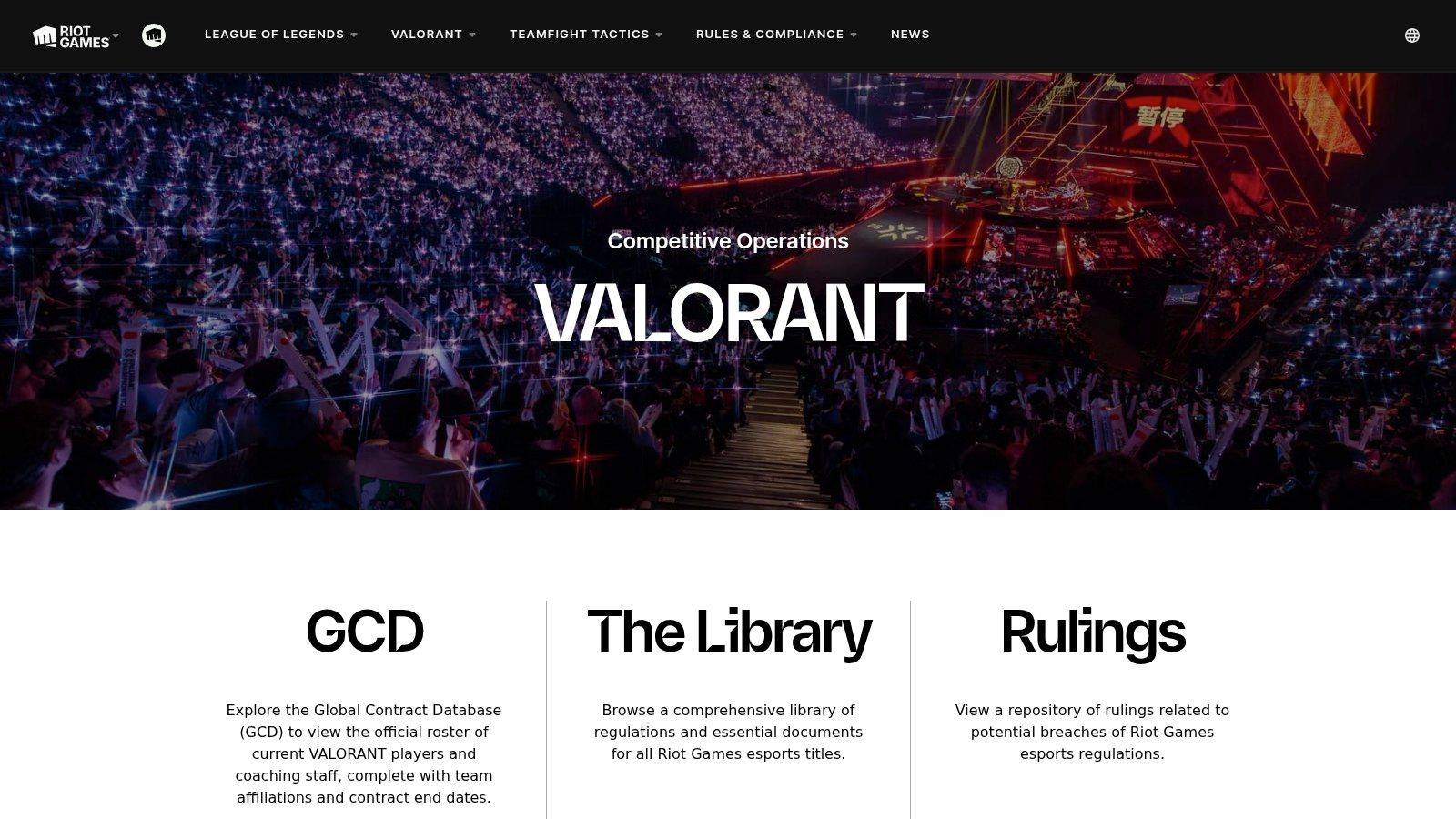
Start with Riot Games VALORANT Competitive Operations when the question is what Riot has officially announced. It provides competition information, season structure, and routes to relevant schedules across the official VALORANT ecosystem, including VCT and Game Changers.
That first-party status matters when a general calendar compresses a season into an event name and date range. You need the competition announcement to understand which stage, region, and qualification route the listing describes.
Read the competition details before blocking your calendar
Official information can still be distributed across linked pages. Treat Competitive Operations as an authoritative starting point, not a promise that every match time and rule will appear together.
- For season planning: Check the official structure and relevant competition announcements.
- For match viewing: Follow the schedule destination associated with that competition.
- For entering: Find the applicable eligibility and registration instructions, rather than assuming a circuit announcement is an invitation.
Format matters to availability, too. Understanding a Swiss tournament format helps you recognize why an opening match doesn't describe the full playing commitment.
The blind spot is community coverage. This isn't a complete directory of independent Valorant events, casual customs, or amateur brackets. Pair it with a community platform if you're looking for something your current roster can enter, and recheck official announcements before committing to travel or a demanding practice block.
4. LoL Esports
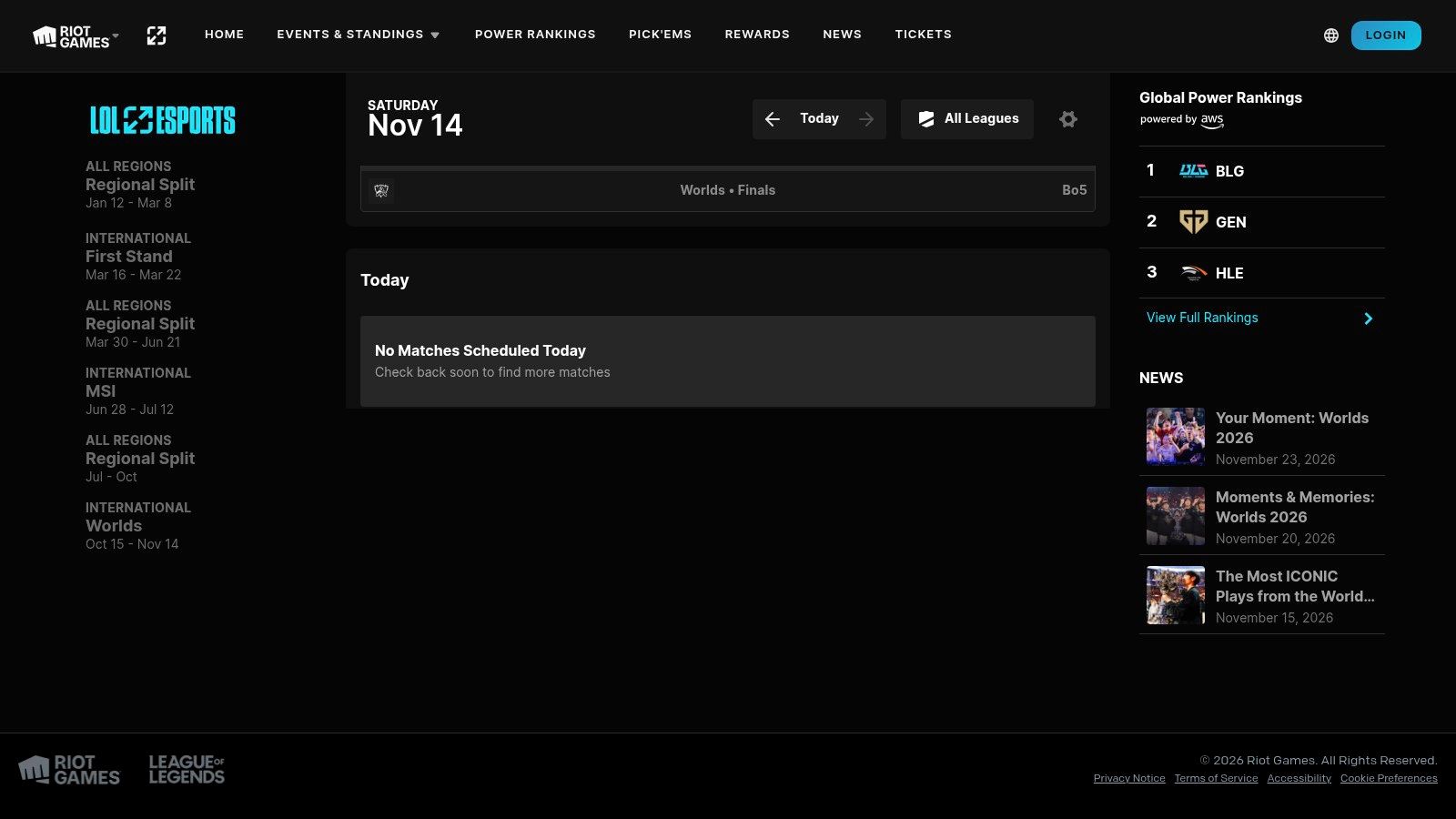
For League players, LoL Esports is the focused official option. Its schedule covers supported regional and international competitions within Riot's esports ecosystem, alongside official news and event information.
The practical advantage is less sorting. If you only care about League, you don't need a cross-game feed filled with unrelated fixtures. Start with the relevant competition and date, then inspect the match or event information.
The limitation is scope, not usefulness. Official League coverage isn't a directory of community tournaments, so it won't replace an amateur-event search when your team wants to play.
Don't put a professional broadcast and your own tournament check-in into the calendar as if they're the same kind of commitment.
Separate watching from playing
Use different calendar labels for watching, practice, and competition. That makes it easier to protect a roster commitment when a regional league match overlaps with your team's session.
Before sharing a fixture in squad chat, check what the displayed time refers to and whether the page is showing the time zone you expect. Match times and event details can change, so a screenshot shouldn't become your permanent reference.
I'd choose LoL Esports over a broad calendar for following Riot-run League competition. For an amateur squad, I'd pair it with an organizer's bracket page, where entry rules, roster submission, and match instructions belong.
5. Fortnite Competitive
Fortnite players should check the correct region before anything else. The supplied Fortnite Competitive schedule opens with Brazil selected, so don't assume that the first session you see applies to your account or squad.
Epic's competitive schedule lists upcoming sessions and provides routes to tournament details and official rules. The in-game Compete tab offers another way to inspect relevant events before you commit.
Match the session to your eligibility
Fortnite's schedule is useful for players as well as spectators, but a visible session isn't confirmation that you qualify. Eligibility and format depend on the event, and the applicable rules should settle those questions.
- Region: Confirm that you're viewing the intended competitive region.
- Session: Check the actual play window rather than just the event's overall dates.
- Eligibility: Read the event rules before arranging teammates.
- In-game details: Compare the website information with the relevant Compete entry.
The main trade-off is straightforward: this is a first-party Fortnite resource, not a cross-game calendar. That narrower focus is helpful when you're trying to enter, but it won't reveal conflicts with your Valorant team's commitments.
Avoid planning around a cropped schedule image shared in chat. Open the current event details, verify the region, and make sure every teammate understands the commitment. If the schedule changes, update the shared calendar rather than leaving the correction buried in messages.
6. Apex Legends Global Series (ALGS)
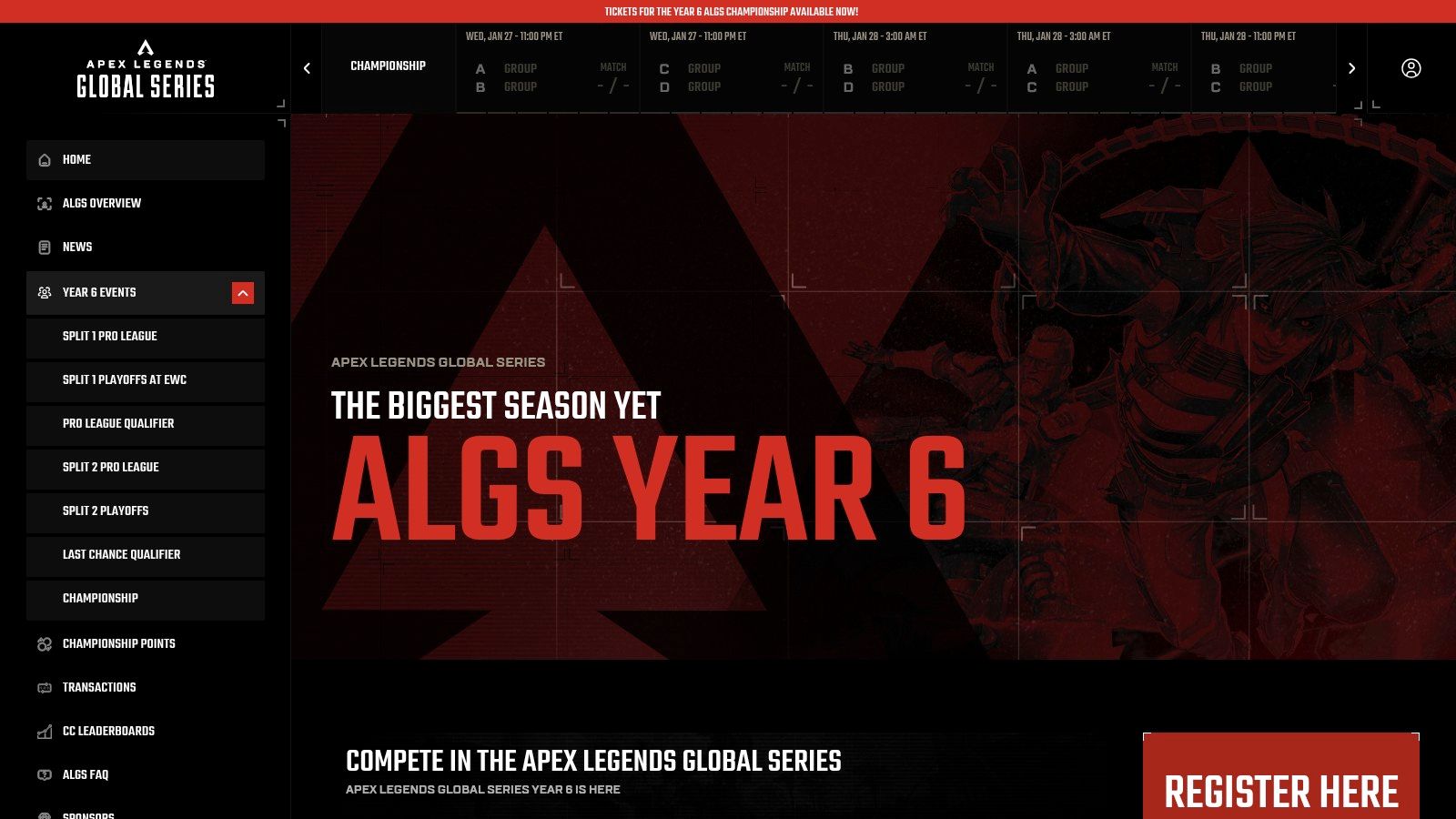
Use the Apex Legends Global Series website to verify the official Apex circuit, not to find every Apex tournament on the internet. Its news, event announcements, and competition pages provide the relevant starting points for ALGS dates and event specifics.
That distinction matters when an event name appears across a wiki, a broadcast listing, and a community discussion. The official event material is where you should verify what the announced competition includes.
Work backward from the event page
Start with the relevant event, then find the details that affect your purpose. A spectator needs the viewing schedule; a player needs participation rules, the applicable stage, and instructions for entering or competing.
Some details may sit in separate news articles or event pages. Don't stop at a headline announcing the event if your question concerns qualification or roster eligibility.
Roster advice: Confirm the full participation window before asking teammates to commit. The opening match is only part of the obligation.
The site's strength is official-circuit authority. Its blind spot is the wider Apex scene: community customs, independent tournaments, and scrims aren't the same thing as ALGS coverage.
For a developing team, I'd keep ALGS information separate from the squad's immediately playable events. Follow the official circuit for its structure and announcements, then use a community platform to find suitable competition. That keeps aspirational events from crowding out brackets your roster can enter.
7. Battlefy
A calendar entry becomes useful to a player when it answers Can my team enter? Battlefy is the community-focused option here, with tournament discovery and, where organizers enable it, registration through individual event pages.
Listings can show dates, start times, regions, and countdowns. Event pages may also provide brackets and organizer contacts, which makes Battlefy more actionable for amateur players than a spectator-only schedule.
The distinction between visibility and accessibility matters. The EsportNow tournament calendar highlights tournament tier as information that schedule sites can omit; a prominent championship and an accessible community bracket shouldn't receive the same treatment in your playing plan.
Inspect the organizer, not just the card
Battlefy hosts tournament tools, but not every listed competition is operated by Battlefy. The individual organizer's rules and communication determine what you're signing up for.
- Entry fit: Check region, platform, team size, skill restrictions, and any entry fee.
- Registration: Confirm the deadline and whether joining requires further approval or check-in.
- Communication: Find the organizer contact and match-reporting instructions.
- Bracket visibility: Check where pairings and results will appear.
If you're comparing hosting workflows, a tournament bracket app guide can help distinguish bracket management from simple event discovery.
Battlefy's strength is getting you closer to a playable competition. Its weakness is organizer variability. A detailed, actively maintained event page is more useful than an attractive listing with unclear eligibility and no obvious contact route.
How the 7 Esports Tournament Schedule Sources Compare
| Item | Games Covered | Source Type | Community Events | Best For |
|---|---|---|---|---|
| Liquipedia | Multiple esports, including Apex Legends and League of Legends | Community-maintained esports wiki | Coverage varies by game | Scanning events and tournament details across games |
| Esports Charts | Multiple esports titles | Match schedule and analytics platform | Listings focus on scheduled matches | Finding matches, results, and viewership context |
| Riot Games VALORANT Competitive Operations | VALORANT | Official publisher competition site | Focuses on Riot-run events | Following VCT and Game Changers competitions |
| LoL Esports | League of Legends | Official publisher esports site | Focuses on Riot-run competitions | Checking regional leagues and international events |
| Fortnite Competitive | Fortnite | Official publisher schedule and competition resources | Official events; formats and eligibility vary | Checking Fortnite sessions, rules, and schedules |
| Apex Legends Global Series (ALGS) | Apex Legends | Official competition site | Focuses on the official ALGS circuit | Verifying major Apex event dates and details |
| Battlefy | Multiple games; listings vary | Tournament discovery and registration platform | Community competitions, depending on organizers | Finding and entering community tournaments |
Turn Your Esports Schedule Into a Weekly Routine
Pick an official circuit source and a community discovery source. Use the official page for season structure and announced event details, then use the community platform to find smaller competitions that fit your roster. When you choose an event, its organizer page becomes the operational reference for registration, check-in, and match instructions.
Time-zone handling deserves its own pass. The Demium Games tournament calendar discusses timezone references and schedule changes linked to issues including server maintenance, balance updates, visa delays, and venue constraints.
Put commitments in the calendar, not just event names
Record registration, check-in, and playing windows separately when the organizer provides them. Convert each to your local time, preserve the organizer's stated time zone in the notes, and attach the event page so teammates can verify changes.
Label uncertain information provisional rather than treating every listed date as confirmed. If the organizer hasn't published a match window, leave that uncertainty visible instead of filling the gap with a guess.
To build a flexible weekly plan, schedule around the squad's actual availability. Include room for setup and warm-up, and don't promise the same roster to overlapping competitions.
- Before registering: Check eligibility and confirm that teammates can cover the expected commitment.
- After registering: Save confirmation details and the organizer's communication channel.
- Before queuing: Reopen the event page and check for updated instructions.
For community competition, we host GamerPlug brackets for Apex Legends, Valorant, League of Legends, and Fortnite, with solo or squad registration and tracked results. Whichever platform you use, finish the job by making sure the roster knows where to be and when, not merely that a tournament exists.
We're building Gamerplug to help players find squadmates who match their games, skill level, and schedule. Visit Gamerplug to join the app waitlist, and plan your next competitive session around teammates who can make the same commitment.