You queue for a ranked match expecting a clean run. One teammate never joins voice, another changes roles mid-game, and the third disappears after the first loss. By the time the lobby collapses, you haven't just lost a match. You've lost the evening you planned for gaming.
That's the problem LFG gaming is meant to solve. Looking for group tools help you find players who match more than a game title. The useful signals include rank, role, platform, schedule, microphone habits, communication style, and willingness to play as a team. A strong LFG process turns teammate discovery from a gamble into a conversation with clear expectations.
Table of Contents
- What Is LFG Gaming and Why It Matters
- The Mechanics of Finding Real Teammates
- How to Post an LFG Listing That Works
- Staying Safe While Building Your Squad
- Platform Comparison and Feature Deep Dive
- Real Examples of Successful LFG Interactions
- Why GamerPlug Is the New Standard for LFG
- Final Tips for Your Next Squad Hunt
What Is LFG Gaming and Why It Matters
LFG means “looking for group.” In practice, it describes any system players use to find teammates for a match, session, raid, ranked climb, or tournament. That might be an in-game group finder, a Discord channel, a community forum, or a dedicated gaming matchmaking app.
The familiar failure starts in a random queue. You need a support player, but someone locks the same damage role. You want focused comms, but the lobby becomes a stream of jokes and arguments. Nobody agreed on the schedule, so a player leaves halfway through the session. Random matchmaking optimizes for filling open slots. It usually knows much less about whether the people in those slots can cooperate.
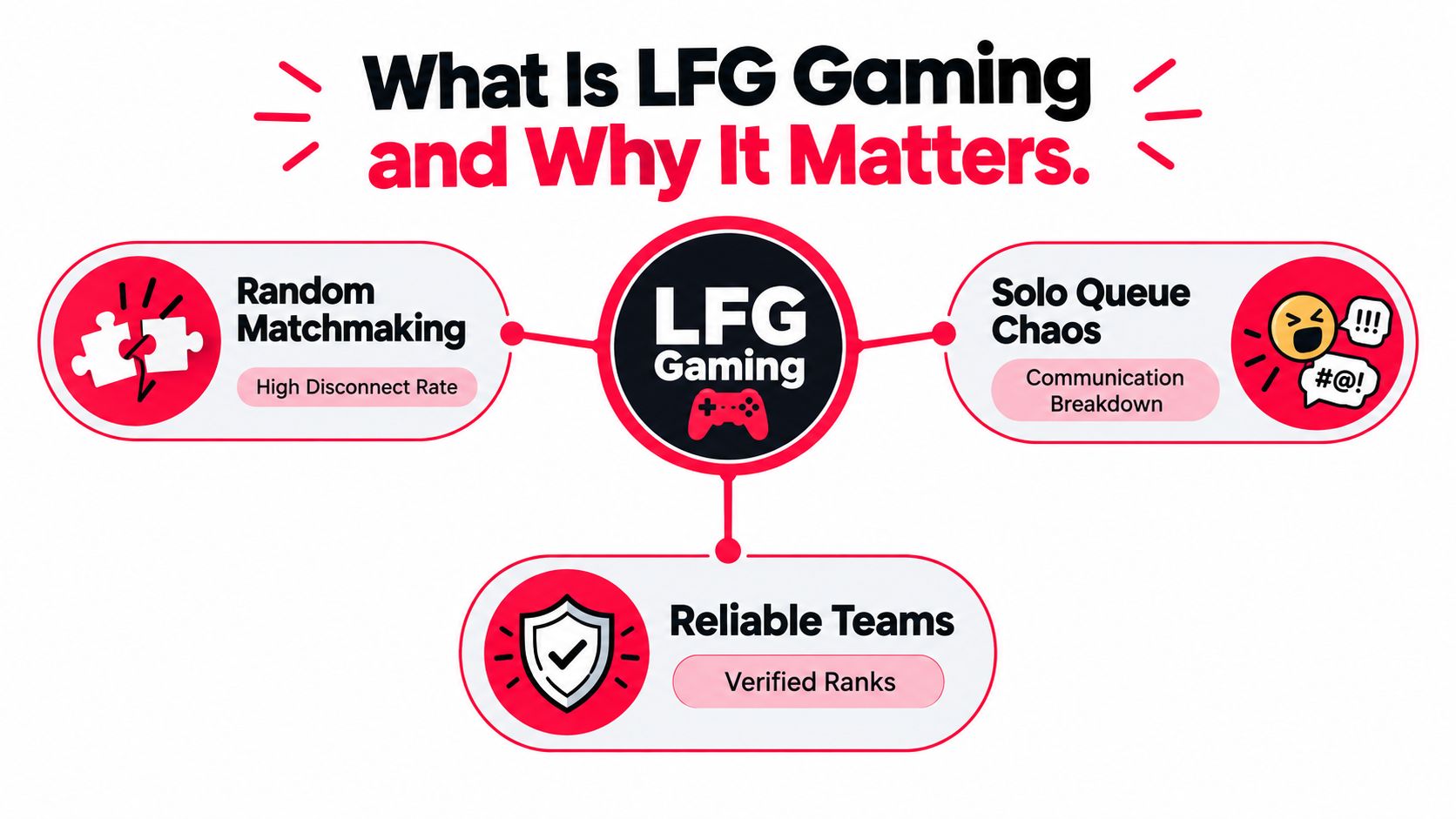
From waiting in queue to building a squad
LFG changes the player's role. Instead of waiting for an algorithm to hand over a party, you describe what you need and review people who are available. A listing can specify the game, mode, platform, rank range, preferred hours, open roles, and microphone expectations.
That approach matters because multiplayer gaming is already a social activity for many players. The Entertainment Software Association's 2025 U.S. industry survey found that 89% of players ages 8 to 90 had played online, while 72% had played with other people online or offline. More than half, 55%, played with others every week. Those figures show why reliable teammate discovery isn't a niche concern reserved for esports players.
An LFG post also creates a useful filter before the match begins. “Need players for Apex” attracts almost anyone. “Apex ranked, controller or mouse and keyboard, evening sessions, calm comms, flexible role, no rage quitting” tells compatible players to respond and gives incompatible players a reason to move on.
Practical rule: A good LFG listing doesn't promise a perfect teammate. It makes mismatch obvious before the first queue.
The same path can lead beyond casual play. The first League of Legends World Championship at DreamHack Summer in 2011 featured eight teams and a $100,000 prize pool, and its broadcast attracted more than 1.6 million viewers, according to the event history. Everyday ranked players can become substitutes, tournament entrants, organizers, or roster recruits. LFG is the bridge between finding someone for tonight and building a team that returns next week.
The Mechanics of Finding Real Teammates
Rank is useful, but rank alone is a weak compatibility signal. Two players can sit in the same division and want completely different sessions. One may be practicing mechanics in silence, while the other expects constant tactical calls and a serious climb.
A modern LFG system works best when it combines several layers of information:
- Game and mode: A player looking for a Valorant competitive stack has different needs from someone joining a casual Swiftplay session.
- Role and responsibility: State whether you need an entry, anchor, support, jungler, flex, shot-caller, or another adaptable player.
- Schedule overlap: A shared time window matters more than a vague statement such as “active often.”
- Platform and input: Cross-platform play can remove one barrier, but input method, performance, and available voice tools may still affect the session.
- Communication preference: “Mic available” doesn't mean “clear, concise, and receptive to calls.”
The last point deserves special attention. Research on university-affiliated Overwatch teams found that an intervention increasing declarative communication during team fights improved players' perceptions of team performance, as described in the Journal of Electronic Gaming and Esports study. Declarative communication means actionable information such as a target call, ability warning, positional update, or retreat command. It isn't the same as talking constantly.
The profile is your pre-match conversation
A username gives you almost no context. A useful profile shows what a teammate can offer and what they expect from the group. Gameplay clips can reveal pacing, decision-making, and communication habits. Verified ranks provide stronger context than a self-written claim, although they still don't guarantee a good personality fit.
Look for signals that answer practical questions:
- Does this person explain what they need from teammates?
- Do their clips show awareness of objectives and team positioning?
- Can they describe their preferred role without pretending to play everything?
- Do they respond to questions directly?
- Are their boundaries around voice chat, language, and session length clear?
This is why a dedicated online gaming platform can offer more useful discovery than a fast-moving chat channel. The value isn't the label “LFG.” The value is structured information that helps you judge fit before you commit a full session.
How to Post an LFG Listing That Works
A useful LFG post answers the questions another player has before they reply. Keep the title searchable and put the deal-breakers near the top. You aren't writing a manifesto. You're giving a potential teammate enough information to make a sensible decision.
Use this order:
- Name the game and mode. Write “Valorant competitive” or “Fortnite zero build squads,” not only the game title.
- State the rank or experience range. If you want flexible skill levels, say so. If rank is important, make the boundary clear.
- List platform and input needs. Mention PC, PlayStation, Xbox, Switch, cross-play, or any required setup.
- Give a real schedule. Include your time zone, days, approximate start time, and whether the window is flexible.
- Define communication. Say “mic required,” “mic optional,” “short tactical comms,” or “quiet but responsive.”
- Describe the session goal. Ranked climb, warm-up games, quest progress, tournament practice, or relaxed play all attract different people.
- State the open role and next action. Tell applicants whether to reply publicly, send a message, or join a trial session.
A strong listing might read:
Valorant competitive, flexible duo needed, evening sessions.
Gold to Platinum players preferred. PC, cross-play welcome. Mic required, calm comms, no blame after losses. Looking for a controller or flex player for coordinated ranked games. Available during shared evening hours. Reply with your main role and preferred agents.
That post filters without insulting anyone. It also gives a potential teammate something specific to answer. Compare it with “Need players for Valorant,” which forces every applicant to ask the same basic questions.
For a casual listing, lower the pressure but keep the boundaries: “Fortnite zero build, relaxed squads, mic optional, friendly players, flexible roles, no rage.” For tournament preparation, add the practice objective, roster role, availability expectations, and willingness to review clips.
The best listing is specific about behavior, not just ability.
Don't claim your group is “non-toxic” and stop there. Explain what that means in the session: no shouting over calls, feedback stays actionable, players can leave without harassment, and disagreements get handled through a break rather than a pile-on.
Staying Safe While Building Your Squad
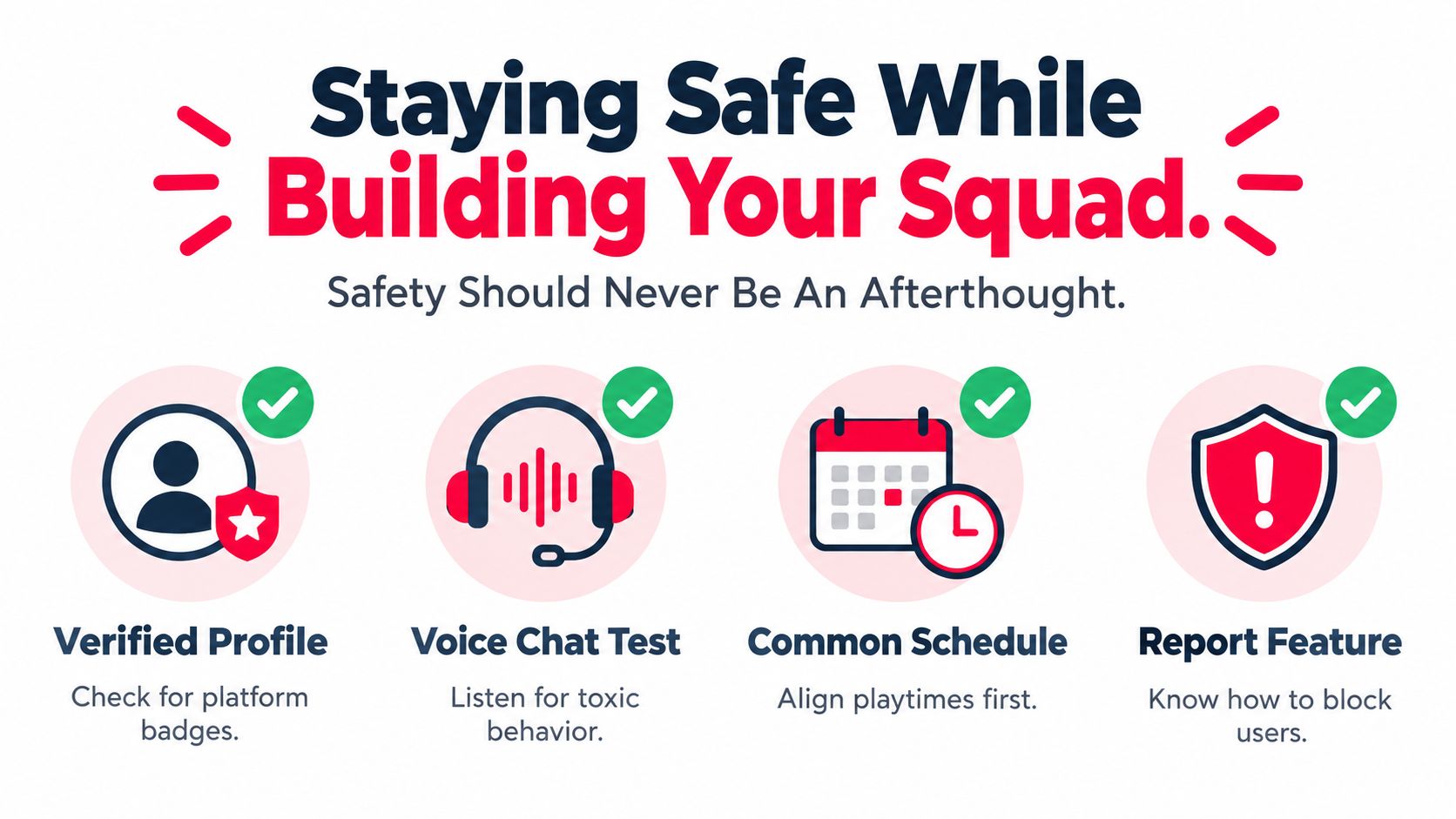
A teammate can be mechanically talented and still be a bad addition to your party. Safety starts before voice chat, not after someone crosses a line. Review the available profile information, keep early conversations on the platform when possible, and don't share personal details that have nothing to do with gaming.
A preliminary international study reported that 75% of respondents encountered hate speech, harassment, or toxic behavior during the previous six months, with 45.7% identifying voice chat as the leading surface for harmful behavior. The sample was small and geographically concentrated, so it shouldn't be treated as a global prevalence estimate. It still highlights why an LFG system needs trust and reporting features, as discussed by the Gaming Safety Forum.
Use a low-risk introduction
You don't need to treat every new player like a suspect. You do need a gradual process that gives you an exit.
- Start with profile signals: Check rank evidence, gameplay clips, public behavior, and whether the person answers basic questions clearly.
- Try a short session: A limited trial reveals more than a long promise. Notice whether the player listens, respects roles, and handles a bad round.
- Set voice expectations: Agree on language, call style, background noise, and whether criticism stays tactical.
- Protect your information: Keep the conversation about the game until trust develops. Don't disclose your address, workplace, private accounts, or financial details.
- Leave early when needed: You don't owe repeated chances to someone who insults, pressures, threatens, or ignores boundaries.
A report is useful only when players can find it and believe it will be handled. Learn where the block, mute, and report controls are before you need them. The guide to creating positive gaming communities also frames safety as a community practice rather than a private burden placed on the target.
Safety matters especially for players who already avoid open matchmaking. A 2026 report summarizing nine years of research found that 51% of women gamers had experienced toxicity, rising to 79% among Gen Z women aged 16 to 24. It also reported that 31% played only with known people or closed communities, while 22% avoided speaking in multiplayer games because they expected negative reactions. These findings support a simple product principle: the largest player pool isn't automatically the healthiest pool. Compatibility must include comfort, boundaries, and trust.
Platform Comparison and Feature Deep Dive
Different LFG tools solve different problems. A Discord server can be excellent for a close community, but posts may disappear quickly and profiles often require manual checking. An in-game group finder gets you into a party fast, though it may expose little about schedule, communication style, or past behavior.
A dedicated LFG app sits between those models. It can organize structured profiles, game filters, rank evidence, squad listings, direct messages, and reporting in one place. The trade-off is that the platform must have enough active players for your game, region, and schedule.
| Feature | Basic chat community | In-game finder | Dedicated LFG platform |
|---|---|---|---|
| Profile depth | Often depends on user effort | Usually limited | Can include roles, clips, schedules, and preferences |
| Verification | Varies by moderator or server | Often tied to the game account | May include rank or identity signals |
| Discovery | Fast but noisy | Fast but narrow | More deliberate filtering |
| Team building | Strong if the community is stable | Usually session-focused | Can support repeat squads and organized rosters |
| Safety tools | Depends on server rules | Depends on the game | May combine blocking, reporting, and trust signals |
Before choosing, ask what kind of problem you're trying to solve. If you need one teammate immediately, speed may matter most. If you want a regular duo, profile quality and repeat discovery matter more. If you're assembling an amateur roster, look for tournament support, role information, availability, and communication tools rather than a simple player list.
For players who publish clips while recruiting, it also helps to choose a suitable editor. A practical comparison of gaming video editors can help you select tools for trimming a short clutch, showing a clean comms sequence, or presenting a role-specific highlight without burying the point in a long montage.
Players building a competitive roster can also use an esports team finder when the requirement goes beyond a single ranked session. The right platform is the one that exposes the signals your team actually needs, not the one with the most crowded chat.
Real Examples of Successful LFG Interactions
A strong LFG interaction usually looks unremarkable from the outside. A player posts the game, mode, schedule, role need, and communication preference. Another player answers with their role, availability, and a short description of how they play. They test the fit in a limited session, then decide whether to queue together again.
Consider a hypothetical Apex Legends duo. The first player needs a flexible teammate for ranked sessions and says they prefer concise calls. The second player shares a relevant clip, explains that they can flex between entry and support, and confirms the available schedule. During the trial, both players call rotations early, accept a lost fight without blame, and review what happened before the next queue.
The pairing works because the players matched on behavior and expectations, not just a visible rank. They know who leads a call, how much conversation the session needs, and what happens after a mistake.
Now consider the failure version. A listing says only “need one for ranked.” A player joins with a different schedule, refuses to use voice, and expects everyone else to follow an unspoken strategy. Nobody checks whether the session is meant to be serious or relaxed. The problem isn't that the player is automatically bad. The group skipped the questions that would have exposed the mismatch.
The following video offers another way to think about team coordination and gaming communication:
A trial session should answer one question: Can we communicate, respect boundaries, and make decisions together when the match becomes difficult? If the answer is no, move on politely.
Why GamerPlug Is the New Standard for LFG
For players who want structured teammate discovery rather than a fast-moving chat feed, GamerPlug combines player profiles, squad listings, communication tools, and trust features in one app. It supports PC, PlayStation, Xbox, and Nintendo Switch players, with game-specific discovery based on factors such as skill level, play style, platform, and schedule.
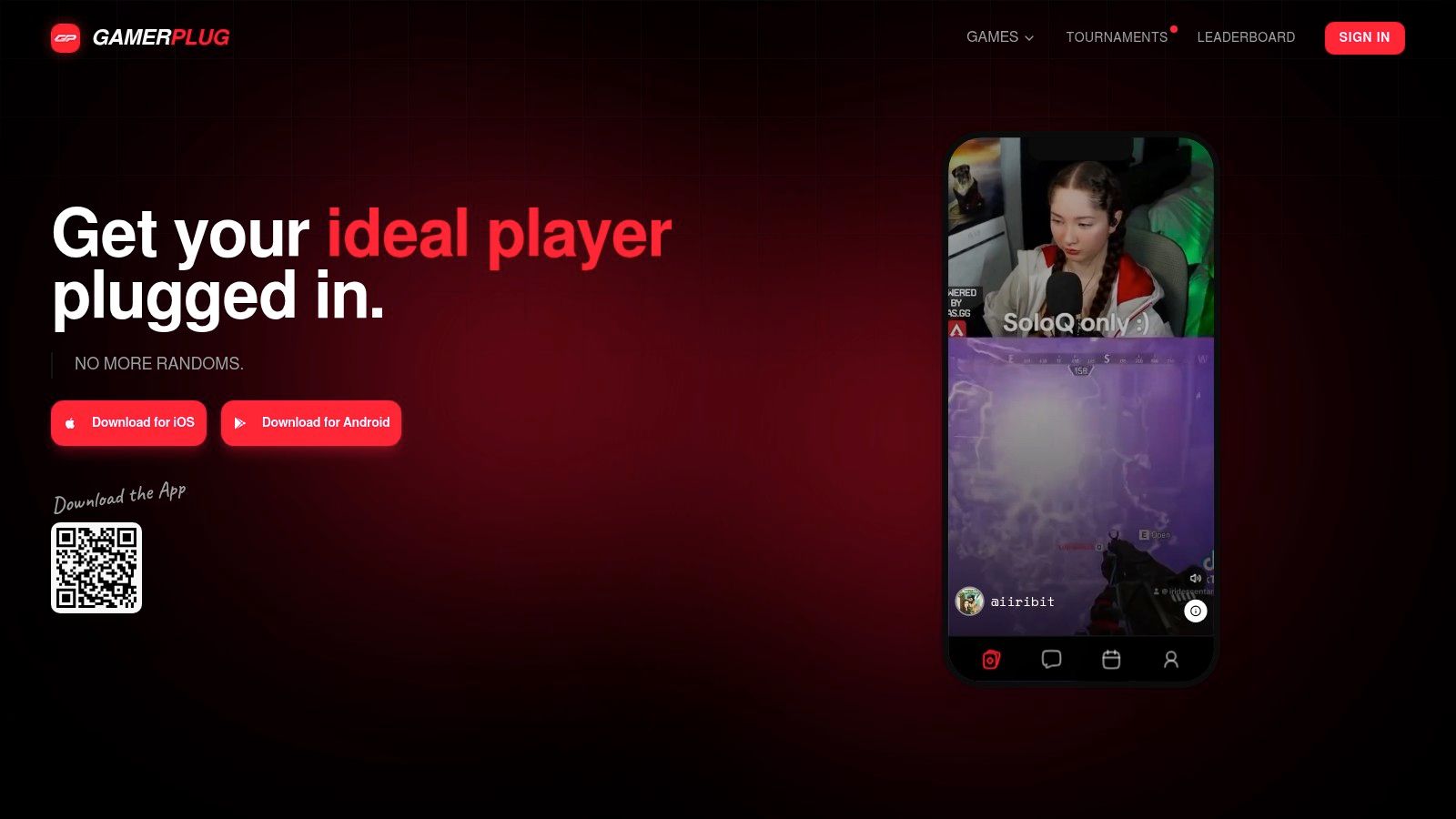
Its Discover feed helps players browse people who share their games. Squads let a host define a mode, rank range, platform, microphone requirement, and open slots before inviting teammates. Profiles can include short gameplay clips, play-style information, microphone use, team preferences, and schedule details. Those fields address the gap between “online” and “actually compatible.”
The platform supports competitive titles including Apex Legends, Valorant, Fortnite, League of Legends, Call of Duty, Overwatch 2, Rocket League, PUBG, and NBA 2K. Rank and statistics for selected games can sync through official game APIs, giving players a stronger starting point than an unverified username.
Chat supports group, squad, tournament, and direct conversations. Players who move from ranked sessions into organized competition can browse or host tournament brackets, with formats such as Single Elimination, Double Elimination, Swiss, and Round Robin. Optional World ID badges, clip-based profiles, and in-app reporting add trust and safety signals without making every introduction feel like an application process.
The important distinction is the product logic. It doesn't treat teammate discovery as a slot-filling exercise. It gives players places to state what kind of session they want, then supplies more context before the queue begins.
Final Tips for Your Next Squad Hunt
Treat every LFG search like a short pre-match briefing. You're not trying to find the highest-ranked account in the lobby. You're trying to find people who can share a schedule, communicate under pressure, respect boundaries, and return for another session.
Use this quick checklist before you post:
- Define the session: Name the game, mode, objective, and expected pace.
- Set the schedule: Include your time zone, available days, and realistic session window.
- Describe communication: Say whether you need a mic, concise calls, a shot-caller, or a quieter teammate who responds quickly.
- Show your role: Explain what you play and what gap the new teammate should fill.
- Review evidence: Look at clips, verified ranks, profile details, and previous interactions where available.
- Run a trial: Start with a short session instead of promising a permanent roster spot.
- Protect the group: Use mute, block, and report tools when someone crosses a boundary.
- Build several connections: Don't let one player become the only communication bridge between the rest of the squad.
That last point has support in team-network research. An analysis of 4,168 teams found that performance was linked to network structure, including team density and the number of within-team connections held by members. The strongest teams were moderately connected rather than extremely isolated or fully interconnected, and the least-connected member was especially important in lower-skill teams, according to the team network analysis.
In plain language, don't build a party where one player talks to everyone while another gets ignored. Give new teammates more than one route into the group, but keep communication organized enough that calls remain clear.
GamerPlug gives you structured player profiles, gameplay clips, rank signals, squad posts, chat, tournament tools, and reporting features for finding more compatible teammates. Visit Gamerplug to build your next squad around communication, schedule, and trust instead of another random queue.