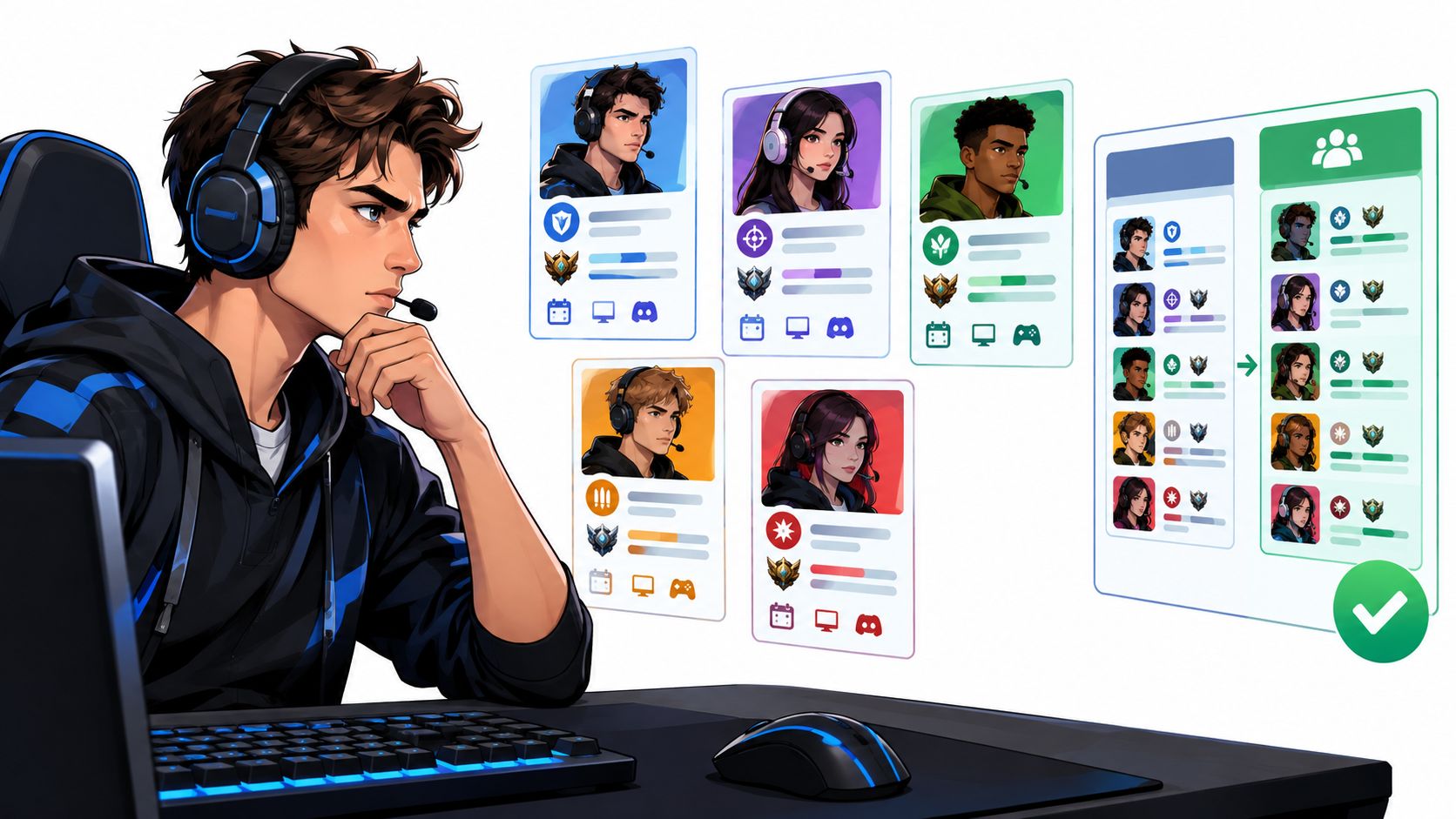
Your squad's ready to queue, but the player filling the last slot hasn't answered. The replacement has the right rank, yet plays a different role, won't use voice, and needs to leave halfway through practice. You don't need another username. You need someone who fits the session.
Finding the right players starts with the right match. A useful esports team finder should help you communicate your role requirements, rank range, platform, schedule, communication style, and competitive expectations before anyone joins the lobby. Otherwise, you're moving the same recruitment problem from in-game chat into another app.
The practical choice depends on what you're recruiting for. A quick ranked squad needs responsive players now. A tournament roster needs recurring availability, role coverage, and people who can handle feedback after a difficult scrim.
Recruitment rule: Choose the tool for the commitment you need, not the size of the community it advertises.
The platforms below cover quick squads, structured LFG posts, long-term recruitment, competitive scrims, profile matching, and broader cross-game communities. Each requires a different amount of setup, and none should get your full attention until you've checked activity in your specific game and region.
Keep the order sensible: establish a dependable roster before arranging extras such as rush custom team t-shirts. Shared branding is useful for an established group, but it won't solve missed practices or incompatible expectations.
Table of Contents
- 1. Gamerplug
- 2. GamerLink
- 3. Teamplay.gg
- 4. Gankster
- 5. Seek Team
- 6. Teamfind
- 7. Crewlier
- 8. GSPOT
- 9. Teams Finder
- 10. Arena Teammate Finder & Chat
- Top 10 Esports Team Finder Resources Compared
- Build a Better Trial Than a Random First Game
1. Gamerplug
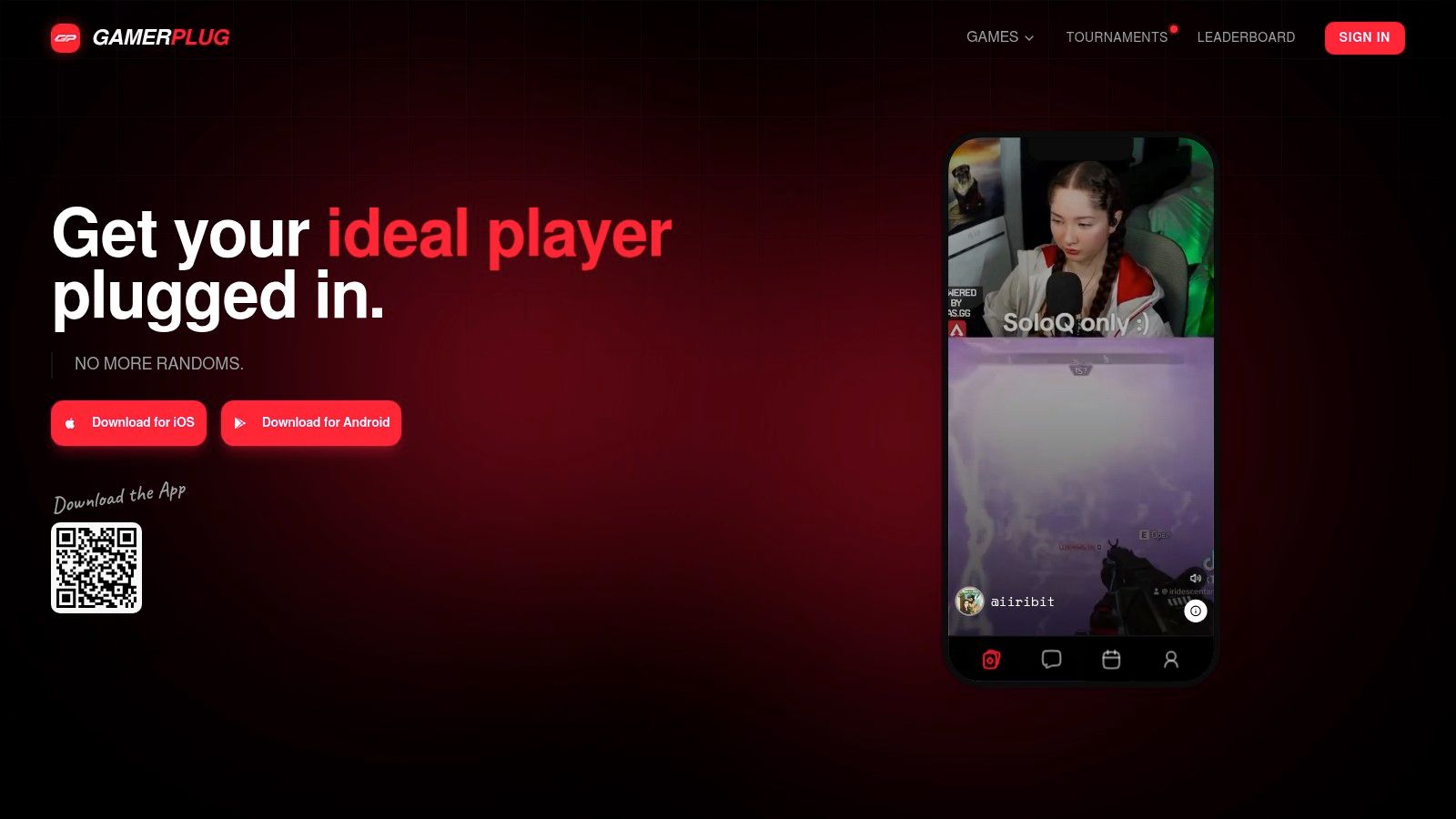
Best for players who want profile-based discovery and structured squad recruitment together. GamerPlug combines gameplay clips, supported verified ranks, play-style information, microphone preferences, and schedules. Its esports team finder guide provides a starting point for using those signals to find gaming teammates.
The practical advantage is context before contact. A rank badge helps establish the competitive range, while clips and profile preferences give you material for a more useful conversation about decision-making, communication, and role fit.
For example, a captain seeking Valorant teammates can publish a Squads listing with the mode, platform, rank range, mic requirement, and open positions. A player looking to find a squad for Apex Legends can use Discover to browse potential teammates, then discuss availability before committing to a session.
Where the extra profile detail helps
- Screen for fit: Compare gameplay, preferred roles, and team-play expectations rather than selecting only by rank.
- Coordinate in one place: Direct messages and squad threads support conversations after the initial match.
- Separate trust signals: Supported rank verification, optional identity badges, and reporting address different concerns. None replaces a trial.
GamerPlug is free and available on mobile and the web, with cross-platform teammate discovery. Its tournament tools also make it relevant to communities that want recruitment and organized play connected.
The limitation is uneven verification and local activity. Automatic rank and stat syncing is described for Apex Legends, Fortnite, and League of Legends, so don't assume every supported title has equivalent profile evidence.
Before investing heavily, search during your normal playing hours and assess relevant profiles, replies, and schedule overlap. A detailed gaming matchmaking app is only useful if compatible players answer.
2. GamerLink
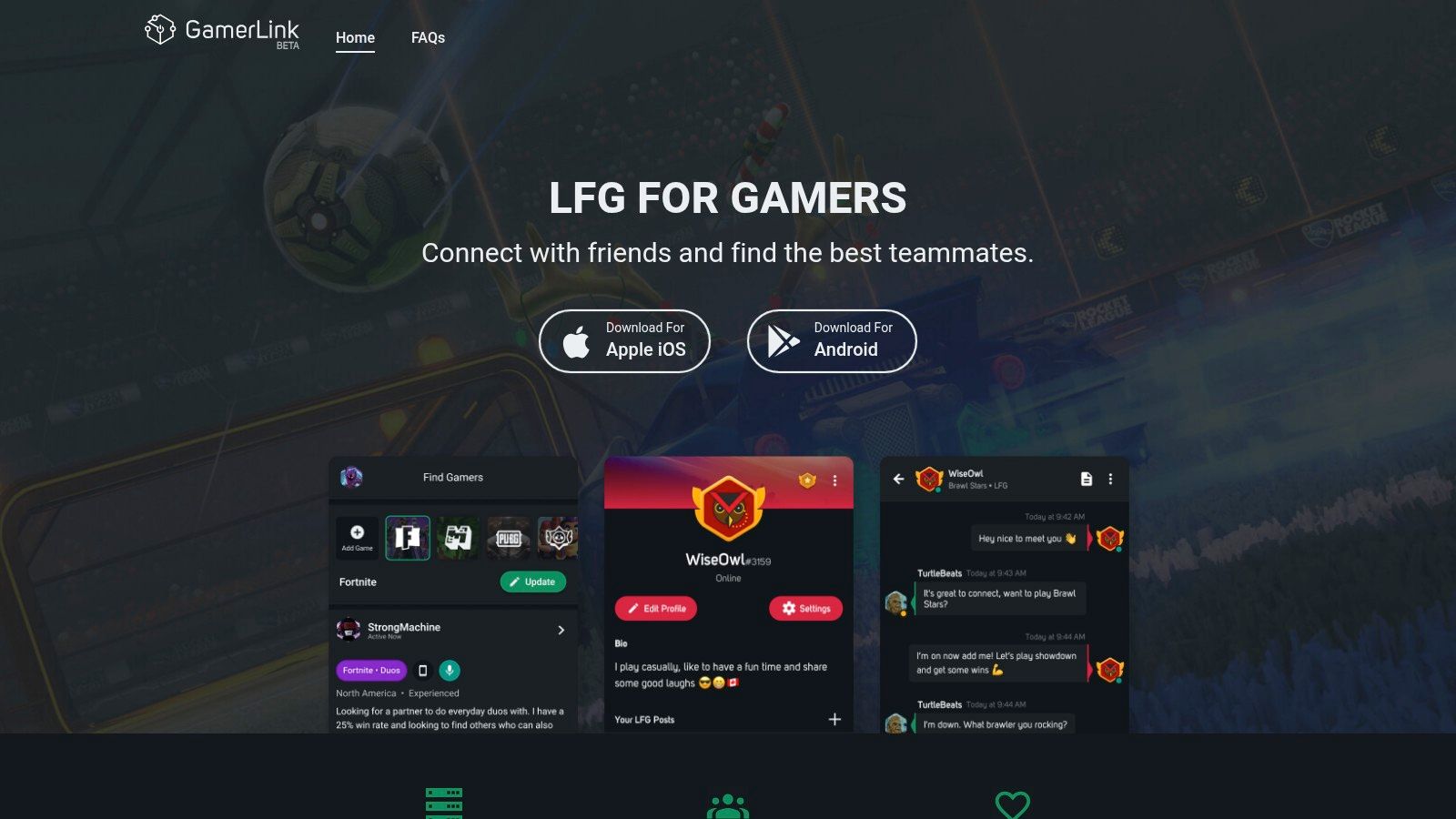
A missing ranked teammate calls for a different tool than a roster rebuild. GamerLink is a general-purpose LFG app with game-specific feeds, profiles, messaging, and party voice chat, making it a practical option for mobile-first party formation.
Use it when the requirement is immediate and clear: compatible rank, correct platform, available now, willing to communicate. Don't turn a quick-party post into a full application process, but include your region, mode, expected session length, and attitude toward losses.
Judge the feed, not the install count
Browse posts that match your actual circumstances. A busy feed isn't useful if the active players are in another region or looking for a different mode.
- Good fit: Casual parties and ranked sessions where you can assess chemistry through play.
- Main trade-off: Mobile is the primary experience, so desktop-focused captains may find recruitment less convenient.
- Privacy check: Review current store disclosures and permissions before sharing personal information or linking accounts.
For players comparing a broader gaming buddy app with a formal recruitment board, the distinction is commitment. GamerLink's party-oriented approach suits finding someone to play with; a persistent competitive roster still needs a separate agreement about attendance and roles.
Keep setup light, but retain useful contacts. When a teammate communicates constructively and stays engaged through a difficult match, ask about another session instead of restarting the search next time.
3. Teamplay.gg
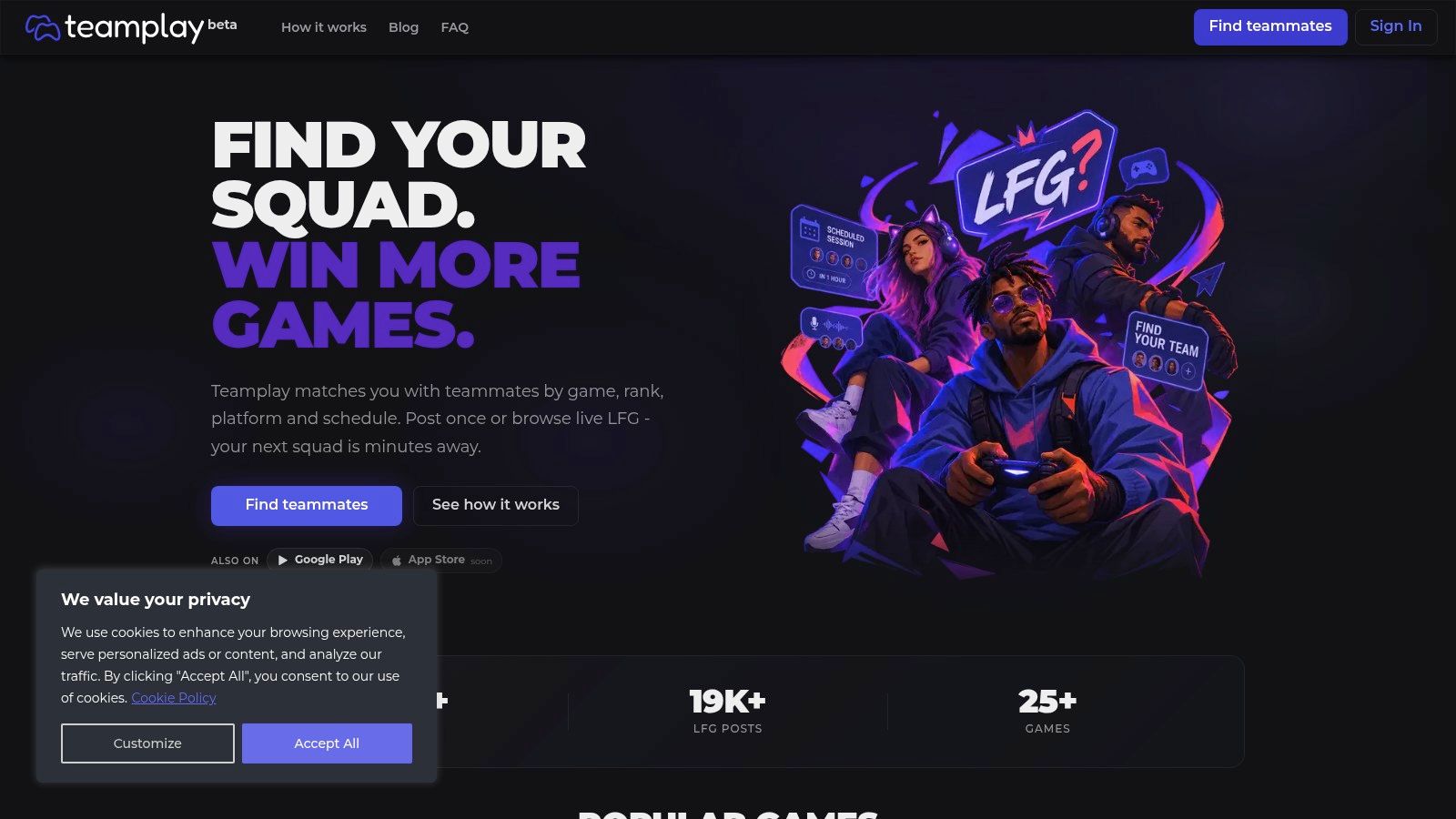
Teamplay.gg fits players who want scheduled LFG without building a formal team. Teamplay.gg supports structured posts and searches around game, rank, platform, and schedule, alongside voice rooms for squad sessions.
That structure is useful when availability is the problem. A console player who can reliably join after work needs a compatible recurring window, not a stream of invitations arriving while they're offline.
Build the post around the session you can attend. Include the time zone, start window, preferred mode, communication expectations, and whether you're seeking a relaxed group or focused ranked play.
A scheduled session is an invitation to test reliability, not proof that a permanent roster already exists.
Make the schedule do some screening
Ask interested players to confirm the proposed window in their own time zone. That simple exchange can expose misunderstandings before everyone waits in a lobby.
The service describes free access, but structured fields don't guarantee compatible behavior. Players can agree on rank and platform while disagreeing completely about coaching, experimentation, or how intensely to approach ranked matches.
Check activity by comparing relevant scheduled posts with immediate-play listings in your region. If the useful posts are mostly spontaneous, don't assume the same community can support recurring practice.
Teamplay.gg requires more preparation than a bare chat message, but less than a gaming CV. That's a sensible middle ground for players trying to turn occasional good sessions into a dependable weekly group.
4. Gankster
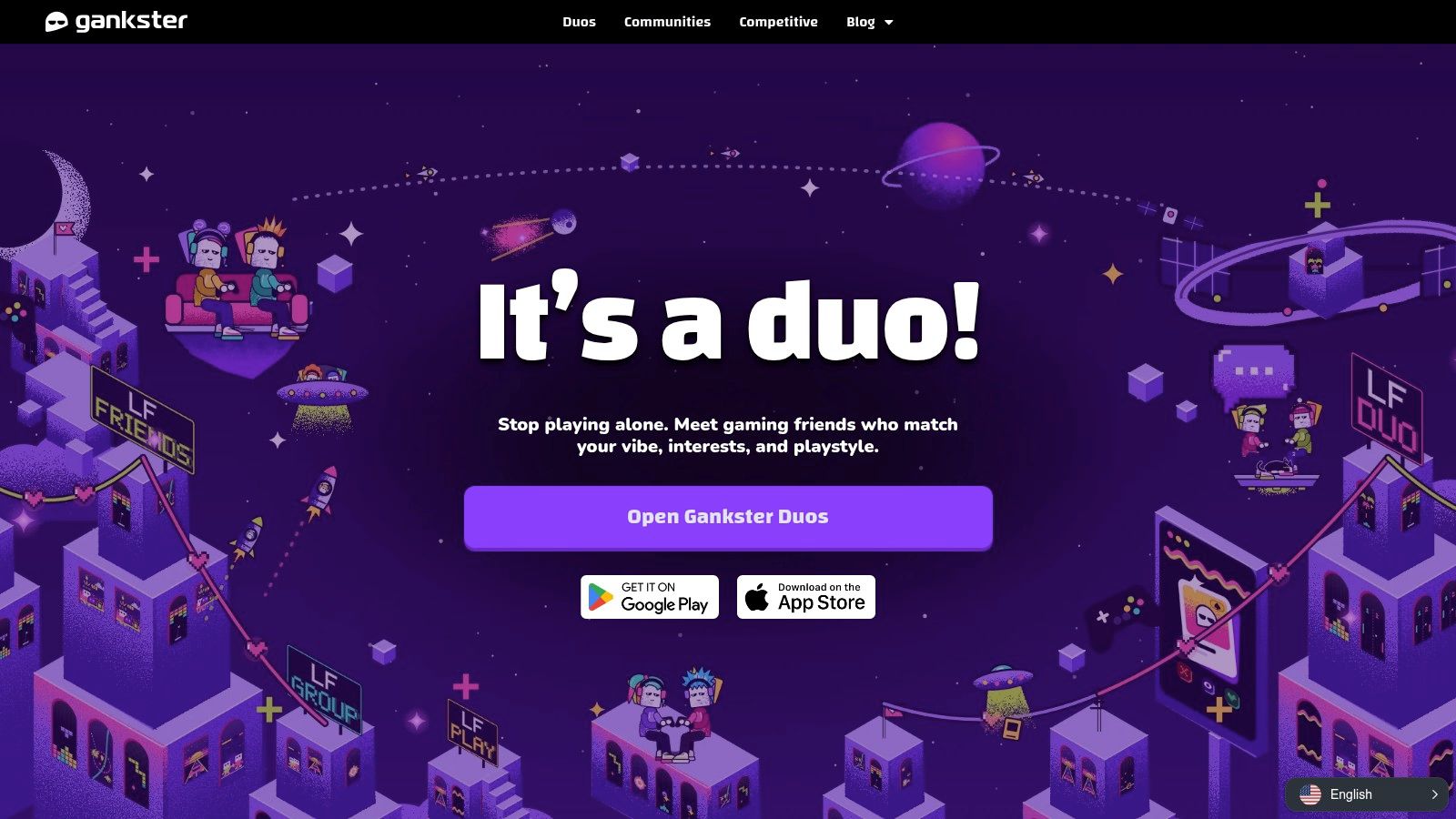
Once a group starts practicing deliberately, finding opponents becomes as important as finding teammates. Gankster combines player discovery and recruitment with competitive tools, including scrim discovery and scheduling for supported games.
Its linked-account verification and reputation information provide additional context during recruitment. Browser, mobile, and desktop entry points also give captains options for managing the process outside the game.
A realistic use case is an amateur Valorant roster replacing a role specialist while continuing practice. Recruit for the actual responsibility, establish the candidate's availability, and arrange a scrim that lets the team observe communication under pressure.
Separate recruitment from scrim administration
- Candidate brief: State the role, expected experience, practice windows, and feedback expectations.
- Opponent agreement: Confirm region, competitive level, start time, and the purpose of practice.
- Trial review: Assess decisions, callouts, and response to correction, not just the scoreboard.
Communication deserves explicit attention. A peer-reviewed study of esports team communication reported perceived improvements in communication frequency, response speed, and team-performance ratings after a communication-focused intervention.
Gankster requires more setup than a lightweight LFG gaming post, particularly where account linking or integrations are involved. Features also vary by title.
Check both sides of the local ecosystem: relevant recruits and suitable scrim opponents. A platform can be useful for party formation in your game without having enough nearby competitive teams to sustain your practice schedule.
5. Seek Team
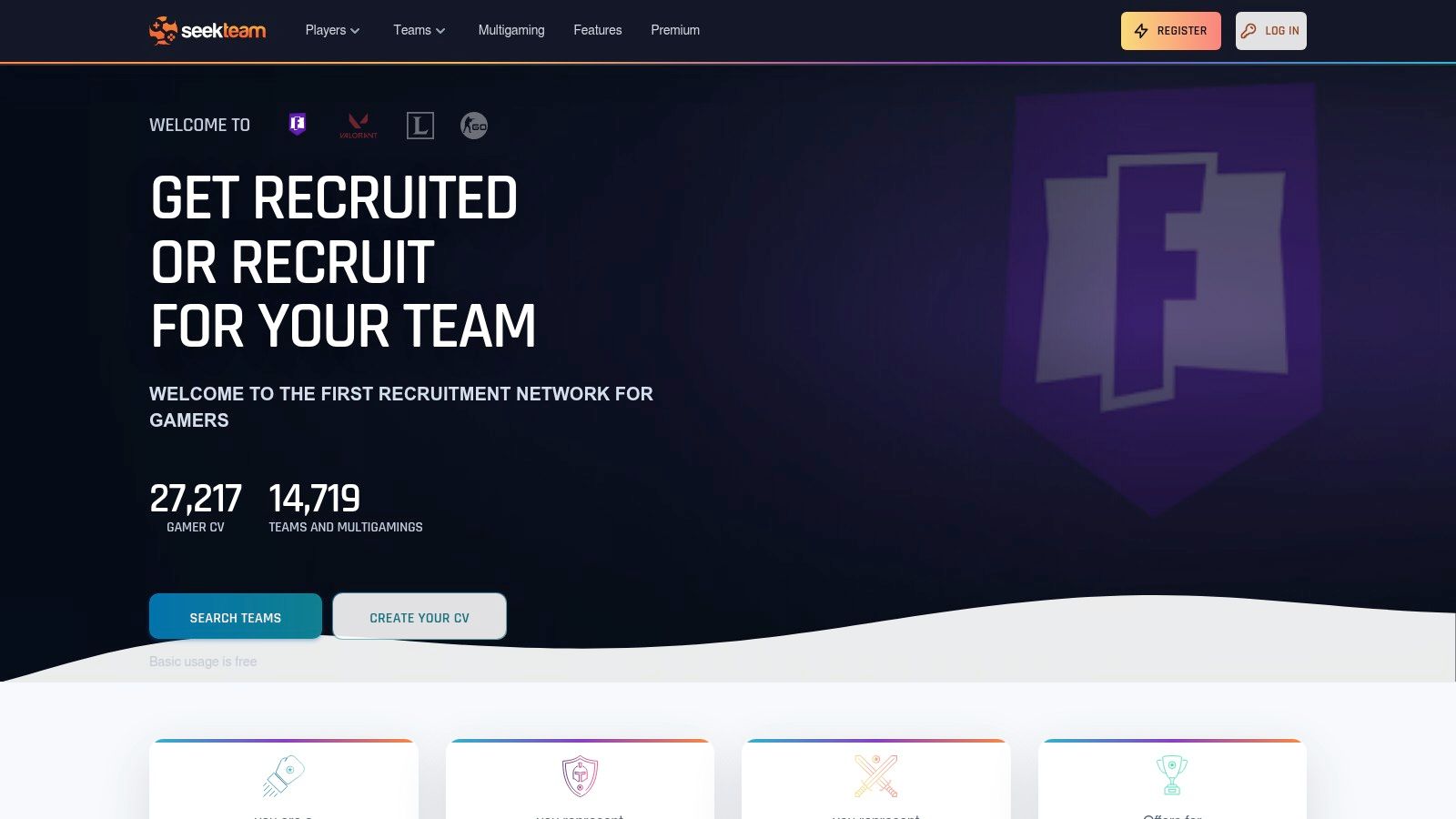
If you're recruiting for a lasting roster, applications are useful friction. Seek Team centers on gaming CVs, team openings, player applications, and filters for factors such as game, role, competitive level, platform, and country.
Choose it for considered recruitment, not an urgent party fill. A candidate who explains their experience and availability gives a captain more to assess than a message saying they're interested.
For example, a League of Legends team seeking a support player should specify responsibilities beyond the role label. Ask about communication, preparation, willingness to review matches, and recurring attendance.
Read applications against the same brief
Evaluate each candidate using consistent criteria. Otherwise, a polished profile can distract you from the fact that the player can't attend practice.
- Player advantage: A gaming CV gives relevant experience and availability room to stand out.
- Captain advantage: Recruitment offers make expectations visible before direct contact.
- Main cost: Writing profiles, reviewing applications, and arranging trials takes more effort than quick LFG.
Basic player profiles and applications are described as free, but inspect the current workflow before planning a recruitment campaign. Don't assume every useful function has the same access conditions.
Activity checks should focus on relevant openings and responsive contacts in your game and country or region. Look for current requirements and ask whether the role is still open before preparing a detailed application.
Seek Team works best when both sides are willing to discuss commitment. If nobody wants that conversation, a party-finding app is a better fit.
6. Teamfind
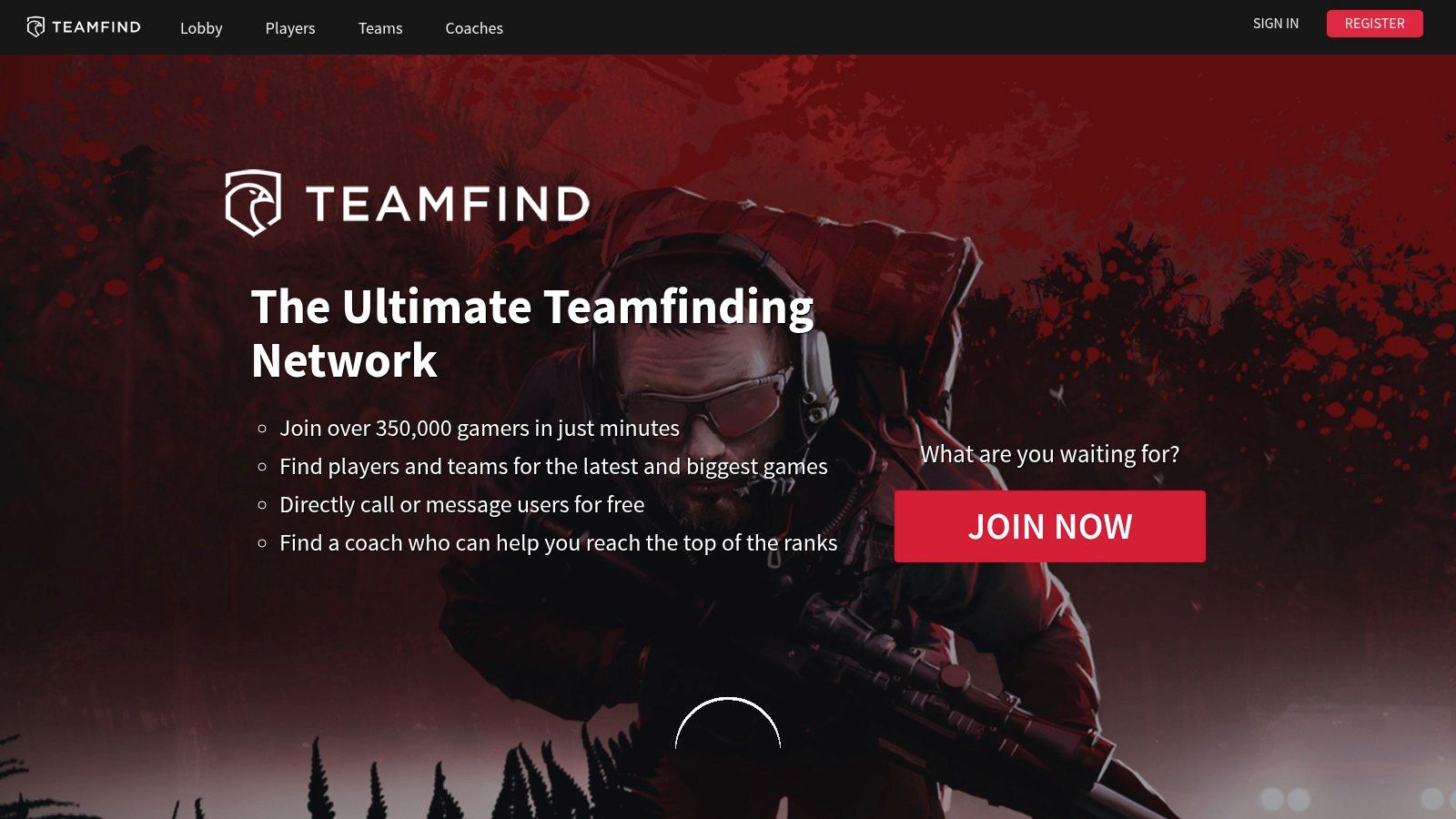
Teamfind supports discovery between players and teams across competitive games, with profiles, recruitment listings, and direct contact through messaging or calls. Its appeal is a recruitment network that serves both applicants and captains.
For a player, that means browsing teams rather than waiting for someone to notice a profile. For a captain, it means approaching potentially suitable candidates instead of relying entirely on inbound applications.
The trade-off is qualification work. A listing tells you someone is recruiting or seeking a team, but it doesn't establish current availability, leadership quality, or a realistic practice plan.
Ask what the team actually does during practice. A clear answer is more useful than an ambitious team description.
Use contact to confirm the basics
Before a trial, discuss who leads sessions, how roles are assigned, how feedback works, and what happens when someone can't attend. These questions help distinguish a working roster from a group that hasn't agreed on its commitments.
Recruitment networks also need an activity check beyond registered-community claims. Search your title, examine relevant listings, and judge whether people answer with specific information.
Current access conditions and any premium requirements should be checked before building a workflow around the service. Game coverage alone doesn't establish that your region and competitive level have a usable candidate pool.
Teamfind is worth considering when you're prepared to initiate conversations. It's less suitable if you expect a profile to produce a ready-made team without follow-up.
7. Crewlier
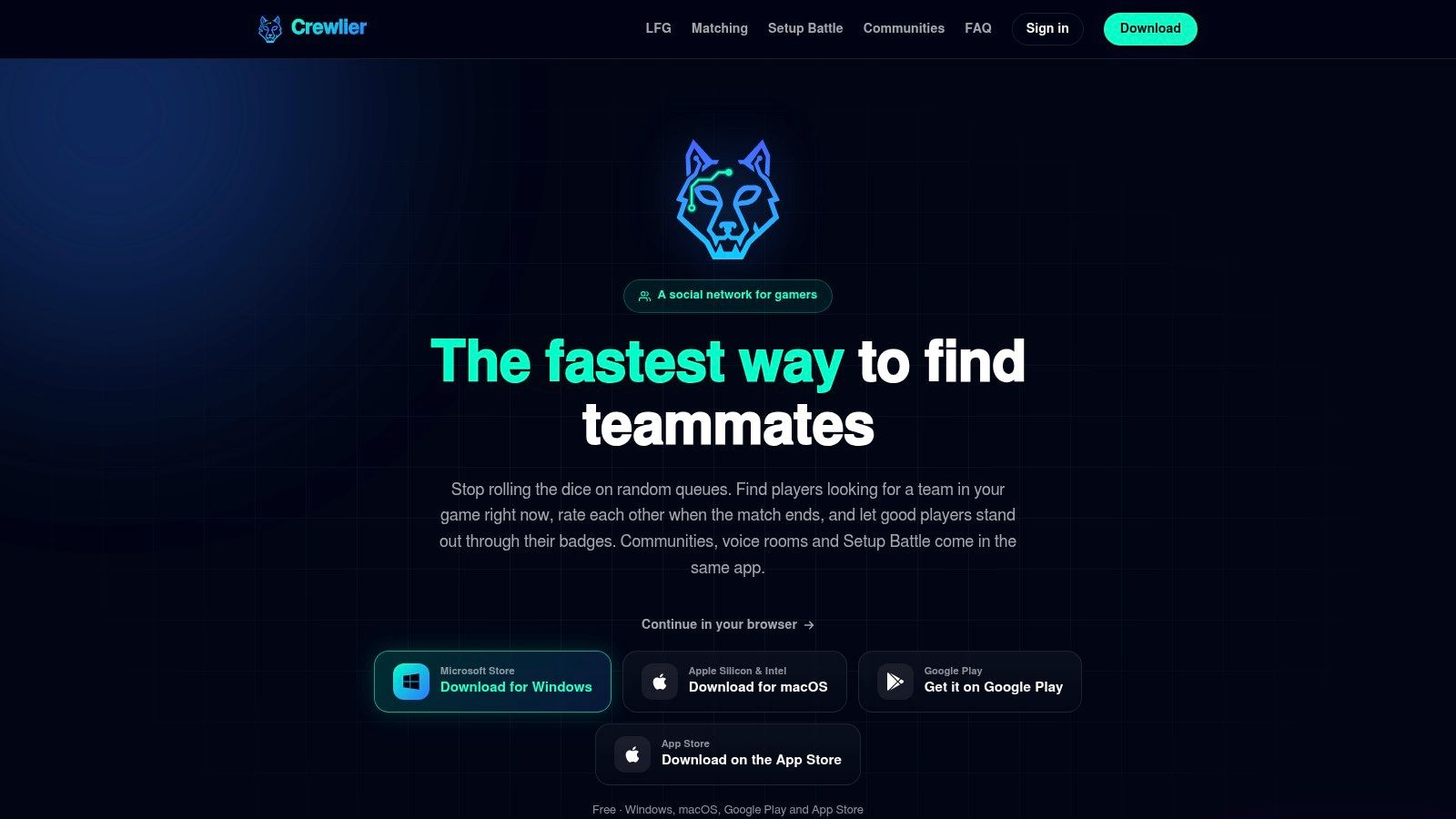
A useful teammate search shouldn't end when the party disbands. Crewlier combines immediate LFG posts with longer-term matching, post-game ratings, compliment badges, communities, voice rooms, and messaging.
Its strongest use case is turning temporary parties into recurring teammates. Listings can communicate squad size, rank range, and microphone preferences, while feedback offers context after people have played together.
That focus aligns with research on online gaming relationships, which associates co-playing with stronger feelings of relatedness than solo play and distinguishes established online friendships from encounters with strangers.
Treat reputation as a starting point
Ratings and compliments can help you decide whom to contact, but they aren't independent skill assessments. Read them alongside the player's preferences and your own experience during a session.
- Useful implementation: Recruit for a relaxed ranked session, then invite compatible players back at an agreed time.
- Important limitation: A microphone preference doesn't technically ensure someone will use voice appropriately.
- Access advantage: Web, desktop, and mobile options accommodate different coordination habits.
Crewlier describes its core features as free. Before spending time on profile setup, inspect relevant LFG activity during your usual playing window and check whether users are seeking repeat sessions or immediate fills.
The practical test is repeatability. If a promising connection never leads to another shared session, the discovery worked, but the group-building process didn't. Confirm the next opportunity while everyone is still engaged.
8. GSPOT
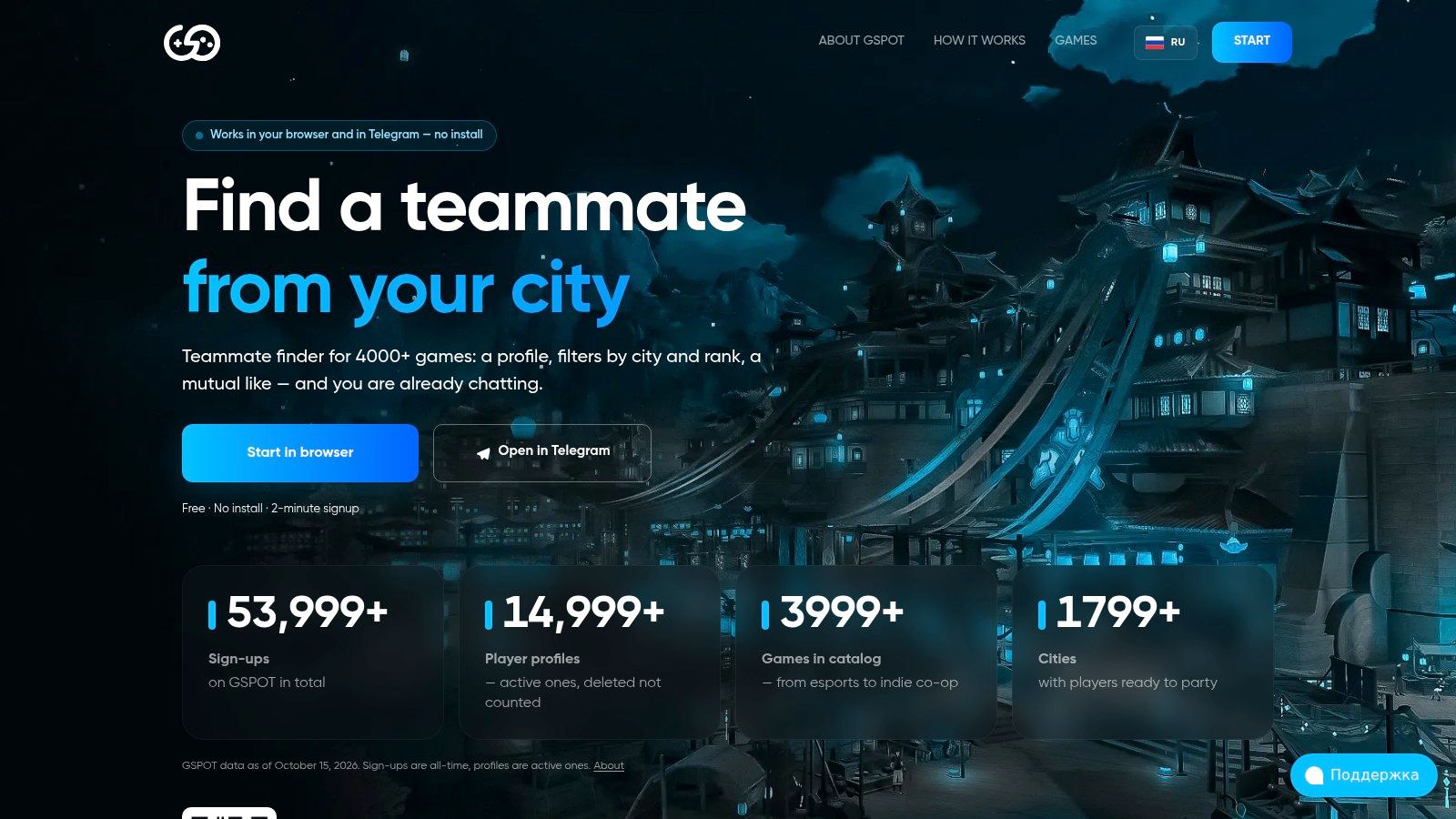
Not every player wants to announce an open lobby. GSPOT uses profile browsing and mutual-like matching, with chat after mutual interest and access through a browser or Telegram.
Profiles and filters cover factors such as games, ranks, age, and city. This approach suits a recurring duo search better than an urgent replacement, because both people need to express interest before the conversation develops.
A League of Legends duo finder scenario fits naturally: browse compatible players, establish preferred roles and availability, then arrange a session. The profile-first process leaves more room for selective contact than a rapidly moving open party feed.
Decide whether location matters
City-based discovery can help players interested in nearby gaming connections. For online-only ranked play, server region, practical latency, language, and overlapping hours should take priority.
- Strength: Browser access avoids requiring another standalone app.
- Trade-off: Mutual matching can delay contact when you need someone immediately.
- Access check: Core searching, matching, and chat are described as free, while additional options may require Premium.
Don't provide more precise location information than you're comfortable sharing. A teammate search usually needs enough context to establish compatibility, not your personal routine or address.
Evaluate local usefulness through relevant profiles and actual responses. If nearby results don't share your game, rank range, or playing hours, widen the search rather than forcing location to become the main selection criterion.
9. Teams Finder
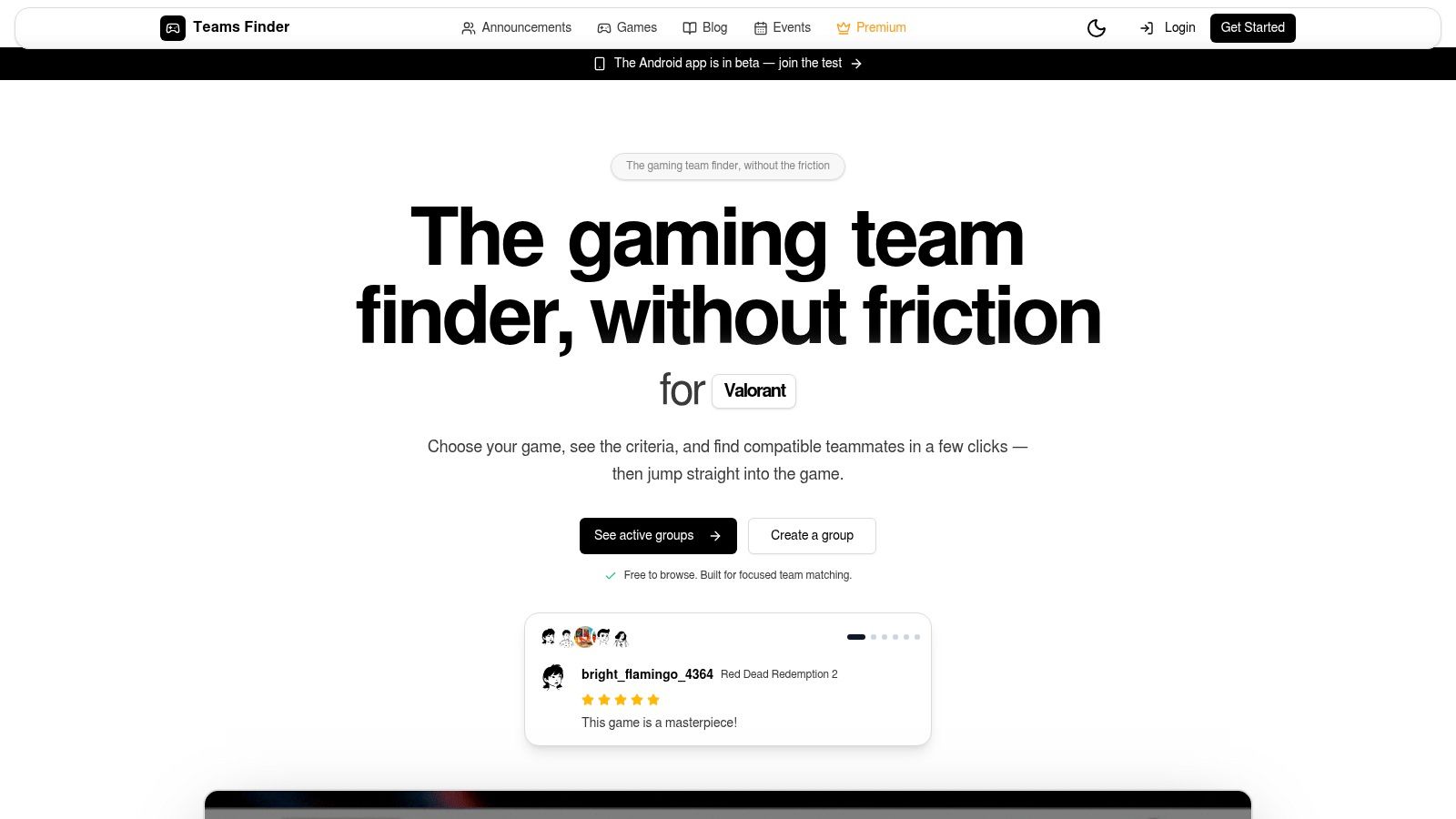
Teams Finder fits structured recruitment across a broader mix of games. Teams Finder offers LFG announcements, player search, profiles, and filters including game, rank, region, and language.
That combination can suit a community leader organizing different game nights. Instead of publishing a vague all-purpose recruitment message, create a focused announcement for the title and session you're currently arranging.
The external coordination path matters. Connections may continue through Discord or TeamSpeak, so decide where applicants should reply and where confirmed participants receive session details.
Keep the handoff clear
A useful announcement should identify the game, required role, region, session window, communication language, and next step. Don't make recruits search several channels to discover whether they've been accepted.
- Main benefit: Structured listings make requirements easier to scan than unfiltered conversation.
- Main limitation: Free posting restrictions can matter to frequent recruiters, while paid plans offer greater posting capacity.
- Trust boundary: Platform claims about compatibility or moderation shouldn't replace your own screening.
Broad game coverage isn't evidence of equal activity everywhere. Search your exact title and region, then look for relevant announcements and responsive users.
Teams Finder requires some administrative discipline because discovery and coordination may happen in different places. It works best when the captain keeps the listing current, closes filled positions, and moves accepted players into a clearly identified session channel.
Without that maintenance, even a well-written announcement can leave applicants chasing openings that no longer exist.
10. Arena Teammate Finder & Chat
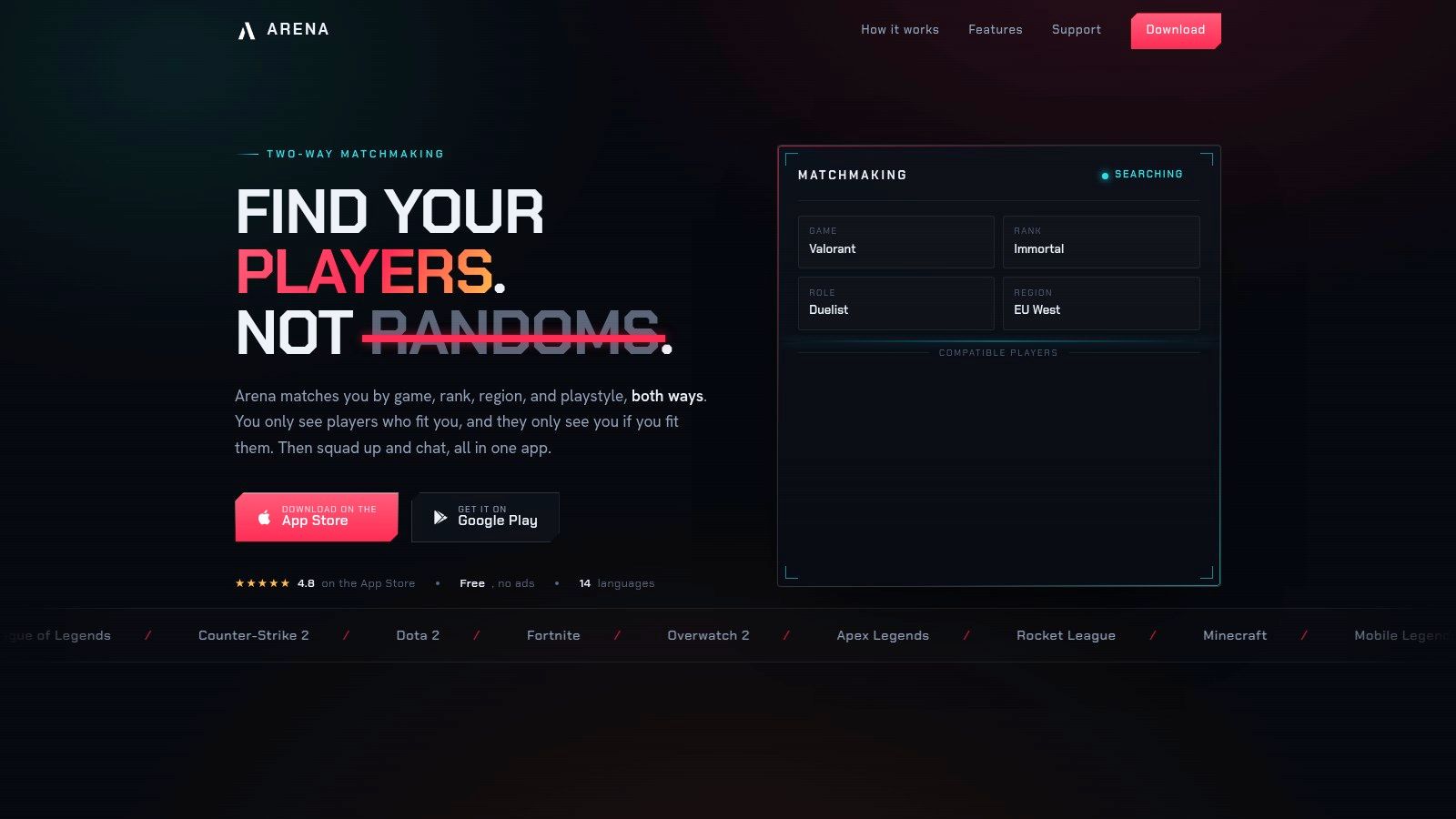
For players who prefer mobile discovery, Arena Teammate Finder & Chat focuses on compatibility filters and pre-session conversation. Its app listing describes preferences covering rank, microphone use, age, location, games, and roles.
Use it to narrow the conversation before you queue. A casual player who wants calm voice chat and familiar roles has different needs from someone seeking intense ranked practice, even when both have similar skill.
Microphone preferences deserve particular attention. Having voice available doesn't establish whether someone gives useful callouts, talks constantly, or reacts badly to mistakes.
Screen conduct before commitment
A survey reported by TDCX found that 65% of respondents had quit, or were likely to quit, a game because of toxic behavior. That makes communication expectations a legitimate recruitment requirement, not an optional personality detail.
Ask how the player prefers feedback and what kind of session they want. Competitive intensity and harassment aren't interchangeable, and agreeing to use voice isn't agreement to tolerate abuse.
Arena's mobile-centered availability is the main workflow consideration for captains who manage recruitment on desktop. Core matching is described as free, but check current features and access conditions in the app.
Assess usefulness through compatible results in your region and replies during your playing hours. Don't invest heavily in profile refinement until you know there's an active pool for your game, preferred roles, and schedule.
Top 10 Esports Team Finder Resources Compared
| Platform | Teammate Matching & LFG | Standout Features | Best For | Price & Access |
|---|---|---|---|---|
| 🏆 GamerPlug | Discover players by game, platform, rank, play style, and schedule; detailed LFG posts | ✨ Gameplay clips, select verified stats, chat, tournaments, safety tools | 👥 Players seeking compatible squads; esports communities | 💰 Free; iOS, Android, web |
| GamerLink | Game-specific LFG feeds and player profiles | Party voice chat and messaging | 👥 Casual or ranked squads | 💰 Free; iOS, Android |
| Teamplay.gg | LFG posts searchable by game, rank, platform, and schedule | Scheduled sessions and voice rooms | 👥 Players planning immediate or future games | 💰 Free; feature availability varies |
| Gankster | Find players, form groups, recruit by role | ✨ Reputation, linked accounts, scrim scheduling | 👥 Competitive teams and scrim partners | Browser, mobile, desktop; pricing not specified |
| Seek Team | Team openings and player applications with role and level filters | Gaming CVs and recruitment profiles | 👥 Players seeking a long-term team | 💰 Basic profiles and applications free |
| Teamfind | Search players or teams; browse recruitment listings | Messaging and calls | 👥 Players and teams recruiting across games | Pricing not specified |
| CrewLier | LFG posts plus matching for repeat teammates | ✨ Post-game ratings, communities, voice rooms | 👥 Players seeking squads now or regular groups | 💰 Core features free; web, desktop, mobile |
| GSPOT | Browse profiles by game, rank, age, and location | Mutual-like matching and chat | 👥 Players seeking recurring duos or nearby gamers | 💰 Free core features; optional Premium |
| Teams Finder | LFG announcements filtered by game, rank, region, and language | Broad game coverage; Discord or TeamSpeak coordination | 👥 Players switching games or organizing groups | 💰 Free tier; paid plans raise posting limits |
| Arena, Teammate Finder & Chat | Match by rank, mic use, game, role, and other preferences | Compatibility filters and in-app chat | 👥 Mobile players seeking like-minded teammates | 💰 Core matching listed as free; mobile-focused |
Build a Better Trial Than a Random First Game
Choose the recruitment context before choosing the platform. GamerLink and Teamplay.gg suit session-based discovery, while Seek Team and Teamfind fit more deliberate roster searches. Gankster is relevant when recruitment connects directly to competitive practice, and GamerPlug combines profile screening with squad formation and coordination.
Before committing to any esports team finder, verify recent activity for your exact game, rank range, region, and preferred hours. Browse relevant posts, contact plausible candidates, and judge the usefulness of the replies. An advertised community size can't tell you whether a suitable support player is available when your team practices.
Publish a role brief that describes the job rather than just the badge. Include platform, server region, role responsibilities, recurring availability, communication language, competitive objective, and expected preparation. State whether you're building a casual group, a ranked regular squad, or a tournament roster.
Give every candidate a fair trial
- Use consistent criteria: Compare role execution, communication, decision-making, attendance, and response to feedback.
- Set conduct expectations: Explain acceptable callouts, how disagreements should be handled, and when review happens.
- Define attendance rules: Agree on notice for absences and how substitute players are selected.
- Close the loop: Give candidates specific feedback and confirm whether another session is planned.
Schedule screening deserves as much attention as mechanics. Research on high-performance esports environments identifies time-zone differences and team organization among the constraints teams face. Ask candidates to commit to an actual recurring window rather than accepting a general promise of frequent availability.
During the trial, observe what happens after a failed play. Does the candidate give actionable information, accept correction, and remain engaged? Research on conflict in League of Legends teams associates conflict-free teams with better win rates and satisfaction, while professional conflict handling is positively associated with satisfaction.
The strongest candidate is the player who can perform the role, attend the sessions, and help the group work through mistakes.
If you record trial footage, get participants' agreement and keep the technical setup unobtrusive. Resources such as OBS tuning from BlissVector Gaming can support capture preparation, but the review should stay focused on decisions and communication rather than production quality.
Finish with immediate, concrete feedback. Tell the player what worked, what needs clarification, and what happens next. The platform produces leads; your screening, trial, and follow-up determine whether those leads become dependable teammates.
Gamerplug offers gameplay-based profiles, supported verified ranks, structured LFG listings, and chat to help you find players who fit your game and schedule. Visit Gamerplug, build a clear profile, and post the role, availability, and communication expectations your next squadmate needs to meet.