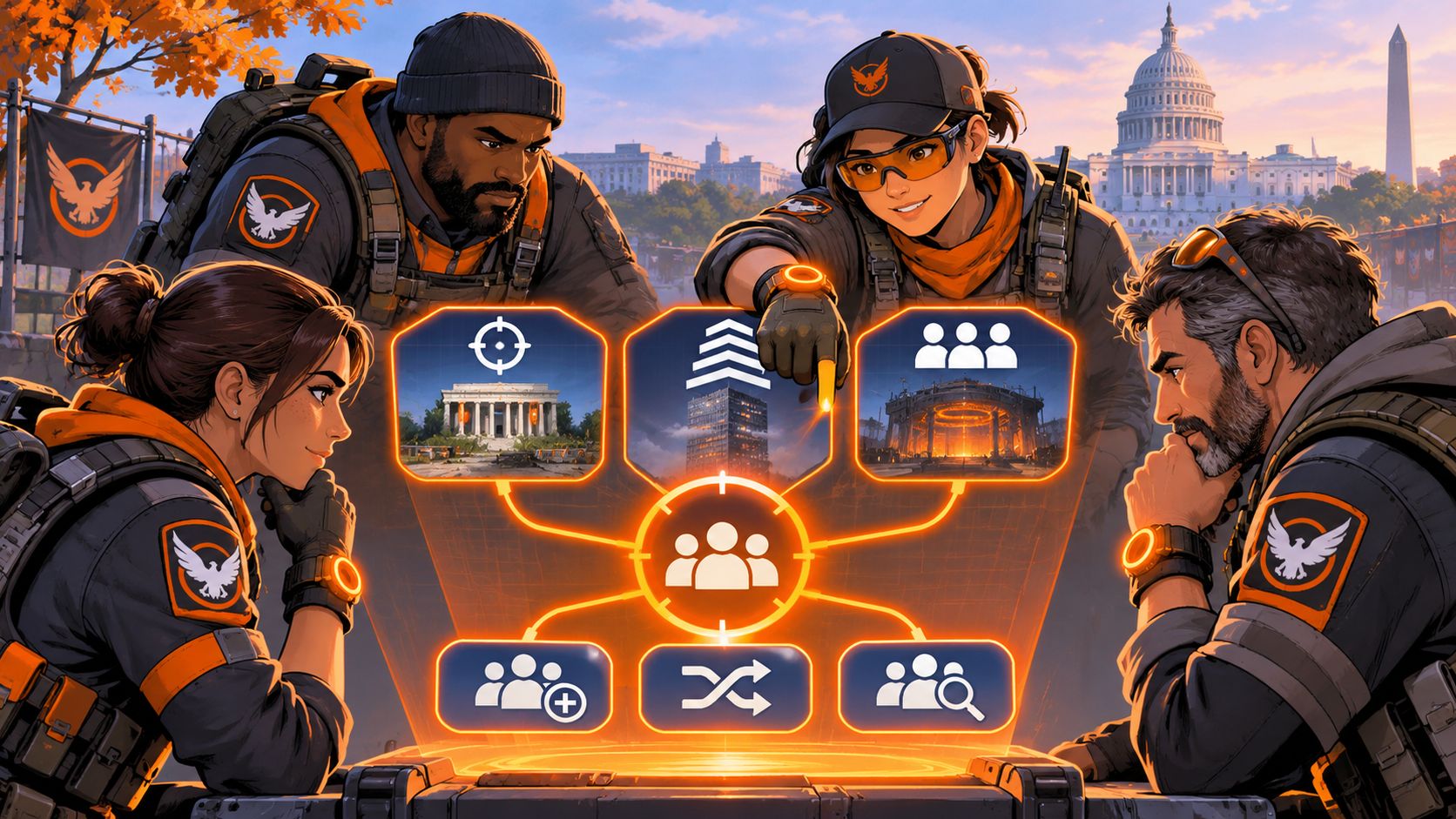
Match the squad size to the activity before anything else: standard Division 2 co-op runs 2 to 4 players for missions, open world and The Summit, while raids take 8. Then get activity, difficulty, platform, region, mic requirement and open slots into the first three lines of the post.
You've hit the endgame again after a break. Your build is roughly there, the Mega-Map is lit up, and the only thing missing is people. You post "Heroic run, need 3, be good" into a Discord, wait twenty minutes, get one reply that goes quiet, and log off. The listing wasn't the problem. The mismatch was. A four-player Heroic mission, a 100-floor Summit climb and an eight-player Normal raid need three different posts, three different filters and three different readiness checks. Treating "Division 2 LFG" as one universal pool is why so many posts die in the preview line.
Table of Contents
- Squad Sizes for Every Division 2 Activity
- Choosing an LFG Channel That Fits Your Platform
- How to Post a Division 2 LFG Listing That Fills
- Building a Normal Raid Roster of Eight
- Copy and Paste LFG Templates by Activity
- Post One Listing and Play Tonight
Squad Sizes for Every Division 2 Activity
Two numbers decide how you post. The Division 2 launched worldwide on March 15, 2019 with co-op built around four players, and Ubisoft describes the ideal team as one player plus three teammates while still supporting groups of two or three, according to Ubisoft's gameplay support documentation. Raids double that ceiling to eight players fighting bosses in Operations, and The Summit, added on September 22, 2020, puts up to four players on a 100-floor climb, as GameWith's Division 2 activity reference sets out.
Here's the reference table worth bookmarking, with the one field that decides whether your post works.
| Activity | Squad size | In-game matchmaking | Key LFG field |
|---|---|---|---|
| Main and side missions | 2-4 | Yes | Difficulty |
| Open world and Control Points | 2-4 | Yes | Region and session time |
| The Summit | Up to 4 | Yes | Floor range and target loot |
| Strongholds and Invaded missions | 4 | Yes | Difficulty and build readiness |
| Countdown | 4 | Yes, through the activity queue | Difficulty and build readiness |
| Dark Zone farming and extraction | 2-4 | Bracket-based | Level or World Tier bracket |
| Conflict PvP | 4 per team | Yes, weighted by wins and losses | Role and PvP rating goal |
| Operation Dark Hours Discovery | 8 | Yes | Teaching or clear run |
| Operation Dark Hours Normal | 8 (two groups of 4) | No | Raid experience and role assignment |
| Operation Iron Horse Normal | 8 | No | Raid experience and availability window |
Read the last column as a filter, not a description. Difficulty separates a group that clears a Heroic mission in 25 minutes from one that wipes on the first wave, because a player who queued for Challenging brought a different build and a different pace. Floor range matters on The Summit because someone at floor 12 can't help you at floor 88, and target loot tells them whether the climb is worth their evening.
Bracket is the only honest way to post Dark Zone availability. Dark Zone matchmaking sorts players by level brackets before the endgame and by World Tier once you're in it, so a level 19 agent and a World Tier 5 agent farming the same landmark are in different sessions entirely. If your post doesn't name the bracket, half your replies can't physically join you.
For raids, experience and role outweigh gear score. Eight players running the same DPS build can't cover the mechanics Operation Dark Hours throws at you, so a roster needs a healer, a tank for specific encounters and players who already know their positions. An availability window matters as much as the roster itself on Operation Iron Horse, because a Normal raid that loses two players after the first boss rarely refills mid-run.
The practical takeaway: the game's own matchmaking already covers routine content well. Save your LFG effort for the places a random queue produces mismatched expectations: Normal raids, scheduled Dark Zone sessions, speed runs and anything where you need a specific build rather than a warm body. A four-player Heroic post succeeds or fails on difficulty and build readiness, while an eight-player raid post lives on experience, roles and a start time people commit to. Write for the activity you're running.
Choosing an LFG Channel That Fits Your Platform
The channel you post in decides who can even see it, so pick by platform and activity rather than by habit.
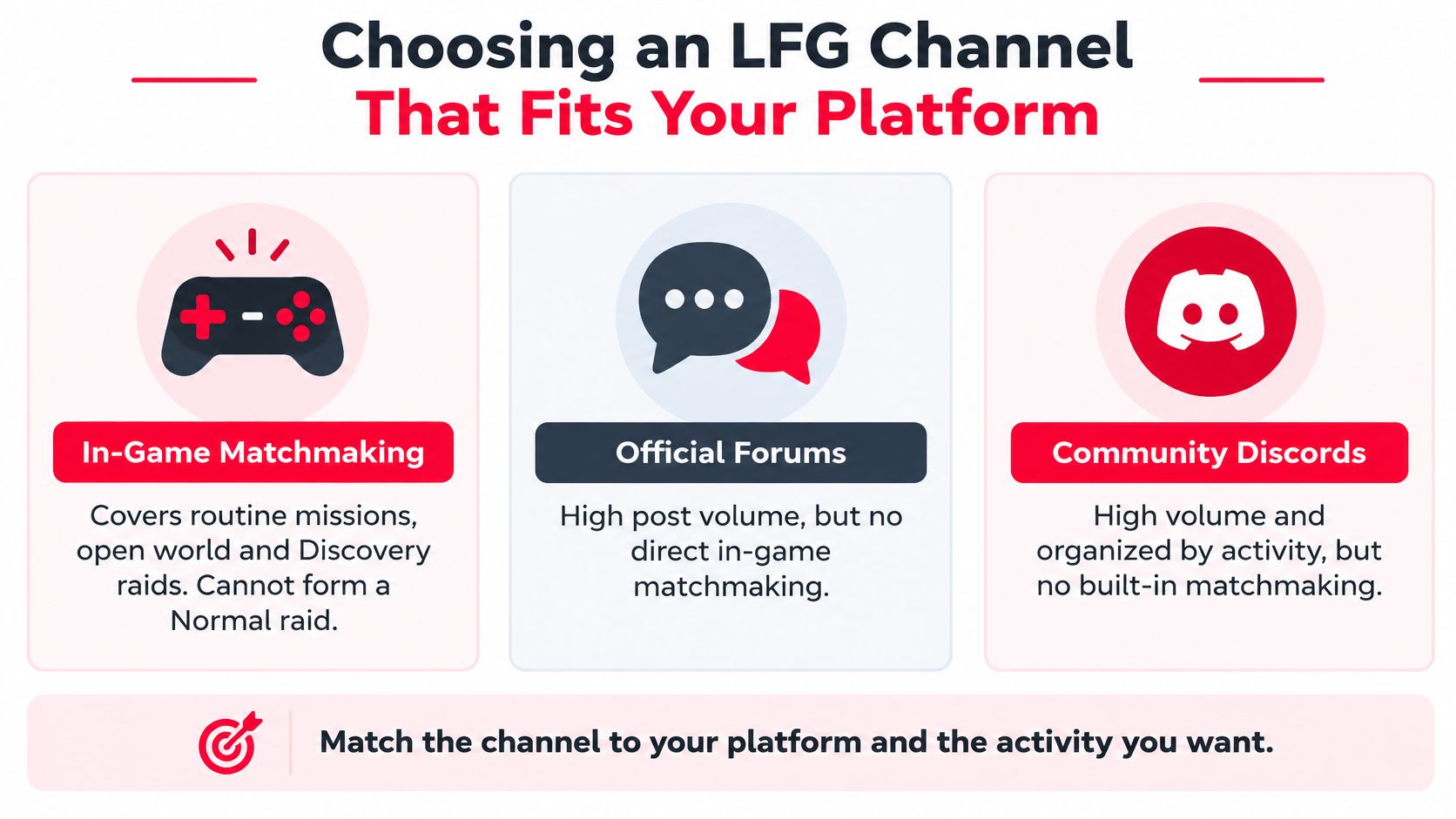
In-game matchmaking handles missions, open world and Discovery-tier content, and it cannot form a Normal raid roster. Official forums carry volume but no verification, so a "Heroic" post can hide a fresh 40 build. Community Discords are organized by activity and region, which is their strength, but you're still trusting a stranger's self-report. Console built-in tools such as Xbox Looking for Group and PlayStation community posts keep you inside your own platform pool, which matters because the PlayStation and Xbox pools have historically been separate while PC storefronts like Steam, Epic and Ubisoft Connect match together, per Ubisoft's crossplay and clan update. Crossplay is now enabled by default with an opt-out, and clans are expanding from 50 to 100 members, which makes a large clan a stable LFG source and a small one close to useless.
A dedicated LFG app adds the fields the other channels lack. When posting a squad, the poster can choose the game mode, rank range, platform and whether a mic is needed, and on GamerPlug those squad requirements are checked against players' real stats rather than a self-reported gear score. That's the difference between "SHD 300+" as a wish and as a filter. LyviaXO puts the other half of it well: GamerPlug makes it easy to find people who match their vibe, not just their rank, which matters when a two-hour raid night depends on patience as much as damage.
Two practical checks before you post. If your group spans platforms, work through how pools merge in this guide to cross-platform compatibility so you don't advertise slots nobody can fill. And if a long session is planned, do the boring prep: BlissVector Gaming on rig upkeep covers the thermal and dust problems that end raid nights early.
Matching rule: for a quick Heroic mission, use matchmaking first and an LFG app second. For a Normal raid or a scheduled Dark Zone night, use an LFG app or Discord first, and don't rely on matchmaking at all.
How to Post a Division 2 LFG Listing That Fills
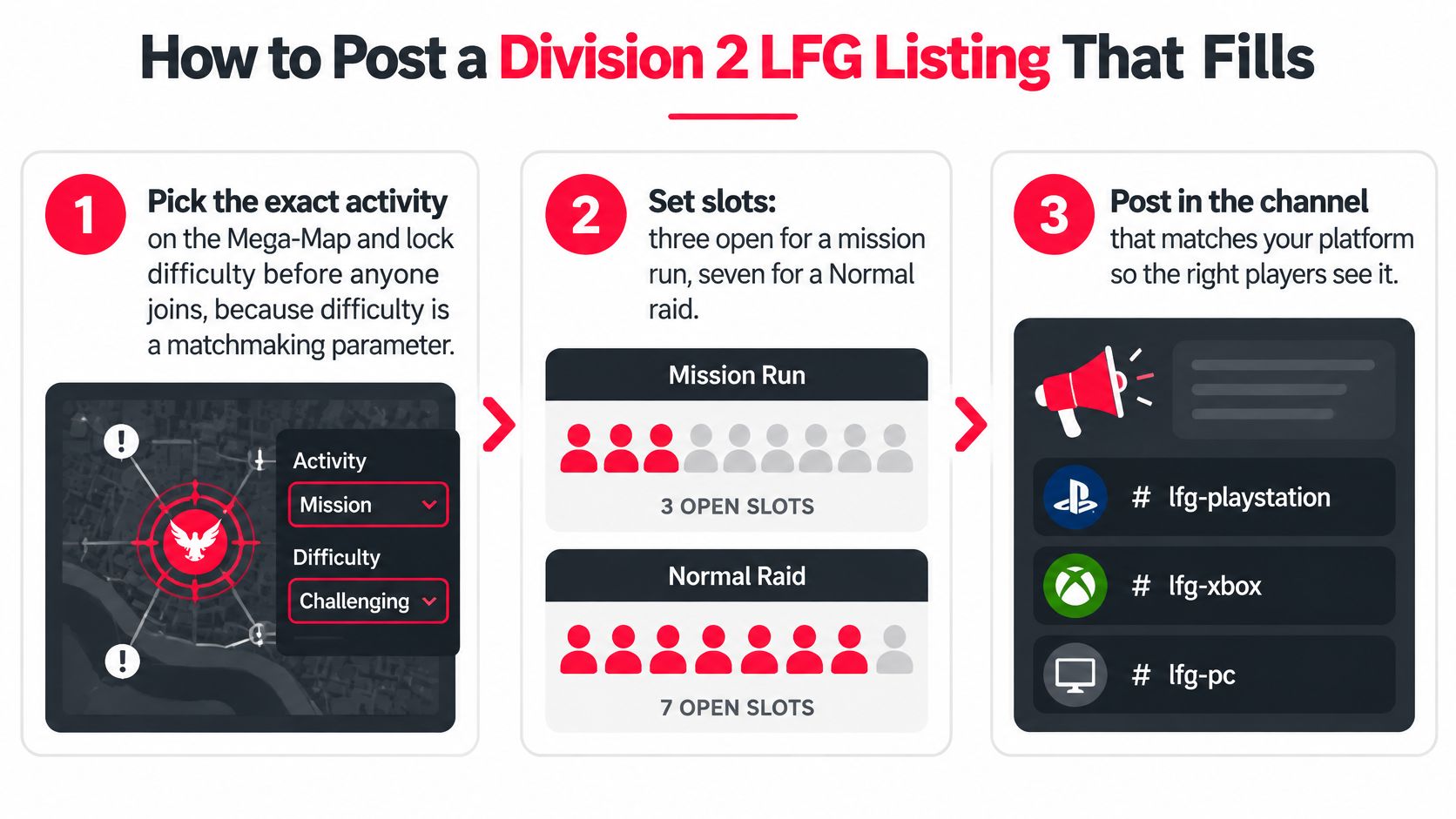
A listing that fills is short, specific and slightly boring. "Heroic run, need 3, be good" stalls because three different players read it three ways: one brings a skill-damage build expecting speed, one expects a teaching pace, one has a finished build but no mic. Ubisoft's own flow shows the fix, since it has you pick the exact activity on the Mega-Map, set the difficulty, then select Matchmaking, which makes difficulty a parameter of the group rather than something to negotiate after it forms, as Ubisoft's matchmaking guide documents.
The three-line test: if a stranger can't tell from the preview whether they're the right player for that activity, difficulty and start time, they scroll past.
Write the six fields in the first three lines
Listings are often read on a phone, and the preview cuts off after two or three lines. Activity, difficulty, open slots, platform, mic and start time need to be in that window, not buried under a paragraph about your build.
Compare these two.
"Heroic run, need 3, be good."
"Heroic Invaded mission, 3 slots, PC, EU, mic yes, SHD 300+, farming, start 20:00 CET, 45 min."
The second fills faster for a reason that has nothing to do with tone. It answers the four questions a reader has: is this my difficulty, is this my platform and region, can I commit to that clock, and will I be the weakest player in the room. The vague version answers none of them, so the only people who reply are the ones who'll drop at the first wipe.
Lock the activity and the difficulty before anyone joins
- Pick the exact node. A Heroic Invaded mission and a Heroic stronghold are different posts with different builds. Name the mission or the stronghold.
- Set the difficulty and don't renegotiate it. Someone who joins a Heroic listing and asks to drop to Challenging is describing a different group.
- Count slots properly. Three open for a mission run, seven for a Normal raid, with the raid split into two groups of four on paper before you post.
- State platform and crossplay status. "PC, Steam and Epic both fine" saves an argument. If crossplay is disabled on your side, say so.
- Give a hard start time with a time zone. A listing with no clock collects maybe-later replies that never convert.
That fifth point kills more posts than any other. "Tonight" means something different in three time zones, and a player who has to ask when you're starting has already lost interest.
Say what kind of run it is
Four labels cover almost everything, and each one changes who applies.
- First clear: teaching pace, wipes expected, patience required. Say the words "first clear" so experienced players who want speed self-select out.
- Farming: fast, repeatable, lore skipped, target loot named. This is the label that fills fastest for missions and Summit floors.
- Speed: build proof may be checked, and you should expect to be asked for your damage numbers or your clip.
- Sherpa: one experienced leader carries the mechanics and explains them. Valuable for raids, and rare enough that people will wait for a slot.
If you're posting a Normal raid, "teaching run, patience needed" filters better than "experience required, 10+ clears" early in a reset week, when the pool of qualified players is busy with their own groups.
Post early and close the loop
Post 30 to 60 minutes before you intend to start. Raid slots fill fastest between roughly 19:00 and 22:00 local on weekdays and on Sunday afternoons, and a listing dropped at 19:05 competes with everyone else's.
Then work the replies. Confirm each player in chat, restate the start time, and remove inactive slots once the clock passes. The one mistake I'd call out by name: don't leave a single raid slot open after filling seven of eight. Groups stall at seven, players drift, and the run dies before the first encounter. Either fill it or postpone.
For anyone still learning the format: the broader guide to LFG and looking for group etiquette covers the conventions that keep a party together after the first boss.
Building a Normal Raid Roster of Eight
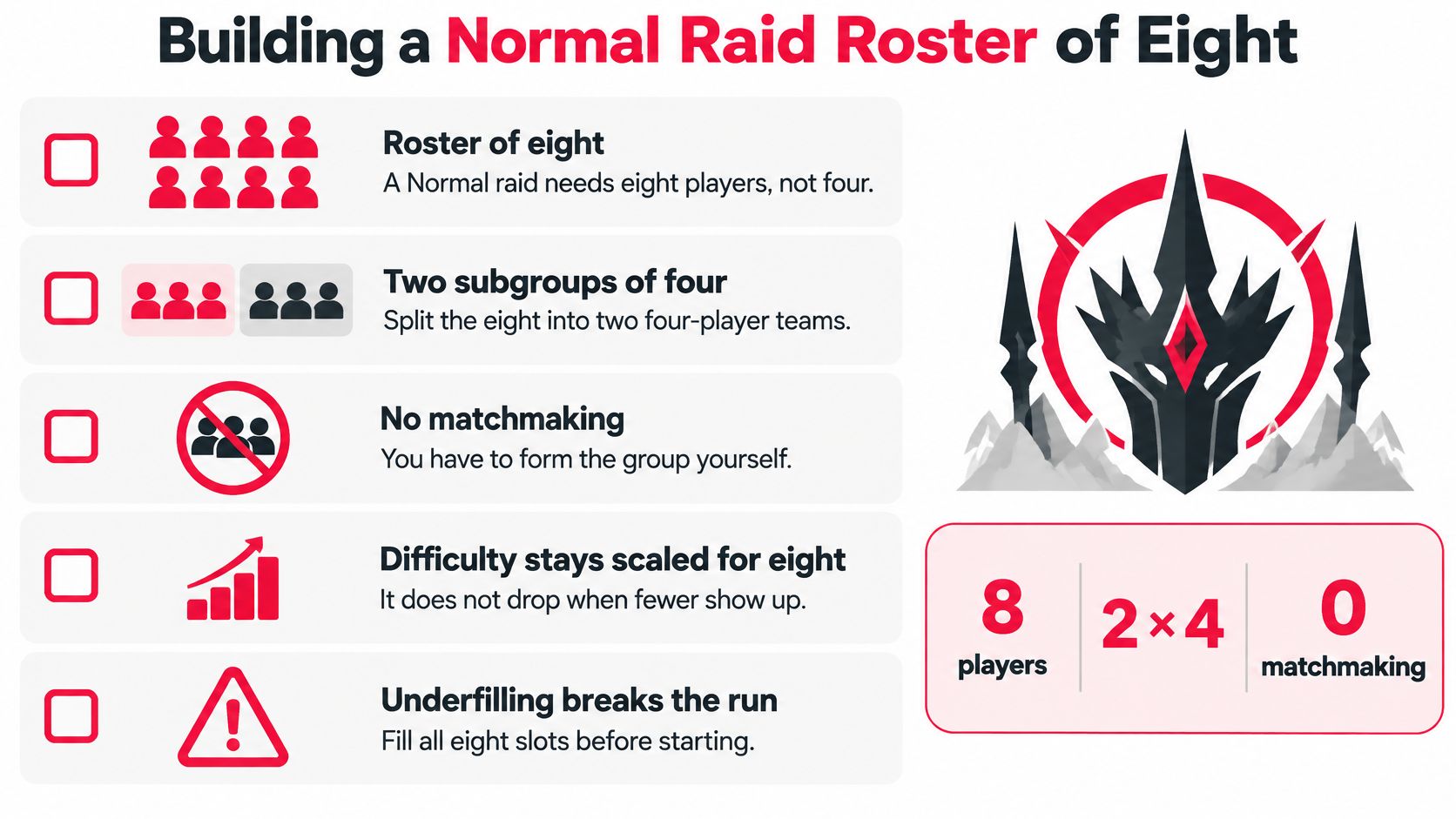
Normal raids break every habit that works for missions. Operation Dark Hours runs as two four-player subgroups, and its normal difficulty stays scaled for eight players even when fewer walk in, so underfilling doesn't lower the bar. It just moves the failure later. That single mechanic is why "we'll find two more at the boss" is the most expensive sentence in Division 2 LFG.
Here's the roster method that holds up.
- Fill all eight slots before launch. Reserve them, not "about six confirmed." Underfilling does not proportionally reduce encounter difficulty, per the Division 2 raids guide on the community wiki.
- Split into two fixed groups of four and keep those groups stable through the run, so callouts stay inside a team.
- Name a raid leader. This is operational, not ceremonial: the raid creator is the player who can start the raid.
- Assign role ownership before the first encounter. Damage, skill support, healing and crowd control, with each player stating the build they're bringing.
- Confirm microphone status on every slot. In a raid, callouts are mechanics, not small talk.
- Agree a minimum availability window of about two hours, and longer for a first clear.
Readiness rule: clearing Discovery doesn't prove Normal readiness. Discovery is the teaching tier, and the jump to Normal is a jump in coordination, not just enemy health.
Most coverage of raid access stops at the yes-or-no matchmaking question, leaving the key gap unaddressed: players who are technically eligible but have no eight-player network, as The100's Division 2 LFG board illustrates with listings that specify role, build, experience and start time for exactly that reason. If you're in that position, work the four-player ladder first, strongholds and Heroic missions, and collect a few reliable agents before you advertise a raid slot.
Copy and Paste LFG Templates by Activity
Blank boxes produce vague posts, so start from a template and edit the brackets. Four cover almost every Division 2 activity.
Four-player Heroic mission: "[Activity + difficulty] | 2 slots | [Platform] | [Region] | Mic: yes/no | SHD [X]+ | Run type: farming | Start [time]"
The line that improves reply quality most is the SHD floor, because it screens for players who've finished the watch. The line that scares people off fastest is an unqualified "must be fast," which reads as a group that blames its weakest member.
The Summit climb: "[Summit] floors [X]-[Y] | 3 slots | target loot [item] | mic yes | start [time] | ~[n] min"
Naming the target loot does more work than any other field here. Players climb for specific drops, and a floor range plus an item turns a vague invite into an errand they can join.
Normal raid: "[Operation Dark Hours Normal] | 8 slots, 2 groups of 4 | [Platform] | [Region] | mic required | role needed: [tank/healer/DPS + skill build] | experience: [clears] | teaching: yes/no | start [time]"
The single most useful line is the role you still need, since seven DPS players cannot fill a support slot. The one that filters too hard early in a reset week is a clear-count requirement, so "teaching run, patience needed" is often the better wording.
Dark Zone session: "[Dark Zone] farming + extraction | 3 slots | bracket [X] | [Platform] | mic yes | start [time]"
Bracket comes first because it's the one field the game itself enforces, and a mixed-bracket group will get farmed before it extracts anything.
One platform note applies to all four. Write the storefront on PC, or PlayStation or Xbox on console, and state your crossplay status, because crossplay is on by default but any player can disable it, and a listing that ignores that detail excludes half its audience.
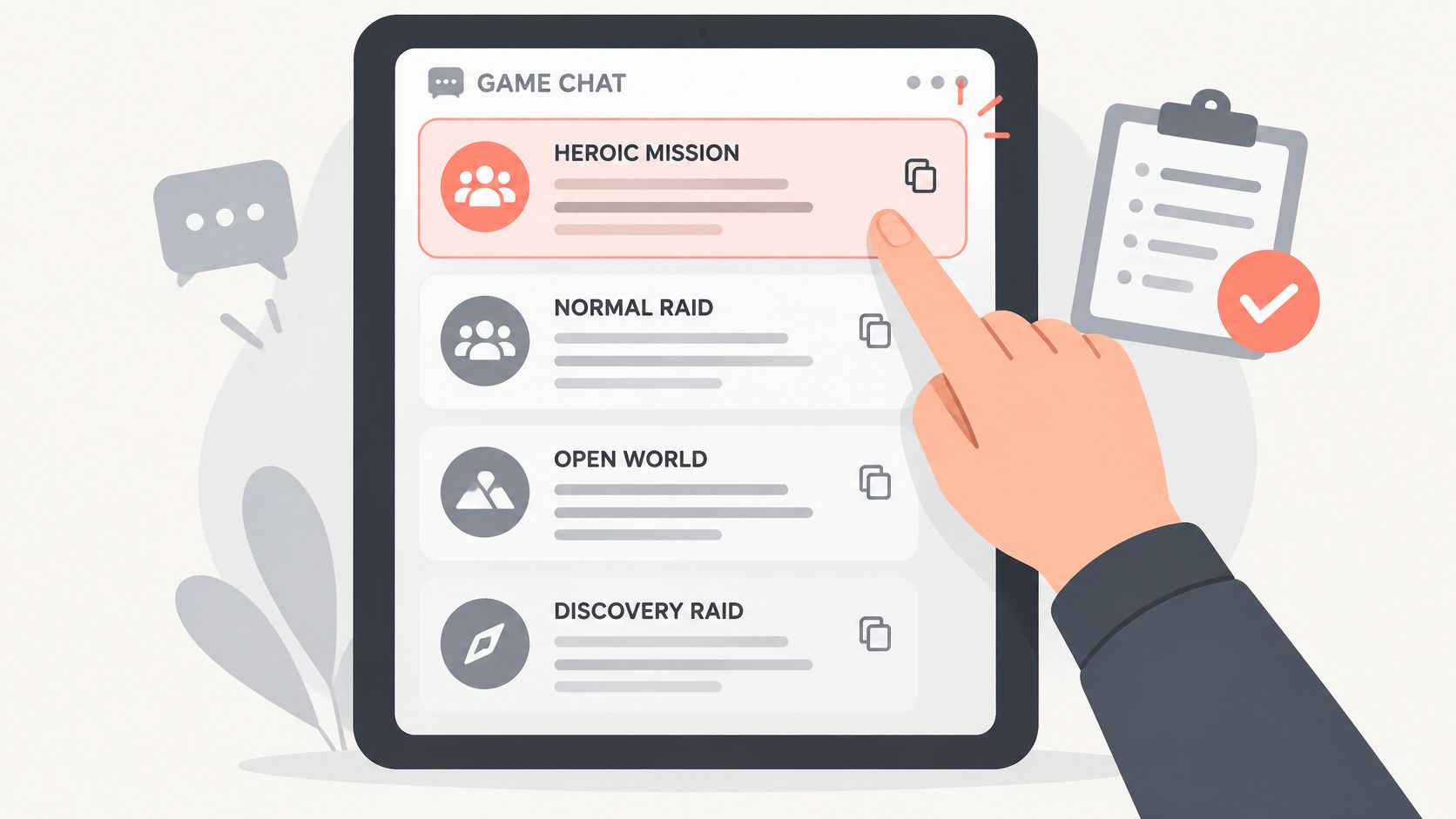
Post One Listing and Play Tonight
Pick your target activity, read its squad size off the first table, and choose the matching template. Fill the six fields, post to one busy channel and one LFG app rather than three dead forums, and set a start time you'll hold.
A Division 2 LFG post works when a stranger can read it and know whether they're the right player for that exact activity, difficulty and start time. If it stalls, drop the difficulty a tier, widen the level requirement, or fall back to in-game matchmaking for routine content. Setting a rank range is the field that changes outcomes, as BirnoOCE notes about posting a squad and watching people join, and on GamerPlug the requirements you set are checked against real stats before anyone joins. If a raid night keeps slipping, the same scheduling discipline that fixes gaming schedules across time zones will fix your roster.
Gamerplug is built for exactly the gap this article describes: post a squad with the game mode, rank range, platform, mic requirement and open slots, and let the requirements do the filtering instead of a hopeful message in a busy channel. Your profile carries gameplay clips and synced ranks, so the person joining your Normal raid knows what they're getting before the first encounter. Head to Gamerplug, post one listing with a hard start time, and play tonight instead of recruiting all evening.